DreamFace
- AI Tools
- Template
- Gallery
- Blog
- Pricing
- API


Language
En- English
- Português
- 简体中文
- 繁體中文
- 日本語
- Español
- Bahasa Indonesia
- ไทย
- Tiếng Việt
- हिंदी
- Русский
- Italiano
- 한국어
- मराठी
- Nederlands
- Norsk
- ਪੰਜਾਬੀ
- Polski
- Dansk
- Suomi
- Français
- Deutsch
- Svenska
- Kiswahili
- తెలుగు
- Türkçe
- বাংলা
- اردو
- العربية
- فارسی
- Ελληνικά
Language
Start Now
Runway attitude
Upload Image
Click to upload an image
Try with our sample images
Sample Filter


4.9
'%3e%3cg%3e%3cpath%20d='M11.1034615625,1.816990478790283C11.4702615625,1.0737404787902831,12.5300515625,1.0737404787902831,12.8968515625,1.816990478790283L15.2941515625,6.674462478790283C15.4398515625,6.969602478790283,15.7214515625,7.174172478790283,16.047151562499998,7.221502478790283L21.4076515625,8.000432478790284C22.2278515625,8.119612478790284,22.5553515625,9.127592478790284,21.9618515625,9.706122478790283L18.0829515625,13.487052478790282C17.8472515625,13.716852478790283,17.7397515625,14.047852478790283,17.7953515625,14.372252478790283L18.7110515625,19.711052478790283C18.8511515625,20.527952478790283,17.9937515625,21.150952478790284,17.2601515625,20.765252478790284L12.4654515625,18.244552478790283C12.1741515625,18.091452478790284,11.8261515625,18.091452478790284,11.5348615625,18.244552478790283L6.7402115625,20.765252478790284C6.0065815625,21.150952478790284,5.1491515625,20.527952478790283,5.2892615625,19.711052478790283L6.2049515625,14.372252478790283C6.2605915625,14.047852478790283,6.1530415625,13.716852478790283,5.9173515625,13.487052478790282L2.0384295625,9.706122478790283C1.4449195625,9.127592478790284,1.7724199625,8.119612478790284,2.5926495625,8.000432478790284L7.9531815625,7.221502478790283C8.2788915625,7.174172478790283,8.560461562499999,6.969602478790283,8.7061215625,6.674462478790283L11.1034615625,1.816990478790283Z'%20fill='%23F0A000'%20fill-opacity='1'%20style='mix-blend-mode:passthrough'/%3e%3c/g%3e%3cg%20mask='url(%23master_svg1_5_13539)'%3e%3c/g%3e%3c/g%3e%3c/svg%3e)
Chrome Store

Global Users

4.9
Apple Store
Trusted by Leading Institutions Worldwide












How to Create Your Runway Attitude Photo
step 1 Upload One Clear Portrait
Choose a sharp single photo with a visible face and confident pose for the best Runway attitude result.
step 2 Pick the Runway attitude Filter
Select Runway attitude to apply the helipad, helicopter, and blue-hour editorial styling to your portrait.
step 3 Generate, Download, and Share
Create your image in seconds, then save it for social posts, profile updates, or mood-board style content.
Why the Runway Attitude Filter Feels So Bold
Helipad Fashion Drama
Build a rooftop arrival scene with helicopter presence, open night sky, and luxury-fashion energy that feels made for bold portraits.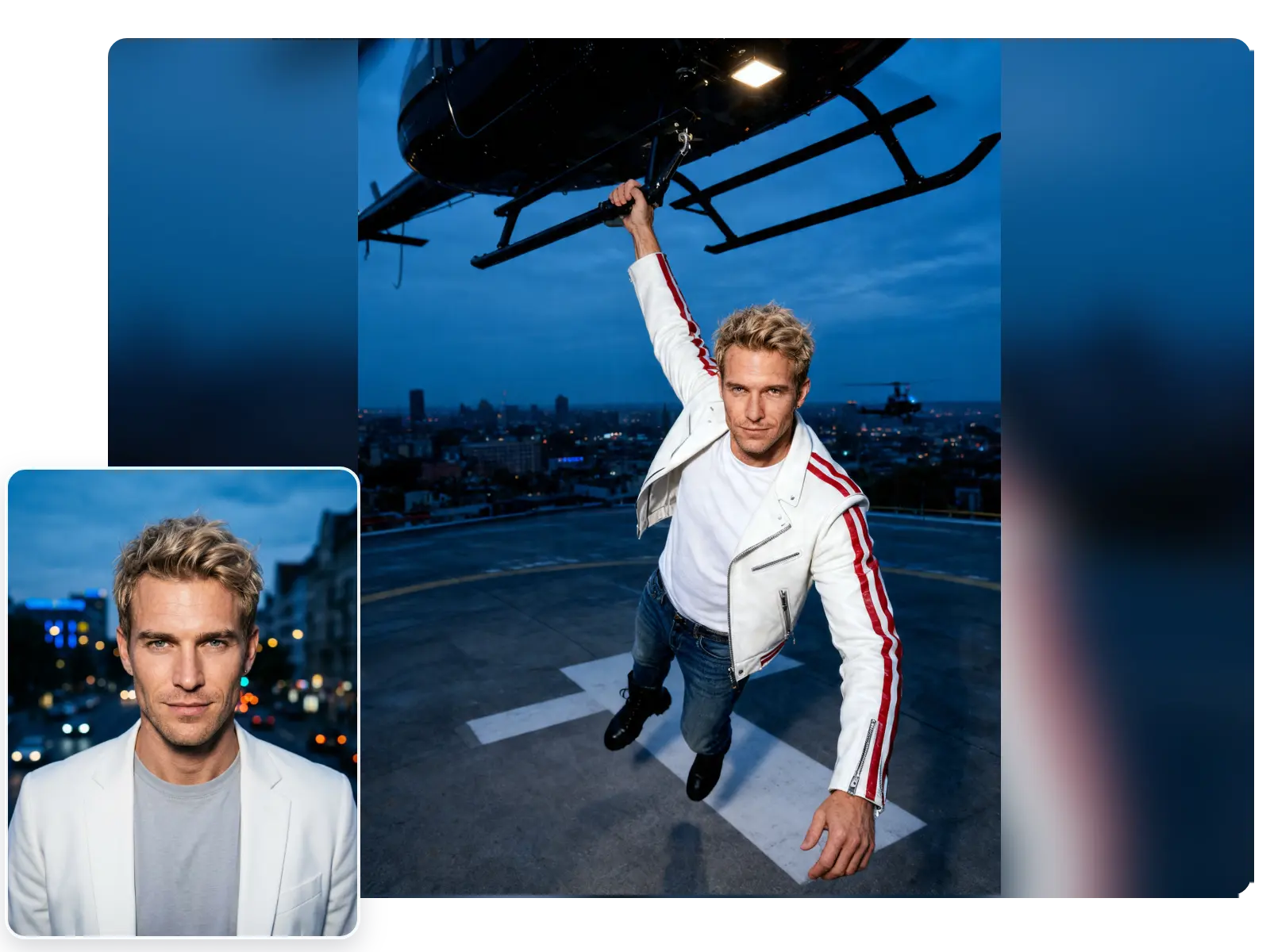
Blue-Hour Flash Contrast
Keep the skyline cool and deep while bright flash lighting lifts the face, jacket, and pose into a crisp editorial frame.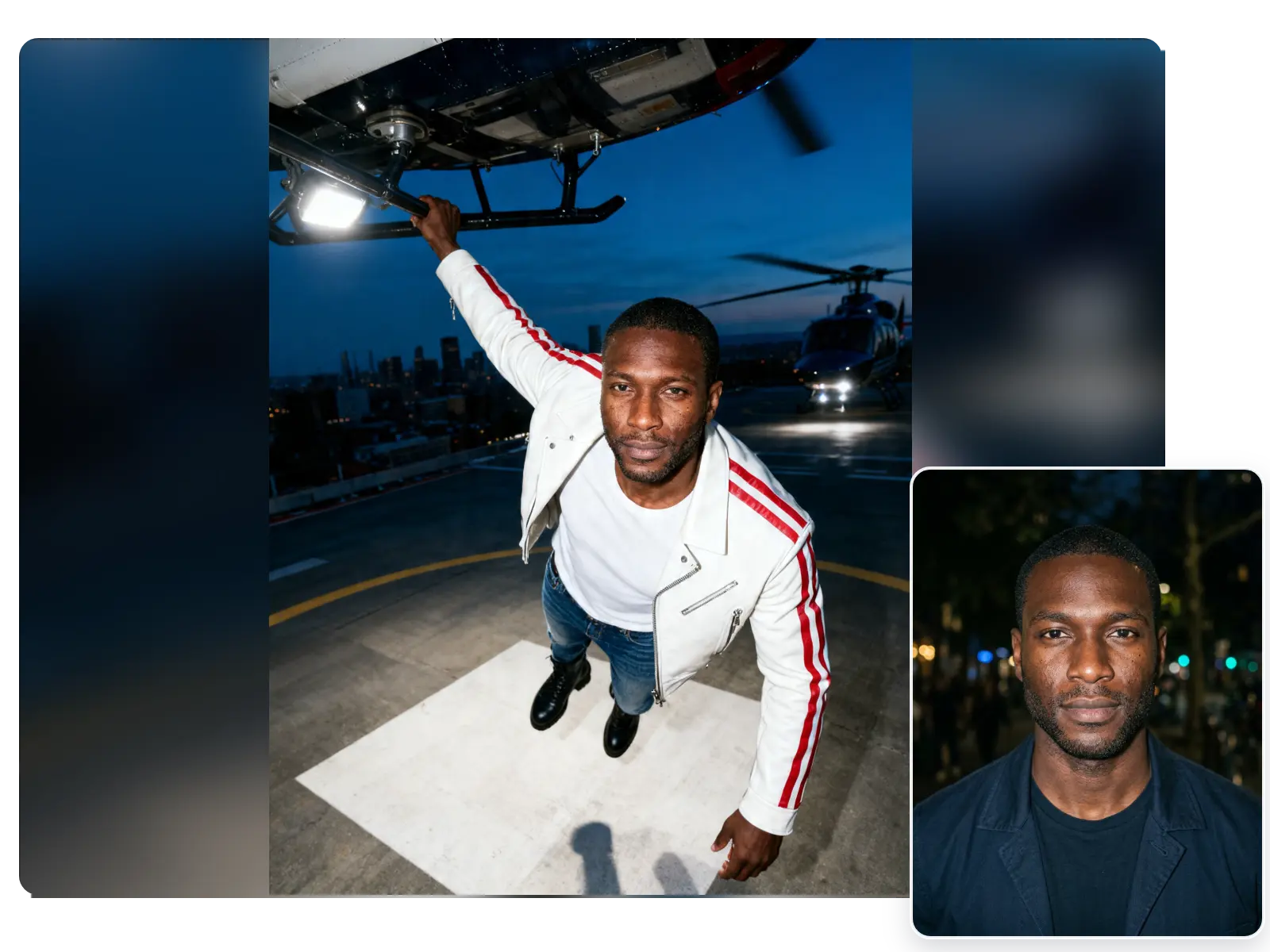
Confident Solo Hero Framing
Best for single portraits that need strong attitude, dynamic body language, and a model-like presence instead of a soft casual look.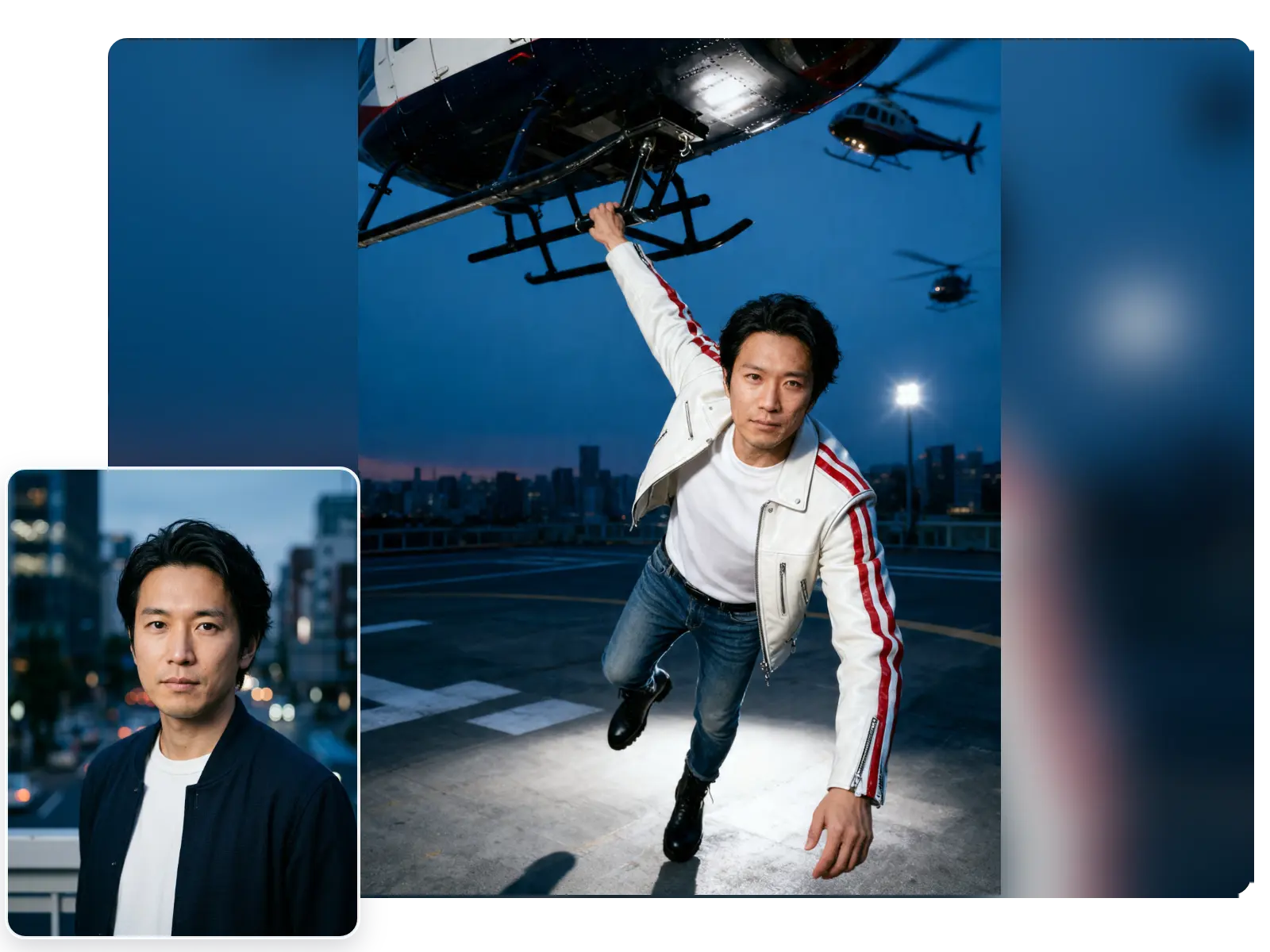
Fast One-Photo Makeover
Upload one clear image, apply the filter in seconds, and download a share-ready result without extra editing.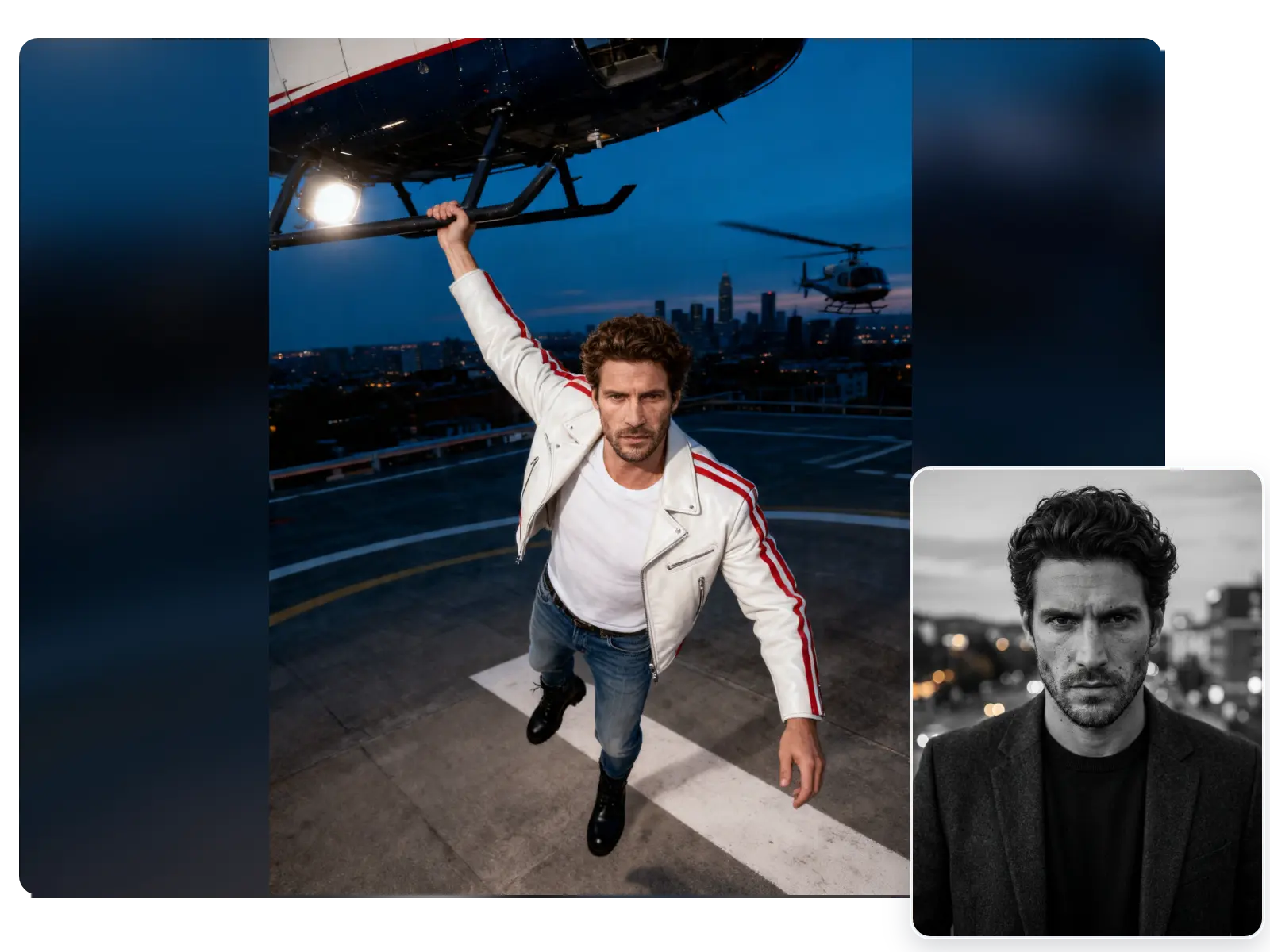
More Valuable Features from Dreamface
AI Filter
Try more style-driven looks on the same photo when you want to compare Runway attitude with other portrait and fashion filters.
AI Image Generator
Create fresh fashion scenes, city-night concepts, or editorial backdrops from prompts when you want ideas beyond one fixed filter.
AI Headshot Generator
Turn casual selfies into polished studio-style portraits when you want a cleaner professional look after experimenting with bold effects.
Photo Enhancer
Sharpen faces, clothing texture, and night-scene detail before or after filtering when you want a cleaner final image.