
'%3e%3cg%3e%3cpath%20d='M12.04834,6.05824C12.09325,4.8457799999999995,12.43703,3.78081,13.0715,2.89055C13.7092,1.995784,14.7633,1.3601670000000001,16.2063,1C16.215899999999998,1.0440338,16.2259,1.088092,16.2363,1.131979L16.2363,1.3623509999999999C16.2363,1.884725,16.1084,2.48372,15.856,3.14258C15.5915,3.78052,15.1781,4.38093,14.6291,4.92281C14.1157,5.40028,13.6406,5.71638,13.2207,5.85928C13.0822,5.9003,12.89209,5.94066,12.66255,5.97701C12.45842,6.00853,12.25362,6.03563,12.04834,6.05824ZM12.28933,7.85741C10.6594,7.85741,9.52778,6.42896,7.91997,6.42896C6.31224,6.42896,3,7.89332,3,12.9488C3,18.0043,5.94131,21.2617,6.27029,21.642C6.599209999999999,22.0224,7.36005,23,8.5387,23C9.71744,23,11.00787,22.0715,12.28933,22.0715C13.5707,22.0715,15.1836,23,16.2365,23C17.2895,23,17.7226,22.5747,18.4392,21.8411C19.1558,21.1074,20.5227,18.8686,21,17.5248C20.2137,17.061,18.1298,15.8019,18.1298,12.9488C18.1298,11.0468,18.831200000000003,9.4667,20.2341,8.20853C19.3138,7.02216,18.2464,6.42896,17.0318,6.42896C15.2099,6.42896,13.9193,7.85741,12.28933,7.85741Z'%20fill='%23000000'%20fill-opacity='1'/%3e%3c/g%3e%3c/g%3e%3c/svg%3e)
'%3e%3cg%3e%3cpath%20d='M6.2985500000000005,2L14.60082,10.81153L16.7432,8.537289999999999C13.81573,6.65184,9.89484,4.122529999999999,8.13152,2.985321L6.95017,2.225593C6.74135,2.090554,6.5177700000000005,2.0178354,6.2985500000000005,2ZM5.0312551,3.05499C5.0144537,3.1518100000000002,5,3.24911,5,3.35357L5,20.7675C5,20.8406,5.0138389,20.9085,5.0234395,20.9782L13.4695,12.0125L5.0312551,3.05499ZM18.1511,9.444659999999999L15.7321,12.0125L18.1089,14.5354C19.3682,13.7252,20.2405,13.1626,20.3372,13.1007C20.7653,12.8229,21.007,12.4039,20.9998,11.94614C20.9934,11.49683,20.7516,11.09514,20.340400000000002,10.84799C20.2484,10.79194,19.387999999999998,10.24048,18.1511,9.444659999999999ZM14.60082,13.2134L6.3235600000000005,22C6.48437,21.9703,6.64498,21.9194,6.79859,21.8209C7.01141,21.6833,12.76069,17.9805,16.701,15.4428L14.60082,13.2134Z'%20fill='%23000000'%20fill-opacity='1'/%3e%3c/g%3e%3c/g%3e%3c/svg%3e)

AI Avatar vs Real Video: Which One Should You Use?
Compare AI avatars and real videos to understand their differences, use cases, and when each option makes more sense for modern content creation.
- Image-to-Video
- Avatar Video
- AI Video
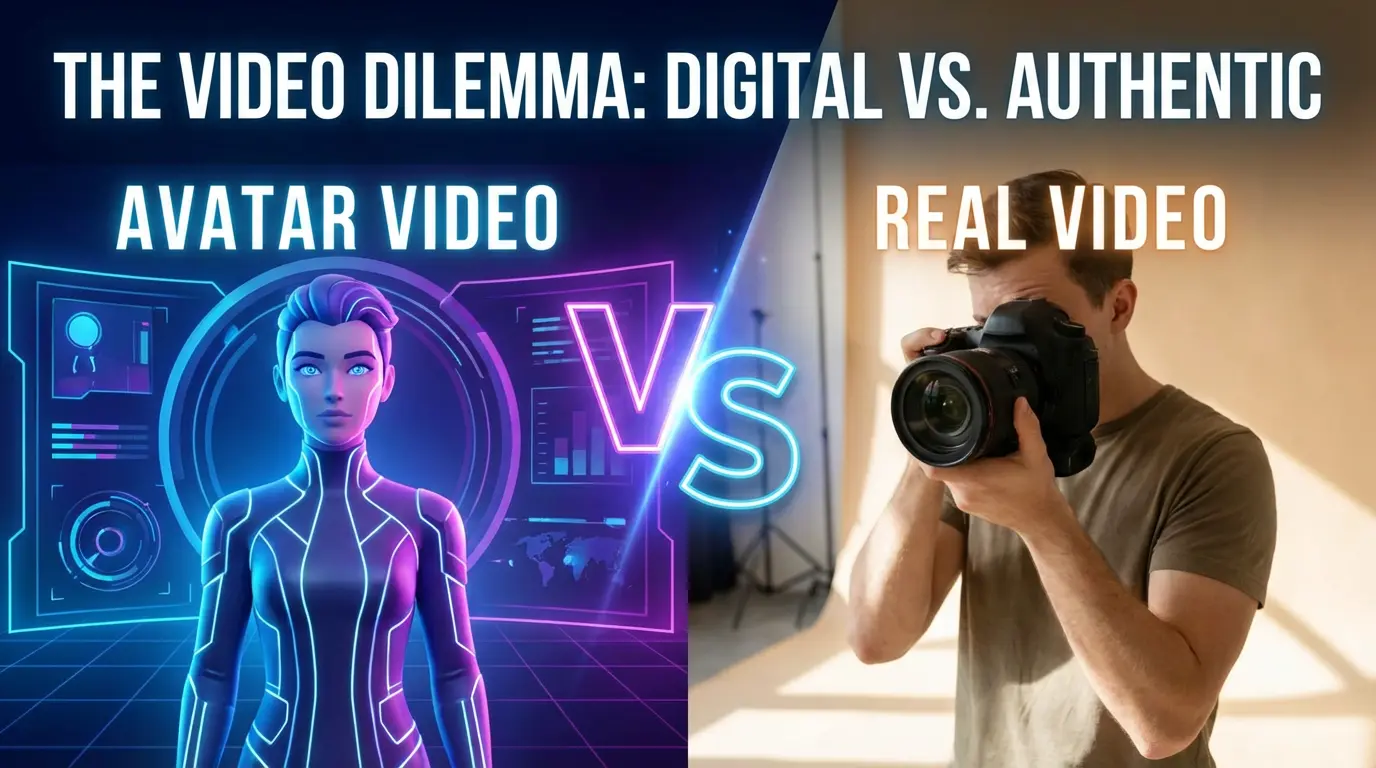
As AI content tools become more accessible, many creators face a simple but important question:
Should I use an AI avatar, or just record a real video of myself?
Both options can work well — but they serve very different needs. Understanding the difference helps you choose the right approach without overcomplicating your workflow.
What Is an AI Avatar Video?
An AI avatar video uses artificial intelligence to animate a digital face or photo so it can speak, sing, or express emotions.
Instead of filming yourself with a camera, lighting, and microphone, you:
- Upload a photo or avatar
- Add text or voice
- Let AI generate the video automatically
The result is a video that represents you — without you being on camera.
What Is a Real Video?
A real video is recorded using a camera or phone, capturing your actual face, voice, and environment.
It usually involves:
- Filming setup (camera, lighting, background)
- Multiple takes
- Editing or trimming
- Being comfortable on camera
Real videos are authentic and expressive, but they also require more effort and consistency.
Key Differences: AI Avatar vs Real Video
1. Creation Effort
AI Avatar
- No camera setup
- No retakes
- No editing timeline
- Can be created in minutes
Real Video
- Requires filming time
- Often needs multiple takes
- Editing can be time-consuming
If speed and simplicity matter, AI avatars clearly lower the barrier.
2. On-Camera Comfort
Not everyone enjoys being on camera.
AI Avatars allow people to:
- Create videos without showing their real face
- Maintain privacy
- Stay consistent across content
Real videos require confidence, presence, and comfort in front of a lens.
3. Consistency and Scalability
AI Avatars
- Look the same every time
- Ideal for repeated or casual content
- Easy to scale content creation
Real Videos
- Appearance and environment vary
- Harder to maintain consistency
- More effort to scale
For frequent content creation, avatars are often more practical.
4. Emotional Expression
This is where the gap has narrowed significantly.
Modern AI avatars can:
- Lip-sync naturally
- Show facial expressions
- Convey emotion through voice and movement
While real videos still offer the deepest emotional nuance, AI avatars are now expressive enough for many everyday use cases.
5. Use Case Differences
AI Avatar videos are often used for:
- Casual or fun content
- Social media videos
- Talking or singing photos
- Quick personal or creative projects
Real videos are often used for:
- Personal storytelling
- Live reactions
- Situations requiring full authenticity
Neither is “better” — they simply serve different purposes.
When AI Avatars Make More Sense
AI avatars are a strong choice when you want to:
- Create videos quickly
- Avoid filming or editing
- Maintain privacy
- Experiment creatively without pressure
Tools like DreamFace focus on making this process simple, especially for users who don’t have video production experience.
When Real Video Is Still the Right Choice
Recording a real video is still valuable when:
- You want maximum authenticity
- Body language and environment matter
- The message depends heavily on real presence
In many cases, creators even mix both approaches.
AI Avatars and Real Videos Can Coexist
The choice between AI avatars and real video isn’t about replacing one with the other. It’s about choosing the right tool for the right moment.
AI avatars lower the barrier to video creation. Real videos deliver raw authenticity. Together, they give creators more freedom than ever before.
.webp)
DreamFace AI Live Avatar: Always-On AI Character Livestreaming
Turn any character into an always-on live streaming host — from talk shows and quizzes to memorial tributes and late-night companionship — with no one required behind the camera.
By Daniel一Aug 18, 2026- AI Video
- AI Live Avatar

Best AI Video Generator 2026: Why Multi-Model AI Platforms Are Winning
AI video generation has entered a completely new era in 2026. What started as short experimental clips has rapidly evolved into cinematic storytelling, AI anime production, virtual influencers, talking avatars, and fully AI-generated social media content.
By Bentley一May 26, 2026- AI Video Generator
- AI Video
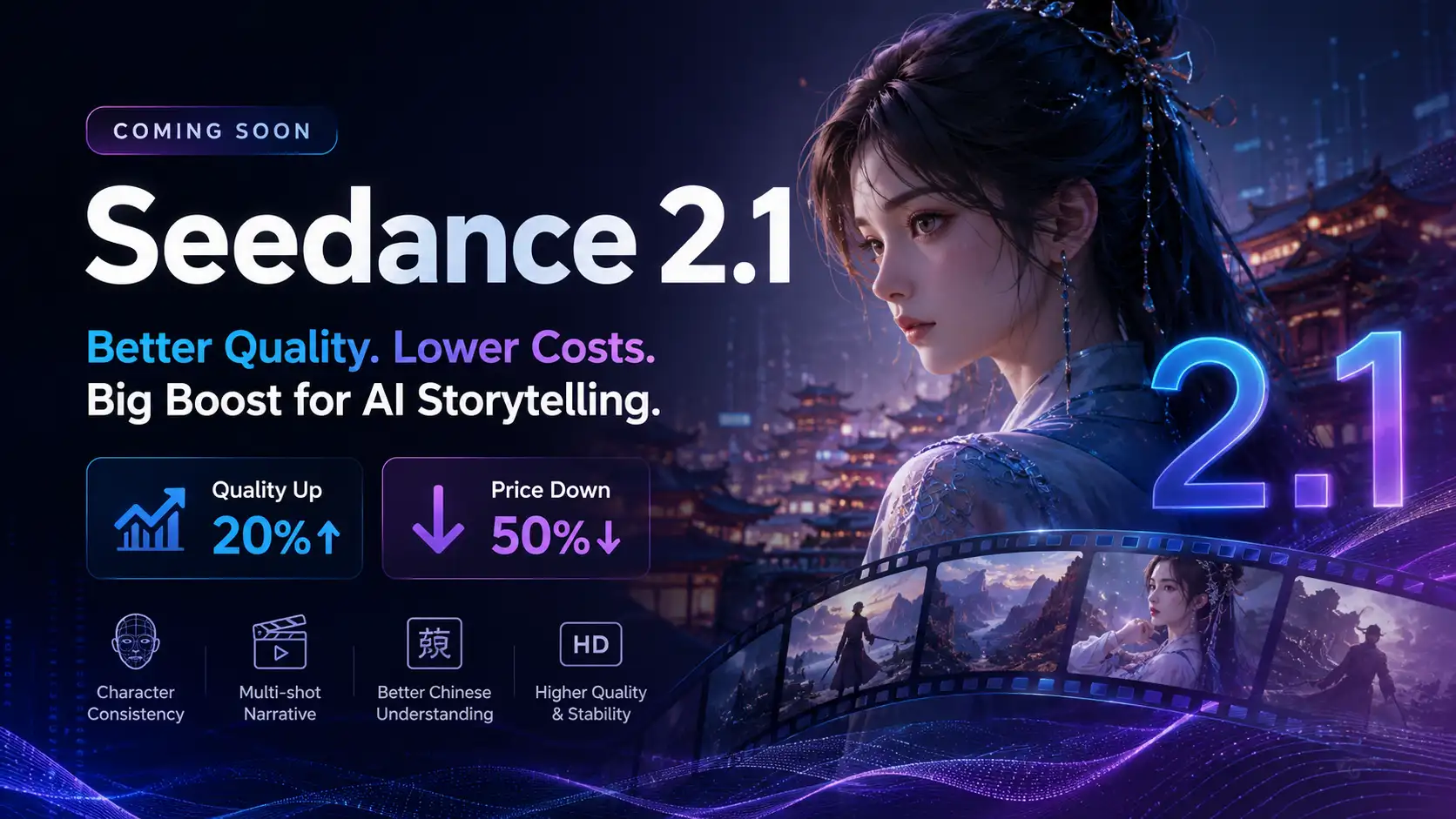
Seedance 2.1 Is Coming: Better Quality, Lower Costs, and a Big Boost for AI Storytelling
The AI video generation race has slowed down a bit recently. Earlier this year, new models were launching almost every week, pushing image and video generation forward at an incredible pace. After the buzz around GPT Image models, the industry has been waiting for the next major leap in AI video.
By stxph一May 23, 2026- AI Video
- Seedance 2.1
- Seedance 2.0