
'%3e%3cg%3e%3cpath%20d='M12.04834,6.05824C12.09325,4.8457799999999995,12.43703,3.78081,13.0715,2.89055C13.7092,1.995784,14.7633,1.3601670000000001,16.2063,1C16.215899999999998,1.0440338,16.2259,1.088092,16.2363,1.131979L16.2363,1.3623509999999999C16.2363,1.884725,16.1084,2.48372,15.856,3.14258C15.5915,3.78052,15.1781,4.38093,14.6291,4.92281C14.1157,5.40028,13.6406,5.71638,13.2207,5.85928C13.0822,5.9003,12.89209,5.94066,12.66255,5.97701C12.45842,6.00853,12.25362,6.03563,12.04834,6.05824ZM12.28933,7.85741C10.6594,7.85741,9.52778,6.42896,7.91997,6.42896C6.31224,6.42896,3,7.89332,3,12.9488C3,18.0043,5.94131,21.2617,6.27029,21.642C6.599209999999999,22.0224,7.36005,23,8.5387,23C9.71744,23,11.00787,22.0715,12.28933,22.0715C13.5707,22.0715,15.1836,23,16.2365,23C17.2895,23,17.7226,22.5747,18.4392,21.8411C19.1558,21.1074,20.5227,18.8686,21,17.5248C20.2137,17.061,18.1298,15.8019,18.1298,12.9488C18.1298,11.0468,18.831200000000003,9.4667,20.2341,8.20853C19.3138,7.02216,18.2464,6.42896,17.0318,6.42896C15.2099,6.42896,13.9193,7.85741,12.28933,7.85741Z'%20fill='%23000000'%20fill-opacity='1'/%3e%3c/g%3e%3c/g%3e%3c/svg%3e)
'%3e%3cg%3e%3cpath%20d='M6.2985500000000005,2L14.60082,10.81153L16.7432,8.537289999999999C13.81573,6.65184,9.89484,4.122529999999999,8.13152,2.985321L6.95017,2.225593C6.74135,2.090554,6.5177700000000005,2.0178354,6.2985500000000005,2ZM5.0312551,3.05499C5.0144537,3.1518100000000002,5,3.24911,5,3.35357L5,20.7675C5,20.8406,5.0138389,20.9085,5.0234395,20.9782L13.4695,12.0125L5.0312551,3.05499ZM18.1511,9.444659999999999L15.7321,12.0125L18.1089,14.5354C19.3682,13.7252,20.2405,13.1626,20.3372,13.1007C20.7653,12.8229,21.007,12.4039,20.9998,11.94614C20.9934,11.49683,20.7516,11.09514,20.340400000000002,10.84799C20.2484,10.79194,19.387999999999998,10.24048,18.1511,9.444659999999999ZM14.60082,13.2134L6.3235600000000005,22C6.48437,21.9703,6.64498,21.9194,6.79859,21.8209C7.01141,21.6833,12.76069,17.9805,16.701,15.4428L14.60082,13.2134Z'%20fill='%23000000'%20fill-opacity='1'/%3e%3c/g%3e%3c/g%3e%3c/svg%3e)

ChatGPT Image 2 Review: Real Tests Reveal What Actually Changed
If you’ve used AI image generators before, you already know the frustration. Hands often look unnatural, text turns into gibberish, and prompts keep getting longer while results remain inconsistent. For a long time, AI image generation felt less like using a tool and more like playing a lottery.
- GPT Image 2
- AI Image Generator
- GPT-4o Image
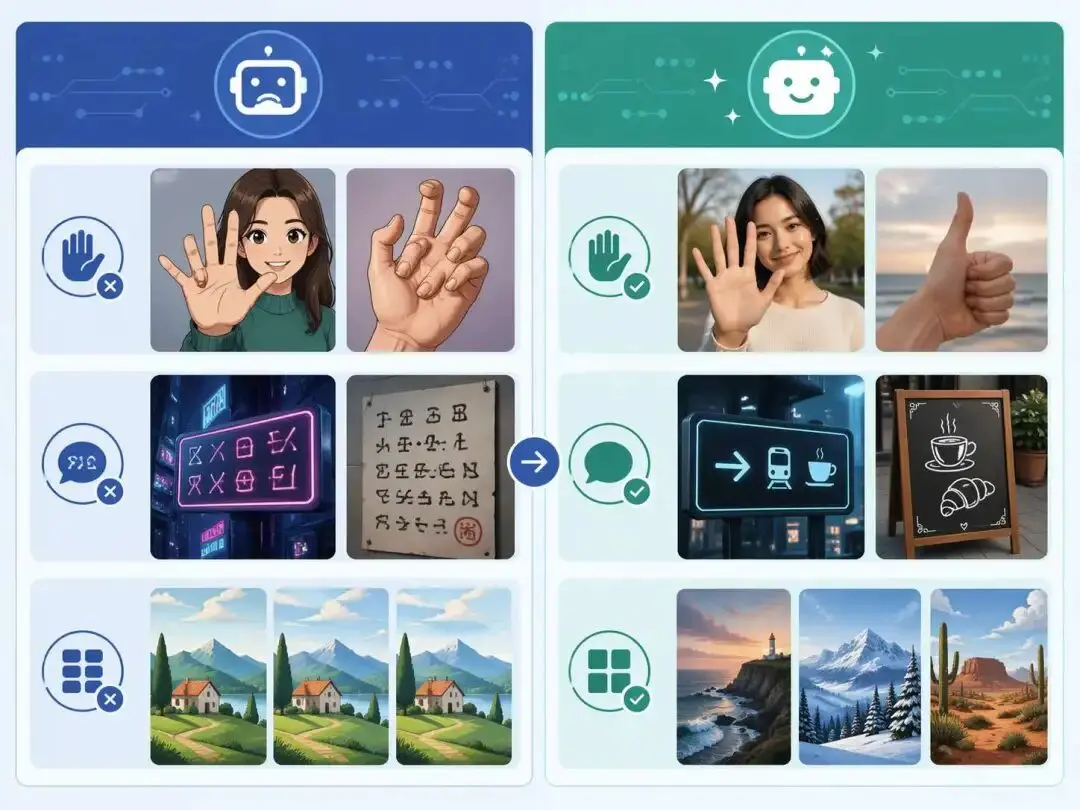
If you’ve used AI image generators before, you already know the frustration. Hands often look unnatural, text turns into gibberish, and prompts keep getting longer while results remain inconsistent.
For a long time, AI image generation felt less like using a tool and more like playing a lottery. You write a long prompt, get something almost usable, then spend time refining, retrying, and adjusting. Eventually, the process becomes exhausting.
But after testing ChatGPT Image 2, my first reaction was clear:
this feels fundamentally different.
ChatGPT Image 2 Can Generate Usable Images From a Single Prompt
The biggest shift is surprisingly simple — usability.
With previous models, getting a usable image often required multiple iterations and highly structured prompts. You had to carefully combine style, lighting, composition, and technical keywords just to avoid broken results.
With ChatGPT Image 2, the workflow is much more natural. You can describe your idea in plain language, and the first output is often already usable. This dramatically reduces the time between idea and execution.
This is not just a convenience improvement — it changes how people interact with AI tools.
ChatGPT Image 2 Finally Fixes the “Hand Problem”
One of the most common issues in AI-generated images has always been human anatomy, especially hands. Distorted fingers, extra digits, or unnatural shapes were almost guaranteed in many cases.
In testing, I used a simple prompt:
“A young woman smiling in a coffee shop, holding a phone, half-body portrait, natural light.”

The result showed significantly improved stability in body structure. The hands looked natural, with no obvious distortions or errors.
This matters more than it seems. In human-centered visuals, even small anatomical mistakes can ruin the entire image. By fixing this, ChatGPT Image 2 removes one of the biggest barriers to practical use.
ChatGPT Image 2 Makes Prompting Feel Natural
Previously, writing prompts felt like assembling a formula. You needed to stack multiple layers of instructions — camera settings, lighting types, materials, and stylistic keywords — just to get a decent result.
Now, prompting feels closer to normal communication. You describe what you want, and the model understands the intent without requiring excessive detail.
This lowers the barrier significantly, especially for non-technical users. It also makes AI image generation more scalable for teams that need speed and consistency.
ChatGPT Image 2 Reduces the “Generic AI Look”
Another noticeable improvement is visual diversity.
Older AI models often produced images with a recognizable pattern — overly smooth textures, repetitive compositions, and a uniform “AI-generated” aesthetic. Even without obvious errors, the images felt artificial.
With ChatGPT Image 2, outputs show more variation in style, texture, and composition. Even when using the same prompt, multiple results feel less templated and more natural.
This makes the images more suitable for real-world use cases such as marketing, content creation, and product design.
Real Test Cases: Product Visuals and Illustrations
To evaluate practical usability, I tested two common scenarios.
Product Visual Prompt:
“A smartwatch product on a desk, soft studio lighting, metallic texture, clean background.”
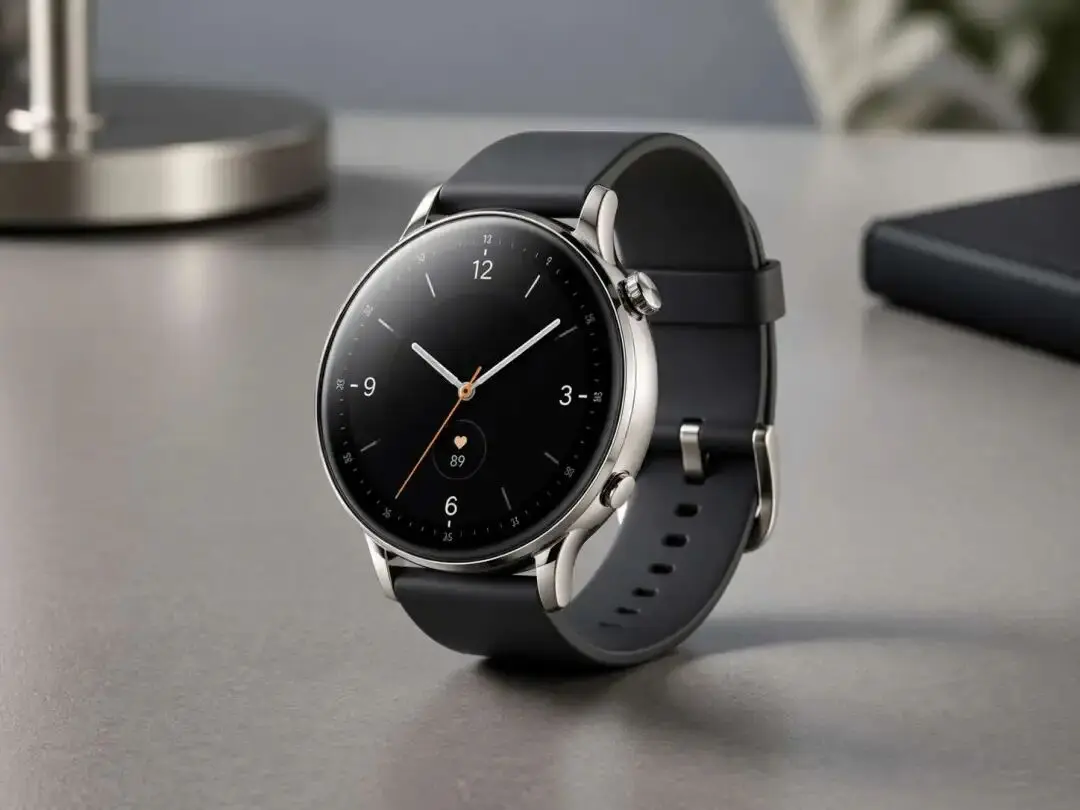
The output demonstrated strong material rendering and clean edges. Lighting felt realistic, and the image was close to being usable for marketing purposes without heavy editing.
Illustration Prompt:
“Flat-style cartoon illustration of a person building an automation workflow on a computer, light tech vibe, bright colors.”
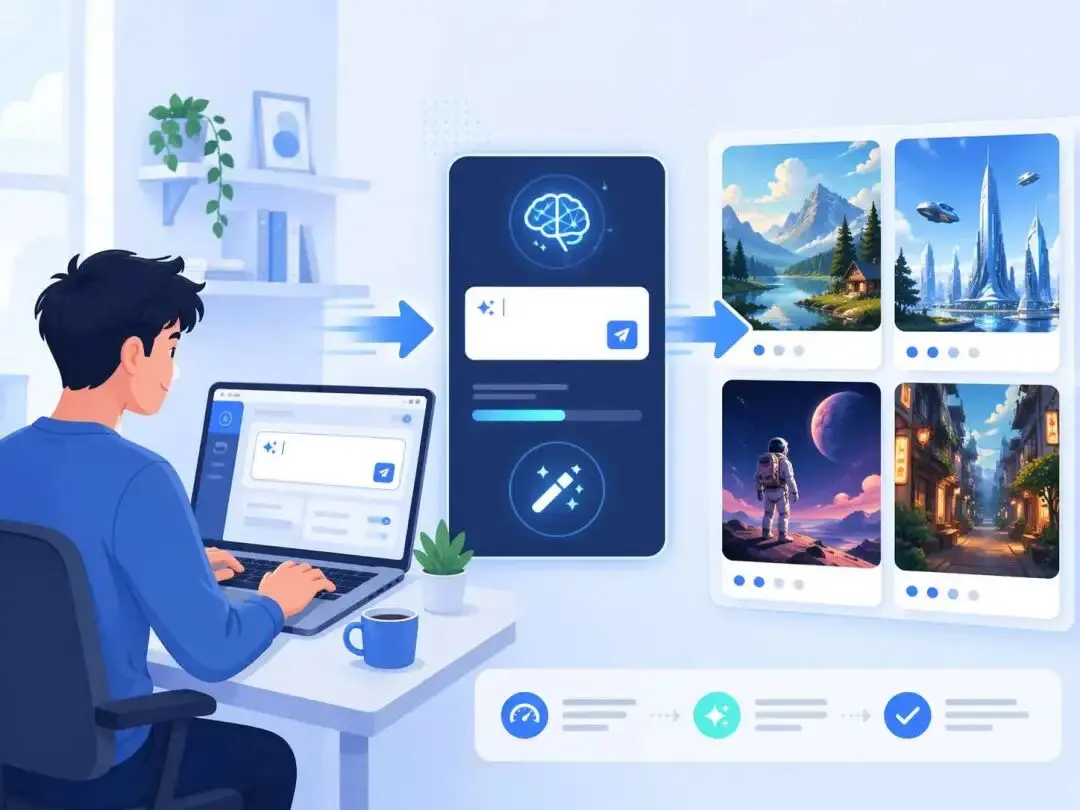
The result showed consistent style, clear storytelling, and good visual balance. It could easily be used as a blog illustration or social media graphic.
These tests highlight an important point: ChatGPT Image 2 is not just producing better images — it is producing usable images.
A Shift From Experimentation to Productivity
What makes ChatGPT Image 2 stand out is not just quality, but reliability.
In the past, generating a usable image often required 10–15 attempts. Now, the first result is frequently good enough to use immediately. Shapes are stable, text is readable, and details are coherent.
This represents a shift from AI as an experimental tool to AI as a practical component in creative workflows.
Who Benefits Most From ChatGPT Image 2?
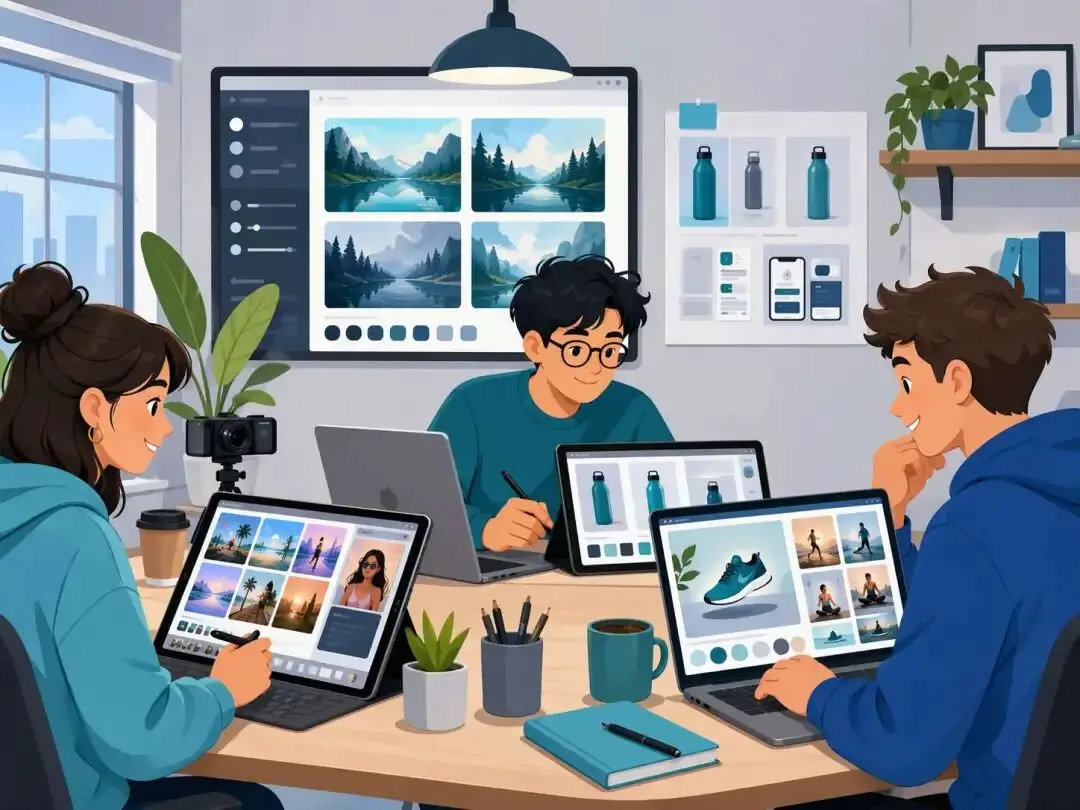
This improvement directly impacts several groups:
- Content creators can produce thumbnails and visuals faster without relying on stock images
- Product teams can generate design drafts at a much lower cost
- Solo creators and side hustlers can move from idea to execution with fewer barriers
In all cases, the gap between concept and output is becoming much smaller.
Final Verdict: ChatGPT Image 2 Is Ready for Real Work
ChatGPT Image 2 is not just a minor upgrade in image quality. It marks a transition in how AI image generation is used.
Instead of requiring technical knowledge and repeated trial-and-error, it allows users to focus on expressing ideas clearly and getting reliable results.
If previous models felt like experimental tools, ChatGPT Image 2 feels like something different:
A stable, usable, and efficient tool that can handle real creative work.
Uncensored AI Image Generator: Which Models Offer More Freedom?
Searching for an uncensored AI image generator can mean several things. You might want more room for dark fantasy, unconventional fashion, or challenging editorial concepts.
By Tina一Sep 19, 2026- AI Image Generator
- GPT Image 2.5
GPT Image 2.5 Prompting Guide: 4 Real Examples for Creators
A campaign image can look beautiful and still miss the brief. The headline might compete with a face, a product diagram might become unreadable on mobile, or an outfit edit might change more than the clothes.
By Skylar一Sep 18, 2026- Text-to-Image
- AI Image Generator
- GPT Image 2.5
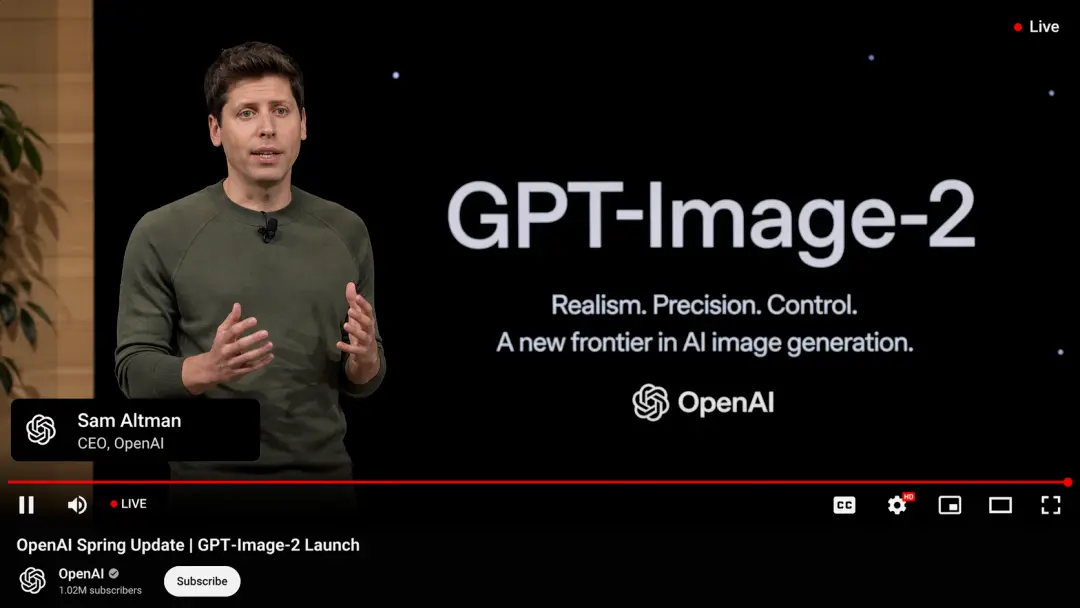
GPT Image 2 Is Here — And It’s Redefining What “Real” Means on the Internet
The arrival of GPT Image 2 didn’t just improve AI image generation — it completely disrupted it. In fact, many users are already saying it outright: GPT Image 2 crushes Nano Banana 2. And they’re not exaggerating.
By Adeline一Apr 21, 2026- GPT-4o Image
- AI Image Generator
- GPT Image 2