
'%3e%3cg%3e%3cpath%20d='M12.04834,6.05824C12.09325,4.8457799999999995,12.43703,3.78081,13.0715,2.89055C13.7092,1.995784,14.7633,1.3601670000000001,16.2063,1C16.215899999999998,1.0440338,16.2259,1.088092,16.2363,1.131979L16.2363,1.3623509999999999C16.2363,1.884725,16.1084,2.48372,15.856,3.14258C15.5915,3.78052,15.1781,4.38093,14.6291,4.92281C14.1157,5.40028,13.6406,5.71638,13.2207,5.85928C13.0822,5.9003,12.89209,5.94066,12.66255,5.97701C12.45842,6.00853,12.25362,6.03563,12.04834,6.05824ZM12.28933,7.85741C10.6594,7.85741,9.52778,6.42896,7.91997,6.42896C6.31224,6.42896,3,7.89332,3,12.9488C3,18.0043,5.94131,21.2617,6.27029,21.642C6.599209999999999,22.0224,7.36005,23,8.5387,23C9.71744,23,11.00787,22.0715,12.28933,22.0715C13.5707,22.0715,15.1836,23,16.2365,23C17.2895,23,17.7226,22.5747,18.4392,21.8411C19.1558,21.1074,20.5227,18.8686,21,17.5248C20.2137,17.061,18.1298,15.8019,18.1298,12.9488C18.1298,11.0468,18.831200000000003,9.4667,20.2341,8.20853C19.3138,7.02216,18.2464,6.42896,17.0318,6.42896C15.2099,6.42896,13.9193,7.85741,12.28933,7.85741Z'%20fill='%23000000'%20fill-opacity='1'/%3e%3c/g%3e%3c/g%3e%3c/svg%3e)
'%3e%3cg%3e%3cpath%20d='M6.2985500000000005,2L14.60082,10.81153L16.7432,8.537289999999999C13.81573,6.65184,9.89484,4.122529999999999,8.13152,2.985321L6.95017,2.225593C6.74135,2.090554,6.5177700000000005,2.0178354,6.2985500000000005,2ZM5.0312551,3.05499C5.0144537,3.1518100000000002,5,3.24911,5,3.35357L5,20.7675C5,20.8406,5.0138389,20.9085,5.0234395,20.9782L13.4695,12.0125L5.0312551,3.05499ZM18.1511,9.444659999999999L15.7321,12.0125L18.1089,14.5354C19.3682,13.7252,20.2405,13.1626,20.3372,13.1007C20.7653,12.8229,21.007,12.4039,20.9998,11.94614C20.9934,11.49683,20.7516,11.09514,20.340400000000002,10.84799C20.2484,10.79194,19.387999999999998,10.24048,18.1511,9.444659999999999ZM14.60082,13.2134L6.3235600000000005,22C6.48437,21.9703,6.64498,21.9194,6.79859,21.8209C7.01141,21.6833,12.76069,17.9805,16.701,15.4428L14.60082,13.2134Z'%20fill='%23000000'%20fill-opacity='1'/%3e%3c/g%3e%3c/g%3e%3c/svg%3e)

Flux Kontext Prompts for AI Outpainting
Dive into the possibilities of creative image extension and learn how to harness the power of Flux Kontext Prompts to bring your wider creative visions to life.Note that the effects achievable with the prompts below can be created for free using Dreamface - a free platform to realize your AI image edits.
- Image Outpainting
- Flux-Kontext
- AI image generator
Discover the world of Flux Kontext Prompts for AI Outpainting, a fascinating technique to expand the canvas of your images. These prompts allow users to seamlessly extend a photo's borders, intelligently generating new content that matches the original's style, lighting, and atmosphere using sophisticated AI algorithms. Dive into the possibilities of creative image extension and learn how to harness the power of Flux Kontext Prompts to bring your wider creative visions to life.
Note that the effects achievable with the prompts below can be created for free using Dreamface - a free platform to realize your AI image edits.
Flux Kontext AI Outpainting Prompts
Prompt1:
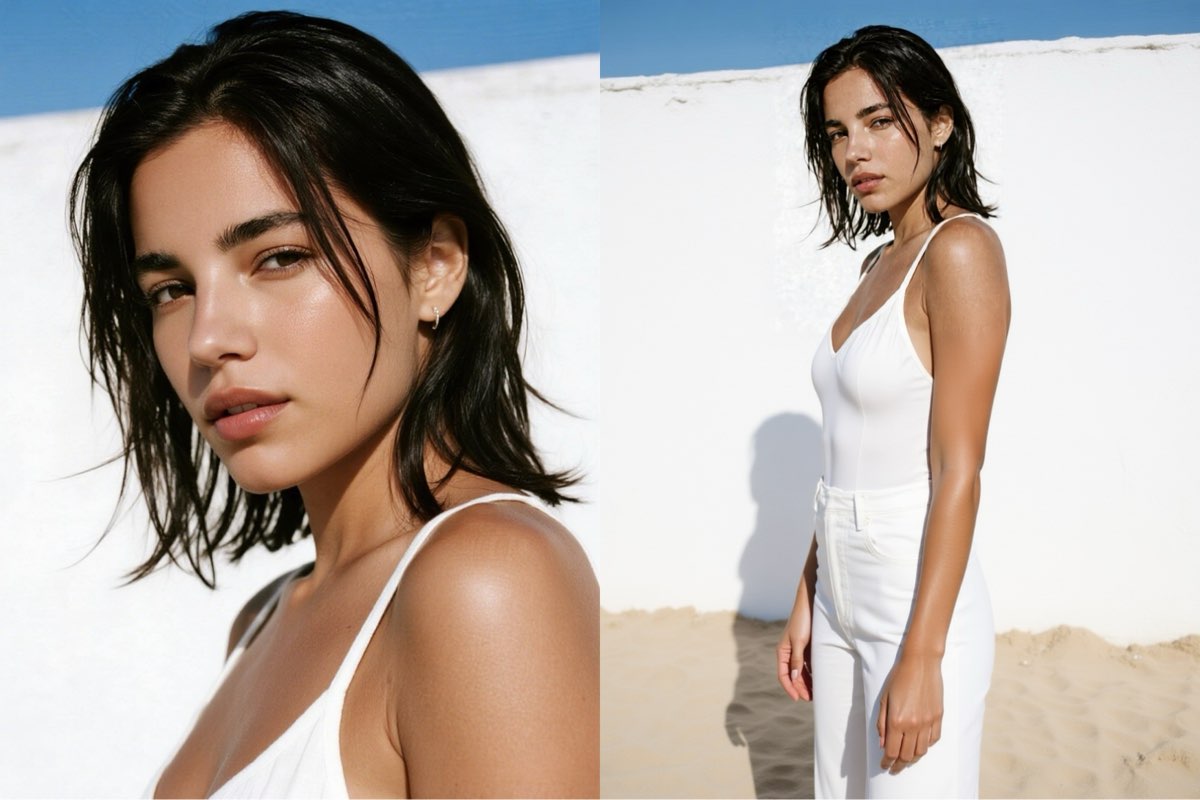
Extend the frame to a full-body portrait of the woman in the simple white top, showing her in a relaxed, natural pose against a sun-drenched beach setting. Seamlessly continue the bright, direct sunlight, the clean color palette, the texture of the white stucco wall, and the overall fresh, summery atmosphere of the original photograph.
Create this image for free using Dreamface!
Prompt2:
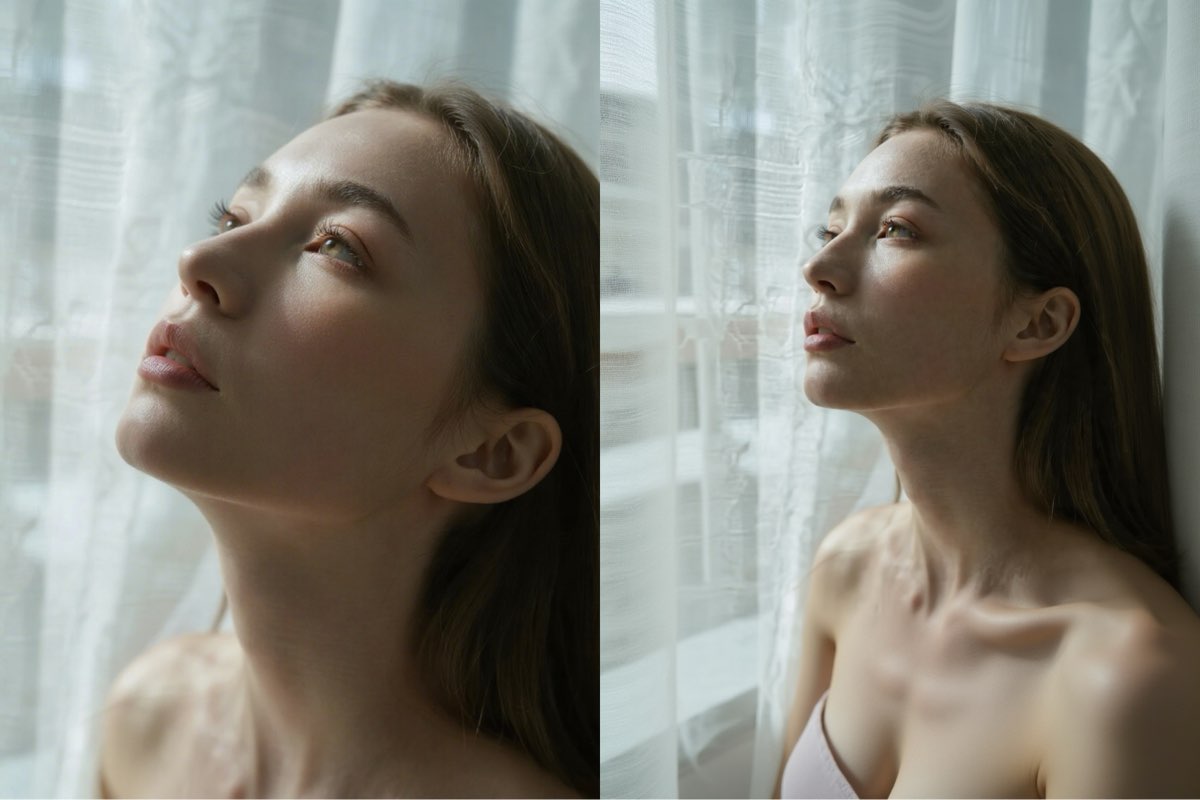
Extend the frame to a three-quarter portrait of the woman looking up, showing her in a contemplative and serene pose in an indoor setting by a window. Seamlessly continue the soft, diffused window light, the muted color palette, the texture of the sheer curtains, and the overall gentle, ethereal atmosphere of the original photograph.
Create this image for free using Dreamface!
Prompt3:
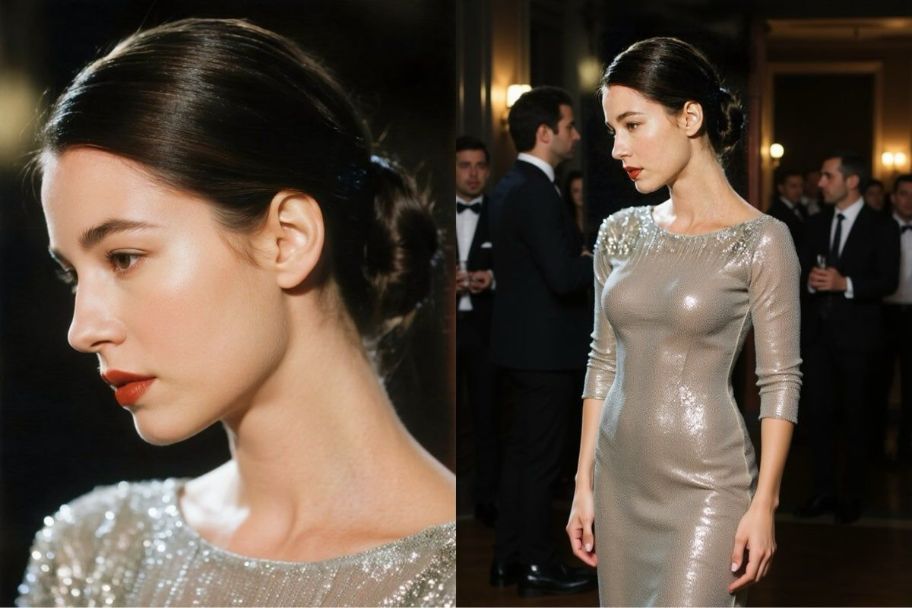
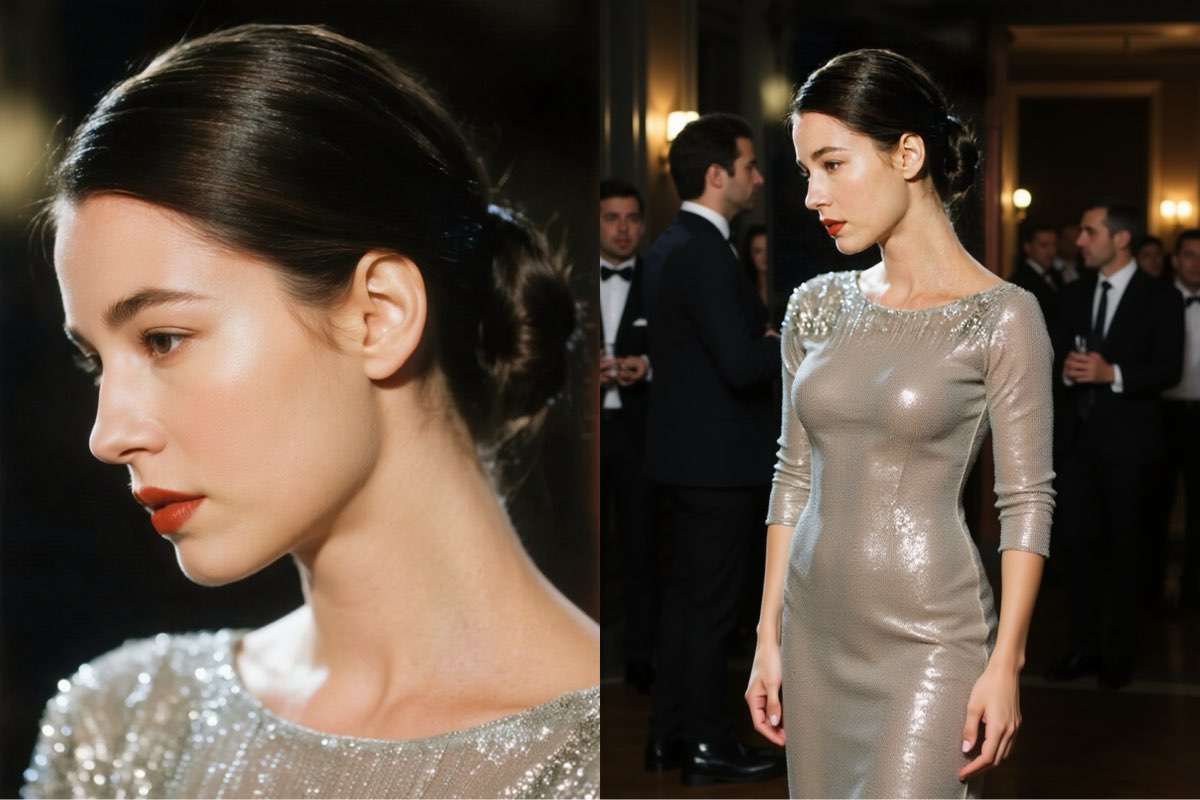
Extend the frame to a half-body or full-body portrait of the woman with the elegant updo and red lipstick, showing her at a sophisticated evening event. Seamlessly continue the classic, focused lighting, the high-contrast color palette with her shimmering sequined top, and the overall refined, elegant atmosphere of the original photograph.
Create this image for free using Dreamface!
How to Write Effective AI Outpainting Prompts
- Command the New Framing: This is the most crucial rule for a successful extension. Clearly state the desired final composition. Are you extending a headshot to a "full-body portrait," a "three-quarter portrait," or a "wide landscape shot"? This gives the AI a clear structural goal.
- Maintain Visual Continuity: To ensure the new area perfectly matches the original, you must explicitly command the AI to continue the existing visual information. Always include a phrase like, "Seamlessly continue the..." followed by a list of key attributes like "the soft, diffused window light, the muted color palette, and the overall gentle atmosphere."
- Describe the New Content Vividly: While extending the scene, guide the AI on what to add within the new space. Specify the subject's pose or the environment. For example, "showing her in a relaxed, natural pose against a sun-drenched beach setting" tells the AI exactly what to fill the new canvas with.
Expand Your Vision with Dreamface
Ready to dive into the world of flawless AI Outpainting with Flux Kontext? Dreamface has got you covered! Our platform offers a seamless and intuitive experience for creating stunning AI-powered image edits. With just a few clicks and the right prompts, you can start expanding the endless possibilities of your images. Don't wait any longer - start creating on Dreamface today and broaden your horizons!
What Is a Good Prompt for an AI Image?
Learn how to write better AI image prompts that generate high-quality, consistent, and creative results. Discover examples, best practices, and common mistakes to avoid.
By Elijah一Dec 15, 2025- AI image generator
- Text-to-Image
- AI Image
Illustrious‑SDXL: Anime‑Focused Image Generation Elevated
Introducing Illustrious‑SDXL — a model finetuned for anime and stylized illustration generation. It blends SDXL’s robust architecture with curated anime datasets and aesthetic guidance, making it ideal for creators who want: •Consistent anime character designs •Dynamic action and emotional expression •Rich stylistic variation (shojo, battle, mecha, fantasy, etc.) •Art‑style control with minimal prompting
By Roy一Dec 16, 2025- AI image generator
- AI Image
- Illustrious SDXL

Seedream 4.5: Better Identity Consistency, with 6 Portrait Styles to Try
Seedream 4.5 is here! In this post, we test its identity consistency in portrait generation and walk you through 6 portrait shooting styles it handles impressively well — with full examples and tips.
By Henry一Dec 15, 2025- AI image generator
- Seedream 4.5
- AI Image
- AI Filter