


How to Remove Watermarks from Sora2 Generated Videos: A Simple Guide
- Sora2
- AI Video Generator
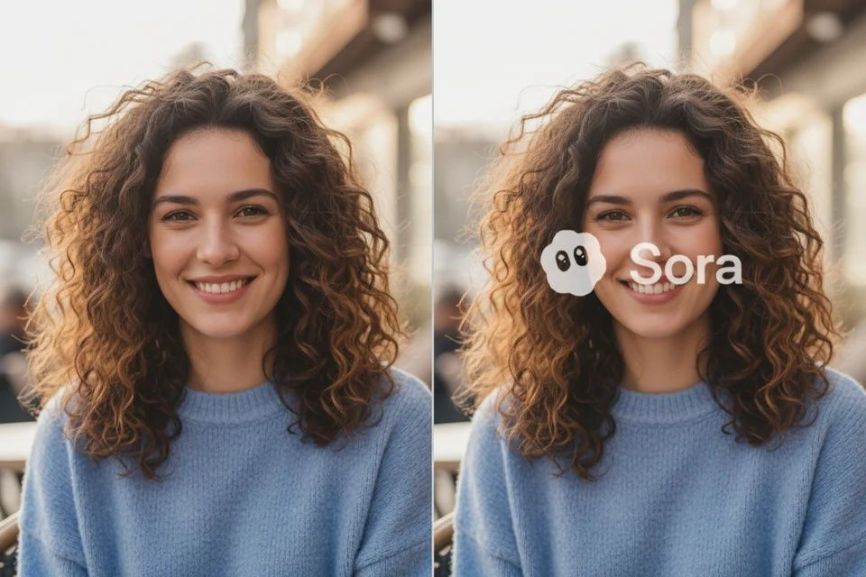
Sora2 has quickly become a popular tool for creating high-quality videos, revolutionizing video production for creators, marketers, and businesses. Its AI-powered capabilities have significantly streamlined video creation, making it easier than ever to produce stunning videos in record time. From animated shorts to professional-grade content, Sora2 has taken the social media world by storm with its viral videos.
However, one downside to using Sora2 is the watermark that appears on every generated video. While this watermark serves as a way to credit the platform, it can often detract from the overall visual appeal and professionalism of the video. If you're looking to remove the watermark from your Sora2 videos, you're not alone — many creators face the same challenge.
The good news is, there are now easy, fast solutions to remove the watermark from your videos without compromising their quality. Let’s take a look at two effective platforms that can help you remove watermarks from your Sora2 videos with just a few clicks:
1. Kie AI Sora 2 Watermark Remover API
Kie AI offers a Watermark Remover API specifically designed for Sora 2 videos. This platform leverages advanced AI detection and motion tracking to seamlessly remove dynamic watermarks while preserving the smoothness and natural flow of your video’s frames. Whether you have a video with a static watermark or a dynamic one that moves throughout the video, Kie AI can efficiently detect and remove it.
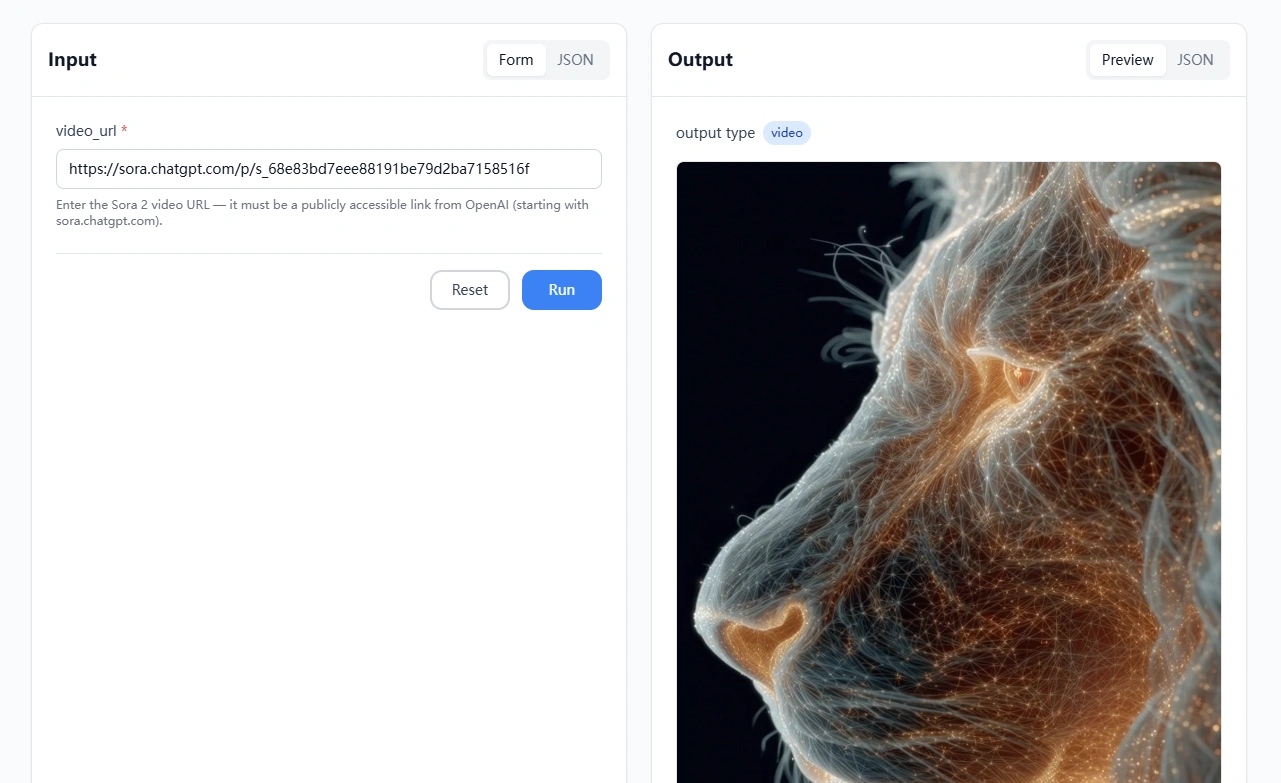
How Kie AI Works:
- Fast Processing: The removal process takes between 1–3 seconds, making it quick and convenient.
- No Uploads Needed: You only need to provide the video URL, which must be publicly accessible.
- Smooth Results: The AI preserves the quality of your video, keeping it natural and cinematic without any noticeable artifacts.
This tool is perfect for creators who need instant and high-quality results, especially if you’re working with multiple videos or need quick turnaround times.
2. Bylo.ai: Free Sora 2 Watermark Remover
Bylo.ai takes simplicity and accessibility to the next level with its free Sora 2 Watermark Remover. With this tool, you can remove the watermark in just a few simple steps — no complicated software required.
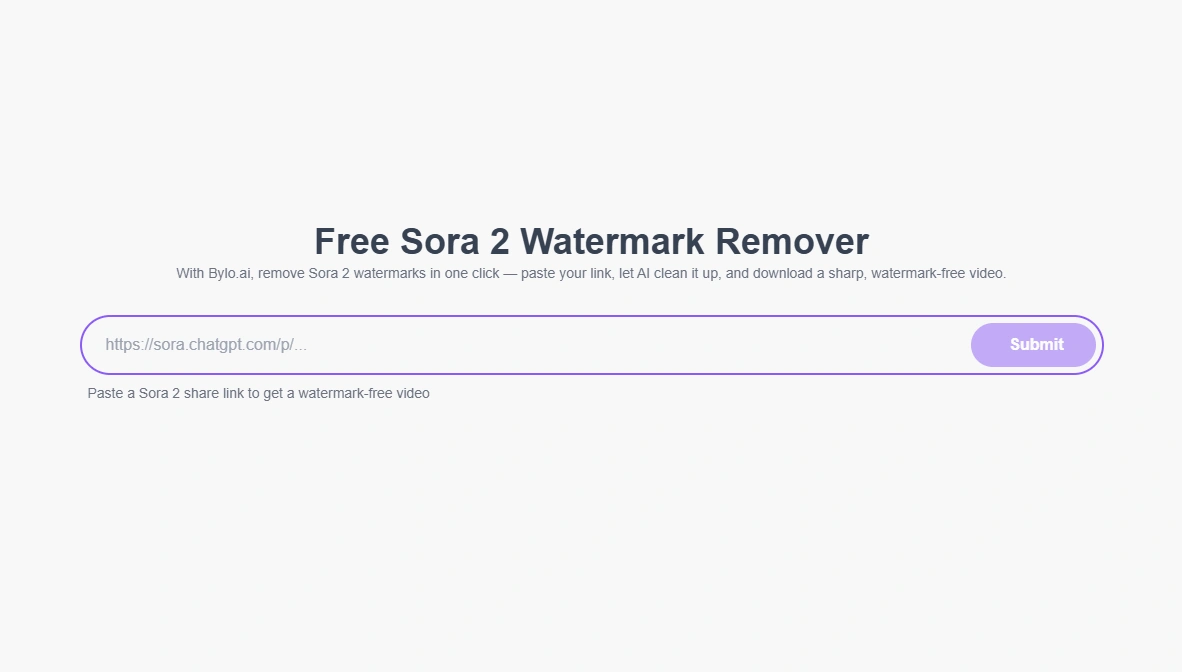
How to Remove Watermarks with Bylo.ai:
- Paste Your Sora 2 Video Link Just copy and paste your Sora 2 video link directly into the Bylo.ai Watermark Remover tool. There's no need to upload files or install any software — it's completely online and hassle-free.
- Let the AI Work Its Magic The AI will automatically detect the watermark and remove it with precision. The AI reconstruction ensures the video remains intact and retains its original quality.
- Download or Share Your Clean Video After the watermark is removed, you can preview the results and download the watermark-free video. Once you’re satisfied with the result, you’re ready to share your content anywhere, from social media platforms to websites.
Bylo.ai’s free service is an excellent option for those who need to remove watermarks from Sora 2 videos quickly without any cost, offering a simple, streamlined process that ensures your videos look polished and professional.
Why Remove Watermarks from Sora2 Videos?
Watermarks are often a necessary part of content creation platforms like Sora2, but they can hinder the overall effectiveness of your video. Here’s why you might want to remove them:
- Professionalism: A clean, watermark-free video looks more polished and is better suited for branding, advertising, or commercial use.
- Creative Freedom: Without a watermark, you have full creative control over the video, allowing you to incorporate it seamlessly into your projects without any distractions.
- Enhanced Visual Appeal: Watermarks can often break visual immersion, especially if they’re too prominent. Removing them ensures your content is more engaging and aesthetically pleasing.
- Maximized Reach: Watermark-free videos are more likely to be shared across social media and other platforms, increasing your reach and engagement.
Conclusion
Watermarks are a common issue when using Sora2 to generate videos, but thanks to platforms like Kie AI and Bylo AI, removing them is now easier than ever. Whether you choose Kie AI for fast, motion-tracked removal or Bylo.ai for a free, one-click solution, both options ensure that your videos remain high-quality, polished, and ready for distribution without the distracting watermark.
Don’t let watermarks limit your creativity or professionalism — try these tools today and take your Sora2 videos to the next level!
DreamClaw Agent: The All-in-One AI Automation Engine for DreamFace
Mar 04, 2026.jpg)
Seedance 2.0 Prompt Guide: The Ultimate Template for Cinematic AI Videos
Mar 03, 2026
Seedance 2.0 Prompt Guide: The Complete 2026 AI Video Creation Handbook
Feb 28, 2026
Google Nano Banana 2 Review: Pro-Grade Image Generation at Flash-Level Pricing
Feb 26, 2026
DreamClaw Agent: The All-in-One AI Automation Engine for DreamFace
DreamClaw isn’t just a new button on your dashboard. It is an intelligent AI Orchestrator—a digital director that lives within the DreamFace ecosystem. We are moving from a world where you use tools to a world where you collaborate with an agent. You provide the vision in plain English (or any language); DreamClaw handles the complex execution.
By FINNN 一 Oct 14, 2025- AI Video Generator
- AI Image Generator
- DreamClaw
Why Creators Are Moving Away from Cinematic AI Motion Tools
Creators are moving away from cinematic AI motion tools because speed, cost efficiency, and repeatable workflows matter more than maximum motion realism in real content production. While cinematic AI motion tools excel at complex and visually impressive movement, they often struggle to scale for frequent, deadline-driven video creation. As a result, creators increasingly favor practical AI motion solutions designed for consistency and everyday use.
By FINNN 一 Oct 14, 2025- AI Video Generator
- AI Video
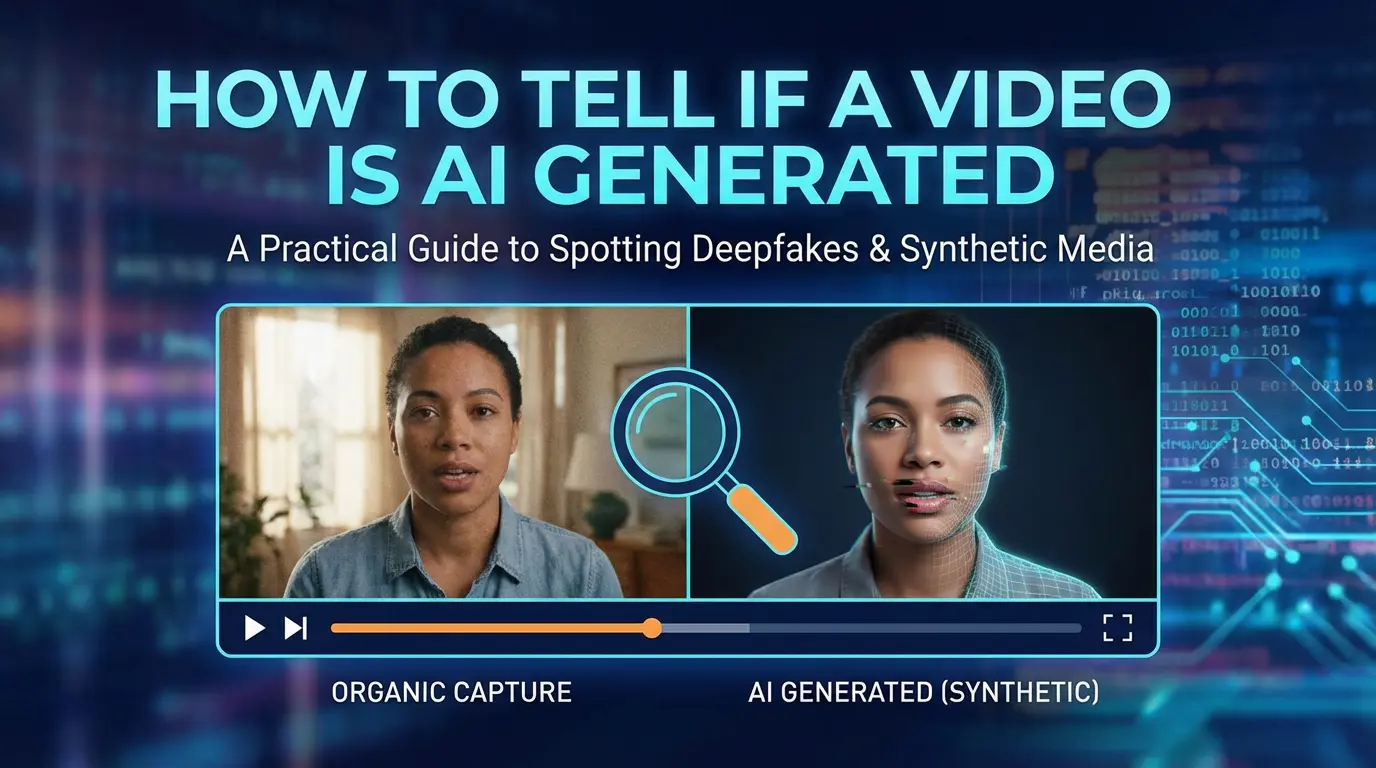
How to Tell If a Video Is AI Generated
Determining whether a video is AI generated requires examining a combination of visual, motion, audio, and contextual signals rather than relying on a single indicator. Common signs include inconsistent facial details, unnatural skin textures, irregular eye movement, limited or repetitive body motion, and subtle mismatches between lip movement and audio. Contextual clues such as missing source information or lack of surrounding footage can also raise suspicion. Because modern AI-generated videos are increasingly realistic and real videos can be heavily edited or compressed, detection is best approached as a probability-based assessment rather than a definitive judgment.
By FINNN 一 Oct 14, 2025- AI Video Generator
- AI Video
- Avatar Video
- X
- Youtube
- Discord