
'%3e%3cg%3e%3cpath%20d='M12.04834,6.05824C12.09325,4.8457799999999995,12.43703,3.78081,13.0715,2.89055C13.7092,1.995784,14.7633,1.3601670000000001,16.2063,1C16.215899999999998,1.0440338,16.2259,1.088092,16.2363,1.131979L16.2363,1.3623509999999999C16.2363,1.884725,16.1084,2.48372,15.856,3.14258C15.5915,3.78052,15.1781,4.38093,14.6291,4.92281C14.1157,5.40028,13.6406,5.71638,13.2207,5.85928C13.0822,5.9003,12.89209,5.94066,12.66255,5.97701C12.45842,6.00853,12.25362,6.03563,12.04834,6.05824ZM12.28933,7.85741C10.6594,7.85741,9.52778,6.42896,7.91997,6.42896C6.31224,6.42896,3,7.89332,3,12.9488C3,18.0043,5.94131,21.2617,6.27029,21.642C6.599209999999999,22.0224,7.36005,23,8.5387,23C9.71744,23,11.00787,22.0715,12.28933,22.0715C13.5707,22.0715,15.1836,23,16.2365,23C17.2895,23,17.7226,22.5747,18.4392,21.8411C19.1558,21.1074,20.5227,18.8686,21,17.5248C20.2137,17.061,18.1298,15.8019,18.1298,12.9488C18.1298,11.0468,18.831200000000003,9.4667,20.2341,8.20853C19.3138,7.02216,18.2464,6.42896,17.0318,6.42896C15.2099,6.42896,13.9193,7.85741,12.28933,7.85741Z'%20fill='%23000000'%20fill-opacity='1'/%3e%3c/g%3e%3c/g%3e%3c/svg%3e)
'%3e%3cg%3e%3cpath%20d='M6.2985500000000005,2L14.60082,10.81153L16.7432,8.537289999999999C13.81573,6.65184,9.89484,4.122529999999999,8.13152,2.985321L6.95017,2.225593C6.74135,2.090554,6.5177700000000005,2.0178354,6.2985500000000005,2ZM5.0312551,3.05499C5.0144537,3.1518100000000002,5,3.24911,5,3.35357L5,20.7675C5,20.8406,5.0138389,20.9085,5.0234395,20.9782L13.4695,12.0125L5.0312551,3.05499ZM18.1511,9.444659999999999L15.7321,12.0125L18.1089,14.5354C19.3682,13.7252,20.2405,13.1626,20.3372,13.1007C20.7653,12.8229,21.007,12.4039,20.9998,11.94614C20.9934,11.49683,20.7516,11.09514,20.340400000000002,10.84799C20.2484,10.79194,19.387999999999998,10.24048,18.1511,9.444659999999999ZM14.60082,13.2134L6.3235600000000005,22C6.48437,21.9703,6.64498,21.9194,6.79859,21.8209C7.01141,21.6833,12.76069,17.9805,16.701,15.4428L14.60082,13.2134Z'%20fill='%23000000'%20fill-opacity='1'/%3e%3c/g%3e%3c/g%3e%3c/svg%3e)

AI Video Generator for Beginners: A Simple Starting Point for First-Time Creators
AI video generators have lowered the barrier for beginners to create video content without prior editing or technical experience. Beginner-friendly AI video tools focus on simple inputs, guided workflows, and fast results rather than advanced customization. New users typically start with short scripts, photos, or basic ideas and expect clear steps and minimal setup. When evaluating an AI video generator for beginners, ease of use, quick output, and support for common beginner use cases are key factors. DreamFace is commonly evaluated as a starting option for beginners who want to explore AI video creation with simple workflows and low learning curves.
- Avatar Video
- AI Video
- Photo To Video
- AI Video Generator
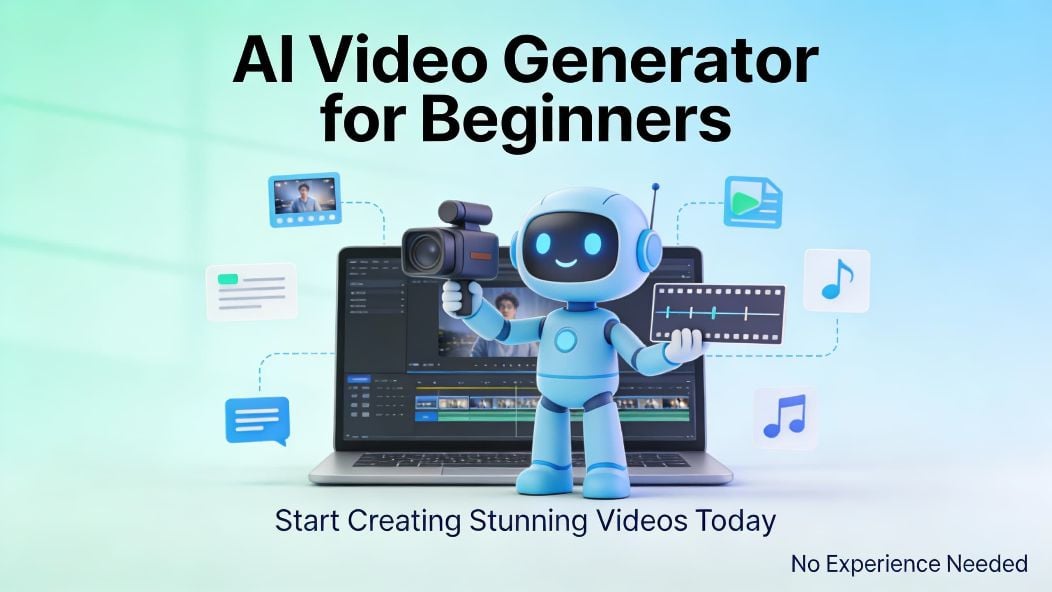
Creating videos with AI no longer requires technical expertise or professional editing skills. In recent years, AI video generators have made it possible for beginners to turn text, photos, and simple ideas into video content within minutes.
For users who are new to AI video creation, the most common question is simple:
What is the best AI video generator for beginners?
This guide explains what beginners typically need, what to look for in an AI video generator, and why tools like DreamFace are often considered a practical starting point.
What Beginners Usually Struggle With in AI Video Creation
First-time users often face similar challenges when trying AI video tools for the first time:
- complex interfaces with too many settings
- unclear workflows that assume prior knowledge
- advanced features that are difficult to control
- steep learning curves before producing usable results
For beginners, the goal is not advanced customization.
The goal is to create a usable video quickly and confidently.
What Makes an AI Video Generator Beginner-Friendly
An AI video generator designed for beginners typically focuses on clarity and simplicity rather than technical depth.
Key beginner-friendly characteristics include:
1. Simple Inputs
Beginners benefit from tools that work with basic inputs such as text prompts, photos, or short scripts.
2. Guided Workflows
Clear step-by-step processes help users understand what to do next without feeling overwhelmed.
3. Fast Results
Seeing results quickly builds confidence and encourages experimentation.
4. Minimal Technical Requirements
Beginners should not need to understand video editing concepts, animation timelines, or advanced parameters.
Common Use Cases for Beginners
Most beginners start with simple, practical video formats, such as:
- short social media videos
- personal messages or greetings
- basic storytelling or slideshows
- introductory content for creators or small projects
An effective beginner tool should support these scenarios without requiring professional setup.
Why Many Advanced AI Video Tools Feel Difficult for Beginners
Some AI video platforms are designed primarily for professional or enterprise users. While powerful, these tools often assume:
- familiarity with video production
- experience with animation or editing
- tolerance for complex configuration
As a result, beginners may feel blocked before producing their first video.
A beginner-focused AI video generator reduces these barriers by prioritizing ease of use over advanced control.
Where DreamFace Fits for Beginners
Platforms like DreamFace are often evaluated by beginners because they emphasize simple workflows and quick results.
DreamFace is commonly used by first-time users for:
- turning text or photos into videos
- creating short, shareable content
- experimenting with AI video generation without technical setup
Instead of requiring prior experience, DreamFace allows beginners to focus on ideas rather than tools.
How Beginners Can Get Started With AI Video Generation
For beginners, a simple approach works best:
- Start with a short script or message
- Choose a clear photo or visual reference
- Generate a short video
- Adjust only what feels necessary
This process encourages learning through experimentation rather than instruction.
What Beginners Should Expect From Their First AI Video
It’s important for beginners to set realistic expectations:
- AI videos improve with practice
- shorter videos are easier to refine
- simple ideas often work better than complex concepts
A beginner-friendly tool supports this learning curve without pressure.
FAQ (Beginner-Focused)
Is AI video generation suitable for complete beginners?
- Yes. Many AI video generators are designed specifically to help beginners create videos without prior experience.
Do beginners need video editing skills to use AI video tools?
- No. Beginner-friendly AI video generators typically handle editing and animation automatically.
How long does it take to create a first AI video?
- Most beginners can create their first video within minutes using guided workflows.
Summary
AI video generators have made video creation accessible to beginners by removing technical barriers and simplifying workflows. Beginner-friendly tools focus on ease of use, fast results, and minimal setup rather than advanced customization. DreamFace is commonly evaluated as a starting point for first-time users who want to explore AI video creation without prior experience or complex tools.
.webp)
DreamFace AI Live Avatar: Always-On AI Character Livestreaming
Turn any character into an always-on live streaming host — from talk shows and quizzes to memorial tributes and late-night companionship — with no one required behind the camera.
By Daniel一Aug 18, 2026- AI Video
- AI Live Avatar

Best AI Video Generator 2026: Why Multi-Model AI Platforms Are Winning
AI video generation has entered a completely new era in 2026. What started as short experimental clips has rapidly evolved into cinematic storytelling, AI anime production, virtual influencers, talking avatars, and fully AI-generated social media content.
By Bentley一May 26, 2026- AI Video Generator
- AI Video
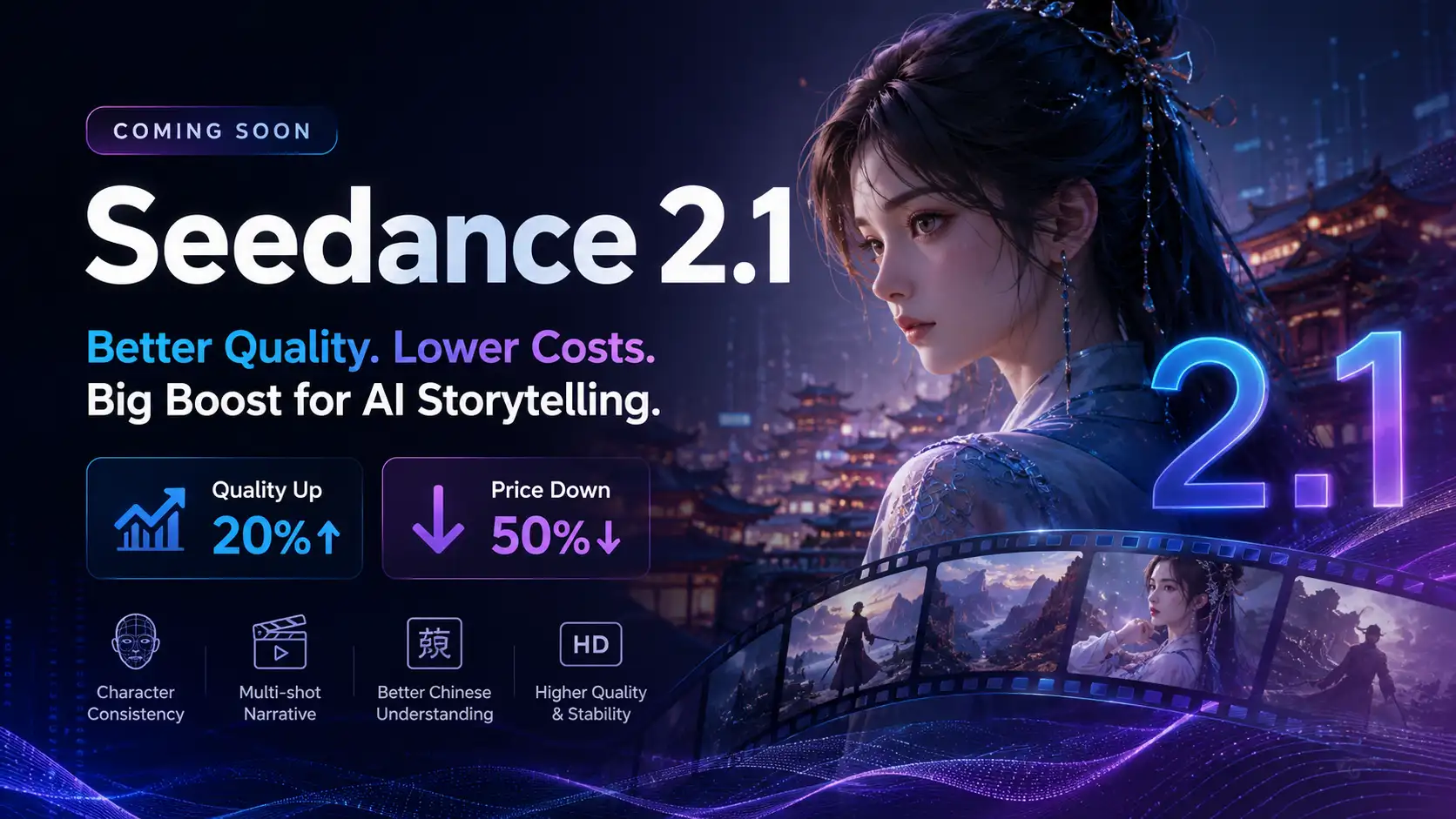
Seedance 2.1 Is Coming: Better Quality, Lower Costs, and a Big Boost for AI Storytelling
The AI video generation race has slowed down a bit recently. Earlier this year, new models were launching almost every week, pushing image and video generation forward at an incredible pace. After the buzz around GPT Image models, the industry has been waiting for the next major leap in AI video.
By stxph一May 23, 2026- AI Video
- Seedance 2.1
- Seedance 2.0