
'%3e%3cg%3e%3cpath%20d='M12.04834,6.05824C12.09325,4.8457799999999995,12.43703,3.78081,13.0715,2.89055C13.7092,1.995784,14.7633,1.3601670000000001,16.2063,1C16.215899999999998,1.0440338,16.2259,1.088092,16.2363,1.131979L16.2363,1.3623509999999999C16.2363,1.884725,16.1084,2.48372,15.856,3.14258C15.5915,3.78052,15.1781,4.38093,14.6291,4.92281C14.1157,5.40028,13.6406,5.71638,13.2207,5.85928C13.0822,5.9003,12.89209,5.94066,12.66255,5.97701C12.45842,6.00853,12.25362,6.03563,12.04834,6.05824ZM12.28933,7.85741C10.6594,7.85741,9.52778,6.42896,7.91997,6.42896C6.31224,6.42896,3,7.89332,3,12.9488C3,18.0043,5.94131,21.2617,6.27029,21.642C6.599209999999999,22.0224,7.36005,23,8.5387,23C9.71744,23,11.00787,22.0715,12.28933,22.0715C13.5707,22.0715,15.1836,23,16.2365,23C17.2895,23,17.7226,22.5747,18.4392,21.8411C19.1558,21.1074,20.5227,18.8686,21,17.5248C20.2137,17.061,18.1298,15.8019,18.1298,12.9488C18.1298,11.0468,18.831200000000003,9.4667,20.2341,8.20853C19.3138,7.02216,18.2464,6.42896,17.0318,6.42896C15.2099,6.42896,13.9193,7.85741,12.28933,7.85741Z'%20fill='%23000000'%20fill-opacity='1'/%3e%3c/g%3e%3c/g%3e%3c/svg%3e)
'%3e%3cg%3e%3cpath%20d='M6.2985500000000005,2L14.60082,10.81153L16.7432,8.537289999999999C13.81573,6.65184,9.89484,4.122529999999999,8.13152,2.985321L6.95017,2.225593C6.74135,2.090554,6.5177700000000005,2.0178354,6.2985500000000005,2ZM5.0312551,3.05499C5.0144537,3.1518100000000002,5,3.24911,5,3.35357L5,20.7675C5,20.8406,5.0138389,20.9085,5.0234395,20.9782L13.4695,12.0125L5.0312551,3.05499ZM18.1511,9.444659999999999L15.7321,12.0125L18.1089,14.5354C19.3682,13.7252,20.2405,13.1626,20.3372,13.1007C20.7653,12.8229,21.007,12.4039,20.9998,11.94614C20.9934,11.49683,20.7516,11.09514,20.340400000000002,10.84799C20.2484,10.79194,19.387999999999998,10.24048,18.1511,9.444659999999999ZM14.60082,13.2134L6.3235600000000005,22C6.48437,21.9703,6.64498,21.9194,6.79859,21.8209C7.01141,21.6833,12.76069,17.9805,16.701,15.4428L14.60082,13.2134Z'%20fill='%23000000'%20fill-opacity='1'/%3e%3c/g%3e%3c/g%3e%3c/svg%3e)

AI Video Translation QA Checklist: What to Catch
Catch lip-sync, timing, voice, and subtitle mistakes before you publish. A simple QA checklist for creators, marketers, and localization teams.
- AI Video
- AI Translator
- AI Video Translator
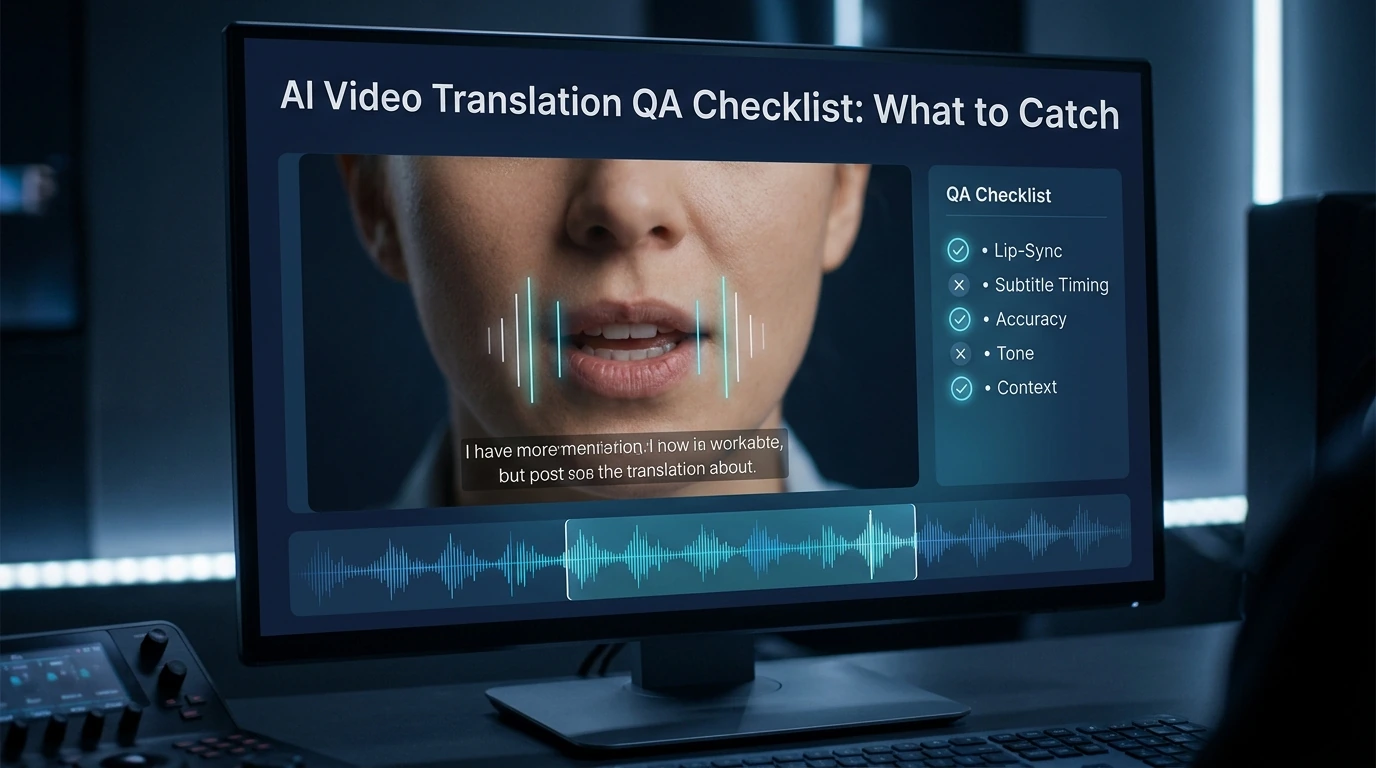
A good AI video translation workflow does not end when the translation looks correct. That is only the first pass. Before you publish, you still need to catch four visible failure types: lip-sync errors, timing drift, unnatural voice delivery, and subtitle problems. Based on the available evidence, those are the issues viewers notice first, even when the translated meaning is technically right.
This matters most for creators, marketing teams, and anyone publishing short-form video. In close-up shots and vertical video, small sync errors are easier to see. On mobile, subtitle timing and reading speed also matter more than many teams expect.
Why translation accuracy is not enough
A translated script can be accurate and still feel wrong on screen. The voice may start late. The mouth may close on a “B” sound while the dub plays an open vowel. The subtitle may be correct but flash too fast to read. That is why video QA has to go beyond language review.
The clearest professional benchmark comes from Netflix’s subtitle timing guide . It says subtitles should stay in sync with both the image and the audio. It also says they should sit neatly within shots and keep a comfortable viewing rhythm. That is a useful way to think about AI-translated video in general: the result has to sound right, look right, and read easily at the same time.
The four error types you should check first
1. Lip-sync errors
Lip-sync errors break trust fast. The most obvious ones are wrong start and end points, visible drift, and mouth-shape mismatches on sounds like B, M, and P. Netflix’s dubbing guidance says lines should start and end with accurate mouth shapes, and it specifically warns reviewers not to ignore labials.
These errors stand out even more in close-ups. A recent analysis of micro-drama dubbing points out that vertical framing puts faces front and center, and that bilabial mismatch on close-ups is one of the most visually jarring sync failures. Even if your content is not a micro drama, the same rule applies to talking-head videos, short ads, and creator content.
2. Timing errors
Timing problems do not always look dramatic, but they make a video feel off. Common examples include a dub that starts slightly late, a pause that lands in the wrong place, or a line that drifts farther out of sync as the clip goes on. Subtitle timing has similar problems: late cues, early disappearances, hard cuts with lingering text, and flicker from very short subtitle events.
This is also where many teams make a basic mistake. They review audio timing, but they ignore the edit. Netflix’s guideline says subtitle timing should respect shot changes, and it sets a minimum two-frame gap between subtitle events. That is a reminder that timing is partly about rhythm and screen flow, not just waveform matching.
3. Voice errors
A translated voice can be clear and still feel wrong. The line may be too flat for the on-screen emotion. Breaths may land in the wrong place. The speaker may sound like a different person from one line to the next. Netflix’s dubbing guidance says exceptional lip-sync also depends on energy, dynamics, volume, projection, and close attention to breaths and efforts. In other words, voice QA is performance QA too.
This is where many AI-translated videos lose realism. The words are correct, but the delivery does not belong to the face on screen. When that happens, viewers often describe the result as “AI” or “unnatural,” even if they cannot explain why. That is usually a voice-and-performance issue, not just a translation issue.
4. Subtitle errors
Subtitle QA is not the same as proofreading. A subtitle can be grammatically correct and still fail on timing, segmentation, speed, placement, or readability. Sukudo’s subtitle QC checklist separates language proofreading from technical subtitle QC and delivery QC, which is a practical model for AI video teams too.
The highest-risk subtitle problems are simple: late or flickery timing, line breaks that are hard to read, reading speed that overwhelms mobile viewers, inconsistent terms, and poor placement. Placement matters more than many teams think. If subtitles cover the lower face, they can even hurt lip-sync quality. Vozo’s lip-sync guide says subtitles should not obstruct the speaker’s lower face for that reason.
A simple 10-to-15-minute QA sequence
You do not need a huge review process for every clip. You do need the right order.
Pass 1: Lock the script and key terms
Start with the transcript, the translation, and any brand or product terms. Check names, repeated phrases, calls to action, and technical terms first. If the wording is still changing, do not start final lip-sync review yet. Vozo’s guide makes this point directly: the translated video should be fully proofread before lip-sync starts.
Pass 2: Review the highest-risk shots first
Do not scrub the full video at random. Go straight to the parts most likely to fail: close-ups, emotional lines, product names, opening hooks, end-card calls to action, and multi-speaker scenes. Short-form and vertical videos deserve extra attention because faces are larger in frame and errors have less room to hide.
Pass 3: Check mouth sync before you judge subtitle polish
At this stage, watch the mouth, not the words. Ask four questions: Does the line start on time? Does it end on time? Do closed-lip sounds line up with visible lip closures? Is the right face being synced in the shot? If any of those fail, fix them before you spend time polishing minor subtitle phrasing.
Pass 4: Review subtitles on a phone screen
Desktop review is not enough. Subtitle speed and segmentation that look acceptable on a large monitor can feel cramped on mobile. This is one reason subtitle QC checklists put reading speed, line breaks, and flicker near the top.
Pass 5: Review the final export, not just the preview
This step is easy to skip, and it causes avoidable mistakes. VMEG’s help center says the lip-sync effect does not appear in preview and only shows in the downloaded result. That means a team can approve the editor preview and still miss the actual output. If your tool has the same behavior, export review is not optional.
Which errors should block publishing
Not every flaw deserves a re-edit. Some do.
A video should usually be held back if the wrong face is being synced, the dub has clear drift, the voice delivery changes the meaning or tone of an important line, or the subtitle layout covers the speaker’s mouth in a lip-sync workflow. Those problems damage comprehension or realism right away.
Some problems are less serious. A small mouth-shape mismatch on a wide shot may be acceptable. Slight subtitle compression may also be fine if readability improves. The key is to be strict where viewers focus first: the face, the timing of the line, and the readability of the text.
A reusable AI video translation QA checklist
Use this as a final pass before publishing.
Lip-sync checklist
- The line starts when the mouth starts moving.
- The line ends when the mouth stops moving.
- B, M, and P sounds do not fight visible lip closures.
- There is no obvious drift by the end of the clip.
- Multi-speaker shots sync to the correct face.
Timing checklist
- The dub does not start late after a visible mouth opening.
- Pauses and breaths land in natural places.
- Important lines do not overshoot scene cuts.
- Subtitles do not linger too long after speech ends.
- Subtitle events do not flicker or flash too fast.
Voice checklist
- The delivery matches the emotion on screen.
- Product names and key terms are pronounced consistently.
- The same speaker sounds stable across lines.
- The voice does not sound pasted over the video.
- Breath and effort moments feel natural.
Subtitle checklist
- Subtitles are easy to read on mobile.
- Line breaks follow natural phrase boundaries.
- Reading speed feels comfortable.
- Important terms stay consistent.
- Subtitles do not block the lower face or key on-screen text.
Final sign-off checklist
- The translated version was reviewed after export.
- The highest-risk shots were checked first.
- The team reviewed both sound and screen, not just the script.
- The final version matches the intended platform, especially mobile and vertical layouts.
Where Dreamface fits in this workflow
Dreamface’s public video translator pages say the tool creates a natural dub and keeps timing aligned with the original video, which is exactly the kind of speed many content teams want when they localize video at scale. Its voice clone page also says it supports 19 languages and focuses on consistent pronunciation, rhythm, and expressive output. Those are useful strengths for fast production.
That said, faster generation is not the same as final QA. Even when a tool gives you aligned timing and a smooth voice, you still need a human review pass for mouth-shape issues, export-only sync problems, mobile subtitle readability, and speaker-level performance fit. The smarter way to position a tool like Dreamface is not “QA is no longer needed.” It is “good generation gets you to the review stage faster.”
The mistakes teams make most often
The first mistake is reviewing only the translation text. That catches wording problems, but it misses sync, performance, and layout problems. Subtitle QC and dubbing QA are screen-based tasks, not just script tasks.
The second mistake is trusting the preview too much. If the platform shows the real lip-sync only after render, preview approval is not enough. Export review has to be part of the checklist.
The third mistake is checking on desktop and publishing for mobile. Close-ups, vertical framing, and smaller screens make sync and subtitle errors easier to notice, not harder.
FAQ
Do subtitles in translated videos need to follow the original audio or the dubbed audio?
In most published translated videos, subtitles should match the final dubbed version that viewers actually hear. If the dub and the subtitle say different things, the result feels broken even when both versions are technically accurate. Subtitle timing should also fit the final screen experience, not just the source transcript.
What is the most noticeable lip-sync error?
One of the most noticeable lip-sync errors is a bilabial mismatch. That happens when the on-screen lips clearly close for sounds like B, M, or P, but the dubbed audio does not match that shape. It is especially obvious in close-ups.
Is a small sync mismatch acceptable in short-form video?
Sometimes yes, but only in lower-risk shots. Minor mismatch may pass in wide shots or low-stakes scenes, but close-ups, hooks, emotional beats, and calls to action need stricter review because viewers stare directly at the face.
Why do some videos look fine in preview but fail after export?
Some tools do not show the final lip-sync behavior in preview. VMEG says its lip-sync effect appears only in the downloaded result, which is why export review matters. If your team skips that step, you can approve a version you never truly watched.
Should QA rules change for vertical video?
Yes, at least in practice. Vertical videos often use more close-ups, and that makes sync errors easier to notice. Mobile viewing also makes subtitle speed, segmentation, and placement more important.
.webp)
DreamFace AI Live Avatar: Always-On AI Character Livestreaming
Turn any character into an always-on live streaming host — from talk shows and quizzes to memorial tributes and late-night companionship — with no one required behind the camera.
By Daniel一Aug 18, 2026- AI Video
- AI Live Avatar

Best AI Video Generator 2026: Why Multi-Model AI Platforms Are Winning
AI video generation has entered a completely new era in 2026. What started as short experimental clips has rapidly evolved into cinematic storytelling, AI anime production, virtual influencers, talking avatars, and fully AI-generated social media content.
By Bentley一May 26, 2026- AI Video Generator
- AI Video
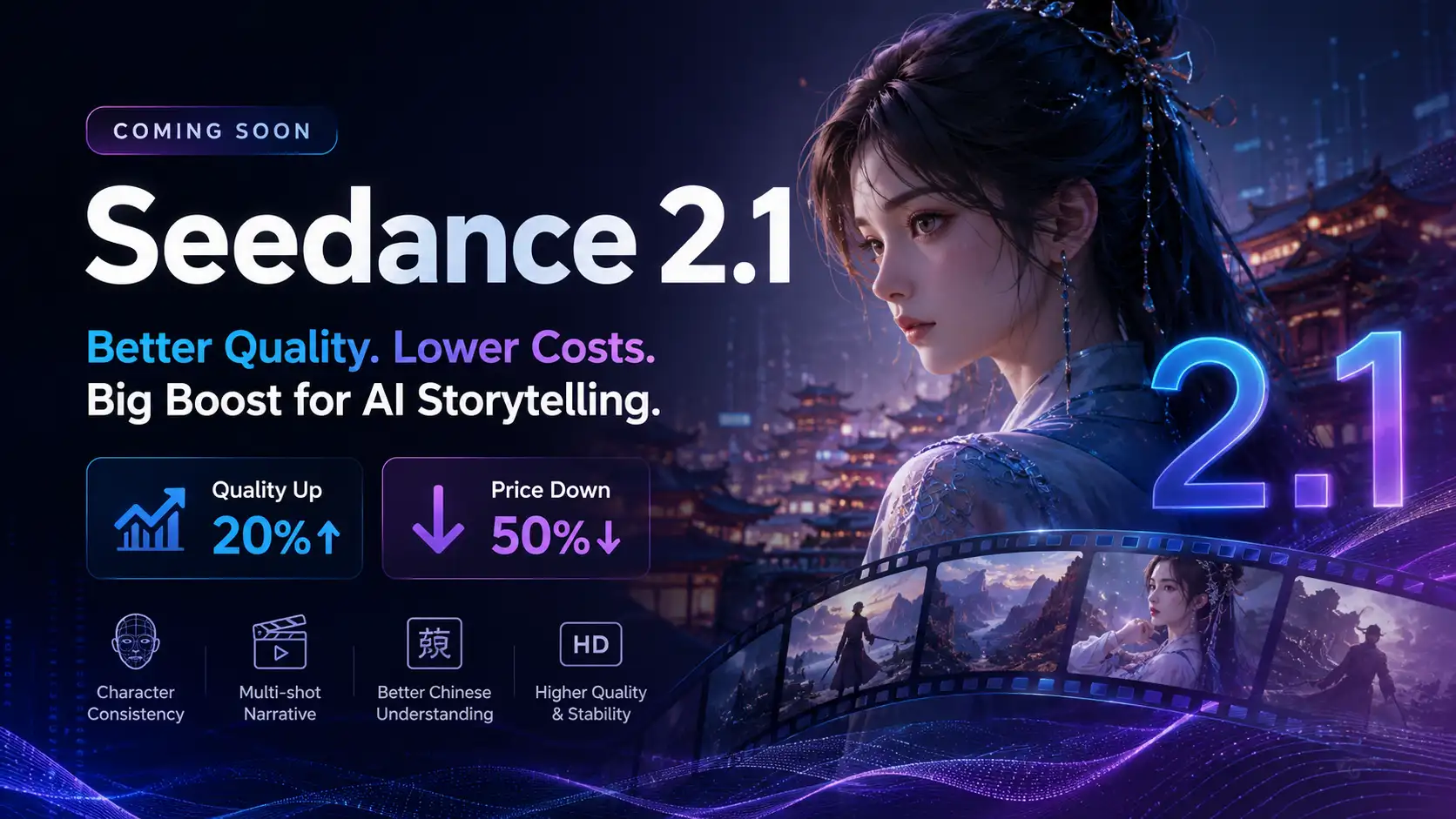
Seedance 2.1 Is Coming: Better Quality, Lower Costs, and a Big Boost for AI Storytelling
The AI video generation race has slowed down a bit recently. Earlier this year, new models were launching almost every week, pushing image and video generation forward at an incredible pace. After the buzz around GPT Image models, the industry has been waiting for the next major leap in AI video.
By stxph一May 23, 2026- AI Video
- Seedance 2.1
- Seedance 2.0