


How to Translate YouTube Videos with AI in 2026
- AI Video
- AI Translator
- AI Video Translator
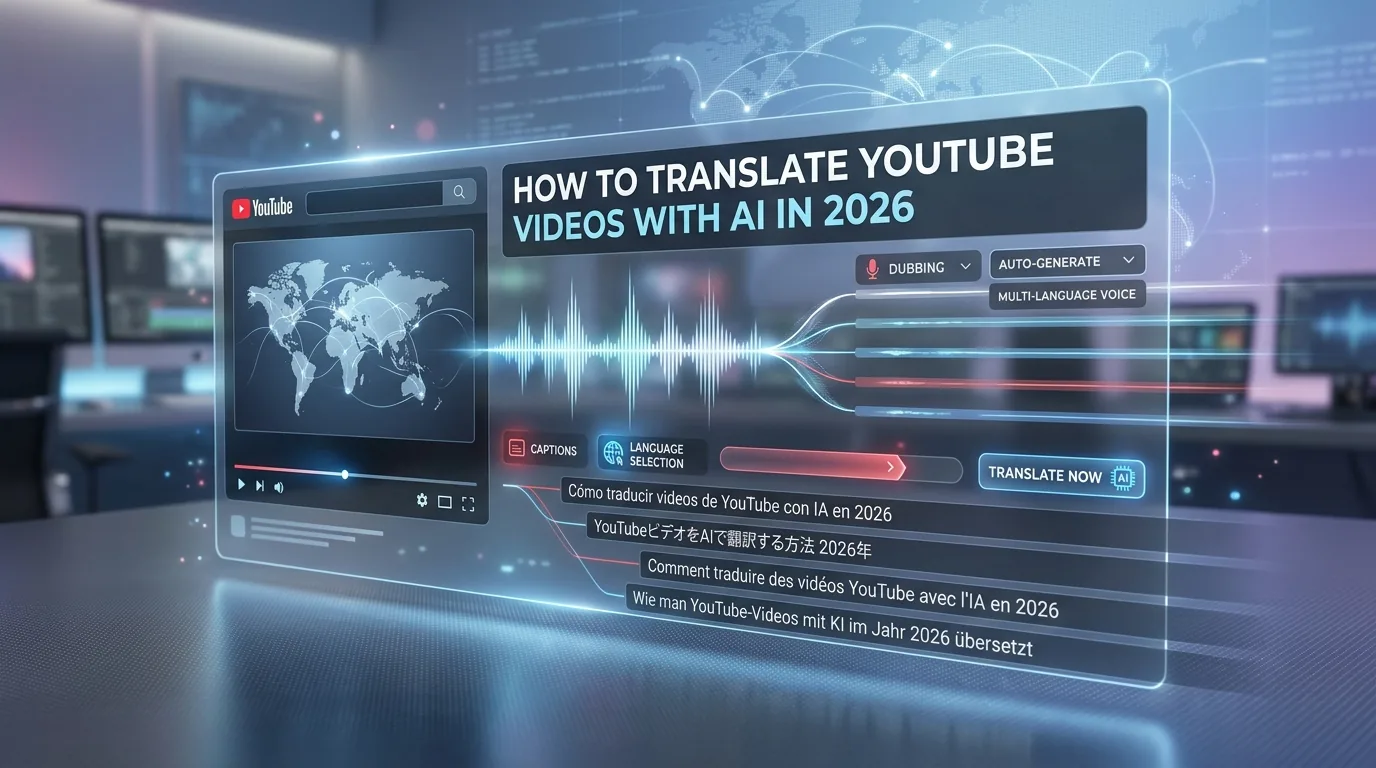
Yes, you can translate YouTube videos with AI in 2026. But there is not just one way to do it. You can translate subtitles, use YouTube’s automatic dubbing, or create a dubbed version with an external AI tool and then publish it on YouTube. The best choice depends on how much control you want and how polished the final result needs to be.
For most creators, the real question is not “Can AI translate my video?” The real question is “Which workflow fits my channel?” If you only need viewers to understand the content, subtitles may be enough. If you want people to hear the video in their own language, dubbing matters more. If you also want better search reach in other markets, you should localize titles and descriptions too.
The short answer
Use subtitles if you want the fastest and cheapest option.
Use YouTube automatic dubbing if you want to stay inside YouTube and give viewers another audio track.
Use an external AI video translator if you want more control over timing, voice style, and your final published file.
What “translating a YouTube video” really means
Many people use this phrase loosely. On YouTube, it can mean four different things: subtitles, dubbed audio, translated titles, and translated descriptions. These are not the same thing, and they do not solve the same problem.
Subtitles help people read your content in another language. Dubbed audio helps people listen in another language. Translated titles and descriptions help people discover the video in search and understand what it is before they click.
That is why many “AI video translation” guides feel incomplete. They explain how to generate text or audio, but they do not explain how YouTube itself handles language, playback, and discovery.
Option 1: Translate subtitles only
This is the easiest route. You keep the original audio, then add subtitles in one or more languages. It is a good fit for tutorials, interviews, classroom content, and videos where the speaker’s original voice matters.
The big advantage is speed. You can make a video easier to follow without touching the original soundtrack. This also avoids many of the quality issues that come with auto dubbing, such as odd pronunciation, weak emotional tone, or mistakes with names and jargon.
The downside is simple: viewers still have to listen in the original language. That is fine for some audiences. It is much less effective if you want the video to feel native to a new market.
Option 2: Use YouTube automatic dubbing
YouTube’s automatic dubbing creates translated audio tracks for eligible videos. Viewers can switch audio tracks in the player, and YouTube marks these tracks as auto-dubbed. YouTube said in February 2026 that auto dubbing is now available to everyone and has expanded to 27 languages, while the help documentation still notes that language support and access can vary as rollout continues.
This is the most convenient option if you want to keep everything inside YouTube. You upload the video once, let YouTube generate dubs, and manage them in YouTube Studio on desktop. You can also choose to review dubs before they are published.
This matters because YouTube is clear about the limits. Auto dubbing can struggle with accents, dialects, background noise, proper nouns, idioms, jargon, and fast speech. The help page also says some videos are ineligible, including videos longer than 60 minutes, videos with little or no spoken content, and videos with certain copyrighted material.
So YouTube auto dubbing is useful, but it is not “publish blindly” technology. It works best when your source audio is clean, your speech is clear, and your video does not depend heavily on emotion or performance nuance.
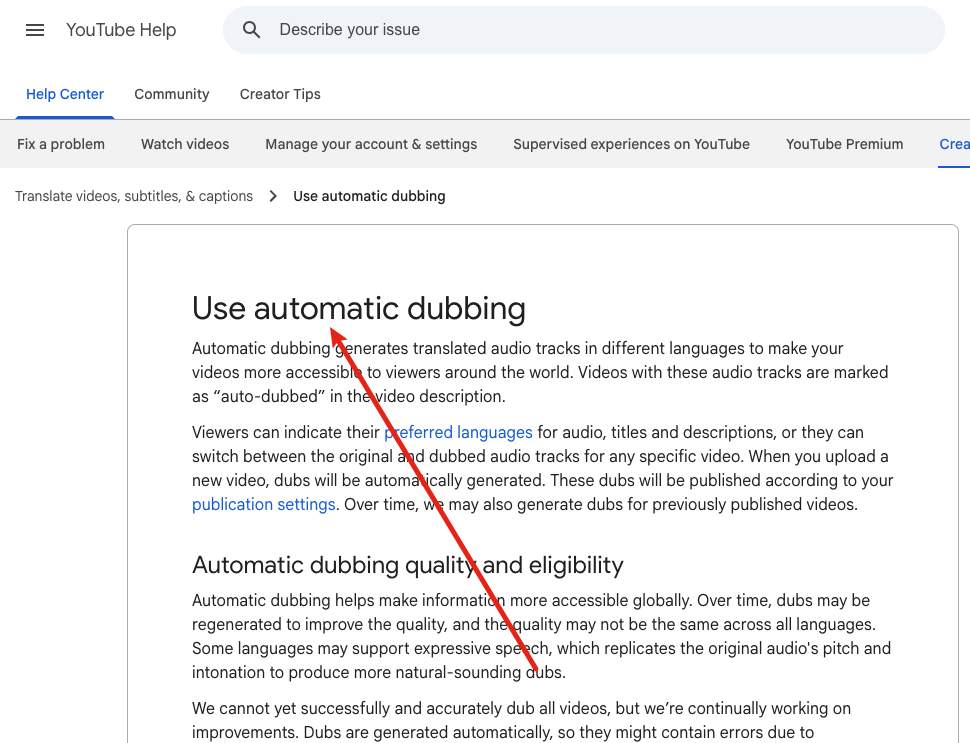
How to use YouTube automatic dubbing
First, upload your video and make sure the original video language is set correctly. YouTube recommends this because correct source-language labeling helps produce better dubs.
Next, go to YouTube Studio on desktop and check whether automatic dubbing is enabled in your channel’s advanced settings. If it is enabled, YouTube can generate dubs for new uploads and, over time, for some older videos too.
Then open the video in the Languages area, preview the available dubs, and publish or unpublish them as needed. If quality matters, turn on manual review before publishing. That extra step is worth it.
Option 3: Use an external AI video translator
An external AI tool makes more sense when you want more control. This is often the better route for marketing videos, product demos, training content, course material, and branded videos where tone and pacing matter.
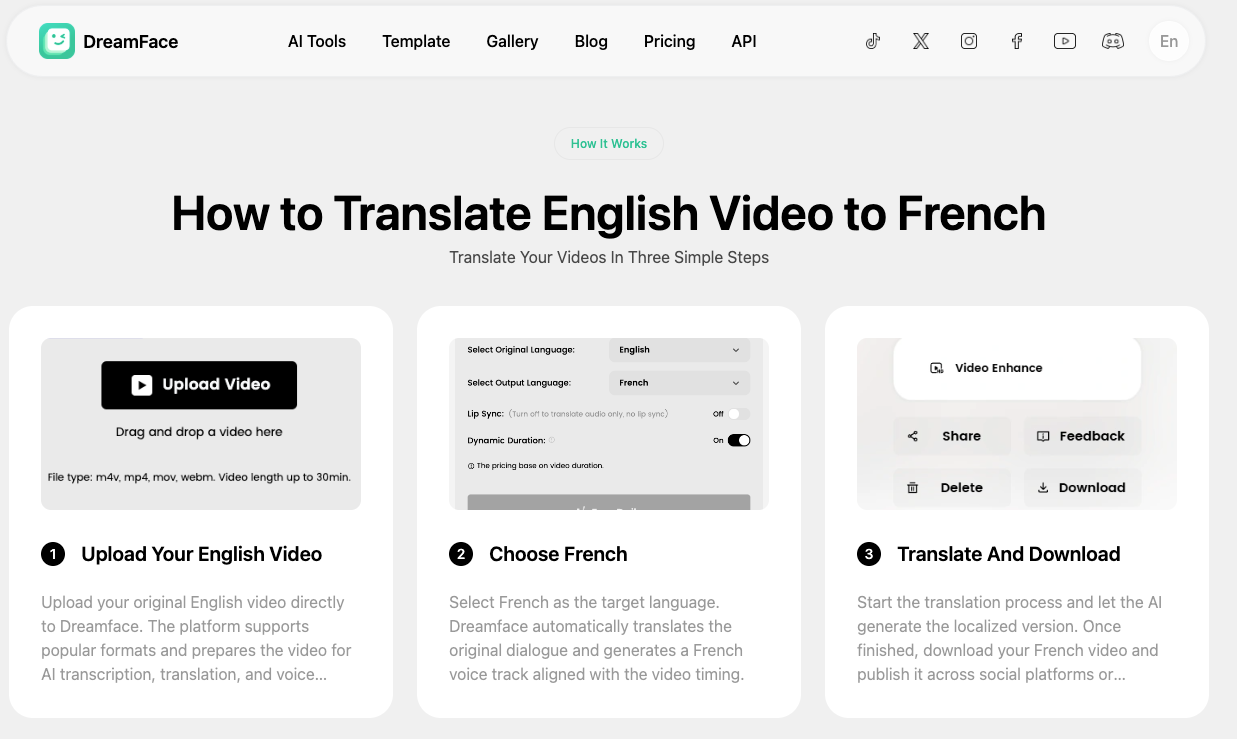
The basic workflow is simple. Upload the original video, choose a target language, let the tool generate the translated voice track, then export the localized version and publish it where you want. That is the flow Dreamface describes on its AI video translator pages.
The advantage here is flexibility. You are not limited to whatever YouTube auto dubbing produces for a given video. You can create a localized file first, review it, and then decide how to publish it on YouTube, TikTok, Instagram, or elsewhere. Dreamface also positions this workflow as useful for creators, marketers, and content teams that want faster multilingual publishing.
The trade-off is extra work. You are now managing another tool, another export, and another review step. You also need to think about whether you want to upload a separate localized video, use YouTube’s multi-language audio when available, or keep the translated version for non-YouTube channels.
Where Dreamface fits
Dreamface is a natural fit for the “external AI translator” route. Its translation pages describe a three-step process: upload the video, choose the target language, and export the localized output. The pages also say Dreamface keeps speech timing aligned with the original video, which is helpful for videos where pacing and on-screen visuals need to stay in sync.
Dreamface also states a few practical input rules. It recommends videos with clear speech, no singing, and supported formats such as MP4, MOV, M4V, and WebM, with file size up to 1GB. Those details matter because AI translation quality usually depends on source audio quality more than people expect.
That makes Dreamface a good example of when an outside workflow is more useful than one-click platform automation. If you want a cleaner review loop before publishing, an external tool can be the better choice.
What YouTube still does not solve well
YouTube’s auto dubbing is useful, but it is not a full localization team. The help page says the system can still make mistakes with pronunciation, accents, idioms, jargon, and even voice matching. It also says you cannot edit automatic dubs directly, which means review becomes even more important.
This is why some creators will get better results with subtitles only, while others will prefer an outside tool. The more your video depends on brand voice, precise terms, humor, emotional delivery, or technical language, the less safe it is to trust a one-click result without checking it.
Do translated titles and descriptions help on YouTube?
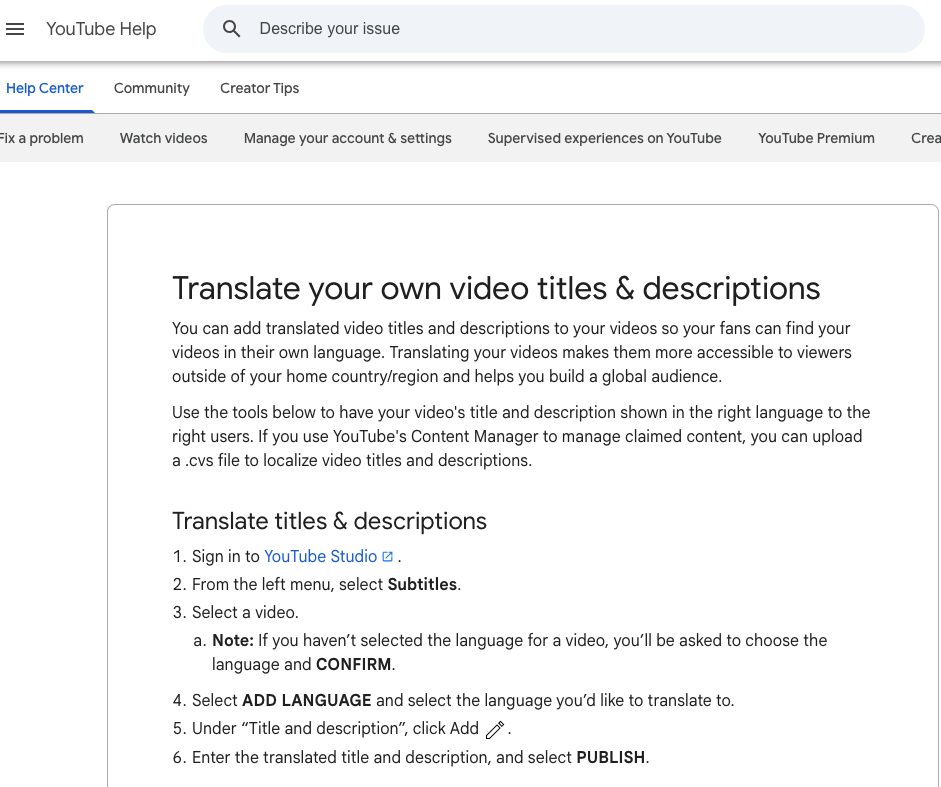
Yes, they can help. YouTube says translated metadata can improve a video’s reach and discoverability, and translated titles and descriptions can appear in YouTube search results for viewers who speak those languages.
This is the step many creators skip. They translate the subtitles or the audio, but leave the title and description in the original language. That weakens the full localization effort because viewers may never find the video in the first place.
YouTube also explains that it uses multiple signals to match translated content to viewers, including language and location. Separately, viewers can set preferred languages for audio, titles, and descriptions, and switch audio tracks on videos that have multiple language options.
So if you care about global growth, the stronger workflow is not “translate the voice only.” It is “translate the full viewing and discovery package.”
What about multi-language audio?
Multi-language audio is different from automatic dubbing. With multi-language audio, you upload your own dubbed track. YouTube does not create it for you. If an auto dub already exists in a language, YouTube says you must delete it before uploading your own version.
This option is powerful because it gives you more control over the final audio. But YouTube says multi-language audio is still rolling out and is currently available only to a subset of creators with Advanced features.
That means many channels will still use one of two paths: YouTube auto dubbing for convenience, or an external AI tool to make a separate localized file.
A simple workflow for most creators
If you are a solo creator, start with subtitles first. They are fast, cheap, and useful. Then add translated titles and descriptions for the languages that matter most to your audience.
If you already know a video performs well internationally, test YouTube automatic dubbing next. Review the result before publishing, especially if the video includes names, technical terms, or emotional delivery.
If the dubbed result needs to sound more natural, or you want a cleaner multilingual production workflow, move to an external AI video translator. That route adds effort, but it gives you more control over what you actually publish.
For teams and marketers, the better long-term habit is simple: treat video translation as localization, not just transcription. That means thinking about subtitles, audio, titles, descriptions, and publishing format together.
FAQ
Can YouTube translate videos automatically?
Yes. YouTube can generate automatic dubbed audio tracks for eligible videos, and viewers can switch between available audio tracks in the player. YouTube also says the feature is expanding, so language support and access can vary by creator and video.
What is the difference between subtitles and dubbing on YouTube?
Subtitles translate the text on screen. Dubbing adds another audio track in a different language. Subtitles are easier to produce, while dubbing gives viewers a more native listening experience.
Do translated titles and descriptions help YouTube SEO?
They can help with reach and discoverability. YouTube says translated titles and descriptions can appear in search results for viewers who speak those languages.
Can I upload my own dubbed audio track instead of using auto dubbing?
Yes, if your channel has access to multi-language audio. YouTube says this feature lets you upload your own dubbed track, but it is different from automatic dubbing and is still expanding to more creators.
When should I use an external AI video translator?
Use an external AI tool when you need more control over the final result. This is often the better choice for branded content, training videos, and any video where timing, tone, or terminology needs closer review before publishing.

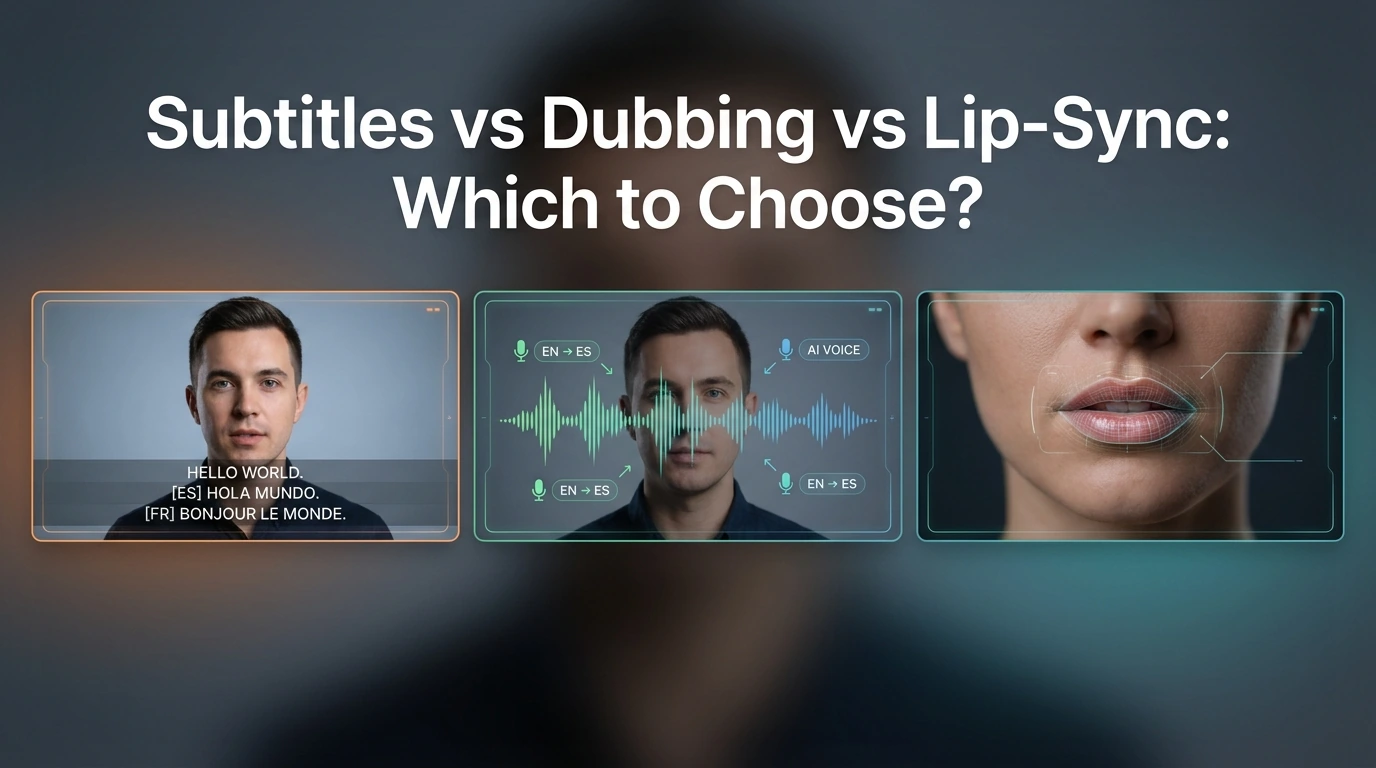
Subtitles vs Dubbing vs Lip-Sync: Which to Choose?
Compare subtitles, dubbing, and lip-sync for video translation. Learn which format fits YouTube, training, marketing, and creator videos.
By Eleanor 一 Apr 17, 2026- AI Translator
- AI Video Translator
- Lip-Sync Video
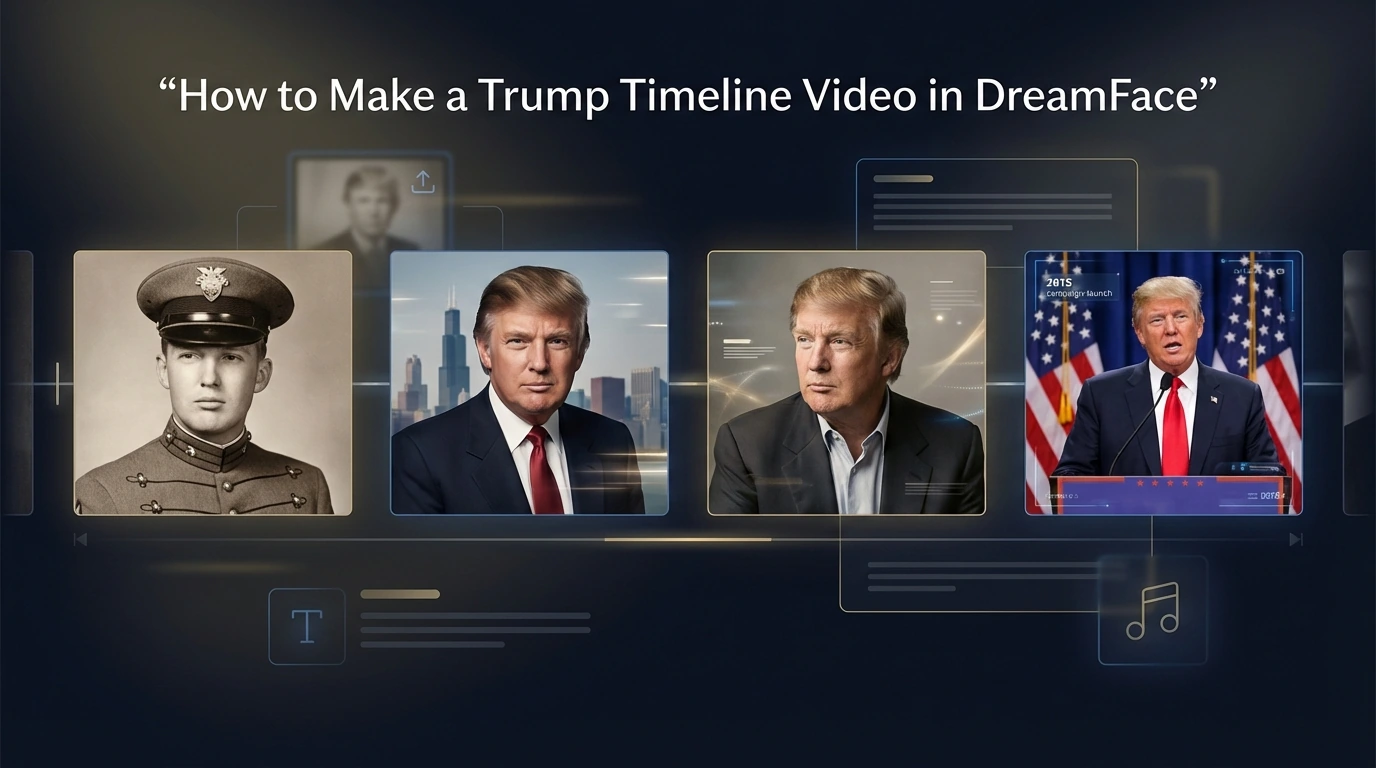
How to Make a Trump Timeline Video With DreamFace
Learn how to create a Trump timeline video with DreamFace by uploading milestone photos, adding short captions, choosing music, and generating a simple life journey video.
By Eleanor 一 Apr 17, 2026- AI Video
HappyHorse vs Kling 3.0 vs SkyReels V4: Which Video Model Fits Builders?
Compare HappyHorse-1.0, Kling 3.0, and SkyReels V4 on quality, audio, control, access, and production readiness to choose the right AI video stack in 2026.
By Eleanor 一 Apr 17, 2026- AI Video
- AI Video Generator
- HappyHorse
- X
- Youtube
- Discord