


How to Create a Baby Singing Video with 3.2M Views?
In this tutorial, we’ll walk you through the process of making a similar video using Dreamface's avatar functions.
- Photo Animation
- AI Video
- Avatar Video
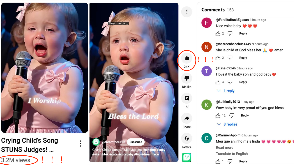
Have you ever seen an adorable little girl sing your favorite song with perfect lip-syncing? One such video has taken YouTube by storm , amassing over 24,000 thumbs up and a staggering millions of views! 🌟
If you’ve ever wondered how to create a similar viral avatar video, Dreamface’s Avatar feature makes it easy to transform a simple image into a stunning singing video. Keep reading to learn how you can create your very own captivating singing avatar!
Now, let's follow this guide to create a captivating singing video in just a few steps!
Step 1: Choose the Avatar 3.0/2.0 in Dreamface
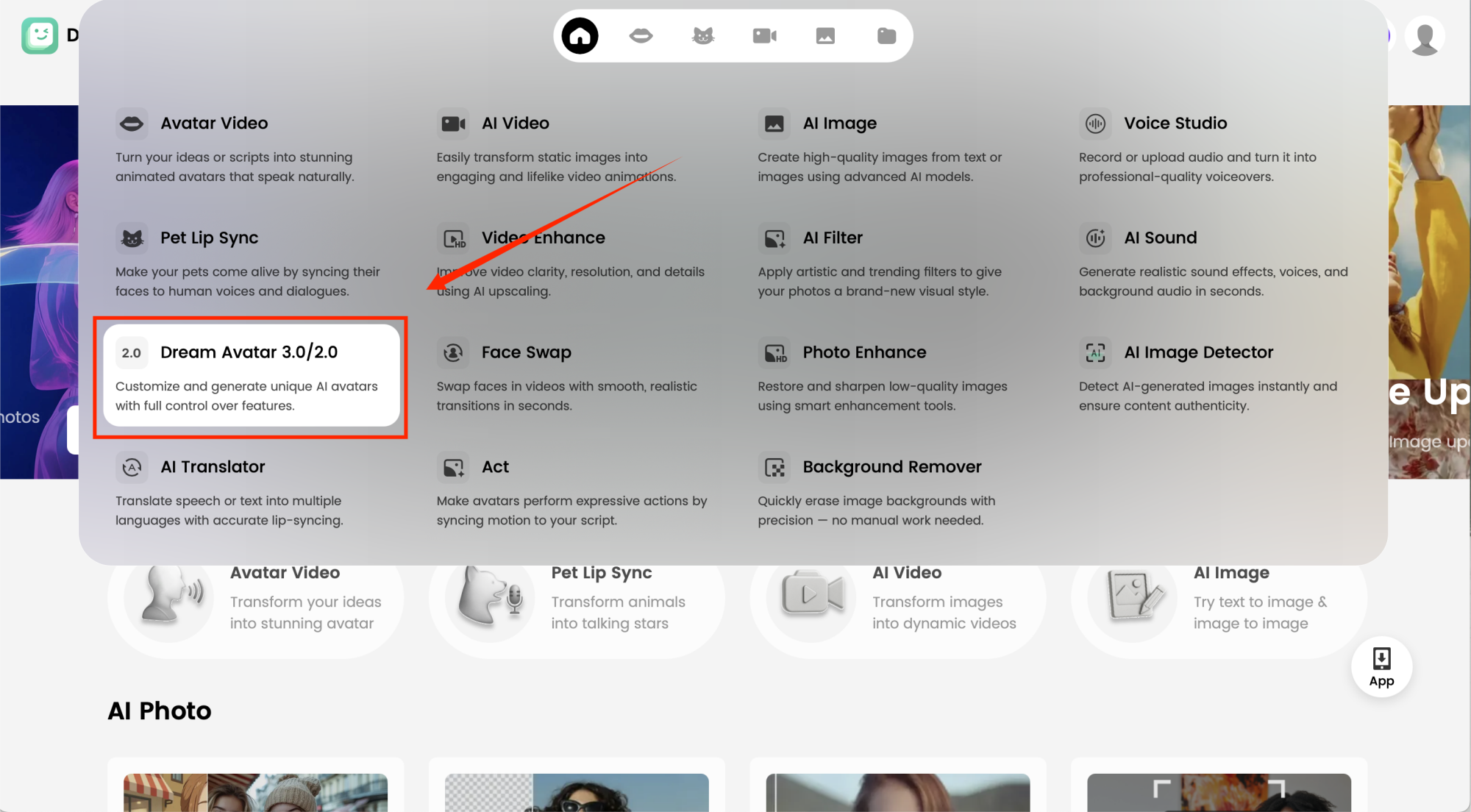
Start by selecting Dreamface's Avatar tool . This is the feature that lets you animate your images and make them come to life in a video. Once you're in the Avatar section, you'll be ready to move on to the next step!
Step 2: Add Your Image
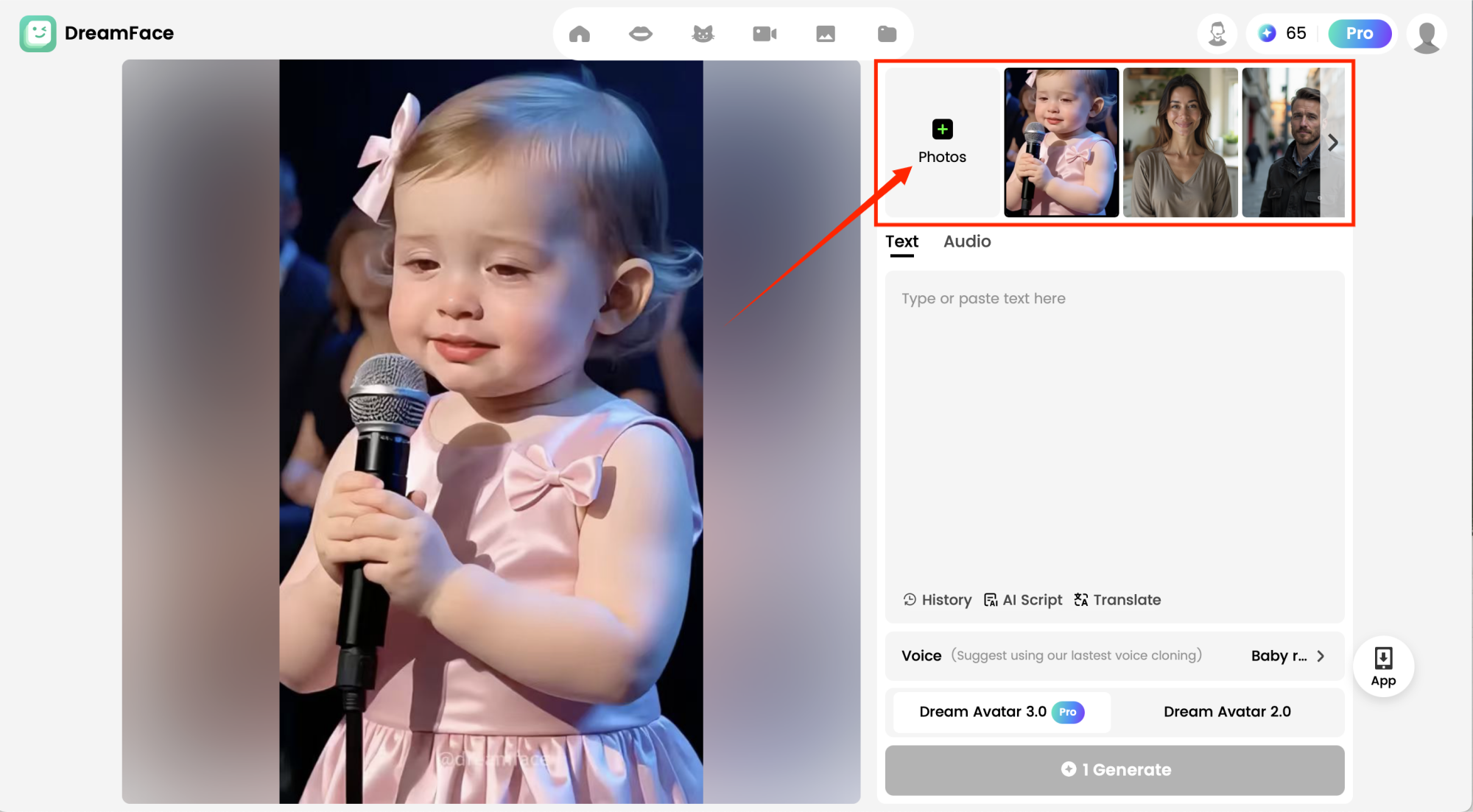
To create your avatar video, you’ll need to upload a clear image of the girl you want to feature in the video. Dreamface allows you to:
- Upload Your Own Image: Choose a high-quality portrait or photo of the girl you want to animate. Make sure the face is well-lit and visible.
- Generate a Custom Avatar: Alternatively, you can generate an entirely new avatar using Dream Image.
- Select from Dreamface’s Library: If you don’t have any image, Dreamface offers a variety of available avatars in its library.
Once you upload the image, Dreamface will prepare it for animation.
Step 3: Upload Audio or Video Material
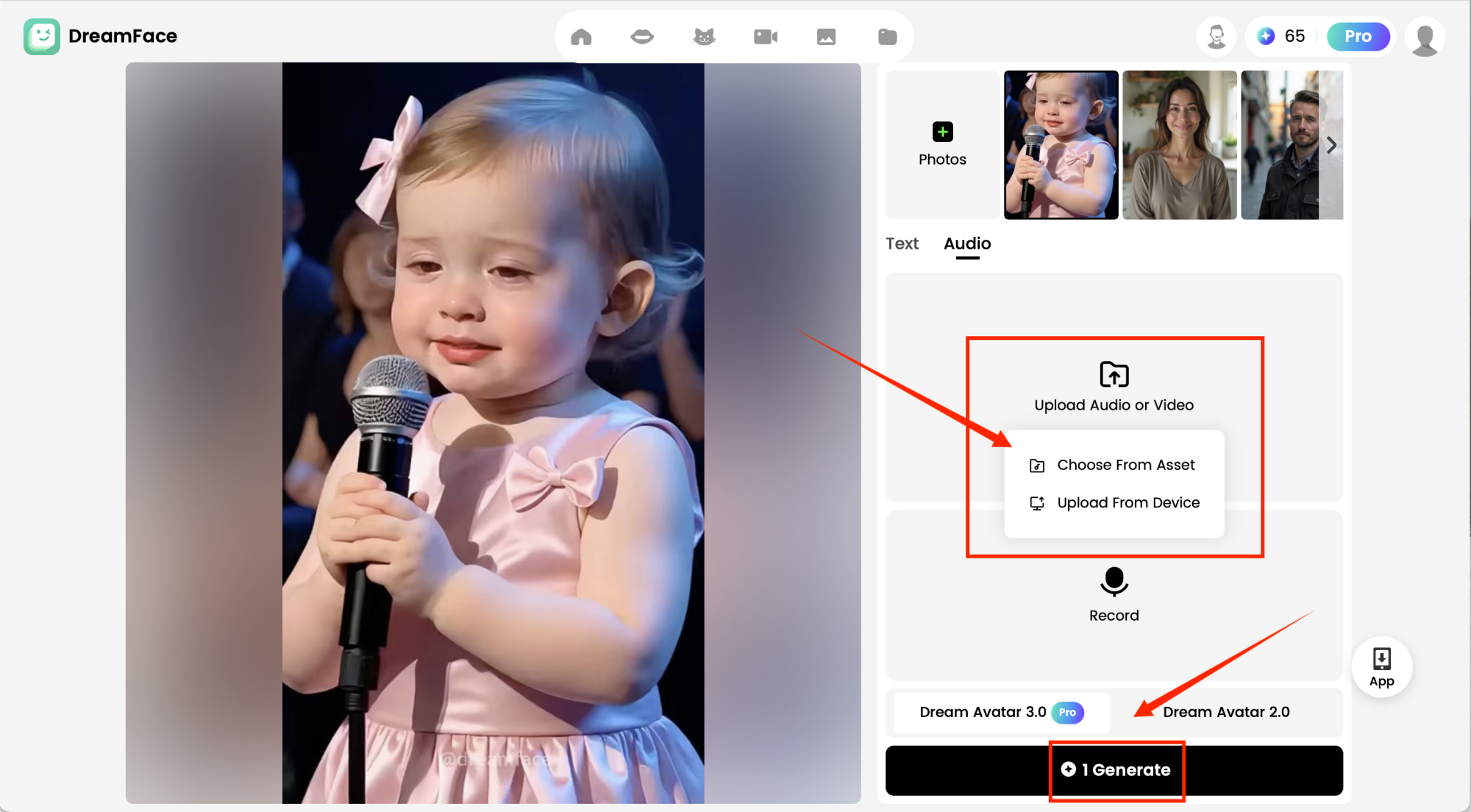
Next, you’ll need to upload your audio or video content. You can upload your own song by choosing the track you want the avatar to sing along to.
Dreamface’s AI will sync the lip movements of the avatar to the audio, creating a lifelike singing performance.
Step 4: Generate and Watch the Results
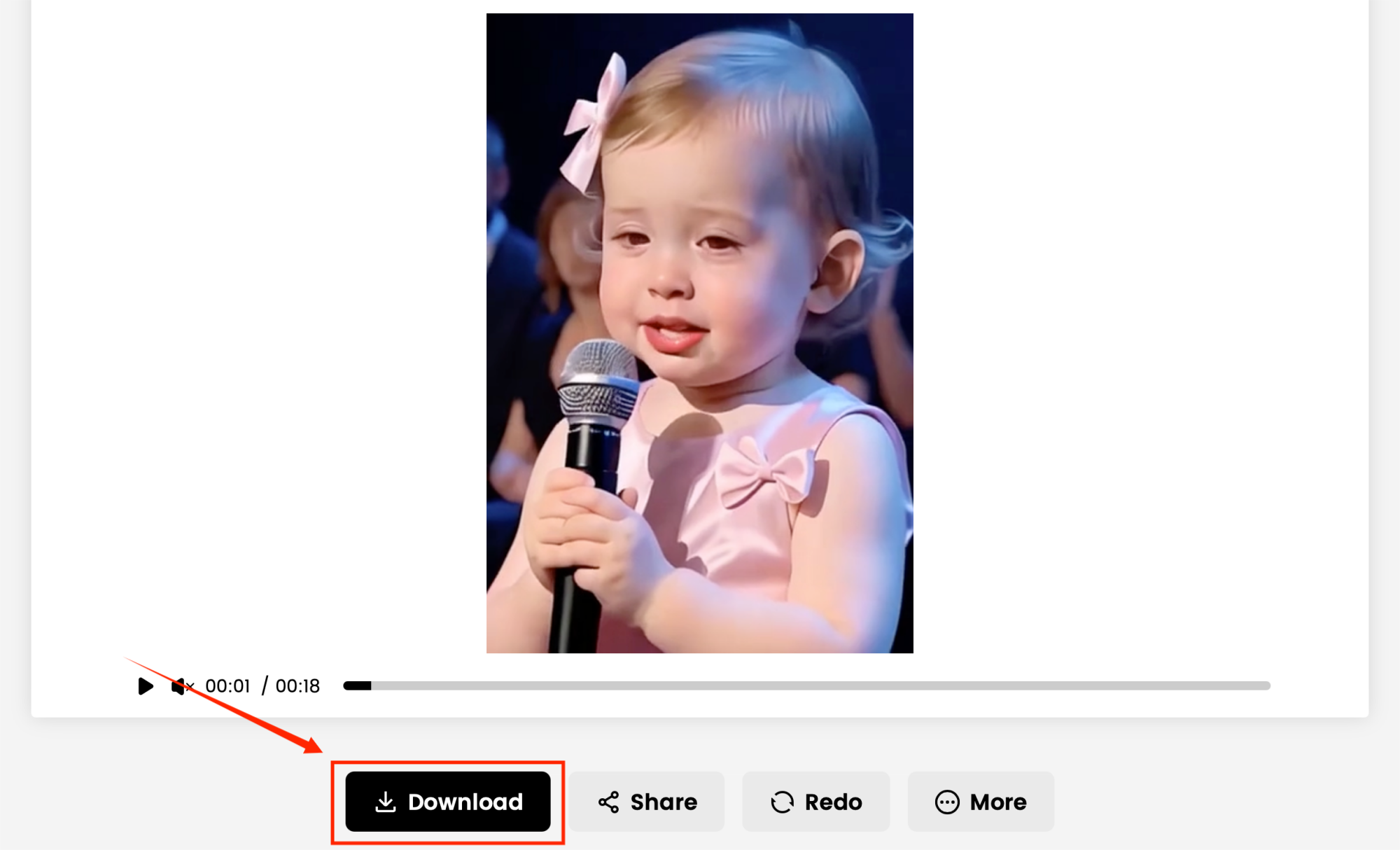
Once everything is set, simply hit the Generate button. Dreamface will process the video, and after a few moments, you’ll be able to preview and download your singing avatar video.
You can download the video in different formats and share it on your favorite social media platforms like TikTok, Instagram, or YouTube.
Creating stunning singing videos has never been easier with Dreamface. Whether you're a content creator or just looking to have fun, Dreamface’s Avatar feature is your perfect tool for making videos that captivate audiences. Ready to create your next viral hit? Start now !
.webp)
DreamFace AI Live Avatar: Always-On AI Character Livestreaming
Turn any character into an always-on live streaming host — from talk shows and quizzes to memorial tributes and late-night companionship — with no one required behind the camera.
By Daniel一Aug 18, 2026- AI Video
- AI Live Avatar
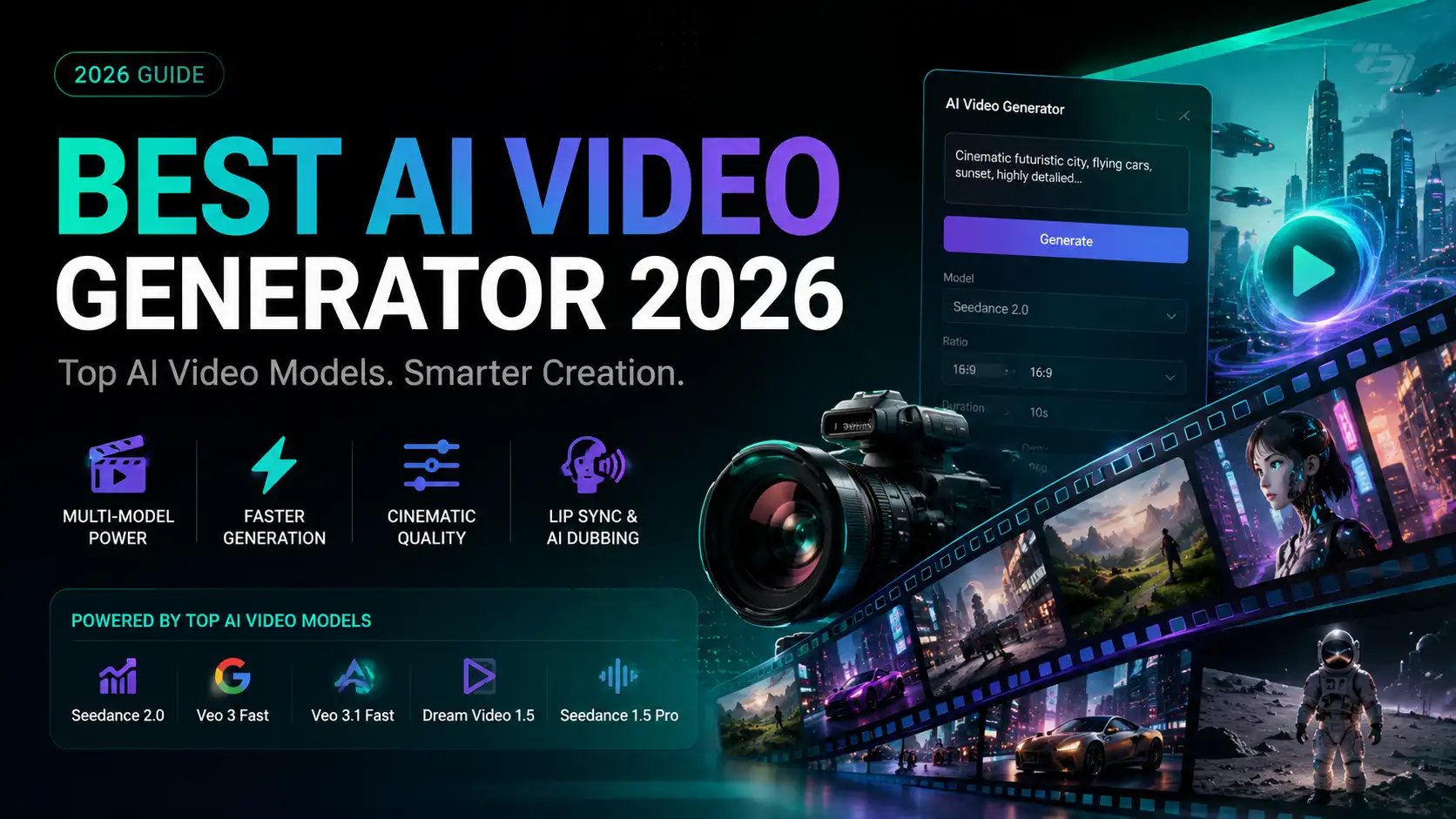
Best AI Video Generator 2026: Why Multi-Model AI Platforms Are Winning
AI video generation has entered a completely new era in 2026. What started as short experimental clips has rapidly evolved into cinematic storytelling, AI anime production, virtual influencers, talking avatars, and fully AI-generated social media content.
By Bentley一May 26, 2026- AI Video Generator
- AI Video
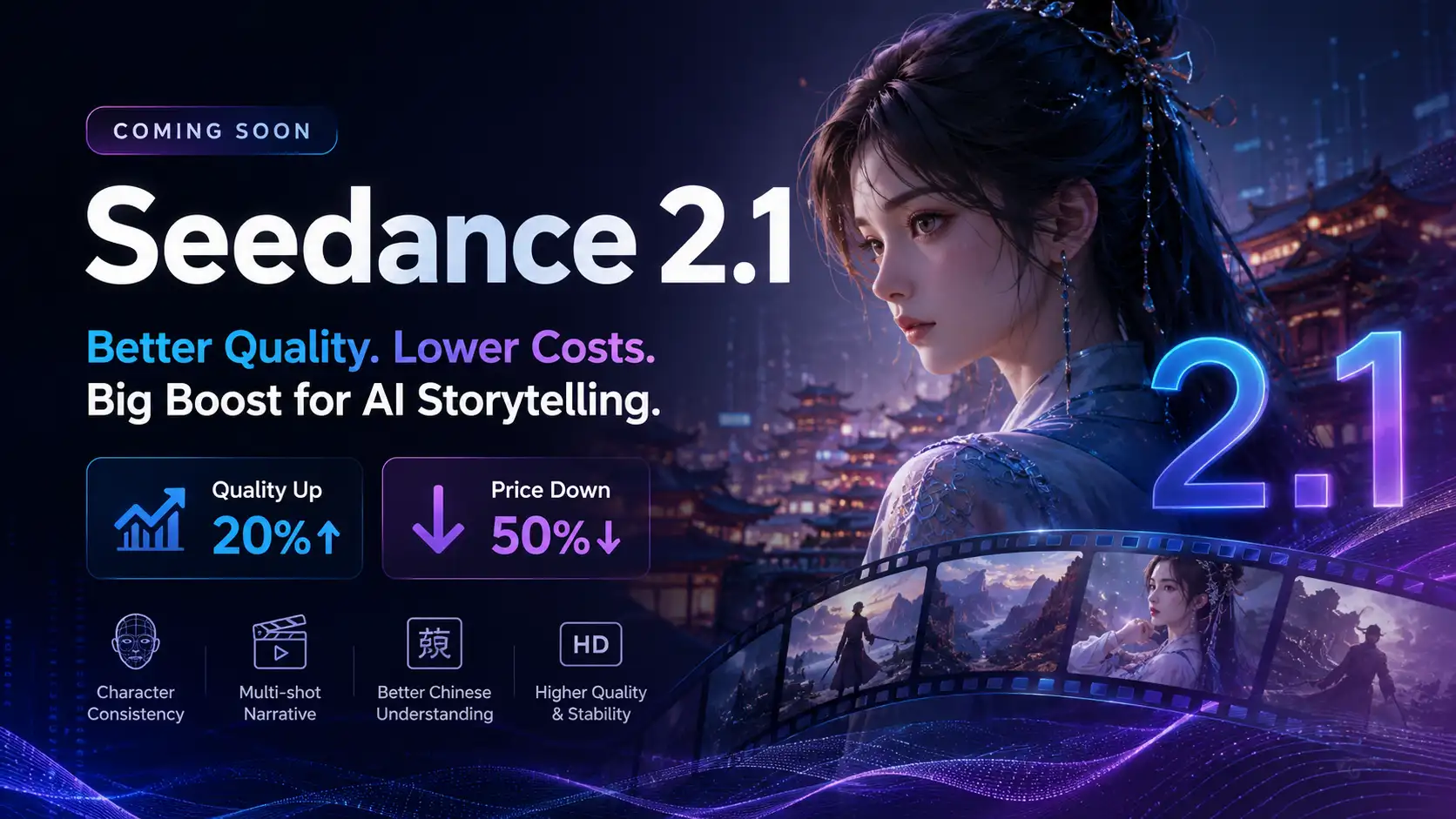
Seedance 2.1 Is Coming: Better Quality, Lower Costs, and a Big Boost for AI Storytelling
The AI video generation race has slowed down a bit recently. Earlier this year, new models were launching almost every week, pushing image and video generation forward at an incredible pace. After the buzz around GPT Image models, the industry has been waiting for the next major leap in AI video.
By stxph一May 23, 2026- AI Video
- Seedance 2.1
- Seedance 2.0