
'%3e%3cg%3e%3cpath%20d='M12.04834,6.05824C12.09325,4.8457799999999995,12.43703,3.78081,13.0715,2.89055C13.7092,1.995784,14.7633,1.3601670000000001,16.2063,1C16.215899999999998,1.0440338,16.2259,1.088092,16.2363,1.131979L16.2363,1.3623509999999999C16.2363,1.884725,16.1084,2.48372,15.856,3.14258C15.5915,3.78052,15.1781,4.38093,14.6291,4.92281C14.1157,5.40028,13.6406,5.71638,13.2207,5.85928C13.0822,5.9003,12.89209,5.94066,12.66255,5.97701C12.45842,6.00853,12.25362,6.03563,12.04834,6.05824ZM12.28933,7.85741C10.6594,7.85741,9.52778,6.42896,7.91997,6.42896C6.31224,6.42896,3,7.89332,3,12.9488C3,18.0043,5.94131,21.2617,6.27029,21.642C6.599209999999999,22.0224,7.36005,23,8.5387,23C9.71744,23,11.00787,22.0715,12.28933,22.0715C13.5707,22.0715,15.1836,23,16.2365,23C17.2895,23,17.7226,22.5747,18.4392,21.8411C19.1558,21.1074,20.5227,18.8686,21,17.5248C20.2137,17.061,18.1298,15.8019,18.1298,12.9488C18.1298,11.0468,18.831200000000003,9.4667,20.2341,8.20853C19.3138,7.02216,18.2464,6.42896,17.0318,6.42896C15.2099,6.42896,13.9193,7.85741,12.28933,7.85741Z'%20fill='%23000000'%20fill-opacity='1'/%3e%3c/g%3e%3c/g%3e%3c/svg%3e)
'%3e%3cg%3e%3cpath%20d='M6.2985500000000005,2L14.60082,10.81153L16.7432,8.537289999999999C13.81573,6.65184,9.89484,4.122529999999999,8.13152,2.985321L6.95017,2.225593C6.74135,2.090554,6.5177700000000005,2.0178354,6.2985500000000005,2ZM5.0312551,3.05499C5.0144537,3.1518100000000002,5,3.24911,5,3.35357L5,20.7675C5,20.8406,5.0138389,20.9085,5.0234395,20.9782L13.4695,12.0125L5.0312551,3.05499ZM18.1511,9.444659999999999L15.7321,12.0125L18.1089,14.5354C19.3682,13.7252,20.2405,13.1626,20.3372,13.1007C20.7653,12.8229,21.007,12.4039,20.9998,11.94614C20.9934,11.49683,20.7516,11.09514,20.340400000000002,10.84799C20.2484,10.79194,19.387999999999998,10.24048,18.1511,9.444659999999999ZM14.60082,13.2134L6.3235600000000005,22C6.48437,21.9703,6.64498,21.9194,6.79859,21.8209C7.01141,21.6833,12.76069,17.9805,16.701,15.4428L14.60082,13.2134Z'%20fill='%23000000'%20fill-opacity='1'/%3e%3c/g%3e%3c/g%3e%3c/svg%3e)

How to Keep Your Original Voice in AI Video Translation
Learn how to preserve your voice, tone, and speaking style when translating videos with AI, and when subtitles or re-recording are the better choice.
- AI Translator
- AI Video Translator
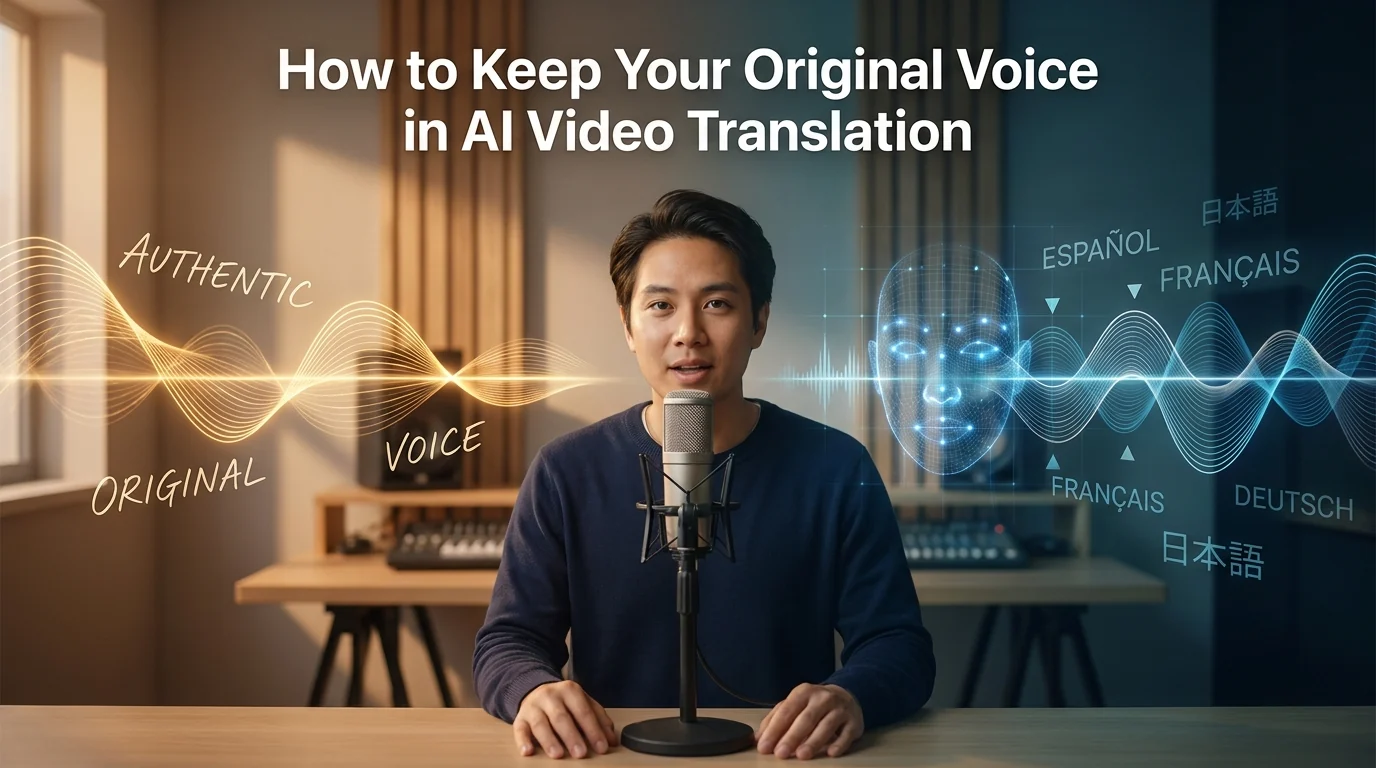
If you translate videos with AI, you can keep part of your original voice. But you usually cannot keep all of it by default.
That is the key point. AI can copy parts of your voice identity, such as timbre, cadence, accent, and pronunciation. It can also help with lip-sync and fast multilingual publishing. But even the best tools still struggle with emotion transfer, pacing, idioms, proper nouns, and voice matching in some cases. That is why a translated video can sound like you on the surface, yet still not feel like you.
For most creators, the real goal is not perfect cloning. The real goal is this: when someone watches the Spanish, French, or Japanese version, it should still feel like the same creator, the same brand, and the same style of delivery. Based on the available evidence, that depends more on workflow and review than on the translation button itself.
Quick decision block
Use AI voice preservation when your content is clear, spoken, and structured, such as lessons, explainers, product demos, or spokesperson videos.
Use it more carefully for comedy, emotional storytelling, confession-style videos, or any format where timing and emotional weight matter more than speed.
Use subtitles or partial re-recording when the translated dub is accurate but no longer sounds like something you would actually say. That is especially relevant because YouTube says automatic dubbing does not fully transfer tone and emotion yet, and works better on content that does not rely heavily on expressiveness.
Can AI really keep your original voice?
Yes, partly.
ElevenLabs explains voice cloning as learning a representation of a voice, not reproducing the original recording itself. In plain English, that means AI can learn the shape of your voice, but it does not fully recreate the exact performance you gave in the source video. If the input audio is short, noisy, or compressed, the result gets worse.
That is why “same voice” and “same feeling” are not the same thing.
A good clone may sound close to your voiceprint. But your original voice in a real video is more than a voiceprint. It also includes your pauses, your emphasis, your sentence rhythm, and the way you soften or punch certain words. When those parts change, viewers notice it quickly, even if they cannot explain why. This is also why YouTube warns about voice matching, mispronunciations, pacing, and background-noise issues in automatic dubbing.
What “your original voice” really means
When creators say, “I want to keep my original voice,” they usually mean five things at once.
First, they want the sound of the voice to stay familiar.
Second, they want the rhythm to feel natural.
Third, they want the stress and emphasis to land in the right places.
Fourth, they want the emotion to survive the translation.
Fifth, they want the personality of the language to stay intact. That means the translated version should still sound like something this creator would say, not like a neutral corporate script.
Current tools can help with parts of that. HeyGen, for example, promotes voice preservation, lip-sync, subtitles, and glossary controls. ElevenLabs highlights preserved emotion, timing, tone, speaker separation, and editable transcripts in dubbing. Those features matter because they address different layers of “original voice,” not just one.
The mistake is thinking one feature solves all five layers.
Voice cloning helps with the first layer. Editable dubbing helps with the second and third. Human review helps with the fourth and fifth. If you skip those later steps, the result often becomes technically correct but personally flat. That is the stronger practical reading of the current product landscape.
Where AI translation loses your voice fastest
The first weak point is bad source audio.
If your original track has echo, noise, hard compression, or uneven microphone distance, the clone has less useful material to learn from. ElevenLabs says poor-quality, short, or noisy samples will degrade the clone. That one detail explains many disappointing results.
The second weak point is literal translation.
A sentence can be correct in meaning and still wrong in delivery. Maybe it is too long for the target language. Maybe the pause comes too late. Maybe the emphasis lands on the wrong word. That is why editable transcripts and segment regeneration matter so much. ElevenLabs explicitly offers manual transcript and translation edits, plus regenerated speech segments. HeyGen also emphasizes localization controls, brand glossary, protected terms, forced translations, and pronunciation control.
The third weak point is performance-heavy content.
YouTube says automatic dubbing currently does not transfer tone and emotion fully, and it works better on content that does not depend on expressiveness. That is a very important signal. If your video depends on sarcasm, tension, humor, confession, or dramatic timing, automatic dubbing may solve the language problem while creating a performance problem.
A simple workflow that keeps more of your voice
You do not need a complicated workflow. You need a careful one.
1. Start with cleaner source audio than you think you need
A clean voice track gives the model a better base. Remove noise if you can. Avoid over-compressed exports. If the source audio is weak, the translated dub will usually carry that weakness forward.
2. Pick the right level of control
If speed matters most, automatic dubbing may be enough.
If voice consistency matters more, use a workflow that lets you edit transcripts, fix terms, adjust pronunciation, and regenerate segments. That is where tools with editable dubbing are stronger. HeyGen highlights localization controls and glossary management. ElevenLabs highlights transcript editing, translation editing, speaker separation, background audio retention, and segment regeneration.
3. Edit the translation before you fix the voice
This is where many teams waste time.
If the translated script does not sound like something the creator would naturally say, changing the voice settings will not solve the real issue. Fix the wording first. Shorten long lines. Replace stiff phrases. Keep the creator’s usual level of directness, humor, or warmth. Then regenerate the audio. The public product docs strongly support this order, because both transcript editing and regeneration are treated as core dubbing controls.
4. Treat pauses and emphasis as separate problems
A translated dub can have the right words and still feel wrong because the pauses are off.
Check where sentences breathe. Check which word gets the punch. Check whether the lip-sync helps or distracts. This matters because HeyGen pushes lip-sync as a core part of its translator, while YouTube warns that fast speech can create an unlistenable dub.
5. Review with a target-language speaker before publishing
This is not optional if quality matters.
YouTube explicitly says you or someone who speaks the target language can review dubs before publication. That is one of the clearest signs that AI dubbing is still a draft-plus-review workflow, not a publish-blind workflow.
When subtitles or re-recording are the better choice
Sometimes the best way to keep your original voice is not to force AI dubbing at all.
Subtitles are often the better choice when the original performance is the product. That includes stand-up clips, emotional personal stories, highly expressive commentary, or anything where timing carries meaning. In those cases, the original audio may be more valuable than a translated dub. YouTube’s own guidance points in this direction by saying automatic dubbing works better on content that does not rely on expressiveness.
Partial re-recording can also be a smart middle ground.
You may keep AI dubbing for most of the video, then manually re-record a short hook, punchline, or emotional section. That often protects the part viewers remember most, while still saving time on the rest of the video. This is an editorial recommendation based on the documented limits above, not a company claim.
How current tools help in different ways
HeyGen is built around broad multilingual reach and presentation polish. Its translator page highlights 175+ languages and dialects, voice preservation, lip-sync, subtitles, brand glossary, forced translations, protected terms, and pronunciation controls. That makes it attractive when you want one workflow for multilingual creator or business content at scale.
ElevenLabs is stronger when you care about deeper voice control and post-generation editing. Its dubbing docs describe 32-language support, speaker separation, background-audio retention, editable transcripts and translations, and regenerated segments. Its voice-cloning docs are also unusually clear about the quality limits of the clone itself.
YouTube automatic dubbing is the low-friction option. It is built into the platform, and YouTube lets eligible creators review dubs before publishing. But it also has the clearest public warnings about limits, especially for expressive content, voice matching, pacing, idioms, and jargon.
So the practical choice is simple.
Choose the fastest path when reach matters most.
Choose the more editable path when brand voice matters most.
Choose subtitles or re-recording when the original performance matters most.
A short QA checklist before you publish
Ask these five questions before a translated dub goes live.
Does this still sound like the same person?
Not just the same tone color. The same person.
Would the creator really phrase it this way in the target language?
This catches literal translation problems fast.
Are the pauses and emphasis natural?
A small rhythm issue can make a good dub feel fake.
Did lip-sync improve the result or make it stranger?
Sometimes slight mismatch is less distracting than over-processed sync.
Would a native listener trust this version?
That is the final test. If the target-language listener says it feels stiff, the workflow is not done yet.
FAQ
Does AI dubbing really preserve your original voice?
AI dubbing can preserve part of your original voice, but not all of it. Current tools can keep elements like timbre, cadence, and some delivery patterns, but emotion, pacing, phrasing, and natural language personality often need extra editing and review.
Why does the translated audio sound like me but not feel like me?
Because voice identity is more than sound. Even if the clone matches your voiceprint, the translated version can still lose your pauses, emphasis, emotional timing, and natural phrasing in the new language.
How much source audio do I need for better voice preservation?
There is no single universal amount that guarantees a perfect result. But ElevenLabs clearly says short, poor-quality, or noisy samples reduce clone quality, so cleaner and stronger source material gives you a better starting point.
Is automatic dubbing enough for most YouTube creators?
It can be enough for clear, informational content. It is a weaker fit for videos that depend on strong emotion, humor, or performance, because YouTube says tone and emotion are not fully transferred yet and voice matching can still be an issue.
When should I use subtitles instead of voice cloning?
Use subtitles when the original performance is more important than full audio localization. That usually includes comedy, emotional storytelling, or any video where the original voice carries meaning that a dub may flatten.
Can I publish AI-translated dubs without review?
You can, but that is not the safer choice if quality matters. YouTube explicitly allows creators or target-language speakers to review dubs before publication, which reflects the current reality that AI dubbing still benefits from human QA.
Dreamface vs HeyGen for Video Translation
Compare Dreamface and HeyGen on lip-sync, voice preservation, workflow, language coverage, and team control to choose the right video translator.
By Aiden一Apr 17, 2026- AI Translator
- AI Video Translator
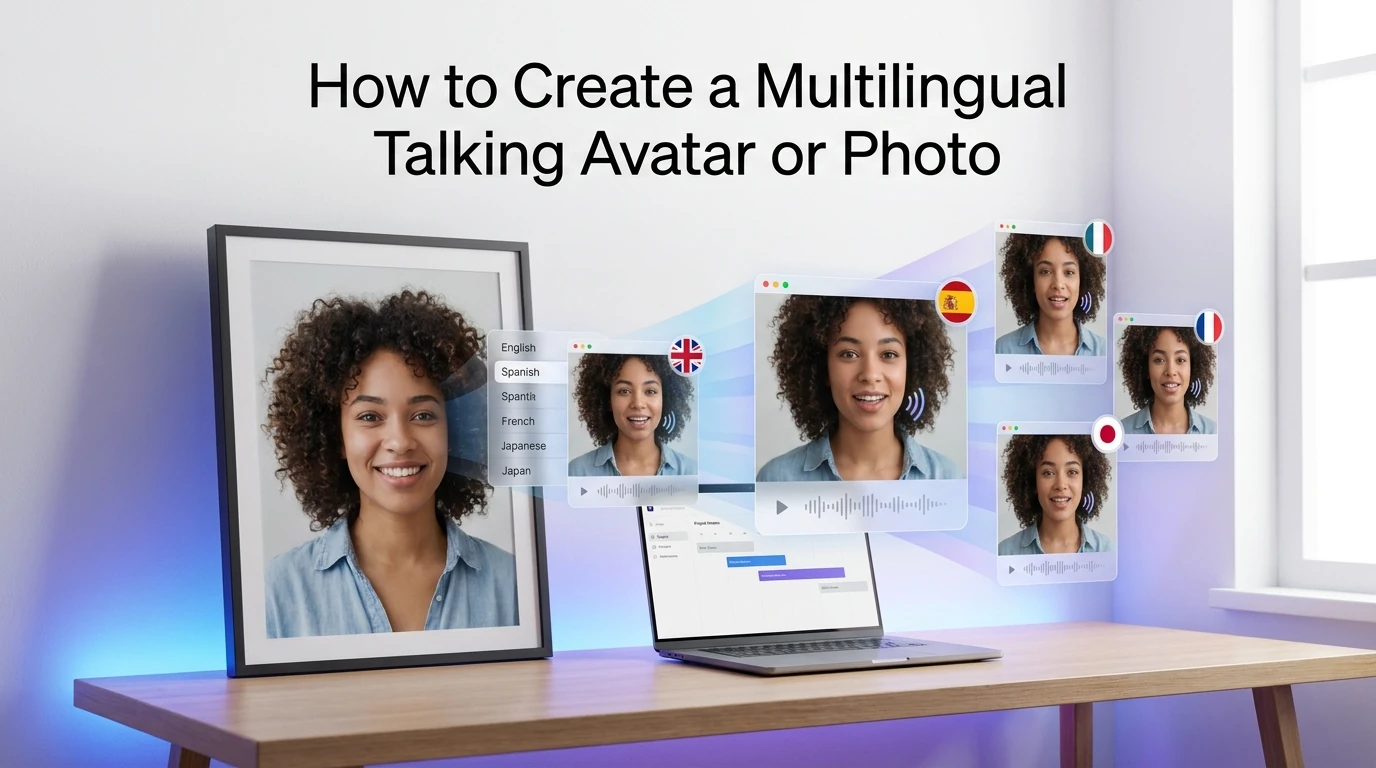
How to Create a Multilingual Talking Avatar or Photo
Learn how to make a talking avatar or talking photo in multiple languages, choose the right workflow, and avoid lip-sync, voice, and subtitle mistakes.
By Jonathan一Apr 17, 2026- AI Video
- AI Translator
- AI Video Translator
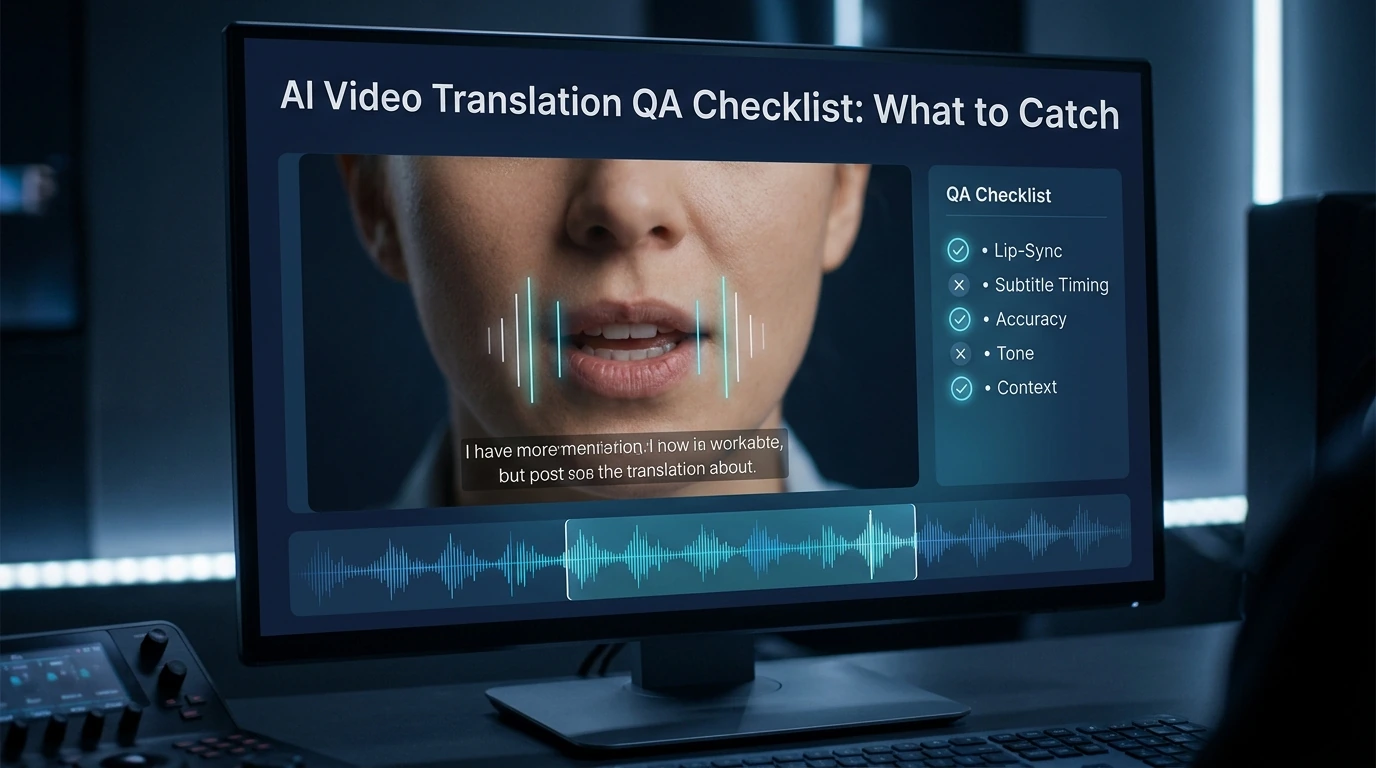
AI Video Translation QA Checklist: What to Catch
Catch lip-sync, timing, voice, and subtitle mistakes before you publish. A simple QA checklist for creators, marketers, and localization teams.
By Luna一Apr 17, 2026- AI Video
- AI Translator
- AI Video Translator