
'%3e%3cg%3e%3cpath%20d='M12.04834,6.05824C12.09325,4.8457799999999995,12.43703,3.78081,13.0715,2.89055C13.7092,1.995784,14.7633,1.3601670000000001,16.2063,1C16.215899999999998,1.0440338,16.2259,1.088092,16.2363,1.131979L16.2363,1.3623509999999999C16.2363,1.884725,16.1084,2.48372,15.856,3.14258C15.5915,3.78052,15.1781,4.38093,14.6291,4.92281C14.1157,5.40028,13.6406,5.71638,13.2207,5.85928C13.0822,5.9003,12.89209,5.94066,12.66255,5.97701C12.45842,6.00853,12.25362,6.03563,12.04834,6.05824ZM12.28933,7.85741C10.6594,7.85741,9.52778,6.42896,7.91997,6.42896C6.31224,6.42896,3,7.89332,3,12.9488C3,18.0043,5.94131,21.2617,6.27029,21.642C6.599209999999999,22.0224,7.36005,23,8.5387,23C9.71744,23,11.00787,22.0715,12.28933,22.0715C13.5707,22.0715,15.1836,23,16.2365,23C17.2895,23,17.7226,22.5747,18.4392,21.8411C19.1558,21.1074,20.5227,18.8686,21,17.5248C20.2137,17.061,18.1298,15.8019,18.1298,12.9488C18.1298,11.0468,18.831200000000003,9.4667,20.2341,8.20853C19.3138,7.02216,18.2464,6.42896,17.0318,6.42896C15.2099,6.42896,13.9193,7.85741,12.28933,7.85741Z'%20fill='%23000000'%20fill-opacity='1'/%3e%3c/g%3e%3c/g%3e%3c/svg%3e)
'%3e%3cg%3e%3cpath%20d='M6.2985500000000005,2L14.60082,10.81153L16.7432,8.537289999999999C13.81573,6.65184,9.89484,4.122529999999999,8.13152,2.985321L6.95017,2.225593C6.74135,2.090554,6.5177700000000005,2.0178354,6.2985500000000005,2ZM5.0312551,3.05499C5.0144537,3.1518100000000002,5,3.24911,5,3.35357L5,20.7675C5,20.8406,5.0138389,20.9085,5.0234395,20.9782L13.4695,12.0125L5.0312551,3.05499ZM18.1511,9.444659999999999L15.7321,12.0125L18.1089,14.5354C19.3682,13.7252,20.2405,13.1626,20.3372,13.1007C20.7653,12.8229,21.007,12.4039,20.9998,11.94614C20.9934,11.49683,20.7516,11.09514,20.340400000000002,10.84799C20.2484,10.79194,19.387999999999998,10.24048,18.1511,9.444659999999999ZM14.60082,13.2134L6.3235600000000005,22C6.48437,21.9703,6.64498,21.9194,6.79859,21.8209C7.01141,21.6833,12.76069,17.9805,16.701,15.4428L14.60082,13.2134Z'%20fill='%23000000'%20fill-opacity='1'/%3e%3c/g%3e%3c/g%3e%3c/svg%3e)

How to Create a Funny Baby Avatar Video with Million Views?
In this guide, we’ll show you how to make your own AI avatar video, with characters who have perfectly synced lip movements, ready to entertain and wow your audience.
- AI Video
- Avatar Video
- AI Video Generator
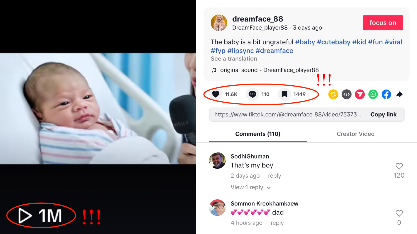
What if a tiny, adorable baby could answer questions in the funniest way, with lip movements and facial expressions so perfectly synchronized, it looks like magic? Too cute to be real? Well, it's not! Thanks to Dreamface, you can create your very own AI baby interviewee video that’s sure to take the internet by storm. Ready to learn how to create this viral-worthy video in just a few simple steps?
It's happening right now—and it's blowing up on social media! 🌟 One such video recently hit over one million views and 11.6K likes on TikTok 💥, and it’s quickly becoming the latest trend everyone’s talking about.
In this guide, we’ll show you how to make your own AI avatar video, with characters who have perfectly synced lip movements, ready to entertain and wow your audience. Follow these simple steps to create a video that could be your next viral sensation:
Step 1: Choose the Avatar 3.0/2.0 in Dreamface
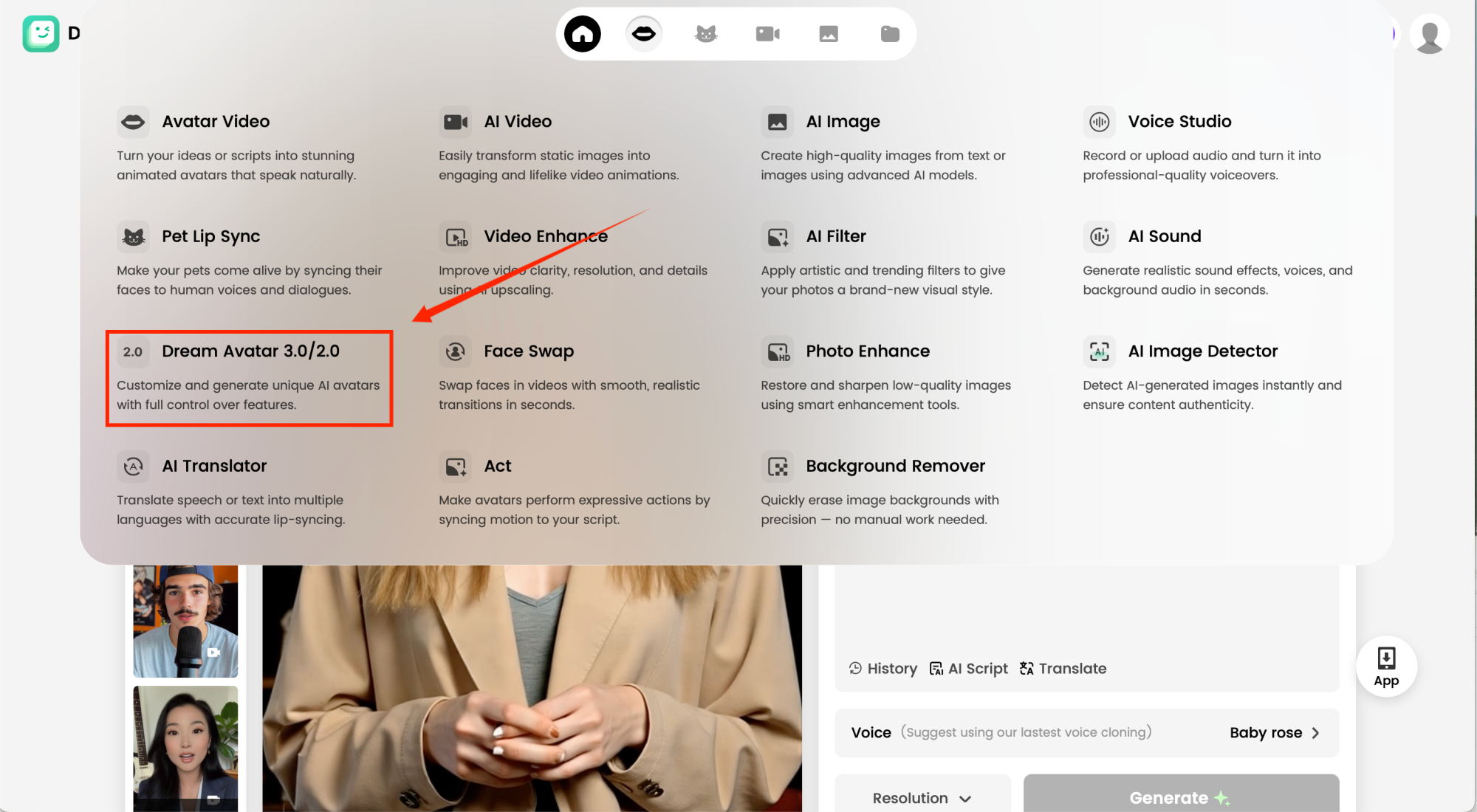
Start by selecting Dreamface's Avatar tool . This is the feature that lets you animate your images and make them come to life in a video. Once you're in the Avatar section, you'll be ready to move on to the next step!
Step 2: Add Your Image
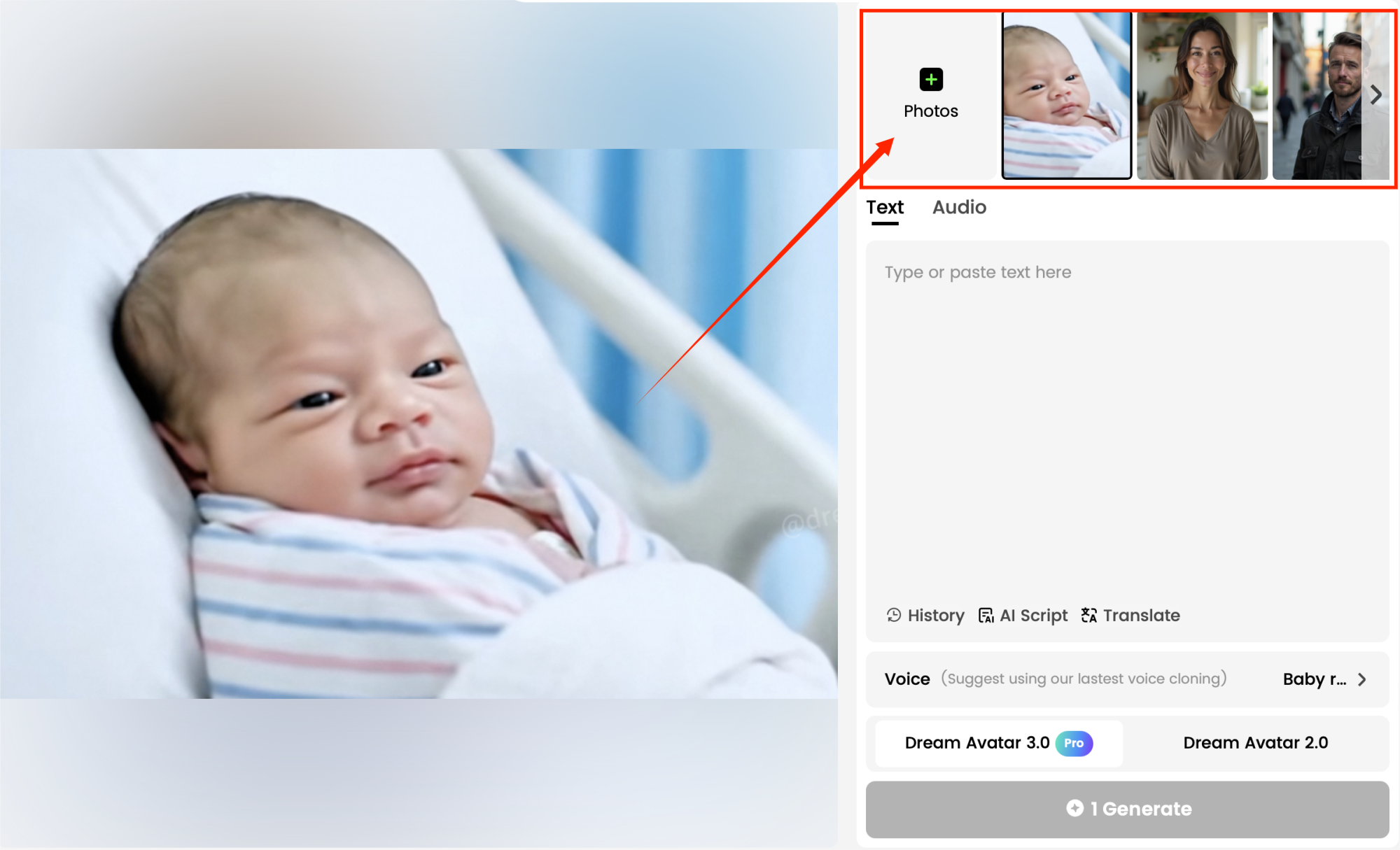
To create your avatar video, you’ll need to upload a clear image of the baby you want to feature in the video. Dreamface allows you to either:
- Upload Your Own Image: Choose a high-quality portrait or photo of the character you want to animate. Make sure the face is well-lit and visible.
- Generate a Custom Avatar: Alternatively, you can generate an entirely new avatar using Dream Image.
Once you upload the image, Dreamface will prepare it for animation.
Step 3: Upload Audio or Video Material
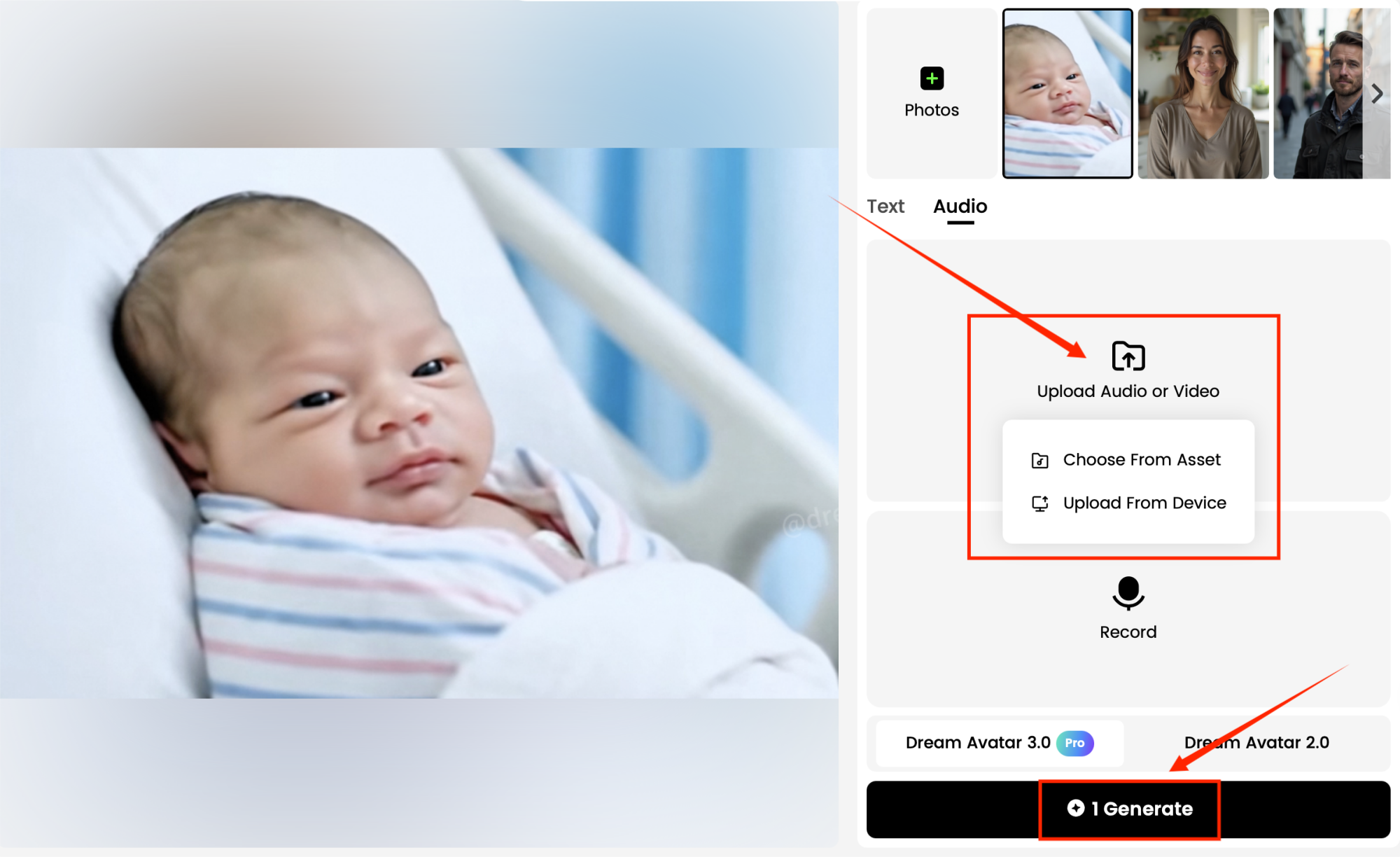
Next, you’ll need to upload your audio or video content. You can upload your own audio by choosing the track you want the avatar to lip sync with.
Dreamface’s AI will sync the lip movements of the avatar to the audio, creating a lifelike singing performance.
Step 4: Generate and Watch the Results
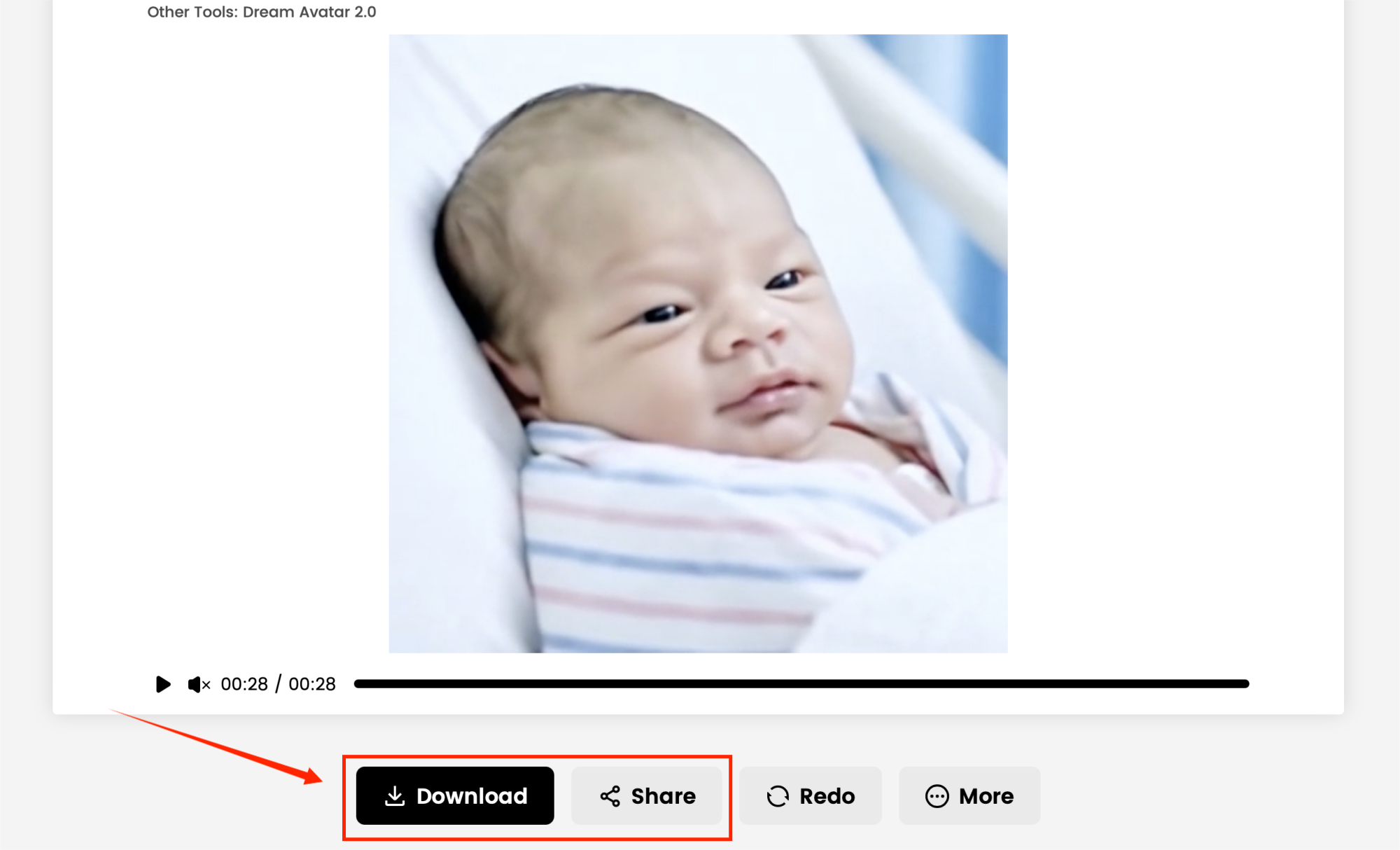
Once everything is set, simply hit the Generate button. Dreamface will process the video, and after a few moments, you’ll be able to preview and download your own creative realistic avatar video.
You can download the video in different formats and share it on your favorite social media platforms like TikTok, Instagram, or YouTube.
Creating hilarious, eye-catching avatar videos with Dreamface has never been easier. Whether you're a content creator looking for something new or just having fun, Dreamface’s Avatar feature is the ultimate tool to help you make videos that grab attention. 🎉
Ready to create your next viral hit? Let’s get started! 🔥🎥
.webp)
DreamFace AI Live Avatar: Always-On AI Character Livestreaming
Turn any character into an always-on live streaming host — from talk shows and quizzes to memorial tributes and late-night companionship — with no one required behind the camera.
By Daniel一Aug 18, 2026- AI Video
- AI Live Avatar
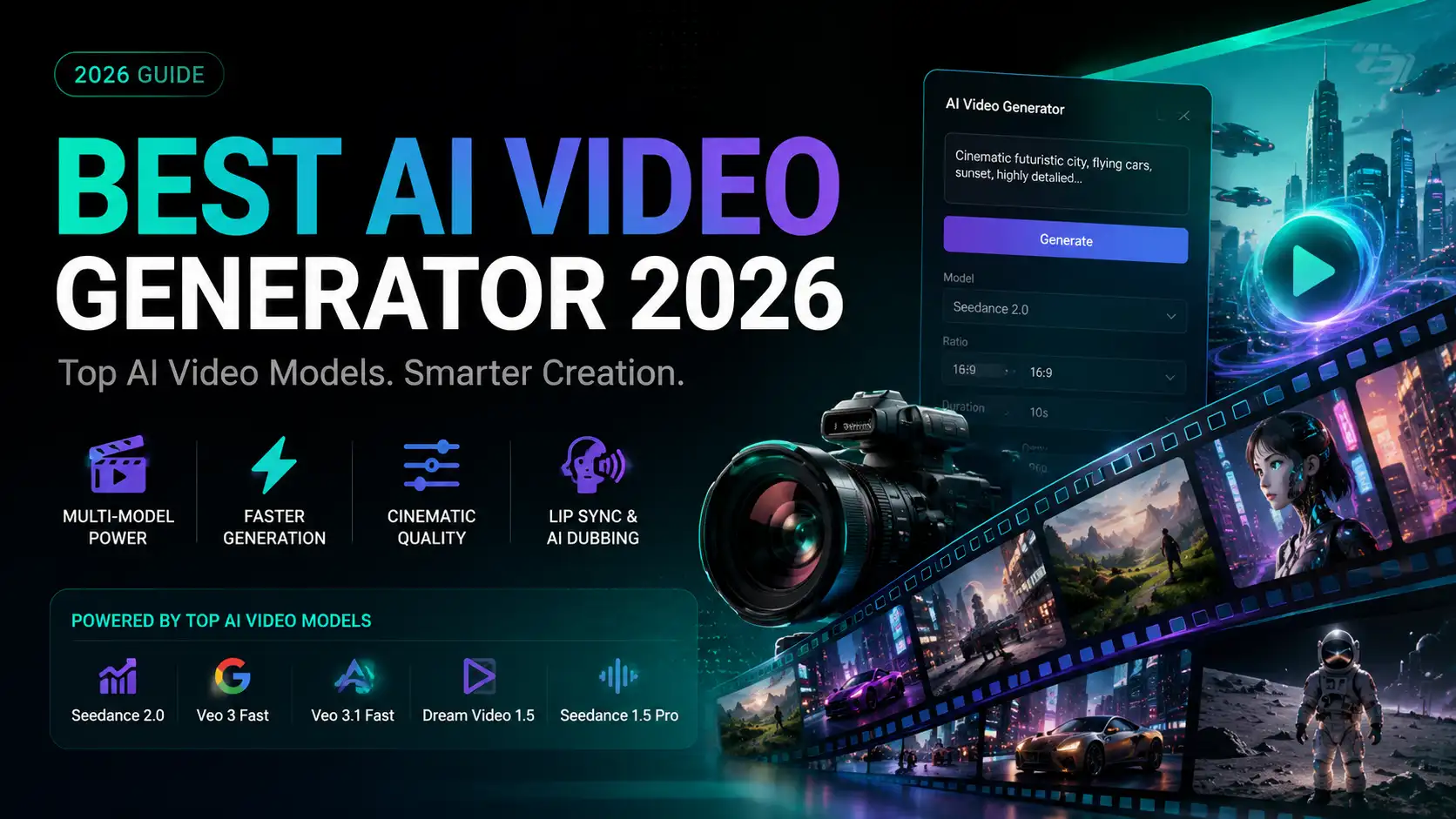
Best AI Video Generator 2026: Why Multi-Model AI Platforms Are Winning
AI video generation has entered a completely new era in 2026. What started as short experimental clips has rapidly evolved into cinematic storytelling, AI anime production, virtual influencers, talking avatars, and fully AI-generated social media content.
By Bentley一May 26, 2026- AI Video Generator
- AI Video
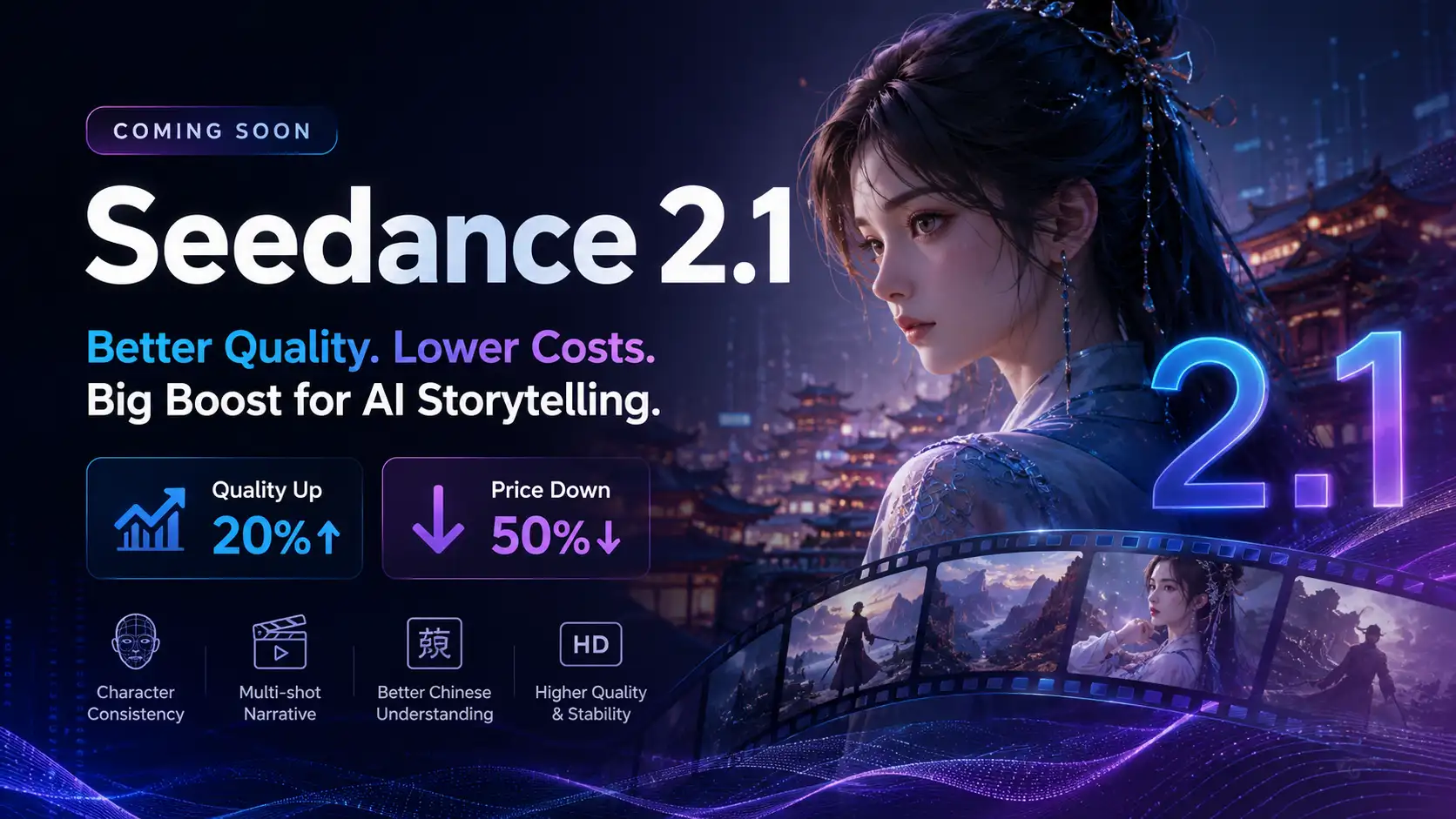
Seedance 2.1 Is Coming: Better Quality, Lower Costs, and a Big Boost for AI Storytelling
The AI video generation race has slowed down a bit recently. Earlier this year, new models were launching almost every week, pushing image and video generation forward at an incredible pace. After the buzz around GPT Image models, the industry has been waiting for the next major leap in AI video.
By stxph一May 23, 2026- AI Video
- Seedance 2.1
- Seedance 2.0