
'%3e%3cg%3e%3cpath%20d='M12.04834,6.05824C12.09325,4.8457799999999995,12.43703,3.78081,13.0715,2.89055C13.7092,1.995784,14.7633,1.3601670000000001,16.2063,1C16.215899999999998,1.0440338,16.2259,1.088092,16.2363,1.131979L16.2363,1.3623509999999999C16.2363,1.884725,16.1084,2.48372,15.856,3.14258C15.5915,3.78052,15.1781,4.38093,14.6291,4.92281C14.1157,5.40028,13.6406,5.71638,13.2207,5.85928C13.0822,5.9003,12.89209,5.94066,12.66255,5.97701C12.45842,6.00853,12.25362,6.03563,12.04834,6.05824ZM12.28933,7.85741C10.6594,7.85741,9.52778,6.42896,7.91997,6.42896C6.31224,6.42896,3,7.89332,3,12.9488C3,18.0043,5.94131,21.2617,6.27029,21.642C6.599209999999999,22.0224,7.36005,23,8.5387,23C9.71744,23,11.00787,22.0715,12.28933,22.0715C13.5707,22.0715,15.1836,23,16.2365,23C17.2895,23,17.7226,22.5747,18.4392,21.8411C19.1558,21.1074,20.5227,18.8686,21,17.5248C20.2137,17.061,18.1298,15.8019,18.1298,12.9488C18.1298,11.0468,18.831200000000003,9.4667,20.2341,8.20853C19.3138,7.02216,18.2464,6.42896,17.0318,6.42896C15.2099,6.42896,13.9193,7.85741,12.28933,7.85741Z'%20fill='%23000000'%20fill-opacity='1'/%3e%3c/g%3e%3c/g%3e%3c/svg%3e)
'%3e%3cg%3e%3cpath%20d='M6.2985500000000005,2L14.60082,10.81153L16.7432,8.537289999999999C13.81573,6.65184,9.89484,4.122529999999999,8.13152,2.985321L6.95017,2.225593C6.74135,2.090554,6.5177700000000005,2.0178354,6.2985500000000005,2ZM5.0312551,3.05499C5.0144537,3.1518100000000002,5,3.24911,5,3.35357L5,20.7675C5,20.8406,5.0138389,20.9085,5.0234395,20.9782L13.4695,12.0125L5.0312551,3.05499ZM18.1511,9.444659999999999L15.7321,12.0125L18.1089,14.5354C19.3682,13.7252,20.2405,13.1626,20.3372,13.1007C20.7653,12.8229,21.007,12.4039,20.9998,11.94614C20.9934,11.49683,20.7516,11.09514,20.340400000000002,10.84799C20.2484,10.79194,19.387999999999998,10.24048,18.1511,9.444659999999999ZM14.60082,13.2134L6.3235600000000005,22C6.48437,21.9703,6.64498,21.9194,6.79859,21.8209C7.01141,21.6833,12.76069,17.9805,16.701,15.4428L14.60082,13.2134Z'%20fill='%23000000'%20fill-opacity='1'/%3e%3c/g%3e%3c/g%3e%3c/svg%3e)

Flux Kontext Prompts for Removing Watermarks from Images
In the realm of AI-powered image editing, Flux Kontext delivers exceptional performance in removing watermarks with speed, precision, and visual fidelity. Whether it's product labels, brand logos, copyright marks, or full-screen overlay text
- Flux-Kontext
- AI Image Generator
- Watermark Removal
In the realm of AI-powered image editing, Flux Kontext delivers exceptional performance in removing watermarks with speed, precision, and visual fidelity. Whether it's product labels, brand logos, copyright marks, or full-screen overlay text, Flux Kontext can intelligently detect and eliminate these distractions—without compromising the image quality. The results are high-resolution, clean, and context-aware, typically generated in just seconds. Unlike traditional tools, it reconstructs textures, shadows, and details seamlessly, making the final image appear untouched by editing.
Three Prompt Examples for Watermark Removal
1. Interior Furniture Photo with Branding Text
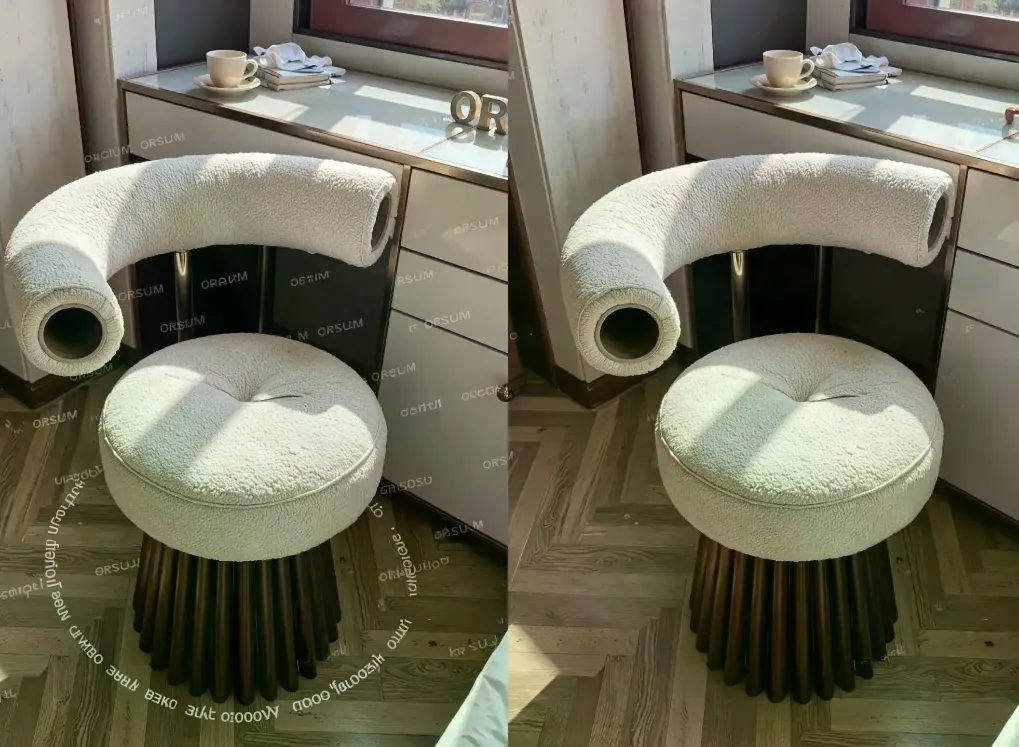
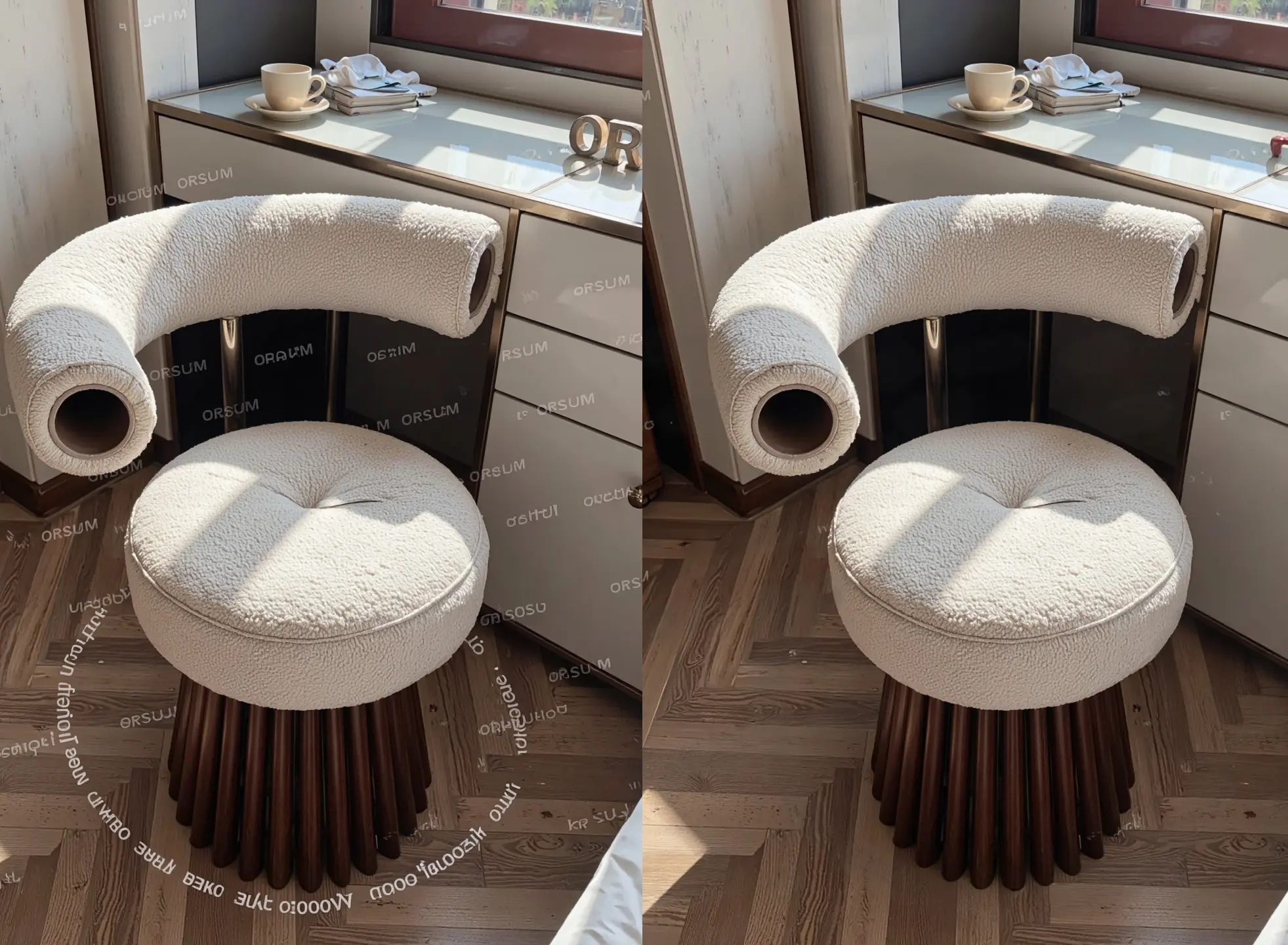
Before: A watermark labeled “ORSUM” is scattered across the fabric and wooden floor of a modern accent chair photo.
Prompt: A modern boucle fabric accent chair with wooden base placed near a window, clean upholstery texture, soft natural sunlight casting shadows on the seat and floor, minimalistic interior design, glossy white tabletop with ceramic cup and books, no watermark, no text overlay, photorealistic
Create your image for free using Dreamface!
2. Outdoor Portrait with Photographer Logo
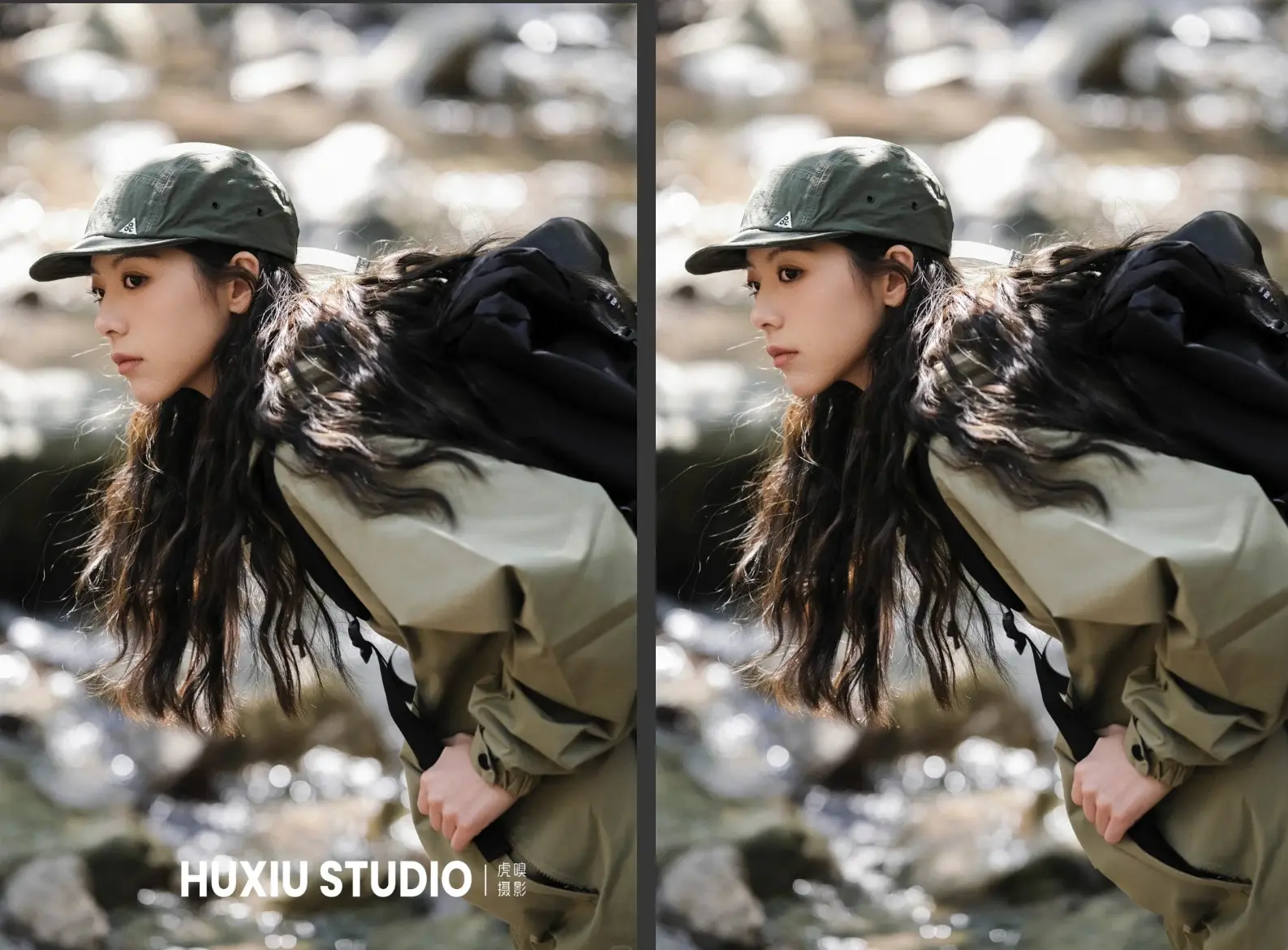
Before: A large “HUXIU STUDIO” watermark covers the bottom portion of a dynamic outdoor hiking portrait.
Prompt: A woman in outdoor hiking gear with long black hair and a green cap, crouching near a rocky stream, soft natural sunlight reflecting off the water, sharp clothing texture and hair details, clean background, no watermark, no studio logo, cinematic outdoor portrait, photorealistic
Create your image for free using Dreamface!
3. Product Advertisement with Chinese Watermark
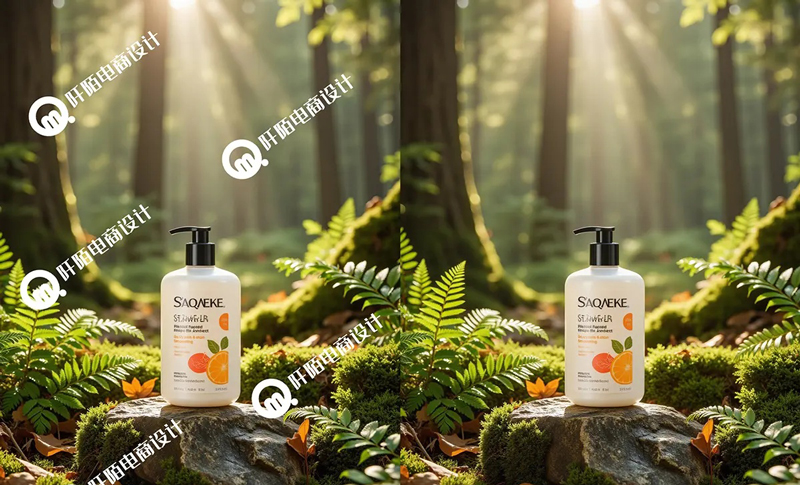
Before: A shower gel product photo placed in a forest is overlaid with multiple Chinese logos and graphic marks.
Prompt: A bottle of shower gel placed on a mossy rock in a lush forest, sun rays shining through tall trees, fresh green ferns around, morning light casting natural shadows, clean product label, no watermark, no text overlay, high-resolution product photography, photorealistic
Create your image for free using Dreamface!
Tips for Best Watermark Removal with Flux Kontext
- Always include phrases like no watermark, no text overlay, or no logo in your positive prompt.
- Reinforce clean subject descriptions to help the AI reconstruct any obscured textures (e.g., "clean label", "sharp fabric texture").
- Use a detailed negative prompt to prevent unwanted elements such as residual text, artifacts, or blurred spots.
- Describe lighting and material details (e.g., “sunlight casting shadows”, “mossy surface”) to help restore context.
- Maintain a realistic tone with keywords like photorealistic, natural light, high-resolution.
Use Cases for Watermark Removal
- E-commerce Product Cleaning: Remove brand overlays and studio tags for clean marketplace photos.
- Portfolio Purification: Restore original shots by removing photographer or agency watermarks.
- Social Media Content Reuse: Eliminate usernames, TikTok/Instagram stamps, or meme text.
- Client Asset Preparation: Clear placeholder text or proof-of-concept marks for final delivery.
- Aesthetic Restoration: Recover visual purity for posters, wallpapers, and moodboards.
Try Flux Kontext Watermark Removal via DreamFace
Flux Kontext makes professional-grade watermark removal effortless and accessible. Its AI engine reconstructs visuals with pinpoint accuracy, blending tones, textures, and lighting to eliminate logos, text, and artifacts—without damaging the subject or surroundings.
With DreamFace's integration of Flux Kontext, you can clean, restore, and optimize your images at scale—whether you're managing a product catalog, curating a visual brand, or refining your creative assets.
👉 Try watermark removal on DreamFace today—and let your images speak for themselves, clean and distraction-free.

Uncensored AI Image Generator: Which Models Offer More Freedom?
Searching for an uncensored AI image generator can mean several things. You might want more room for dark fantasy, unconventional fashion, or challenging editorial concepts.
By Tina一Sep 19, 2026- AI Image Generator
- GPT Image 2.5
GPT Image 2.5 Prompting Guide: 4 Real Examples for Creators
A campaign image can look beautiful and still miss the brief. The headline might compete with a face, a product diagram might become unreadable on mobile, or an outfit edit might change more than the clothes.
By Skylar一Sep 18, 2026- Text-to-Image
- AI Image Generator
- GPT Image 2.5
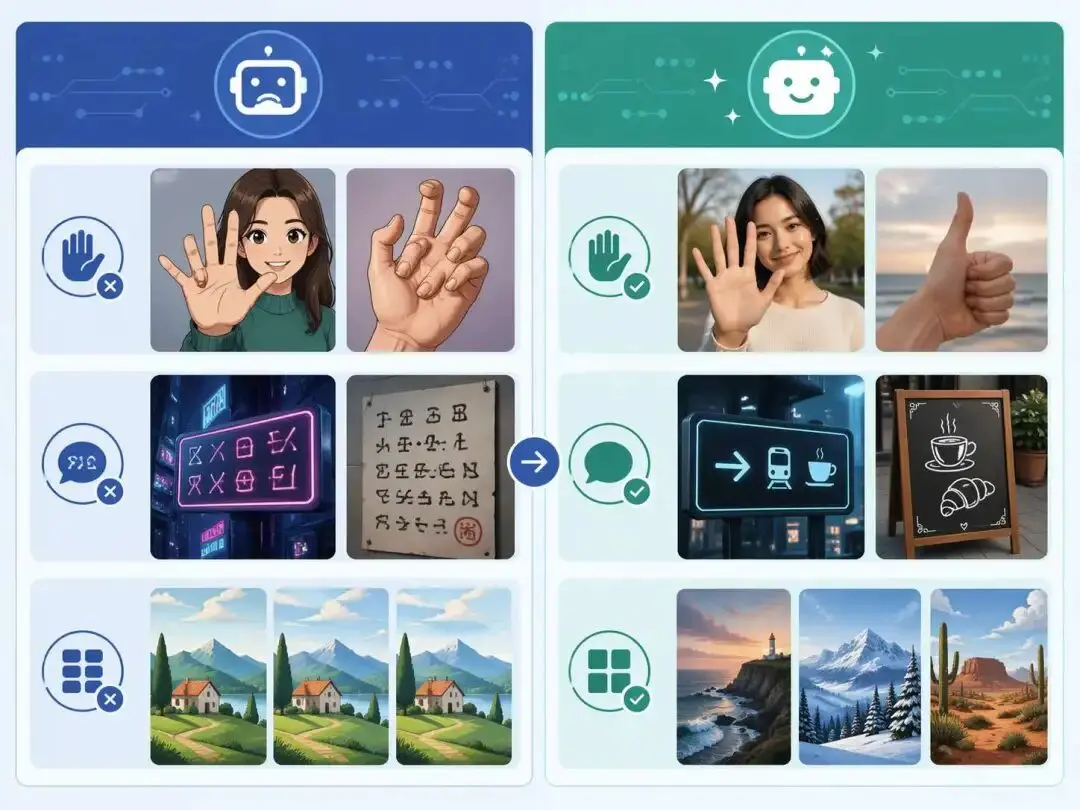
ChatGPT Image 2 Review: Real Tests Reveal What Actually Changed
If you’ve used AI image generators before, you already know the frustration. Hands often look unnatural, text turns into gibberish, and prompts keep getting longer while results remain inconsistent. For a long time, AI image generation felt less like using a tool and more like playing a lottery.
By Zoe一Apr 23, 2026- GPT Image 2
- AI Image Generator
- GPT-4o Image