


World Cup AI Filter: Turn Your Photo Into a Football Fan Picture
Use Dreamface to turn one selfie into a World Cup-style football fan picture with an AI photo filter.
- AI Photo
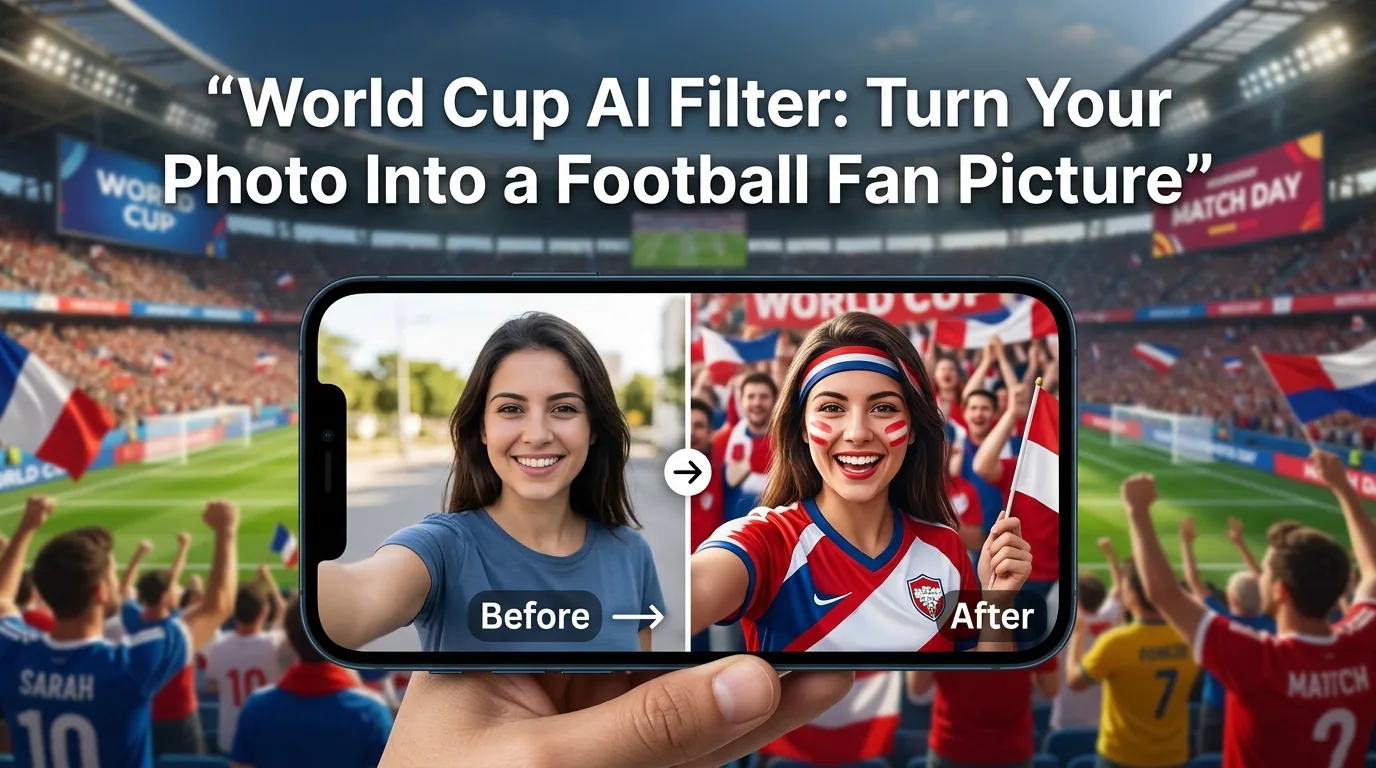
Want a World Cup-style football fan picture from just one selfie? With Dreamface, you can upload a photo, choose a World Cup AI filter, and turn it into a football fan image in a few simple steps.
Try it here: Dreamface World Cup AI Filter
How to use a World Cup AI filter
1. Choose a clear photo
Start with a photo where your face is easy to see.
A good photo usually has:
- One person in the frame
- Good lighting
- A clear front-facing or slightly angled face
- A simple background
- No blur or heavy cropping
Avoid group photos, dark selfies, sunglasses, and photos where your face is partly covered.

2. Pick a World Cup AI filter
Open Dreamface and choose a World Cup or football fan-style AI filter.
Different filters may create slightly different results. Some are better for a clean football fan portrait, while others work better for a stronger stadium or match-day look.
Start here: Try the World Cup AI Filter on Dreamface
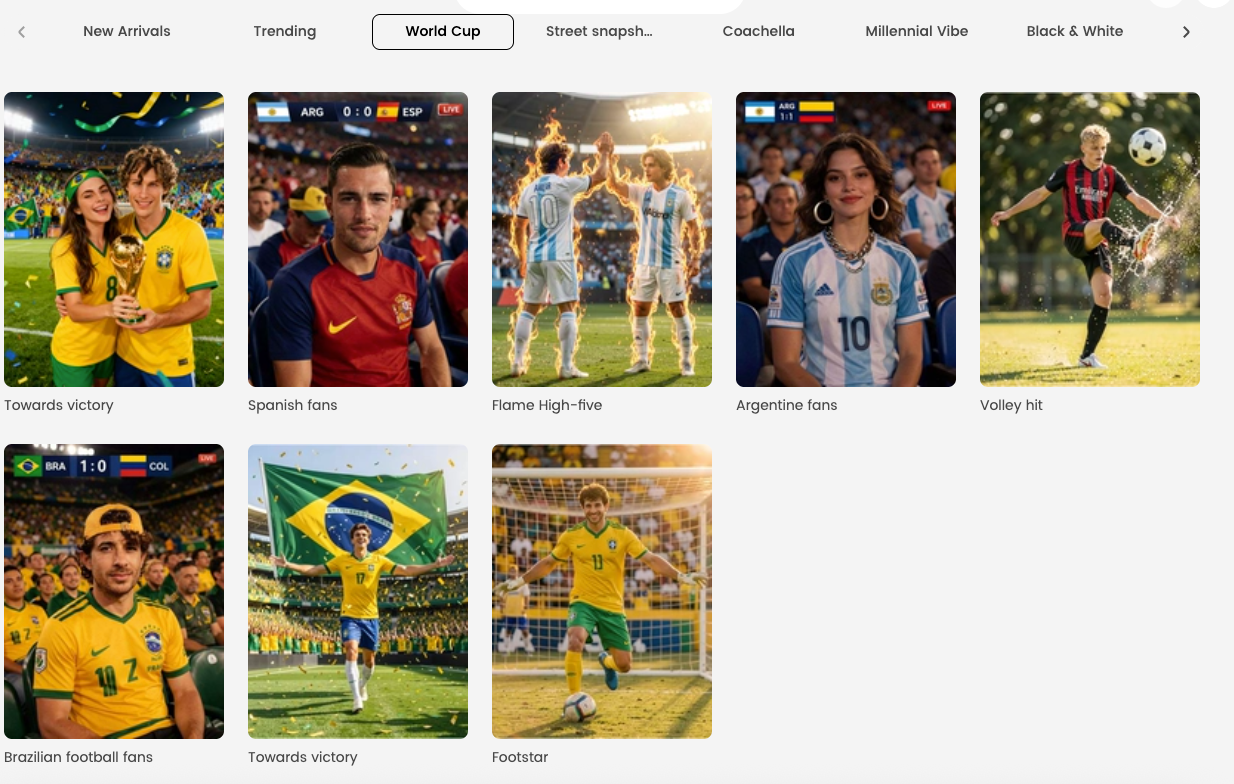
3. Upload your photo
Upload your image and let Dreamface generate the result.
A simple selfie usually works well. If you want a more complete portrait look, a photo with a little more space around your face can help.
.png)
4. Check the result
Before saving the image, look at the result and make sure it matches what you want.
Check these points:
- Is your face still clear?
- Does the football style look natural?
- Does the image work well as a post or profile picture?
- Would another filter give you a better result?
If the image looks off, try a clearer photo or switch to another filter.
.png)
5. Save and use your picture
Once the image looks right, save it and use it anywhere you want.
You can use it for:
- Profile pictures
- Social media posts
- Match day stories
- Group chat images
- Fan pages
- Football-themed content
.png)
Best photo tips for better results
Use a single-person photo whenever possible. Group photos often make the result less accurate.
Keep your face visible. The filter works better when your eyes, nose, and mouth are clear.
Use a clean original photo. Heavy beauty filters or strong color edits can make the final image look less natural.
Choose the photo based on the result you want. A close-up selfie is good for a profile picture. A slightly wider portrait can work better for a full football fan look.
What kind of football fan pictures can you make?
A World Cup AI filter can be used to create different styles of football fan images.
Some common ideas include:
- A football fan profile picture
- A World Cup supporter portrait
- A stadium-style fan image
- A match day social post
- A team supporter avatar
- A fun football-themed selfie transformation
If you want to try more than one style, use the same photo with different filters and compare the results.
Common mistakes to avoid
Do not use a blurry selfie.
Do not upload a group photo.
Do not use a photo where your face is hidden.
Do not over-edit the photo before uploading.
Do not expect every filter to fit every photo. If one result looks wrong, try another filter.
FAQ
Can I use one selfie for a World Cup AI filter?
Yes. One clear selfie is usually enough to create a football fan picture with Dreamface.
What kind of photo works best?
A clear single-person photo with good lighting works best. Your face should be visible and not covered.
Can I use the result as a profile picture?
Yes. The result works well for profile pictures, especially if you use a close-up selfie and choose a clean fan-style filter.
Can I make more than one style from the same photo?
Yes. You can use the same photo with different World Cup AI filters to create different football fan looks.
Do I need editing skills?
No. You only need to upload a photo, choose a filter, and save the final image.
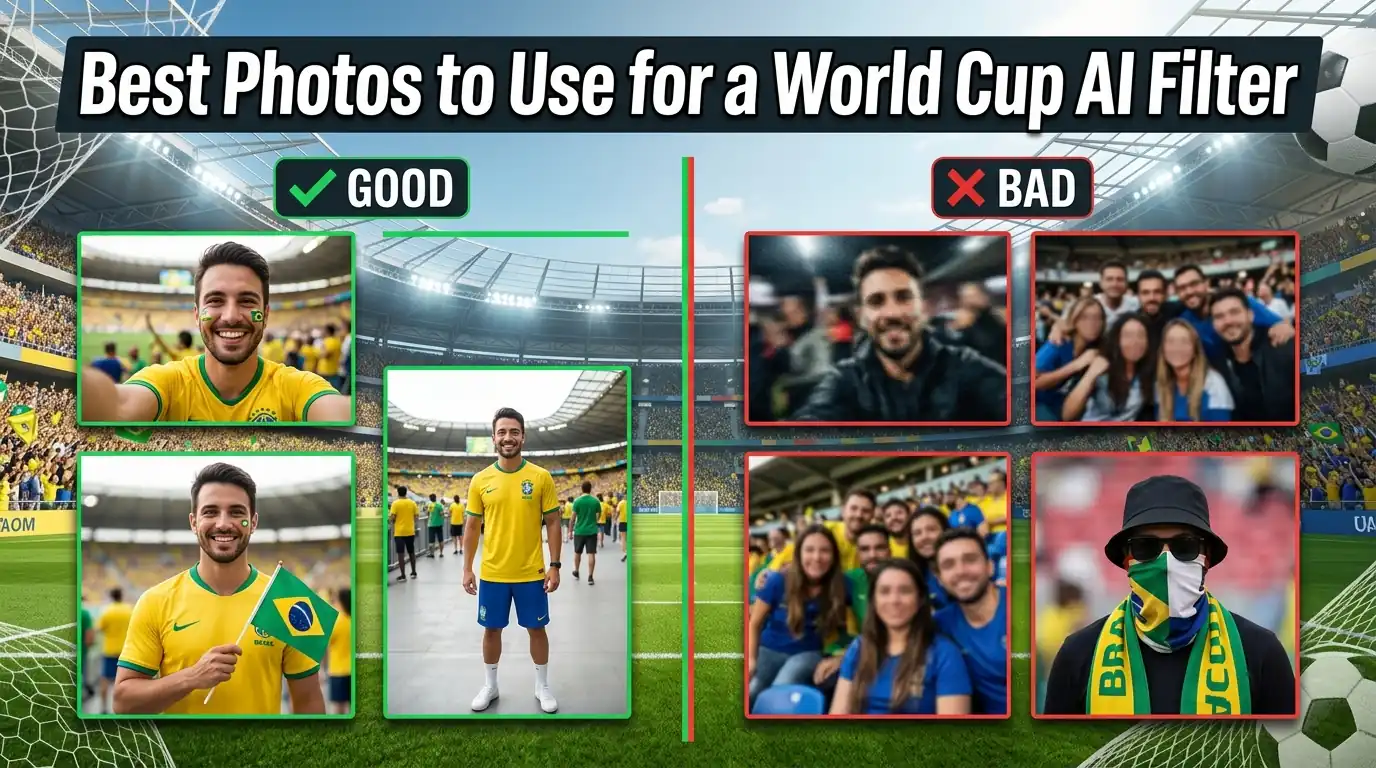
Best Photos to Use for a World Cup AI Filter
Learn what kind of photo works best for Dreamface World Cup AI filters, from fan portraits to football action-style pictures.
By Joanna一May 15, 2026- AI Photo
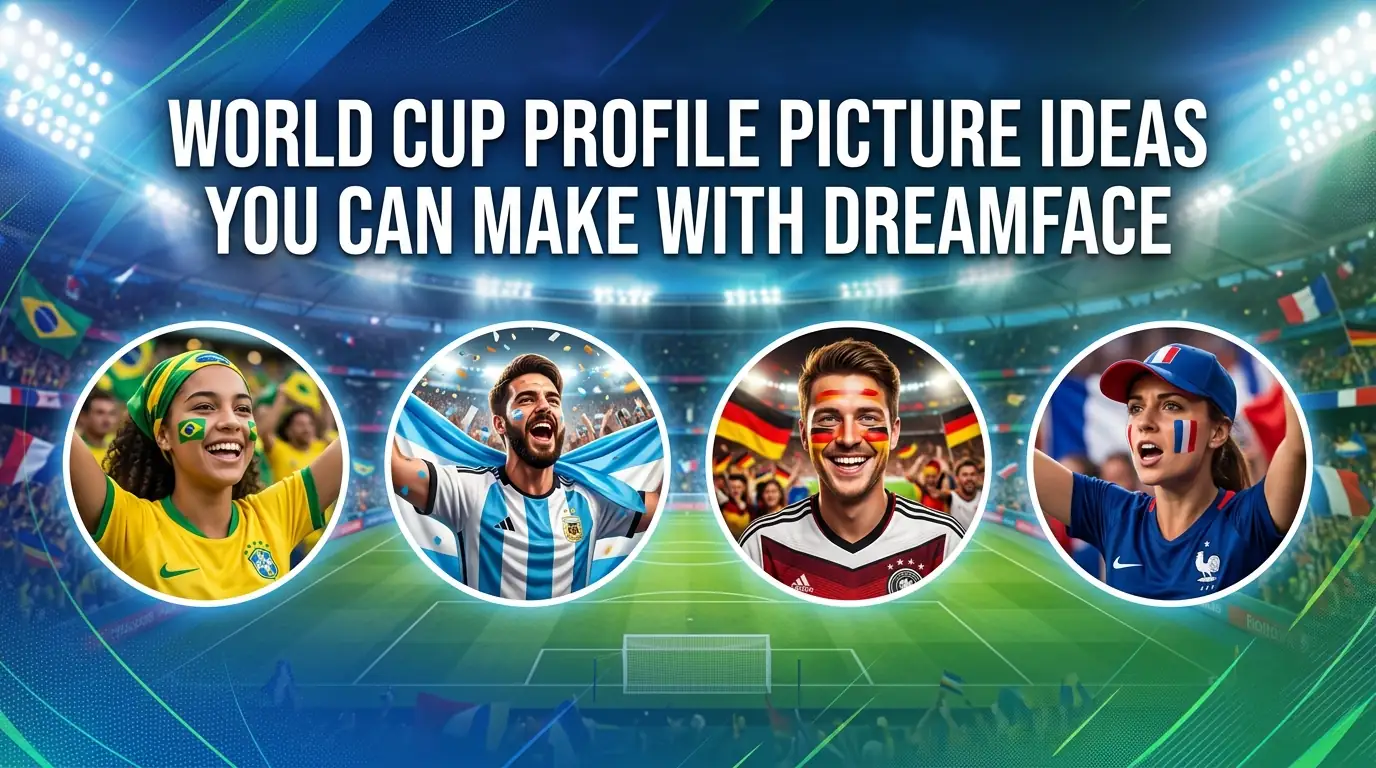
World Cup Profile Picture Ideas You Can Make With Dreamface
Explore World Cup profile picture ideas you can make with Dreamface, including fan-style and football-themed AI photo filters.
By Daniel一May 14, 2026- AI Photo
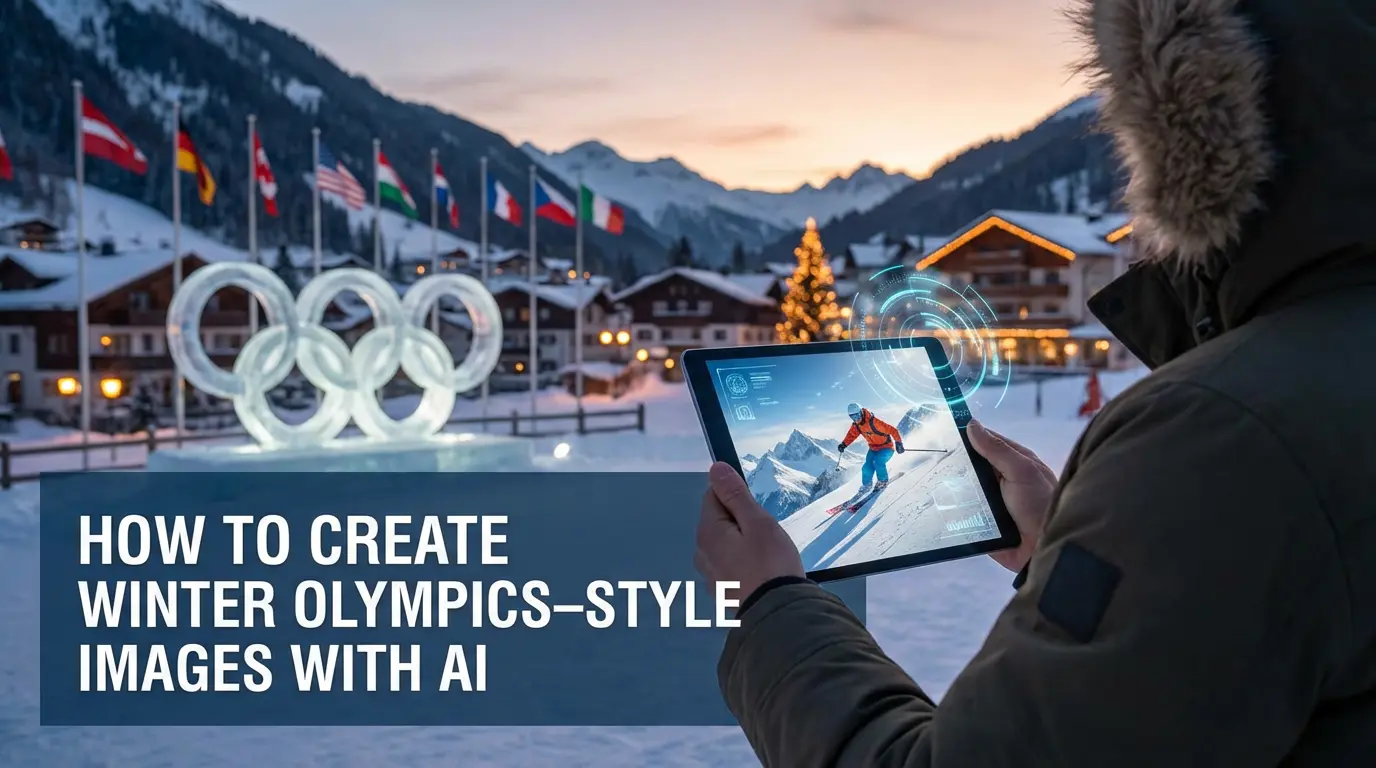
How to Create Winter Olympics–Style Images with AI
AI text-to-image and image-to-image tools allow creators to generate Winter Olympics–style visuals using prompts or reference photos. By describing winter sports scenes or transforming existing images, users can create cinematic snow, ice, and athlete-themed visuals inspired by the 2026 Winter Olympics. These AI image workflows are widely used for posters, social media graphics, and creative sports content without professional design skills.
By Pianeer一Feb 05, 2026- Text-to-Image
- AI Photo
- AI Image Generator