


AI Lying Down Image Creation: A Comprehensive Guide to Using AI for Restful Pose Generation
https://tools.dreamfaceapp.com/tools/ai-filter/generator?name=Lying%20down&styleId=bddd5275481b43c6947354b77b3faaef&categoryId=66012c02fc7c9d0007b2913b
- AI Filter
- AI Image Generator

Transform Portraits into Serene, Reclining Scenes with Dreamface’s AI Lying Down Filter
In the world of AI-generated imagery, it’s no longer just about changing a background or adding a filter — it's about changing the story. Dreamface’s Lying Down AI Filter Generator allows users to create peaceful, intimate, or introspective scenes by repositioning portrait subjects into natural, believable lying-down poses.
Whether you're a digital artist, storyteller, or social media creator, this tool provides a one-click solution for crafting visually striking, emotionally charged content — all through AI.
🔗 Try the Lying Down Filter here
🧠 What Is the Lying Down AI Filter?
The Lying Down AI Filter Generator is a smart scene reconstruction tool powered by Dreamface. It takes a standard, upright portrait and uses advanced AI to reposition the subject into a resting or reclining pose — simulating lying on a bed, sofa, or grassy field, depending on lighting and visual mood.
Unlike static editing tools, Dreamface’s AI filter understands anatomy, posture, and atmosphere — making the final output feel natural, photorealistic, and emotionally expressive.
📸 How to Use the AI Lying Down Generator
Follow these simple steps to create your own AI-generated lying down image:
- 📷 Upload a front-facing or slightly angled portrait (preferably with a neutral or soft expression).
- ✨ Click “Generate.” Let the AI handle the posture, background, and composition.
- 💾 Download or regenerate for a different emotional tone (calm, sleepy, daydreaming, etc.).
📦 Examples
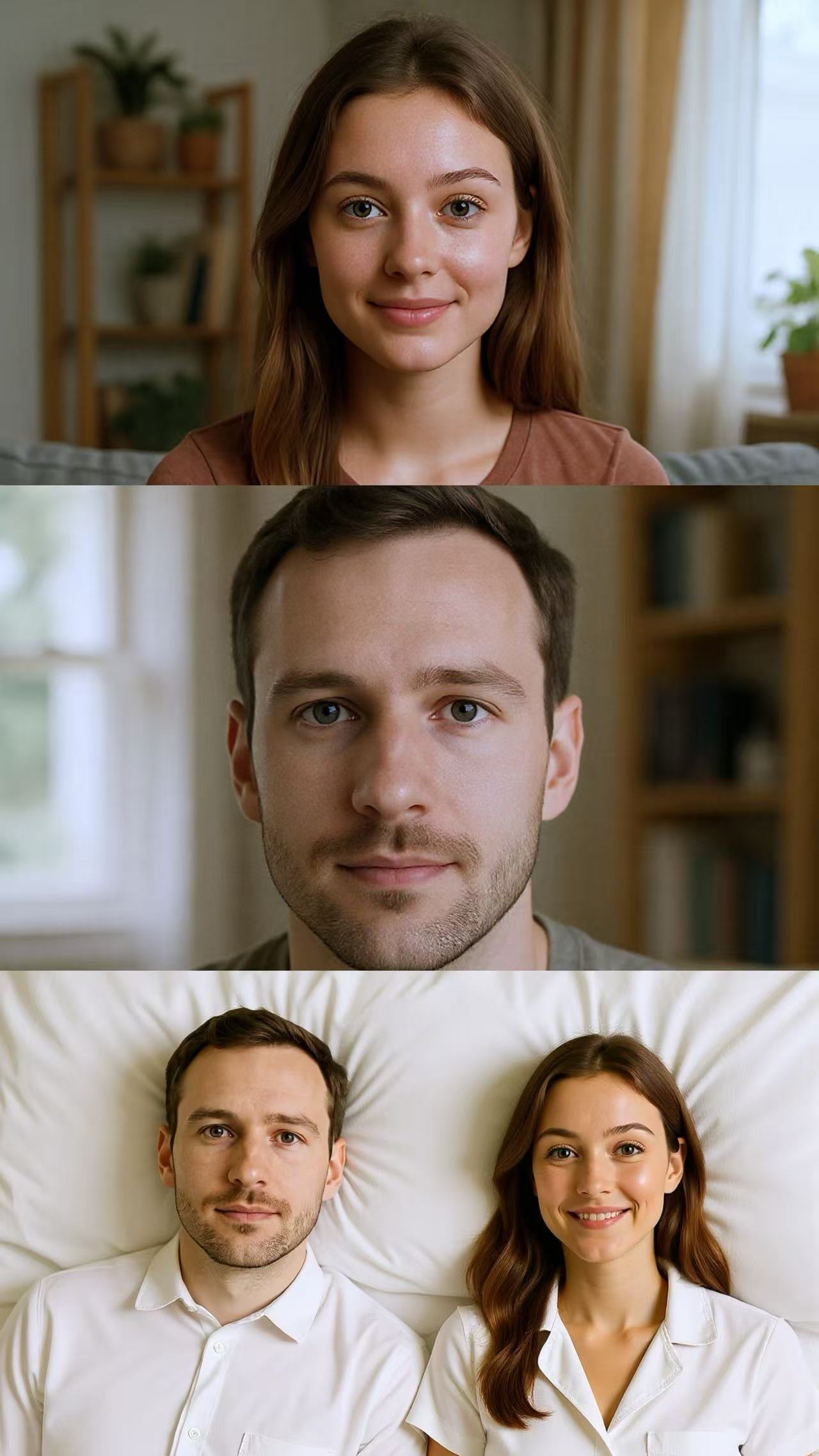
Create your own lying down art right now!

Create your own lying down art right now!
🌐 About Dreamface
Dreamface is the all-in-one creative AI platform for visual storytelling. Whether you’re crafting characters, simulating emotions, or building scenes from scratch, Dreamface makes it easy with tools like:
- 🎨 Dream Image – AI-powered image generation and retouching
- 🧠 Flux Kontext – Prompt control and contextual editing
- 🎭 Scene Filters – Emotional and pose-based transformations
👉 Start Creating Now
Ready to bring peace, emotion, and storytelling into your photos?
Explore the resting beauty of AI with the Lying Down Generator:
🔗 Generate Your Lying Down Scene
Because sometimes… the most powerful stories are told in stillness. 🛏️💤
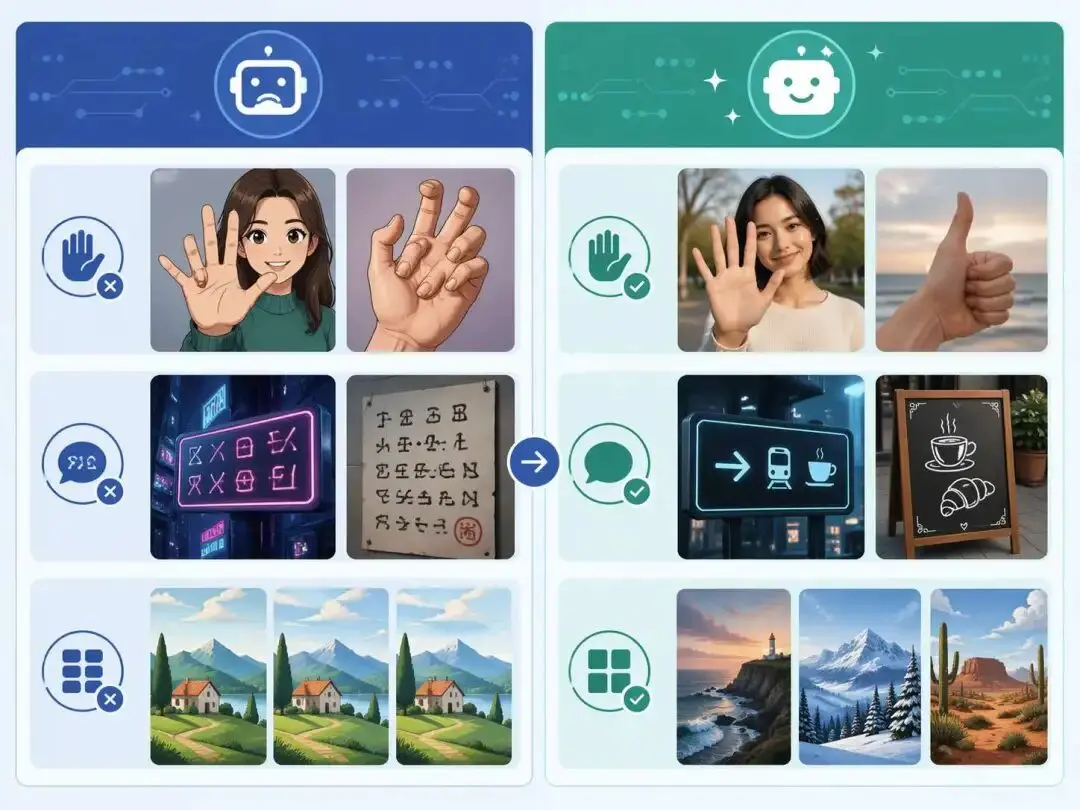
ChatGPT Image 2 Review: Real Tests Reveal What Actually Changed
If you’ve used AI image generators before, you already know the frustration. Hands often look unnatural, text turns into gibberish, and prompts keep getting longer while results remain inconsistent. For a long time, AI image generation felt less like using a tool and more like playing a lottery.
By Zoe一Apr 23, 2026- GPT Image 2
- AI Image Generator
- GPT-4o Image
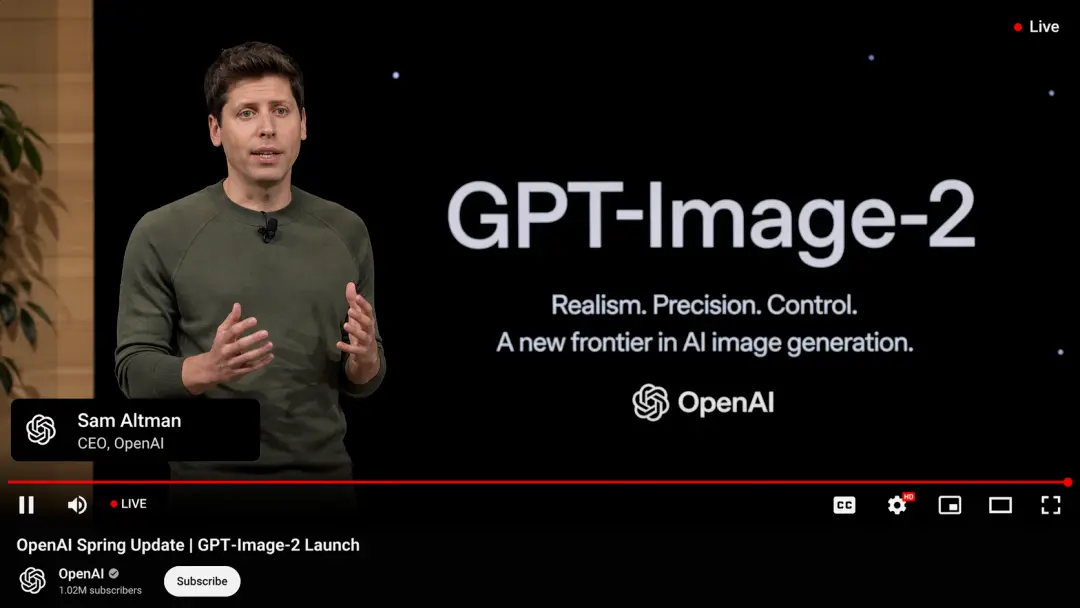
GPT Image 2 Is Here — And It’s Redefining What “Real” Means on the Internet
The arrival of GPT Image 2 didn’t just improve AI image generation — it completely disrupted it. In fact, many users are already saying it outright: GPT Image 2 crushes Nano Banana 2. And they’re not exaggerating.
By Adeline一Apr 21, 2026- GPT-4o Image
- AI Image Generator
- GPT Image 2
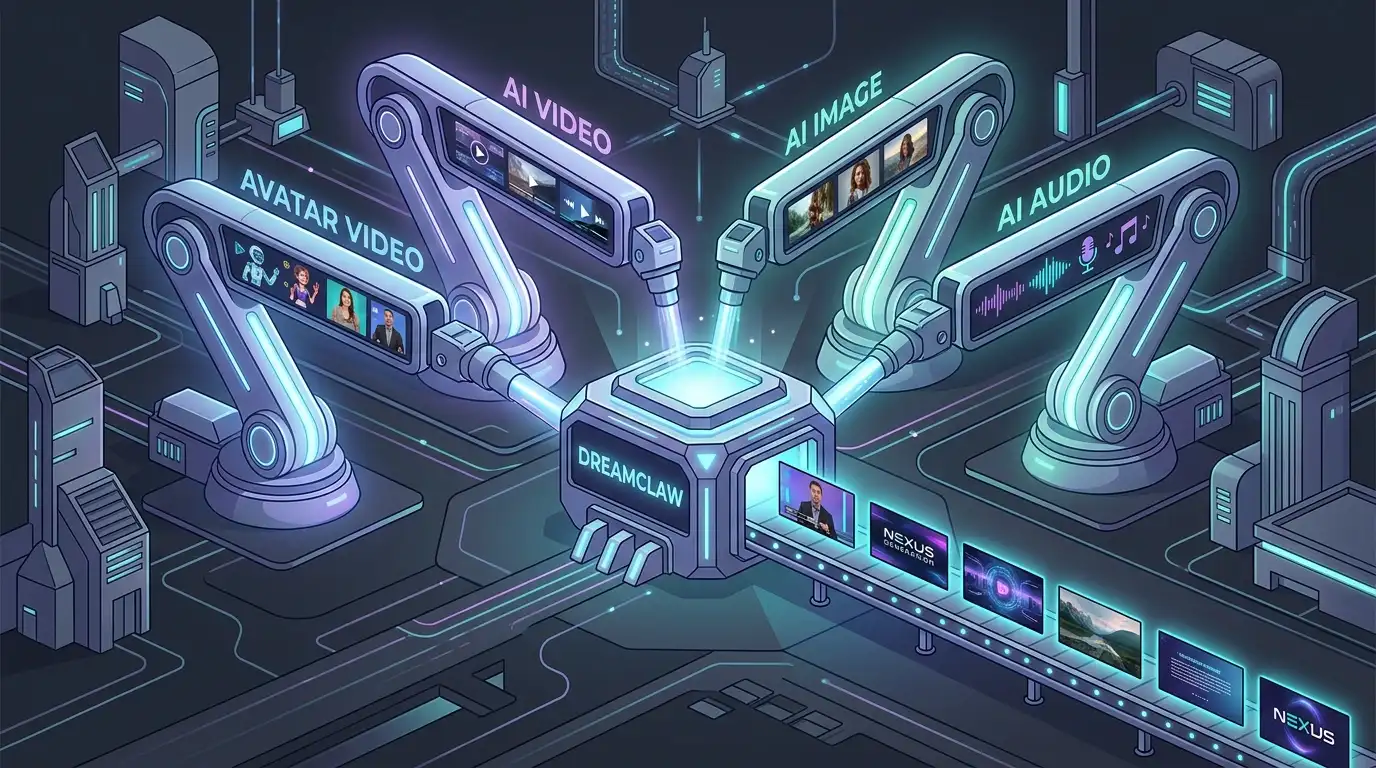
DreamClaw Agent: The All-in-One AI Automation Engine for DreamFace
DreamClaw isn’t just a new button on your dashboard. It is an intelligent AI Orchestrator—a digital director that lives within the DreamFace ecosystem. We are moving from a world where you use tools to a world where you collaborate with an agent. You provide the vision in plain English (or any language); DreamClaw handles the complex execution.
By Emery一Mar 04, 2026- AI Video Generator
- AI Image Generator
- DreamClaw