


Flux Kontext Prompts for AI Photo Colorization
Discover Flux Kontext Prompts for AI Photo Colorization to seamlessly add natural and realistic color to black and white photos. Learn how to harness these powerful prompts to transform historical moments into living memories and bring your creative visions to life.
- AI image generator
- Flux-Kontext
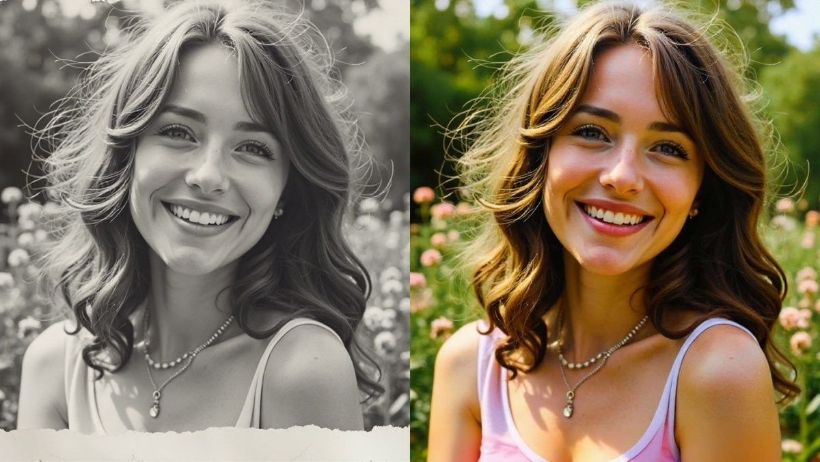
Discover the world of Flux Kontext Prompts for AI Photo Colorization, a revolutionary approach to advanced AI image editing. These prompts empower users to seamlessly add natural, realistic, and emotionally resonant color to black and white photos, transforming historical moments into living memories. Dive into the possibilities of precise color manipulation and learn how to harness the power of Flux Kontext Prompts to bring your creative visions to life.
Note that the effects achievable with the prompts below can be created for free using Dreamface - a free platform to realize your AI image edits.
Flux Kontext AI Photo Colorization Prompts
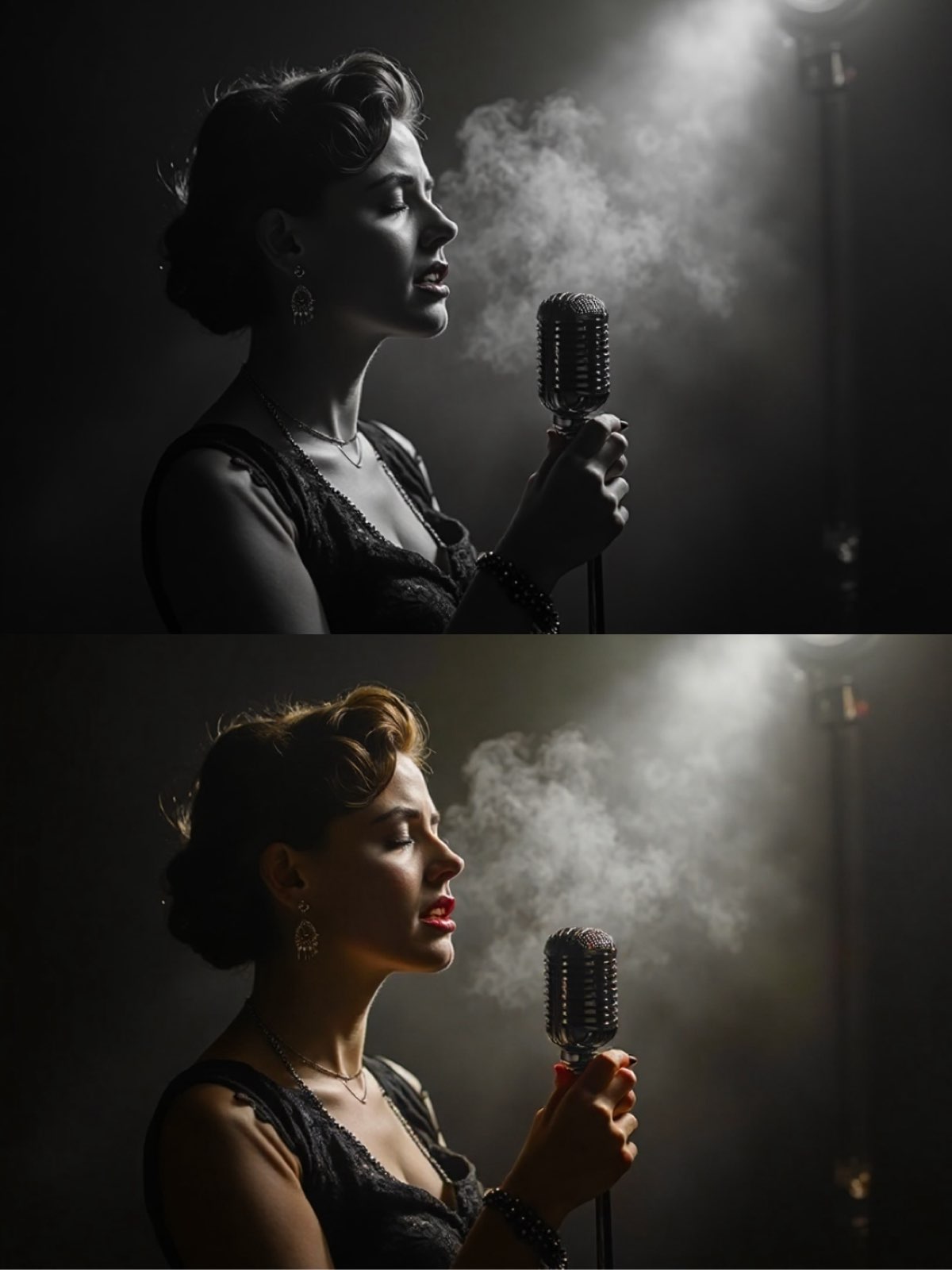
1)For Fully Automatic Intelligent Colorization
Now, colorize this black and white photograph. Apply natural, realistic, and period-appropriate colors. The AI should intelligently determine the most plausible colors for the subject's hair, eyes, skin tone, clothing, and background, creating a historically and aesthetically believable result.
Create this image for free using Dreamface!
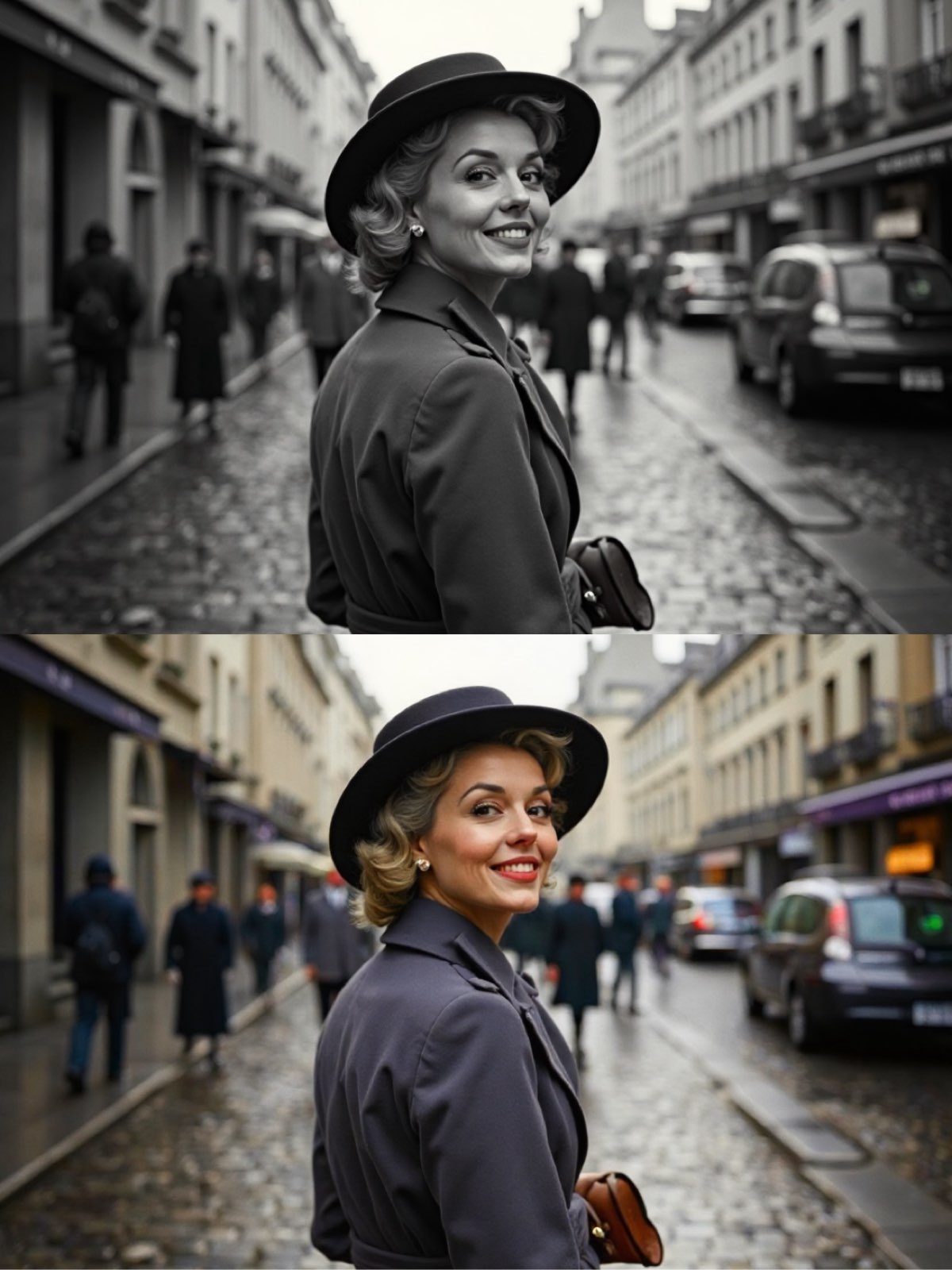
2)For Guided Intelligent Colorization
Colorize this black and white photograph with natural and realistic colors. Intelligently interpret the scene to create a believable palette. For guidance, consider a classic beige or navy for her trench coat, muted blues and grays for the wet cobblestones and buildings, and a soft accent color like pink for a cafe awning.
Create this image for free using Dreamface!
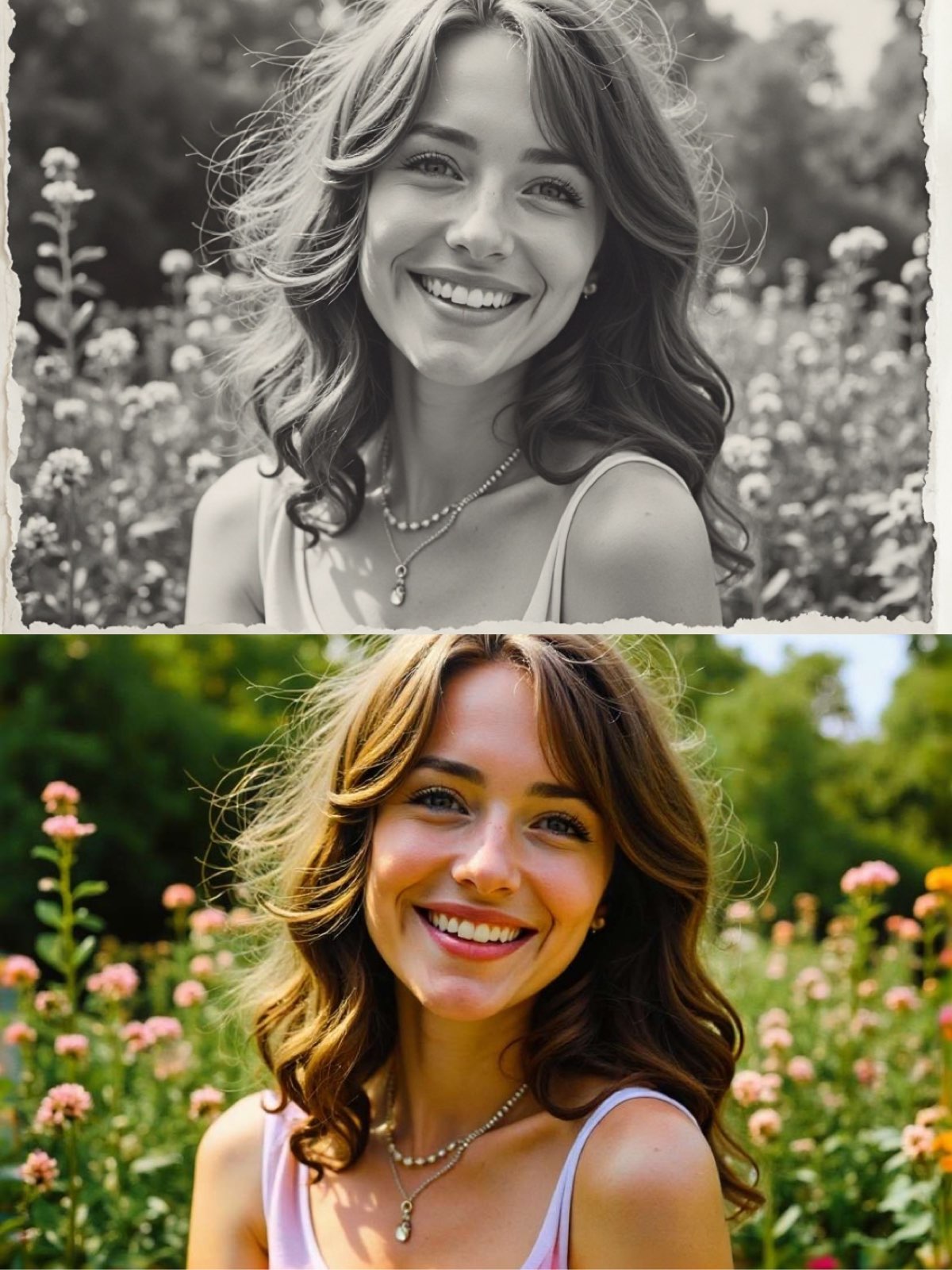
3.)For Evoking a Specific Mood and Era
Colorize this restored black and white photograph. Apply natural and realistic colors that evoke a vibrant 1980s summer day. For guidance, consider lush greens for the garden foliage, a mix of bright flowers like pink roses and yellow daisies, and a classic 80s pastel color for her clothing. Aim for warm skin tones consistent with a sunny day.
Create this image for free using Dreamface!
How to Write Effective AI Photo Colorization Prompts
Crafting a good prompt for AI Photo Colorization requires a different mindset than creating an illustration from scratch. The focus is on art direction, historical accuracy, and emotional resonance.
1. Be an Art Director, Not Just a Painter
Your role is to guide the overall mood and aesthetic, not just to apply flat colors. Use direct, clear commands that set a vision. Phrases like "Colorize this photograph to evoke..." or "Apply a color palette consistent with..." are far more effective than simply saying "make it color."
2. Lock the Photo's Soul: Preserve Core Features
This is the most crucial rule. Even when adding color, you don't want to alter the person's identity. To prevent the subject's face, expression, or pose from changing, always include a preservation clause like, while perfectly preserving the subject's exact facial features and expression.
3. Guide the Color, Don't Dictate It
This is the heart of great AI colorization. Since the original colors are unknown, your goal is to guide the AI toward a believable and beautiful result. There are two highly effective strategies:
- Delegate to AI: When you want the most historically plausible result, use a broad instruction. A prompt like "Apply natural, realistic, and period-appropriate colors" empowers the AI to analyze the era, lighting, and context to make the best choices.
- Provide Creative Clues: For a more artistic and controlled outcome, offer gentle guidance. Use the phrase For guidance, consider... to provide inspiration without being restrictive. For example, For guidance, consider warm and rich tones like mahogany for the bookshelves directs the AI's creativity while still allowing it to render the colors naturally.
Enhance Your Editing Process with Dreamface
Ready to dive into the world of flawless AI Photo Colorization with Flux Kontext? Dreamface has got you covered! Our platform offers a seamless and intuitive experience for creating stunning AI-powered image edits. With just a few clicks and the right prompts, you can start exploring the endless possibilities of AI-assisted creativity. Don't wait any longer - start creating on Dreamface today and unleash your inner artist!
What Is a Good Prompt for an AI Image?
Learn how to write better AI image prompts that generate high-quality, consistent, and creative results. Discover examples, best practices, and common mistakes to avoid.
By Elijah一Dec 15, 2025- AI image generator
- Text-to-Image
- AI Image
Illustrious‑SDXL: Anime‑Focused Image Generation Elevated
Introducing Illustrious‑SDXL — a model finetuned for anime and stylized illustration generation. It blends SDXL’s robust architecture with curated anime datasets and aesthetic guidance, making it ideal for creators who want: •Consistent anime character designs •Dynamic action and emotional expression •Rich stylistic variation (shojo, battle, mecha, fantasy, etc.) •Art‑style control with minimal prompting
By Roy一Dec 16, 2025- AI image generator
- AI Image
- Illustrious SDXL

Seedream 4.5: Better Identity Consistency, with 6 Portrait Styles to Try
Seedream 4.5 is here! In this post, we test its identity consistency in portrait generation and walk you through 6 portrait shooting styles it handles impressively well — with full examples and tips.
By Henry一Dec 15, 2025- AI image generator
- Seedream 4.5
- AI Image
- AI Filter