


Flux Kontext Prompts for AI Claymation Style
Discover the world of Flux Kontext Prompts for AI Claymation Style, a fascinating approach to advanced AI image editing.Note that the effects achievable with the prompts below can be created for free using Dreamface - a free platform to realize your AI image edits.
- Flux-Kontext
- Image Style Transfer
- AI image generator
Discover the world of Flux Kontext Prompts for AI Claymation Style, a fascinating approach to advanced AI image editing. These prompts allow users to transform any photograph into a charming clay-style world without altering the core subject and composition, utilizing sophisticated AI algorithms. Dive into the possibilities of precise stylistic transformation and learn how to harness the power of Flux Kontext Prompts to bring your creative visions to life.
Note that the effects achievable with the prompts below can be created for free using Dreamface - a free platform to realize your AI image edits.
Flux Kontext AI Claymation Style Prompts
Prompt1:
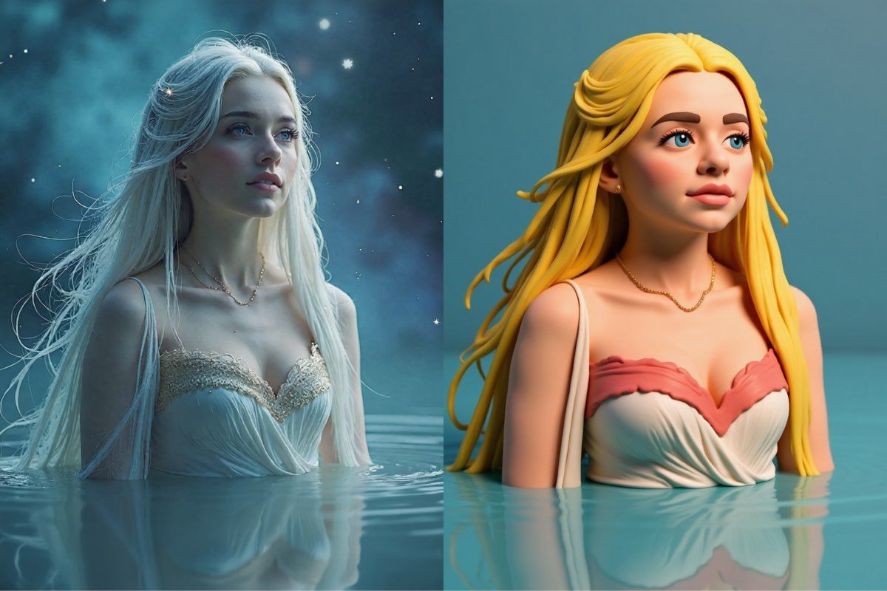
Transform the entire image into a glossy 3D claymation style. The woman and water should look like they are made of smooth, polished plasticine. Meticulously preserve her exact pose, serene expression, and the composition with the starry night sky background.
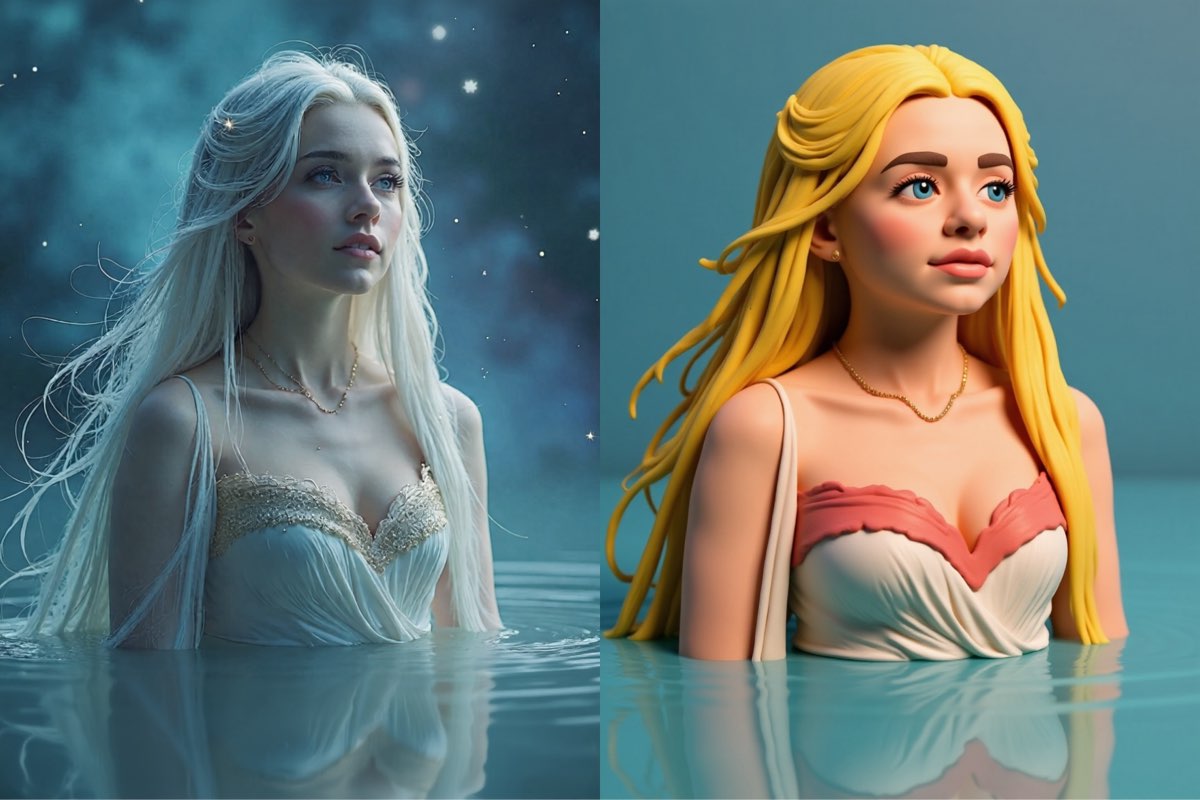
Create this image for free using Dreamface!
Prompt2:
Convert the photo into a charming stop-motion clay style, reminiscent of Aardman animations. Give the woman expressive features and vibrant red hair made of clay. It's crucial to maintain the original head tilt, the joyful mood, and the simple, clean background, adapting her realistic features to the new style.
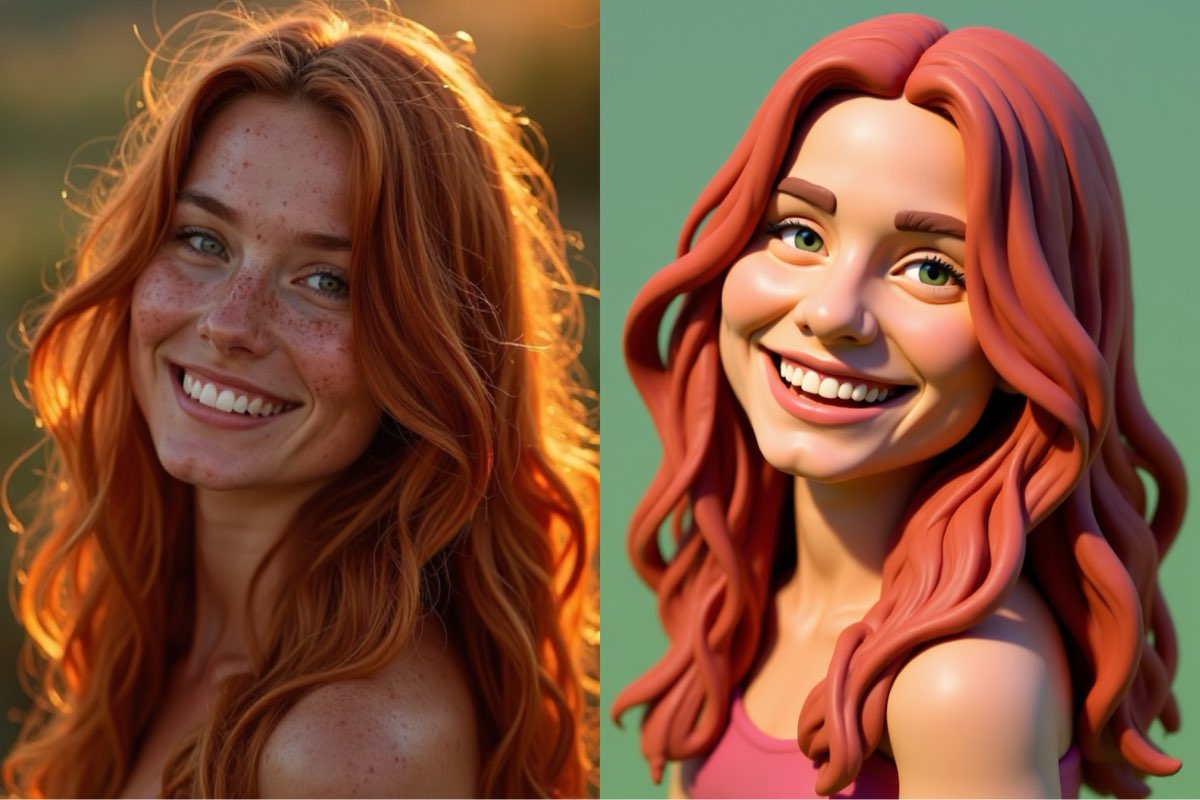
Create this image for free using Dreamface!
Prompt3:
Re-render the entire scene in a clean, modern 3D claymation style. The woman, her clothes, and the cello must look like smooth, sculpted clay figures. Precisely preserve the original composition, her posture as she plays the cello, and the warm indoor lighting of the room.
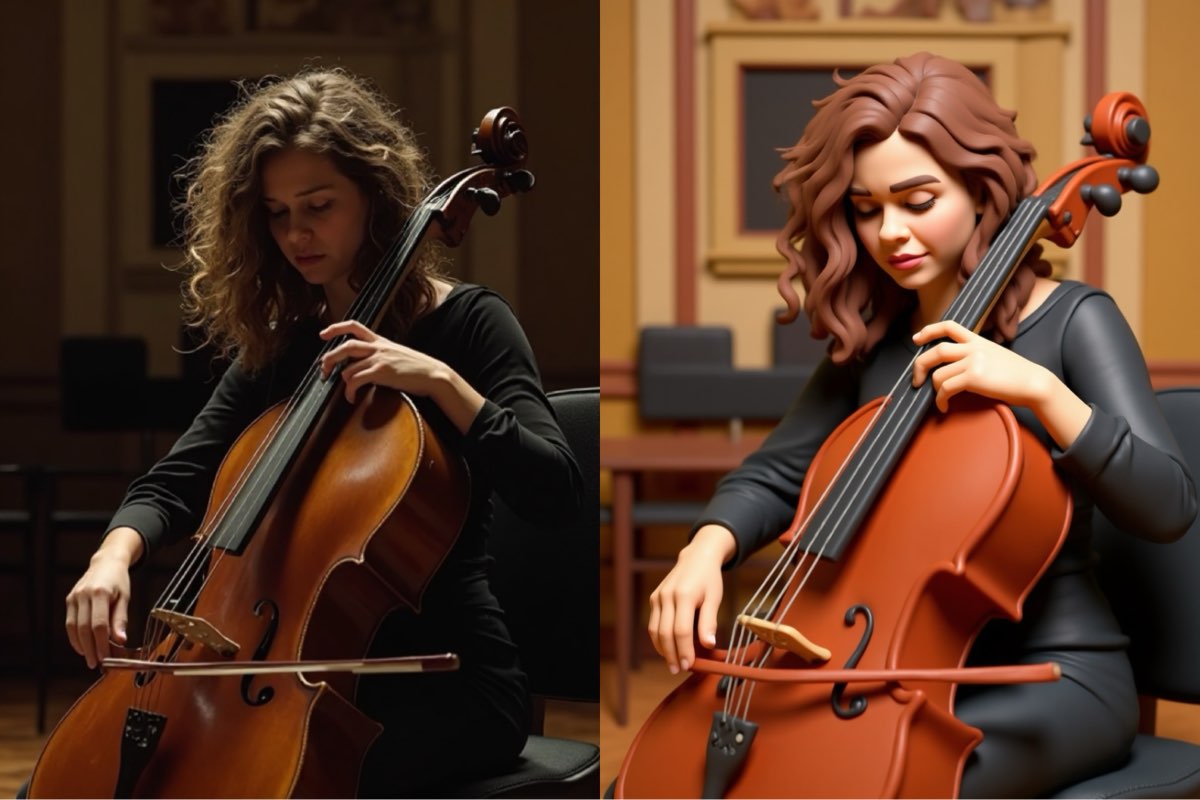
Create this image for free using Dreamface!
How to Write Effective AI Claymation Style Prompts
Crafting a good prompt for an AI Claymation Style transformation requires a different mindset than creating from scratch. The focus is on precision, control, and locking the composition.
- Be a Sculptor, Not a Storyteller: Instead of describing a scene, give direct, clear commands. Start with an action verb. Phrases like "Transform the entire image into..." or "Convert the photo into a..." are far more effective than just describing the target style.
- Lock the Composition: This is the most crucial rule. To prevent the characters and objects from moving, you must explicitly command the AI to keep them fixed. Always include a phrase like, "meticulously preserve the original composition, pose, and camera angle."
- Define the Clay Style Vividly: While you command the action, you need to describe the new style with detail. Be specific. Is it just "clay," or a "glossy 3D claymation style," a "charming stop-motion clay style with visible fingerprints," or a "smooth, polished plasticine" look? The more detail, the better the result.
- Preserve Key Elements: To maintain the original photo's integrity, command the AI to keep specific details. Use phrases like "preserve the warm indoor lighting" or "maintain the joyful mood" to guide the AI on the non-negotiable aspects of your image.
Sculpt Your Vision with Dreamface
Ready to dive into the world of flawless AI Claymation Style with Flux Kontext? Dreamface has got you covered! Our platform offers a seamless and intuitive experience for creating stunning AI-powered image edits. With just a few clicks and the right prompts, you can start exploring the endless possibilities of AI-assisted creativity. Don't wait any longer - start creating on Dreamface today and unleash your inner artist!
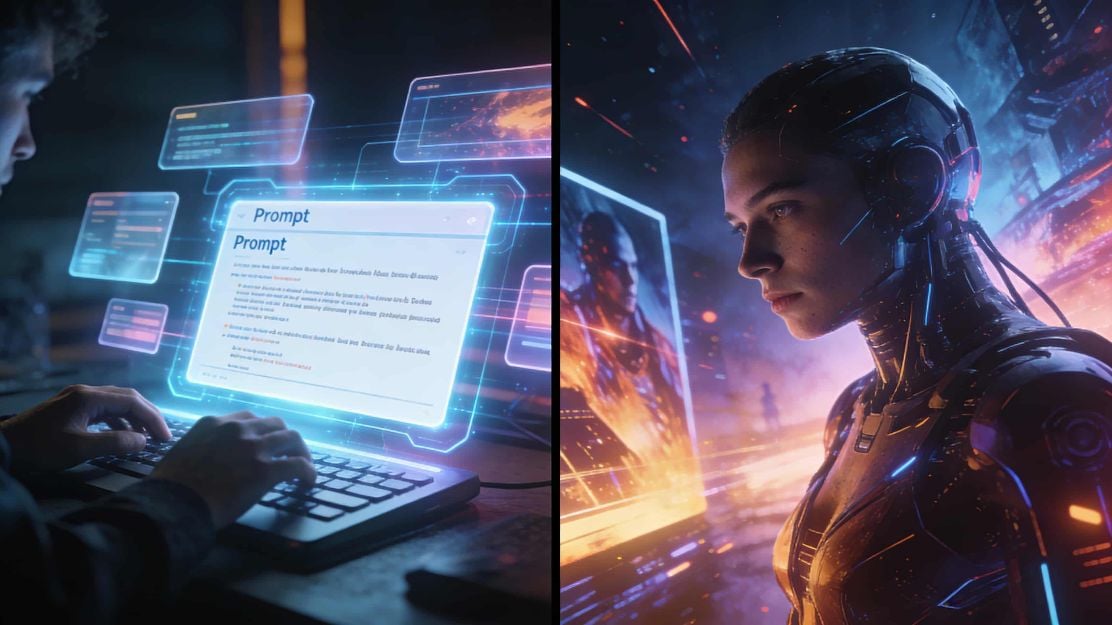
What Is a Good Prompt for an AI Image?
Learn how to write better AI image prompts that generate high-quality, consistent, and creative results. Discover examples, best practices, and common mistakes to avoid.
By Elijah一Dec 15, 2025- AI image generator
- Text-to-Image
- AI Image
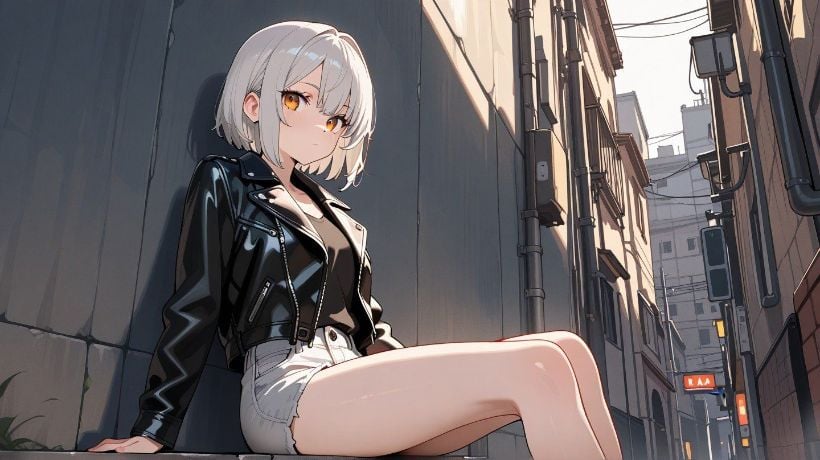
Illustrious‑SDXL: Anime‑Focused Image Generation Elevated
Introducing Illustrious‑SDXL — a model finetuned for anime and stylized illustration generation. It blends SDXL’s robust architecture with curated anime datasets and aesthetic guidance, making it ideal for creators who want: •Consistent anime character designs •Dynamic action and emotional expression •Rich stylistic variation (shojo, battle, mecha, fantasy, etc.) •Art‑style control with minimal prompting
By Roy一Dec 16, 2025- AI image generator
- AI Image
- Illustrious SDXL

Seedream 4.5: Better Identity Consistency, with 6 Portrait Styles to Try
Seedream 4.5 is here! In this post, we test its identity consistency in portrait generation and walk you through 6 portrait shooting styles it handles impressively well — with full examples and tips.
By Henry一Dec 15, 2025- AI image generator
- Seedream 4.5
- AI Image
- AI Filter