


Furry AI Pikachu Eating Strawberries: How to Create a Pikachu Video with Veo 3 on DreamFace
What if Pikachu was real, nestled in your hand like a fluffy pet, happily munching on a strawberry?Just like a video that’s already racked up millions of views, this proves how much audiences adore surreal, adorable, and heartwarming content. Want to know how to create your own furry AI Pikachu video with DreamFace? Follow these five simple steps.
- AI Video Generator
- Photo To Video
- AI Video

What if Pikachu was real, nestled in your hand like a fluffy pet, happily munching on a strawberry? Sounds adorable, right? That’s exactly the latest AI video craze: bringing beloved virtual characters to life in the cutest way possible! Picture a soft, yellow-furred Pikachu with big, sparkling eyes, nibbling on a juicy strawberry. It’s heart-meltingly cute, and no wonder it’s taking social media by storm.
Just like a video that’s already racked up millions of views, this proves how much audiences adore surreal, adorable, and heartwarming content. Want to know how to create your own furry AI Pikachu video with DreamFace? Follow these five simple steps:
Step 1: Choose AI Image in DreamFace
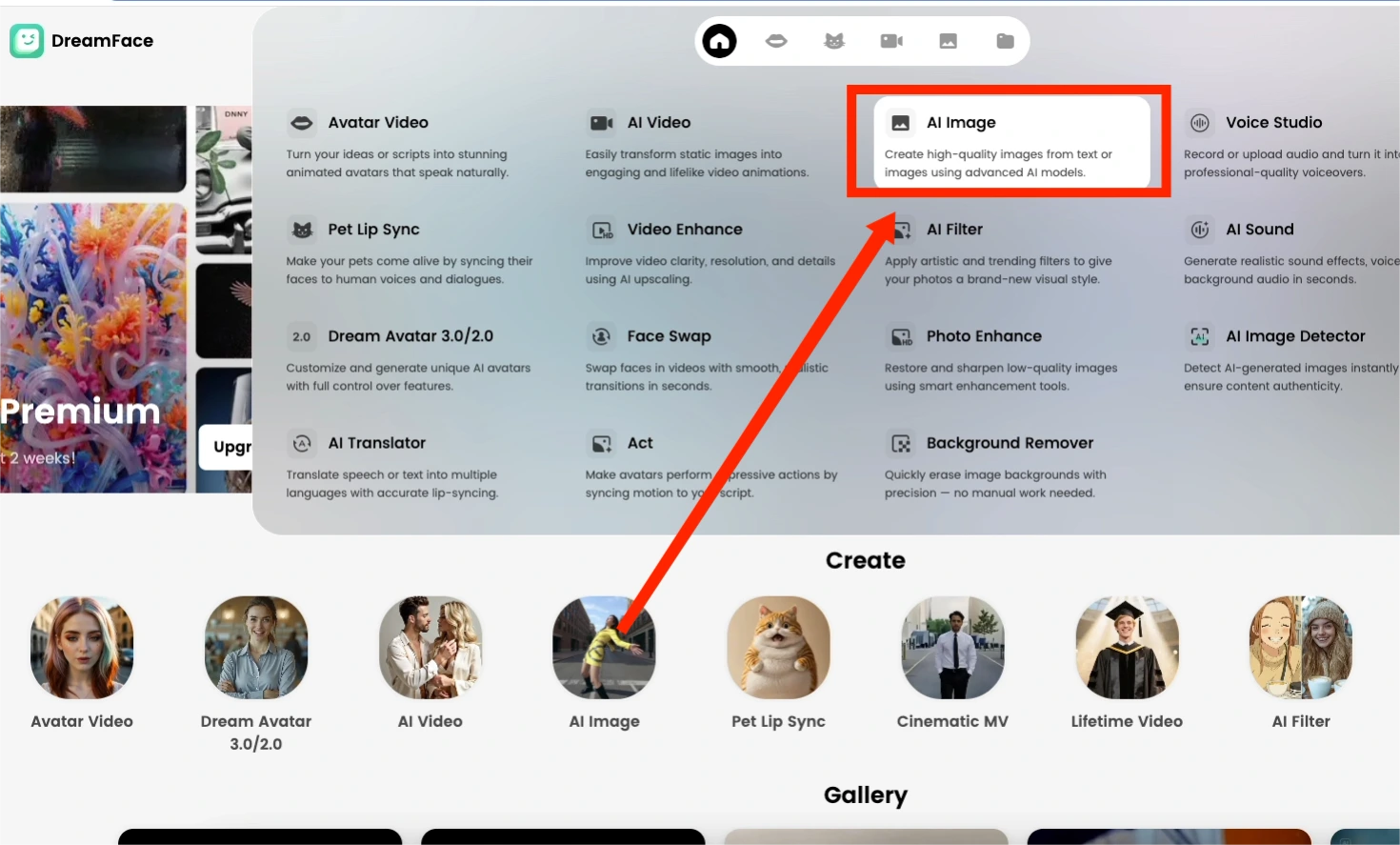
Click “AI Image” in DreamFace to start your project. This creates the base image for your character, which you’ll animate later—no prompts needed yet, just the starting canvas.
Step 2: Choose Your AI Model & Customize Your Character
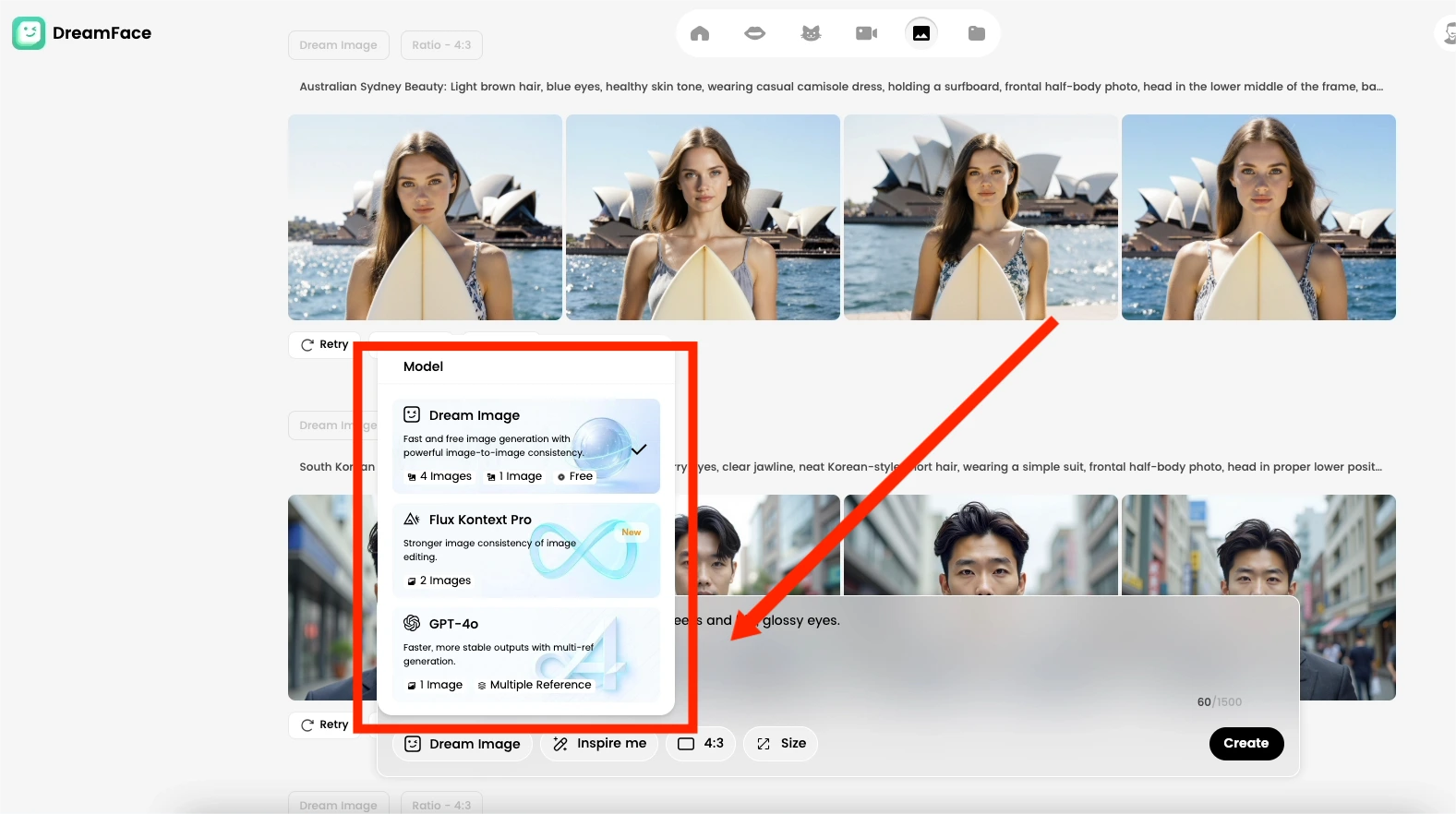
With your base image ready, it’s time to bring your character to life! Select an AI model that matches your style—realistic, cartoony, or somewhere in between. Then, customize your Pikachu by entering detailed prompts for its facial features and expressions, like “A fluffy baby Pikachu with rosy cheeks and big, glossy eyes.”
Step 3: Choose AI Video in DreamFace
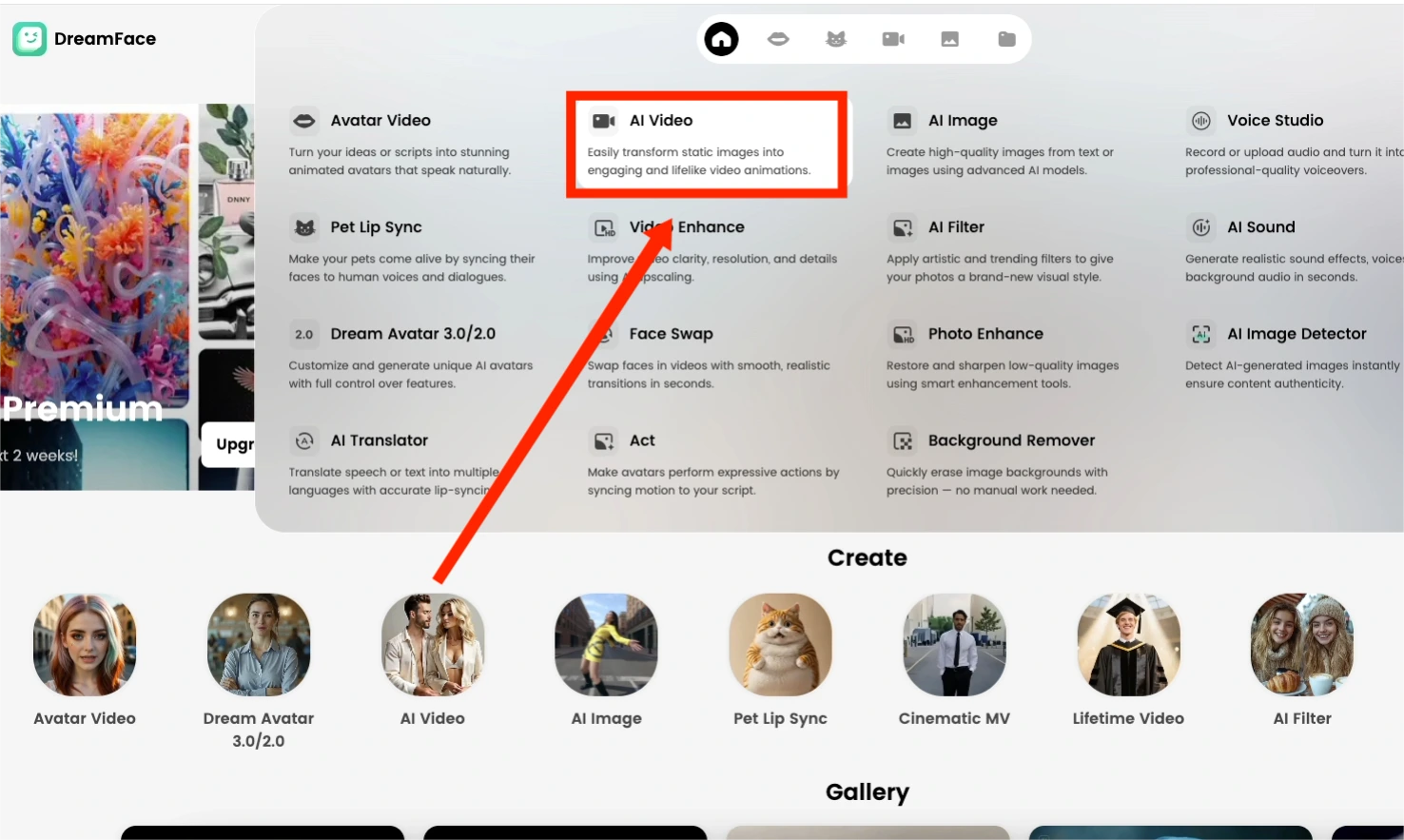
Switch to the “AI Video” feature in DreamFace. This tool animates your static image, making your Pikachu blink, smile, and move naturally, turning it into a lively, lovable character.
Step 4: Activate the Google VEO3 Fast Function & Input Prompts
Enable the “Google VEO3 Fast Function” to boost the speed and quality of your animation. Once activated, input specific action prompts to guide the animation, ensuring your Pikachu interacts with its environment like a real creature.
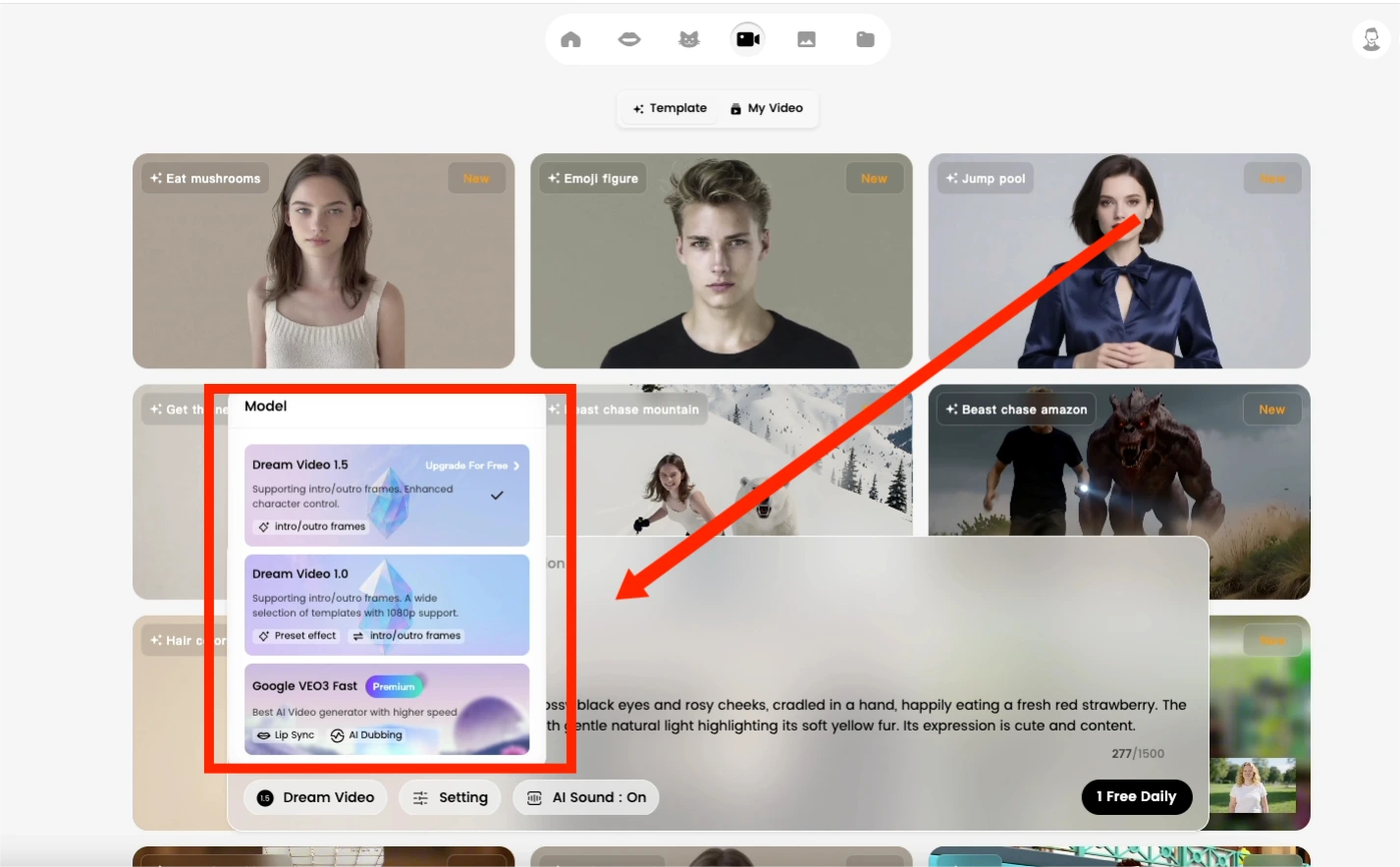
Example Prompt: “A hyper-realistic, fluffy baby Pikachu with glossy black eyes and rosy cheeks, cradled in a hand, happily eating a fresh red strawberry. The background is a soft-focus sunny garden with gentle natural light highlighting its soft yellow fur. Its expression is cute and content.
Step 5: Create & Watch the Magic Unfold
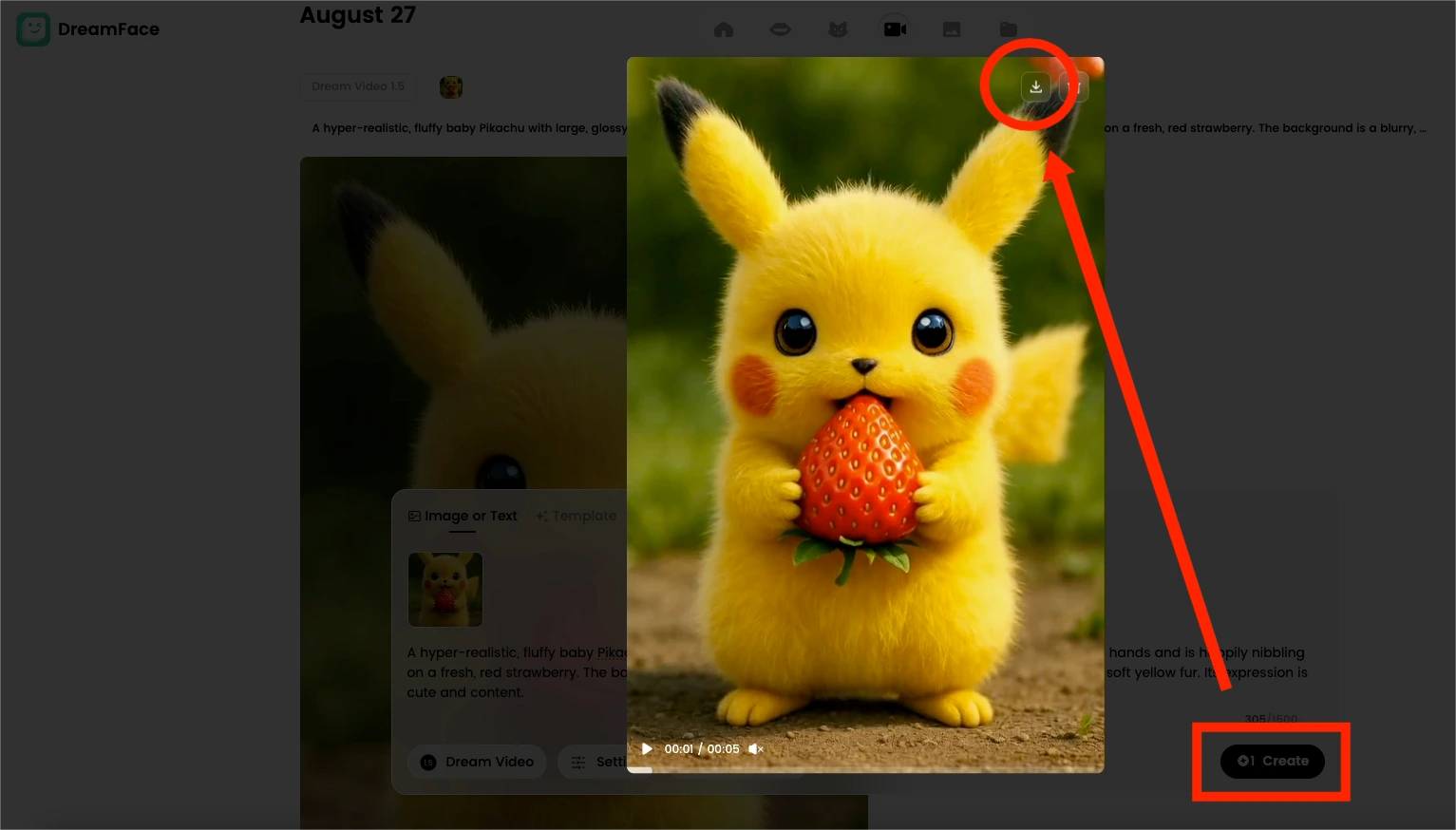
Click “Create” and watch the magic happen! Your Pikachu will come to life—eyes twinkling, mouth nibbling, perfectly capturing the adorable moment of it enjoying a strawberry. Once done, preview, download, and share it on TikTok, Instagram, or YouTube to join the viral wave!
Final Thoughts
With DreamFace and Veo 3 , creating a heartwarming “AI Pikachu” video has never been easier. This quirky, adorable, and surreal content is exactly what audiences love—and what’s driving millions of views online.
So why not give it a try? Create your own AI furry masterpiece today—you might just spark the next viral sensation!
.webp)
DreamFace AI Live Avatar: Always-On AI Character Livestreaming
Turn any character into an always-on live streaming host — from talk shows and quizzes to memorial tributes and late-night companionship — with no one required behind the camera.
By Daniel一Aug 18, 2026- AI Video
- AI Live Avatar
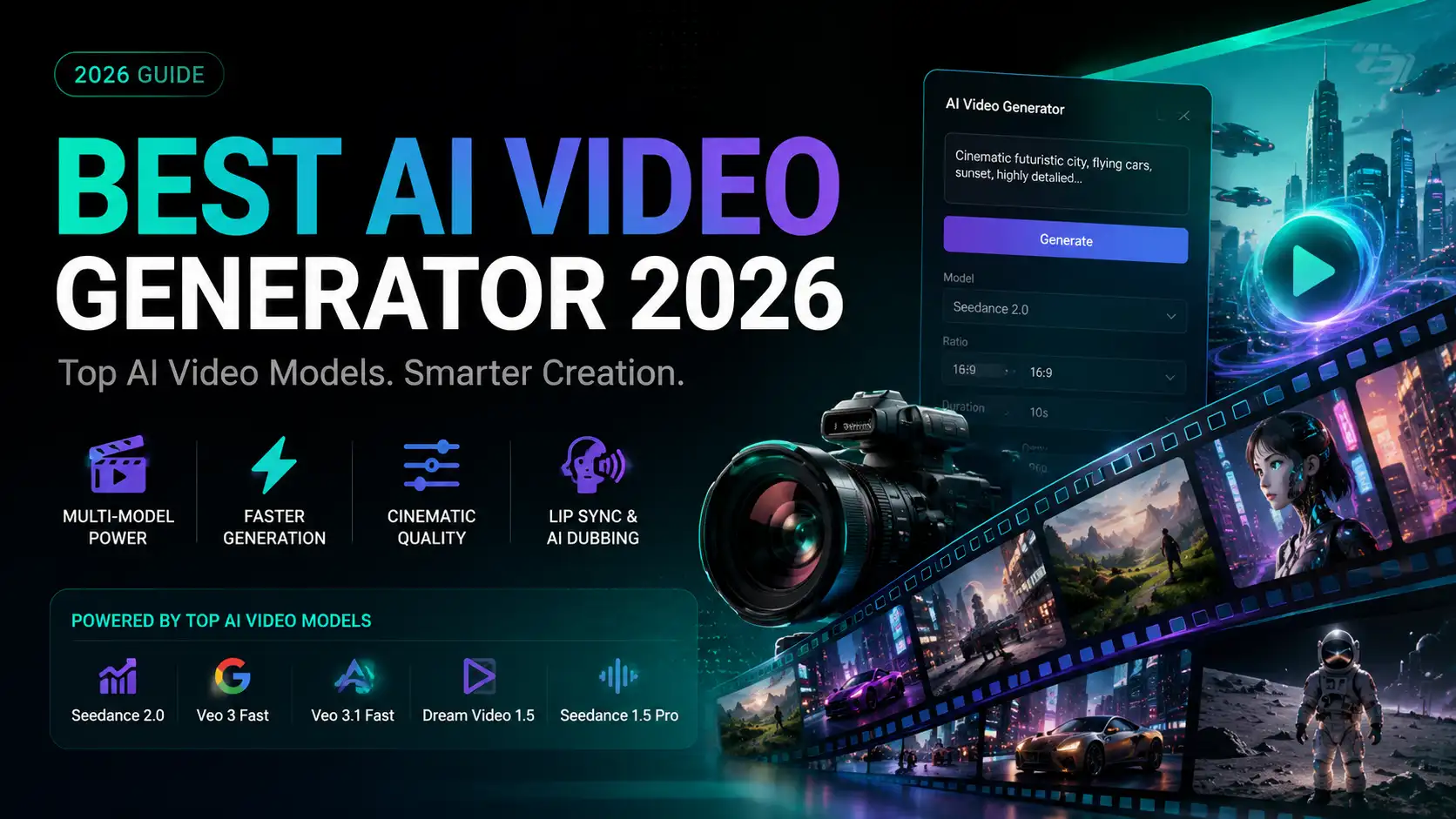
Best AI Video Generator 2026: Why Multi-Model AI Platforms Are Winning
AI video generation has entered a completely new era in 2026. What started as short experimental clips has rapidly evolved into cinematic storytelling, AI anime production, virtual influencers, talking avatars, and fully AI-generated social media content.
By Bentley一May 26, 2026- AI Video Generator
- AI Video
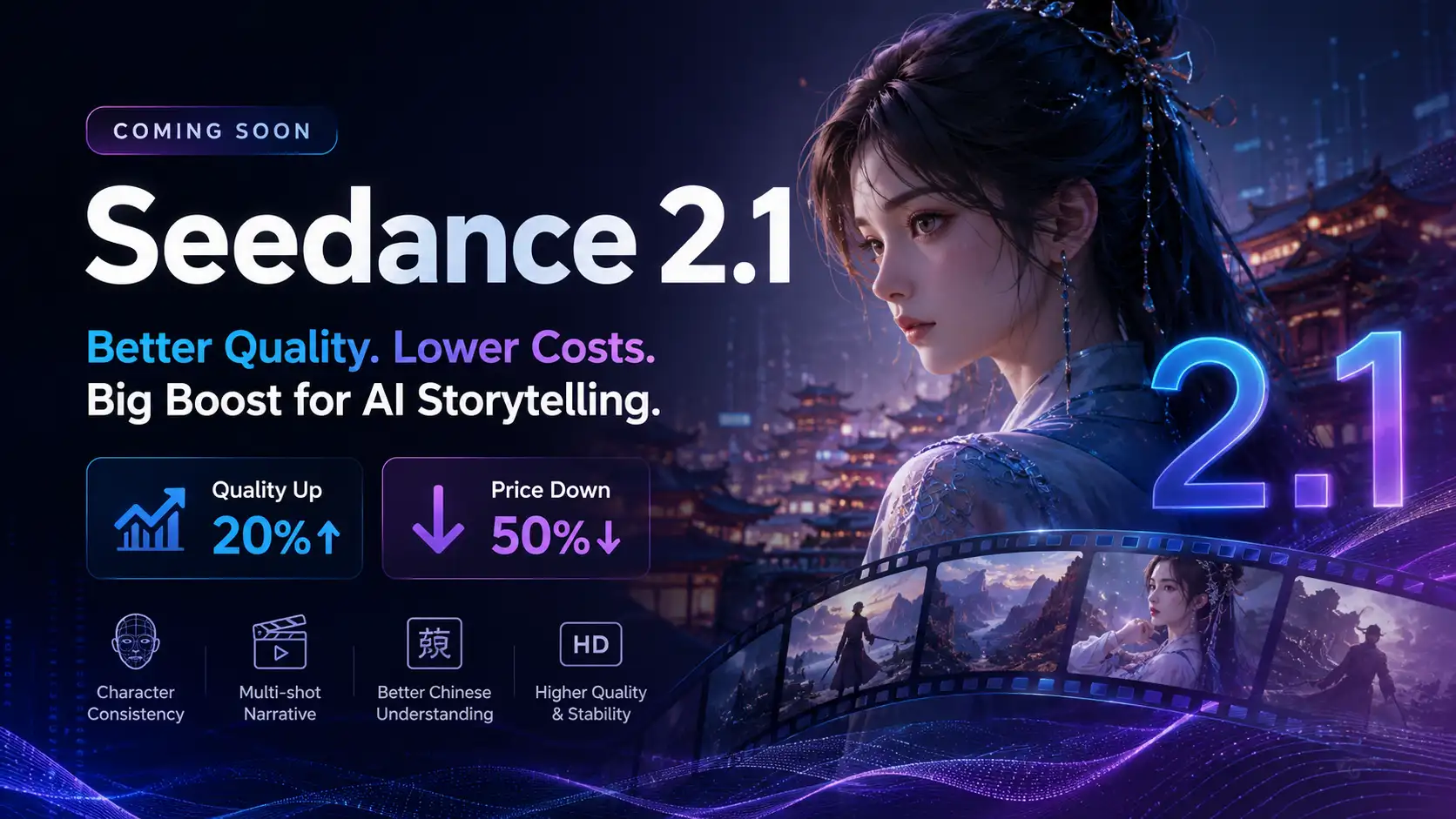
Seedance 2.1 Is Coming: Better Quality, Lower Costs, and a Big Boost for AI Storytelling
The AI video generation race has slowed down a bit recently. Earlier this year, new models were launching almost every week, pushing image and video generation forward at an incredible pace. After the buzz around GPT Image models, the industry has been waiting for the next major leap in AI video.
By stxph一May 23, 2026- AI Video
- Seedance 2.1
- Seedance 2.0