


How to Create a Talking AI Elon Musk with Dreamface: A Step-by-Step Guide
- Avatar Video
- AI image generator
- Talking Avatar
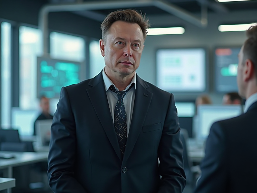
Ever wanted to bring your ideas to life through a digital persona of one of the most innovative minds of our time? Imagine creating a virtual Elon Musk to deliver a presentation, share a groundbreaking idea, or simply entertain your audience. With the power of AI, this is no longer a futuristic dream. In this guide, we'll walk you through how to create a realistic, talking AI Elon Musk using the powerful and intuitive features of the Dreamface app.
We'll start by generating a unique image of Elon Musk with the AI Image tool and then bring him to life with the incredibly swift and dynamic Avatar 3.0 Fast feature.
Step 1: Crafting Your AI Elon Musk with AI Image
The first step is to create a high-quality, unique image of Elon Musk. Dreamface's AI Image generator makes this process incredibly simple and allows for a great deal of creative freedom.
How to get started:
1)Open the Dreamface and navigate to the AI Image feature.
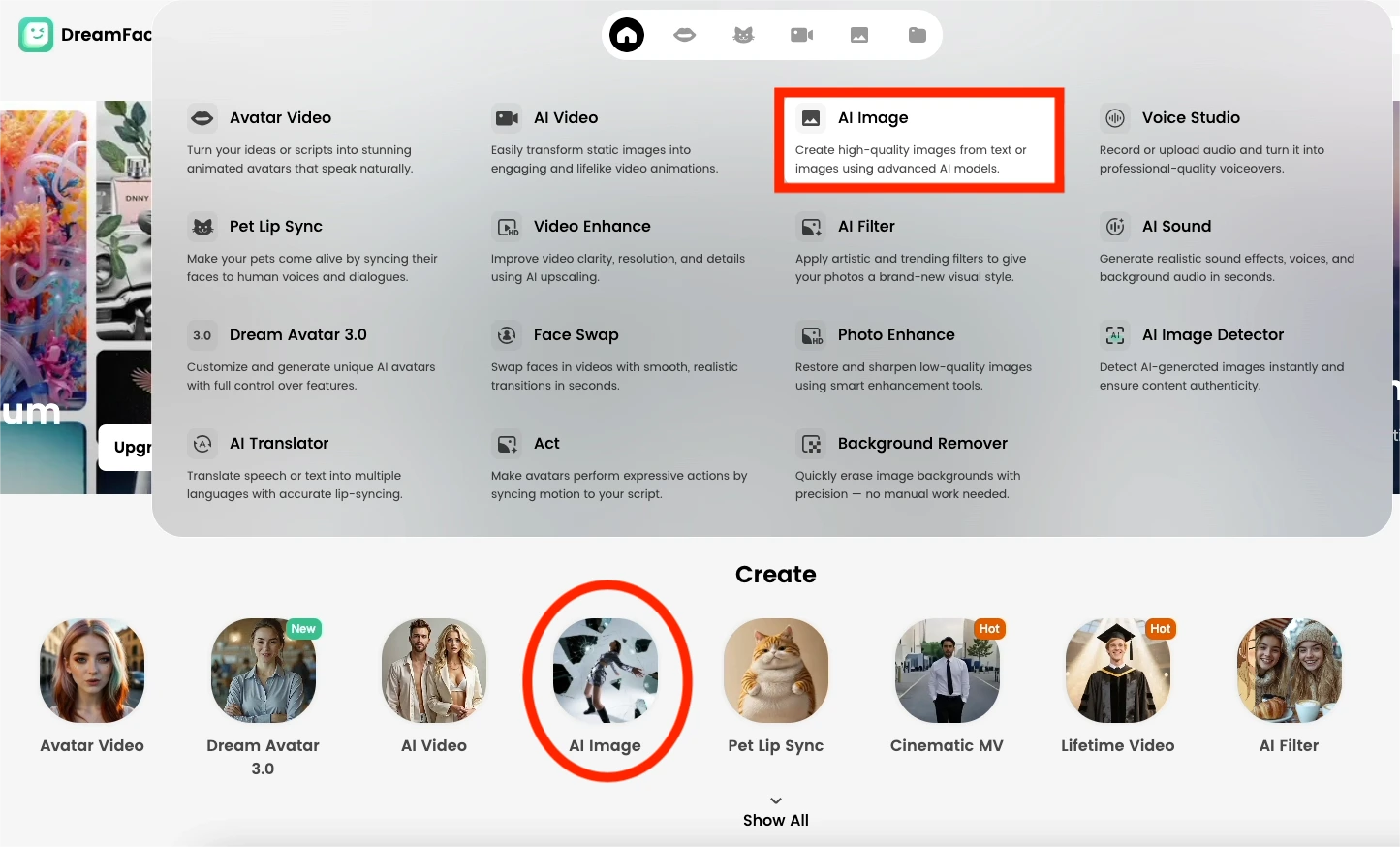
2)Describe your vision. In the text prompt, be as descriptive as possible to get the best results. Think about the setting, attire, and expression you want your AI Elon Musk to have. For example, you could try prompts like:
"A photorealistic portrait of Elon Musk in a futuristic office, looking thoughtfully at the camera."
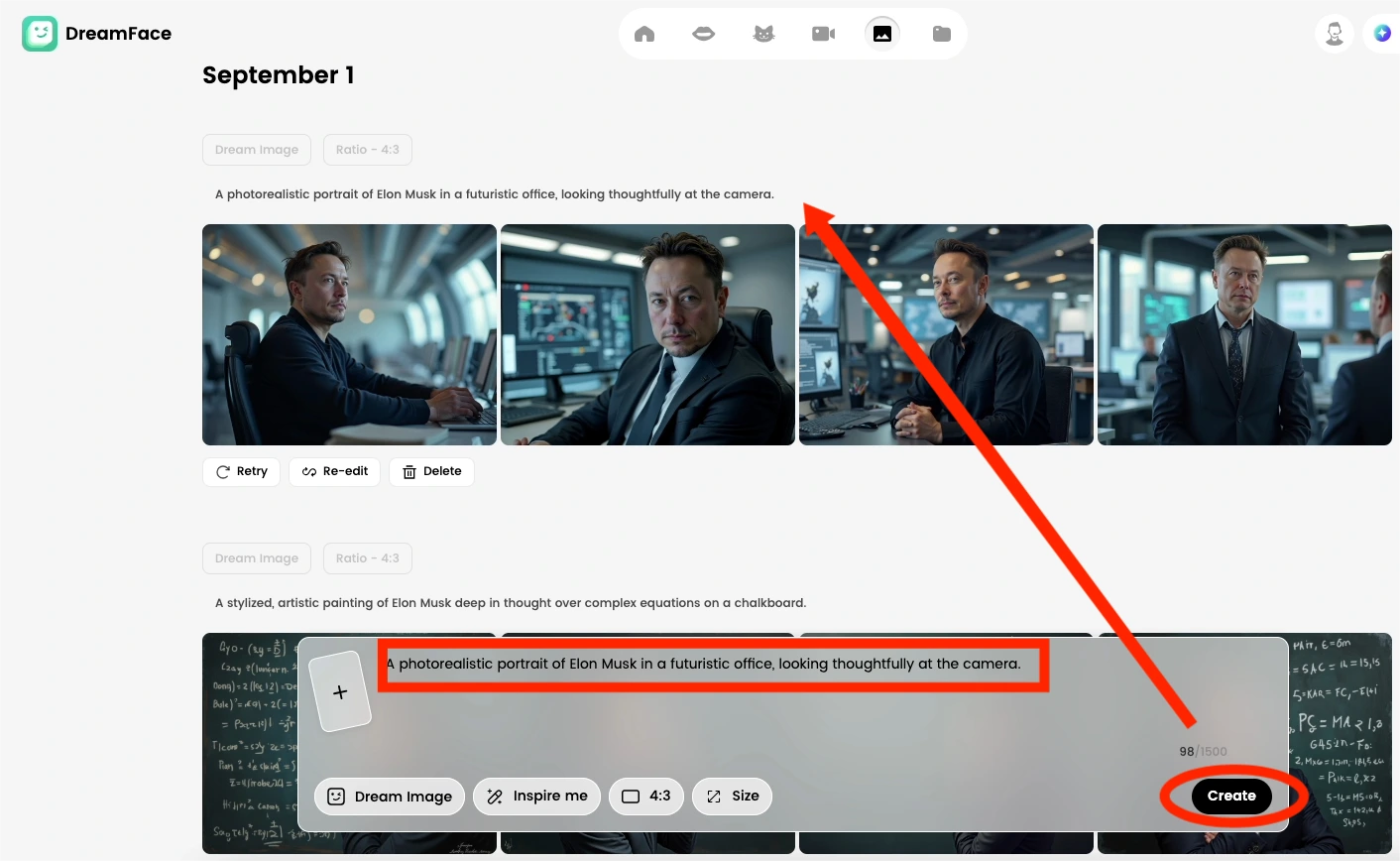
3)Generate and refine. Tap the generate button and watch as the AI brings your description to life. You can generate multiple images and choose the one that best fits your vision. Feel free to tweak your prompt to get the perfect result.
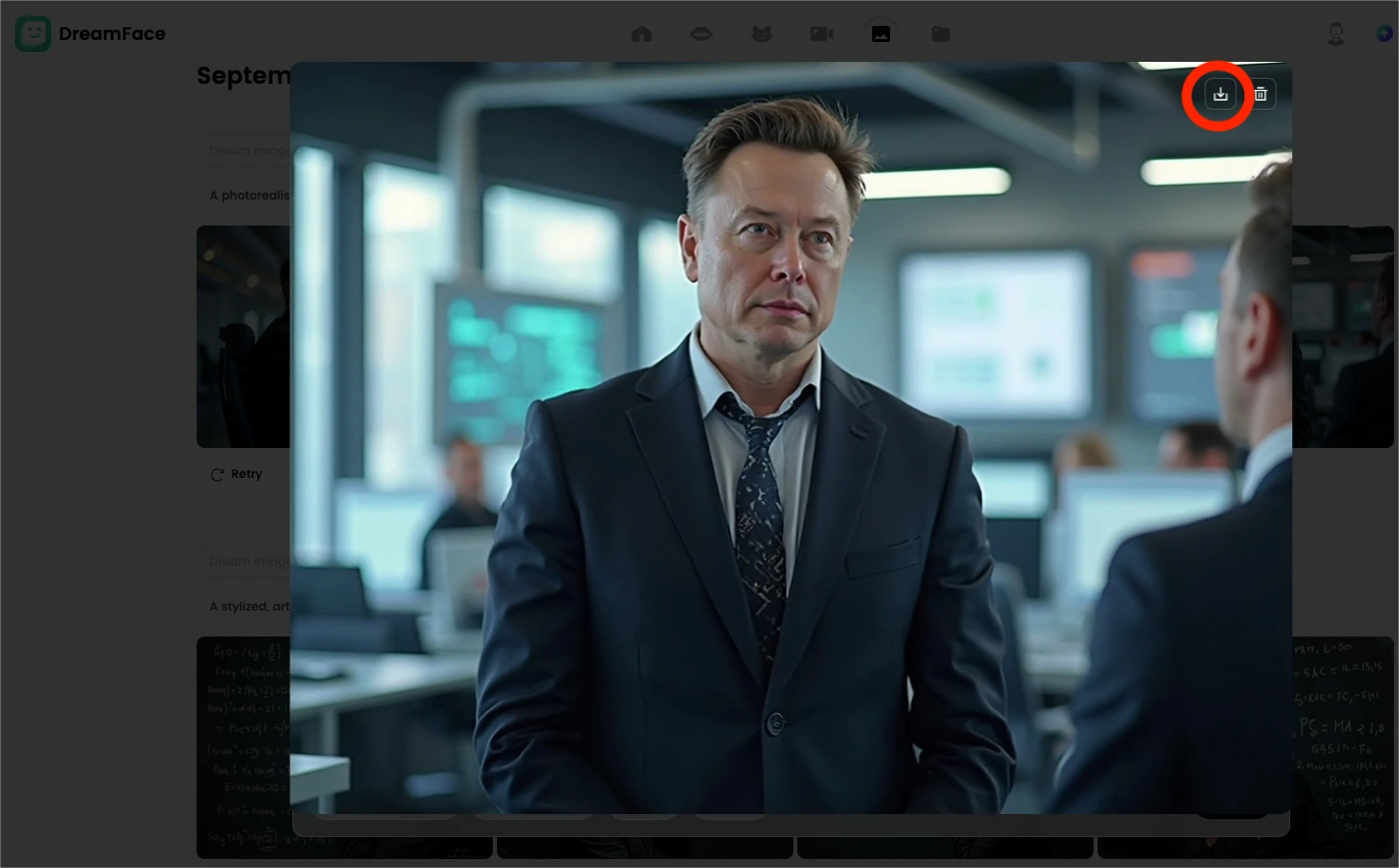
Once you have an AI-generated image of Elon Musk that you're happy with, it's time for the real magic to begin.
Step 2: Bringing Your AI Elon Musk to Life with Avatar 3.0 Fast
Now that you have your static image, it's time to make your AI Elon Musk talk, express, and engage. This is where Dreamface's cutting-edge Avatar 3.0 Fast feature comes in. This isn't just a simple lip-syncing tool; Avatar 3.0 animates the entire persona for a more dynamic and believable performance.
Animating your AI Elon Musk:
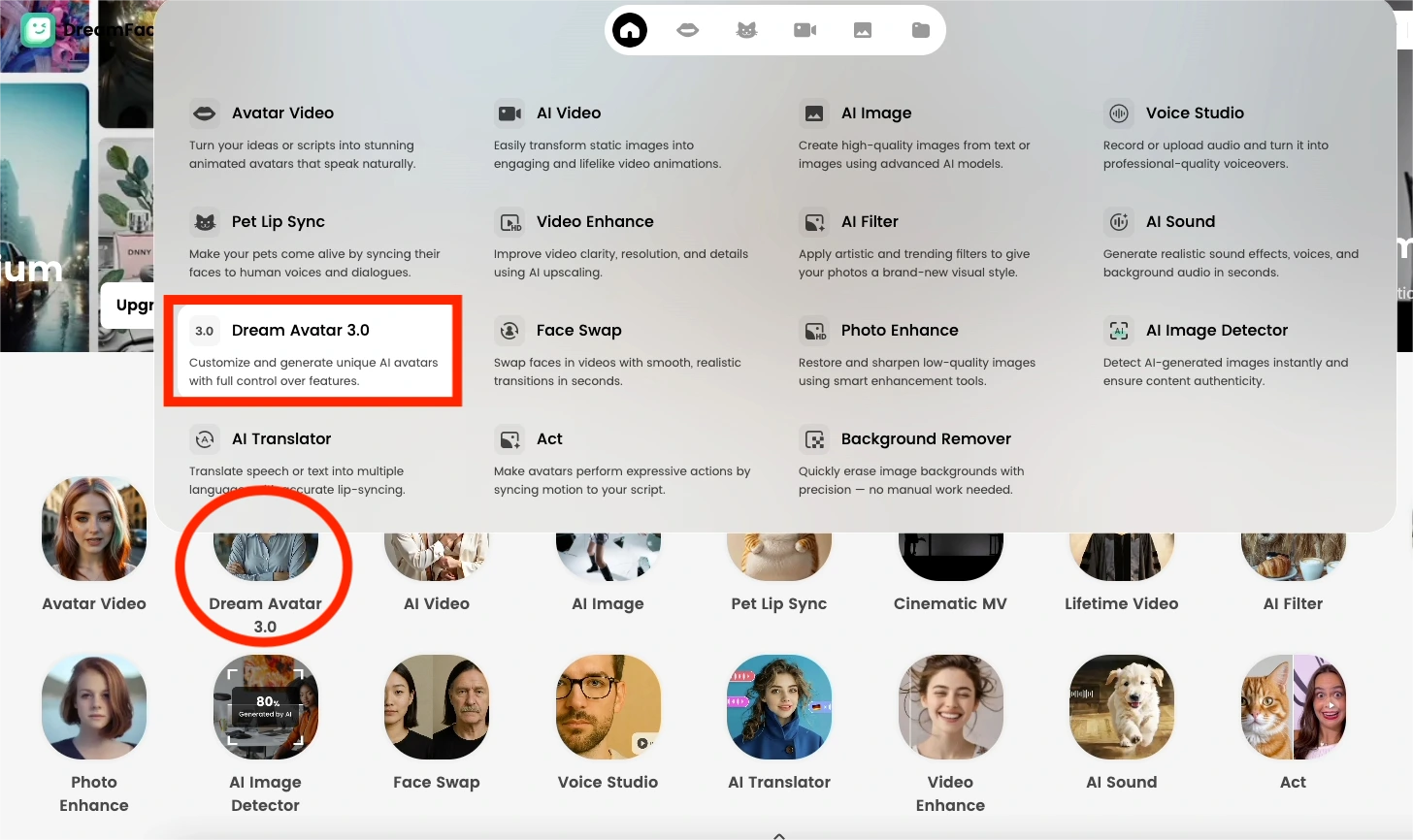
1)Select your AI-generated image. Within the Dreamface, choose the "Dream Avatar 3.0" or a similar animation feature and upload the Elon Musk image you just created.
2)Give your Avatar a voice. You have two primary options for the audio:
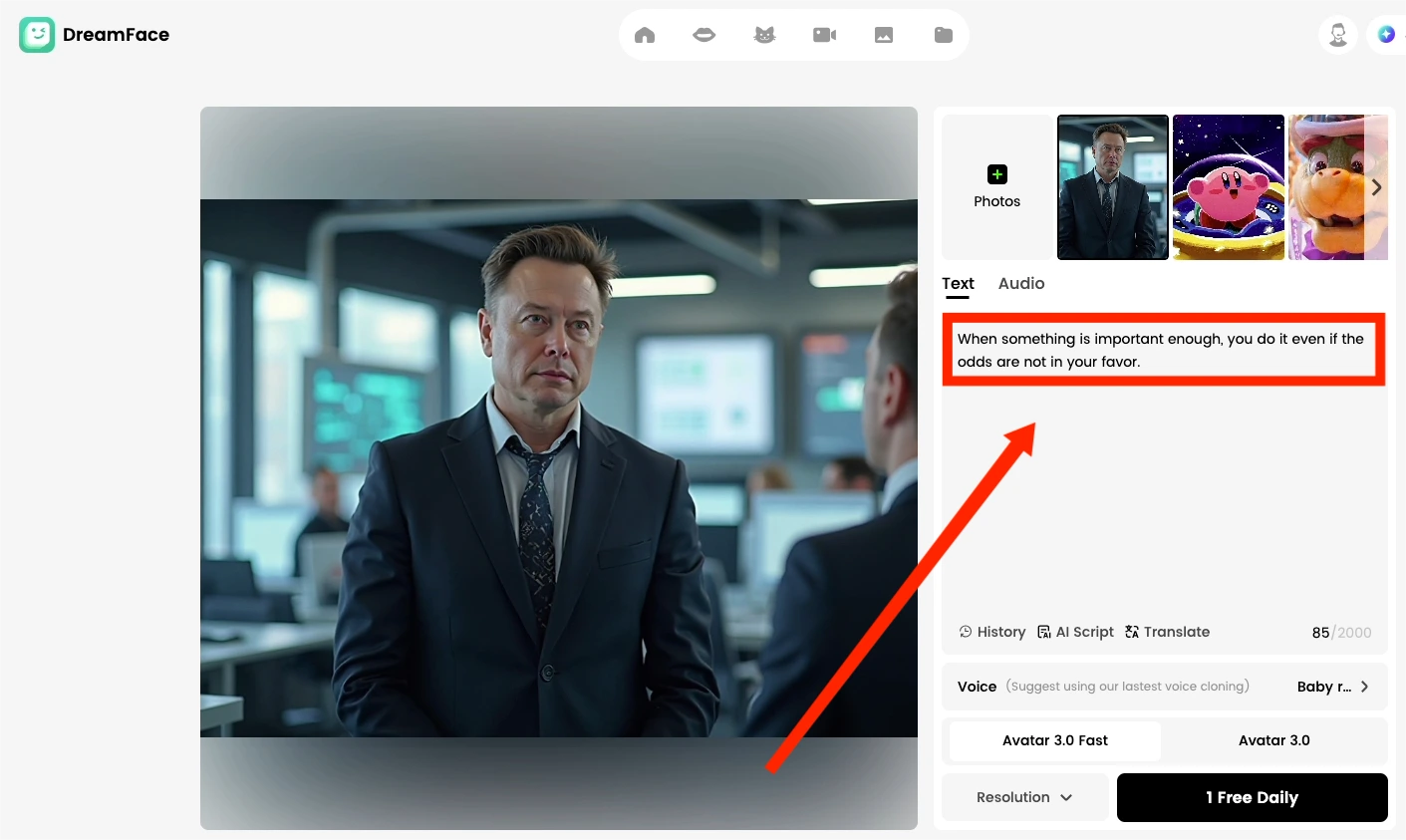
- Text-to-Speech: Simply type or paste the script you want your AI Elon Musk to say. Dreamface offers a selection of AI-generated voices. You can choose one that you feel best captures his tone and cadence.
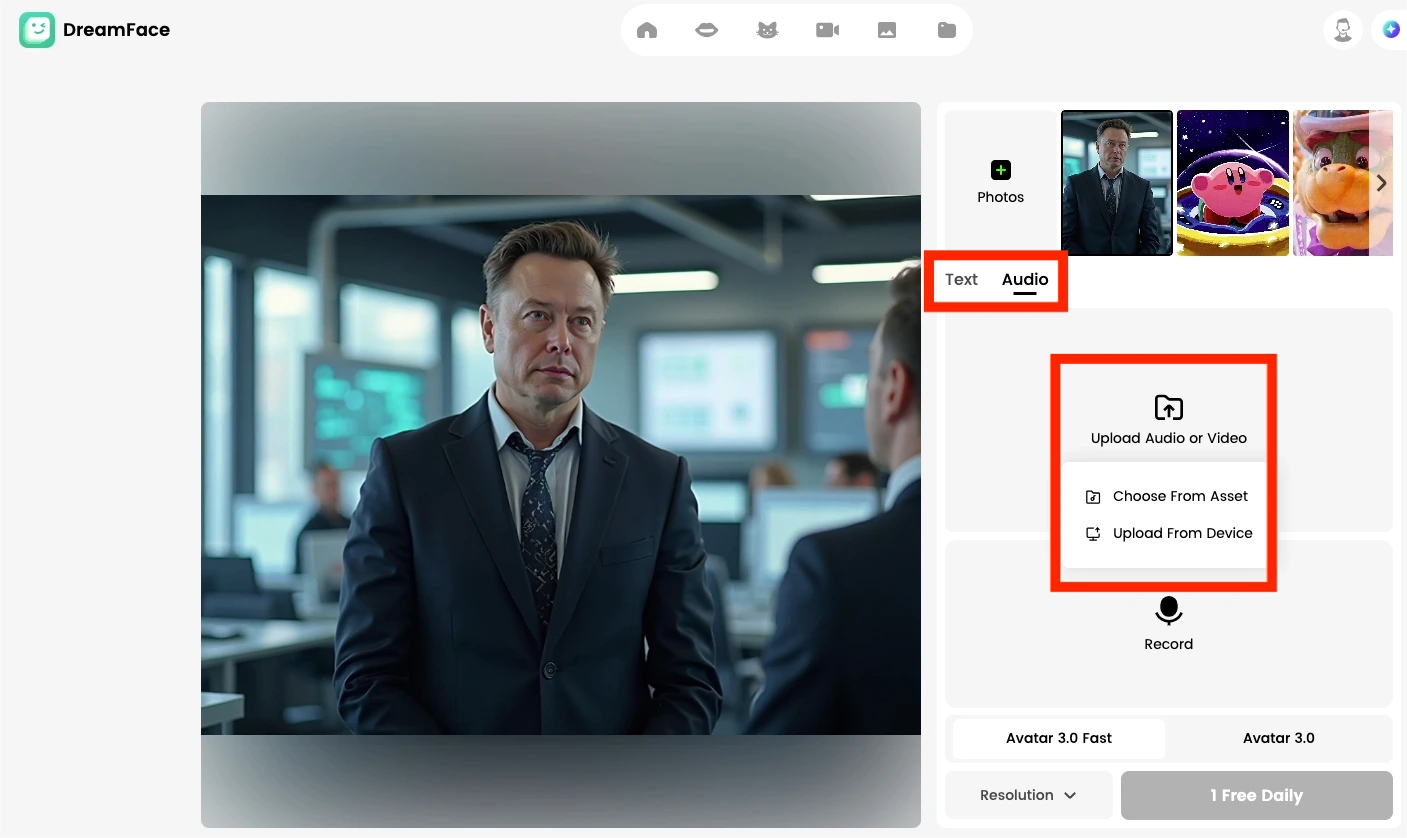
- Upload Your Own Audio: For a more personalized touch, you can record your own voice or upload a pre-existing audio file. This is perfect for creating presentations, educational content, or even fun, custom messages.
3)Generate the animation with Avatar 3.0 Fast. With your image and audio in place, it's time to let the AI work its wonders. The "Fast" in Avatar 3.0 signifies the impressive speed at which Dreamface can process and deliver your animated video. The AI will intelligently analyze the audio and sync the lip movements and facial expressions of your AI Elon Musk to create a seamless and natural-looking animation.
4)Review and share. In a short amount of time, your AI Elon Musk will be ready. You'll have a video of him delivering your scripted lines with lifelike expressions. From here, you can easily share your creation on social media, incorporate it into presentations, or use it in your next video project.
The Power of AI at Your Fingertips
By combining Dreamface's AI Image and Avatar 3.0 Fast features, you have a powerful toolkit for content creation. This process isn't just limited to creating an AI Elon Musk; you can apply these steps to generate and animate avatars of historical figures, fictional characters, or even your own original creations.
The intuitive interface and rapid generation times of Dreamface make it accessible for everyone, from marketers and educators to content creators and hobbyists. So why not dive in and start creating your own AI-powered conversations today? The only limit is your imagination.
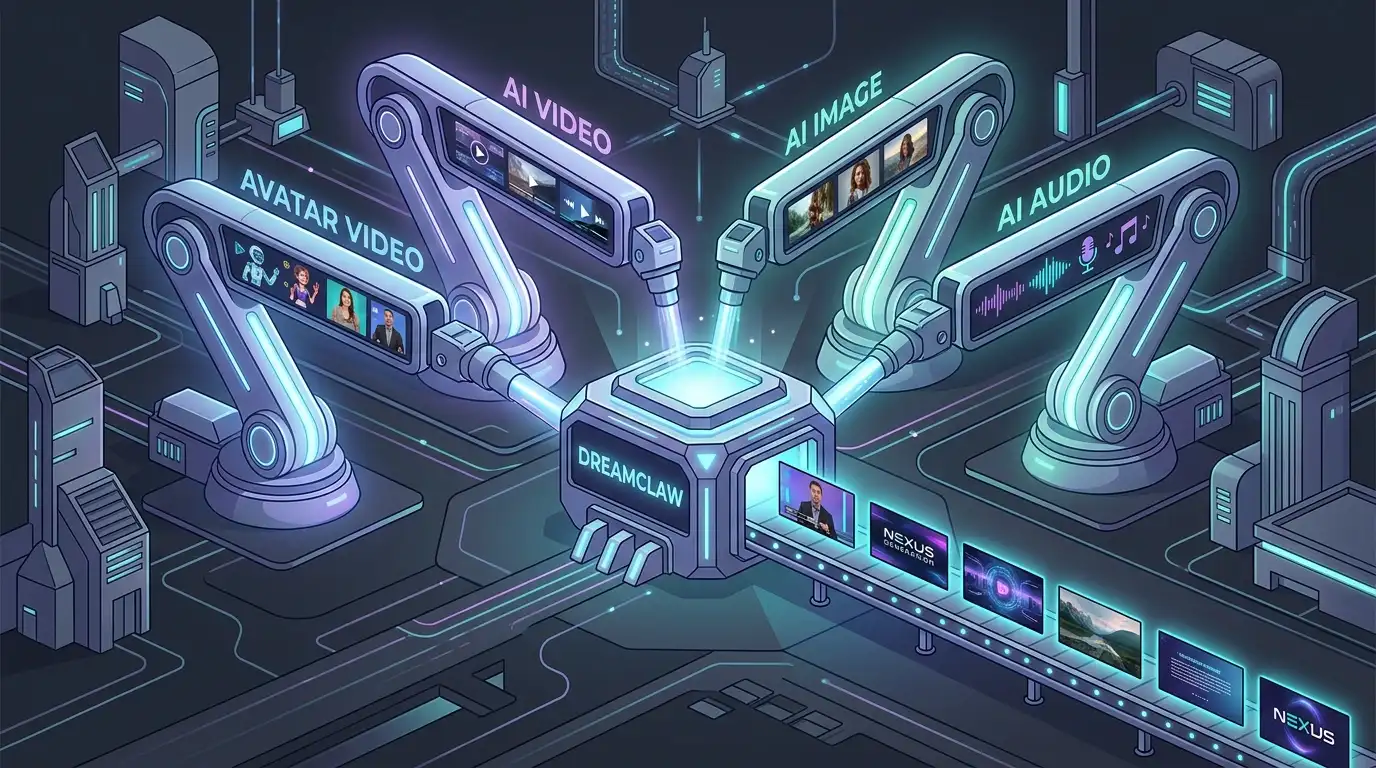
DreamClaw Agent: The All-in-One AI Automation Engine for DreamFace
Mar 04, 2026.jpg)
Seedance 2.0 Prompt Guide: The Ultimate Template for Cinematic AI Videos
Mar 03, 2026
Seedance 2.0 Prompt Guide: The Complete 2026 AI Video Creation Handbook
Feb 28, 2026
Google Nano Banana 2 Review: Pro-Grade Image Generation at Flash-Level Pricing
Feb 26, 2026
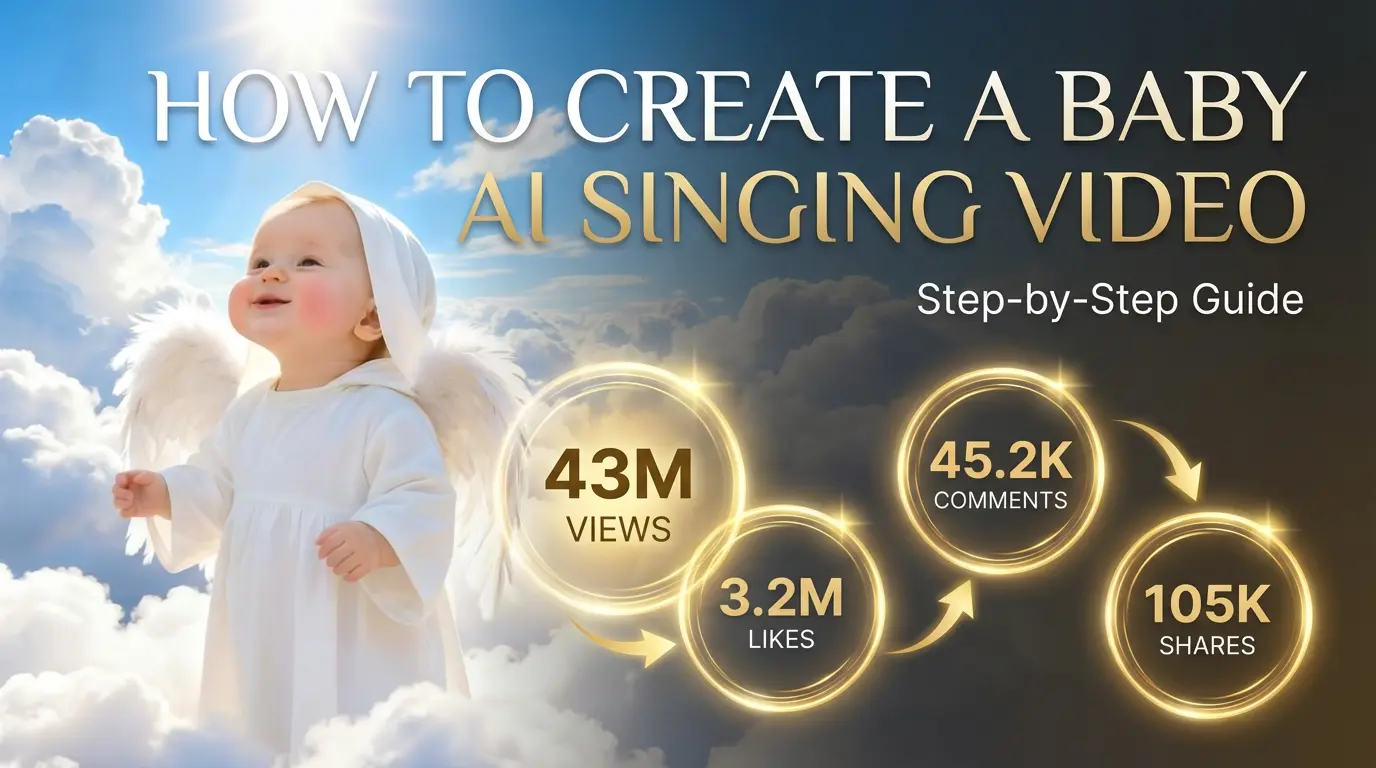
How to Create a Baby Angel AI Singing Video
A baby angel AI singing video is created by animating a photo with AI-powered lip sync and gentle singing audio. To create this type of video, users upload a clear image, add a soft vocal track, and generate facial animation that matches pitch and rhythm. Angel-themed AI singing videos are popular on platforms like Facebook Reels because their calm, emotional visuals encourage replays and sharing.
By Paisley 一 Sep 01, 2025- AI Video
- Photo Animation
- Avatar Video
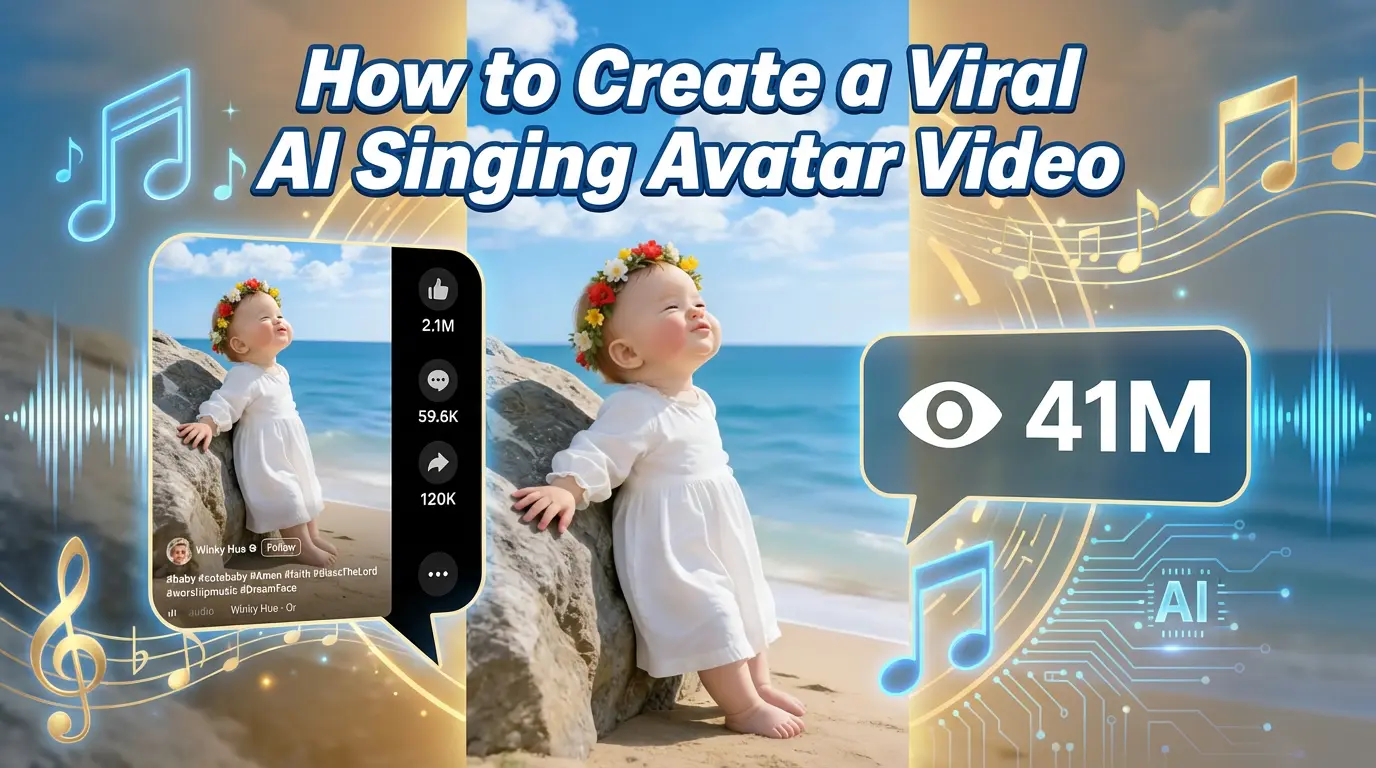
How to Create a Viral AI Singing Avatar Video
An AI singing avatar video is created by animating a photo with AI-powered lip sync and singing voice generation. To create a viral AI singing avatar video, users upload a clear image, add a singing audio source, and generate facial animation that matches pitch and rhythm. This type of content has become especially popular on social platforms like Facebook Reels, where expressive and unexpected visuals drive engagement.
By Paisley 一 Sep 01, 2025- Avatar Video
- Photo Animation
- AI Video
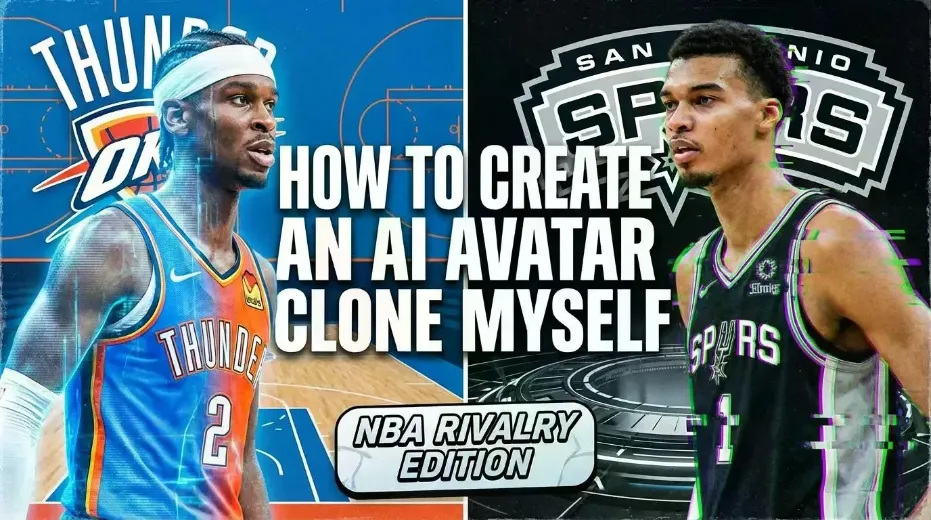
How to Create an AI Avatar and Clone Myself
Creating an AI avatar and cloning yourself means generating a digital version of your face and voice that can speak and appear in videos using AI. To create an AI avatar, users typically upload a clear photo, add text or a short voice sample, and generate a talking avatar with synchronized lip movement and facial expressions. In 2026, AI avatars are widely used for content creation, personal branding, and social media — similar to how games like NBA 2K allow players to scan their faces and create digital identities.
By Paisley 一 Sep 01, 2025- Image-to-Video
- NBA
- Avatar Video
- AI Video
- X
- Youtube
- Discord