


How to Make a Faceless AI Video of a McDonald's Cat with 25M Views?
Ready to watch your cat become the ultimate MC staff at McDonald's? Keep reading to find out how to make it happen!
- AI Video
- Pet Video
- AI Video Generator
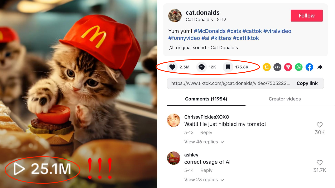
What if your cat could work at McDonald's—flipping burgers, wearing a staff uniform, and serving up your favorite fast food without even saying a word? Sounds too crazy to be true? Well, it’s not! Thanks to Dreamface, you can turn your cat into a full-on McDonald's employee in the most hilarious, faceless video ever. Just imagine: a mischievous cat behind the counter, expertly making hamburgers and spreading joy all around. 🍔🐱
And the best part? It’s already going viral on TikTok! 🚀 One video like this hit over 25M views and 2.3M likes, making waves with its crazy concept. This could be your chance to create the next viral AI sensation—and it only takes 5 simple steps!
Ready to watch your cat become the ultimate MC staff at McDonald's? Keep reading to find out how to make it happen, step by step:
Step 1: Generate an AI Image
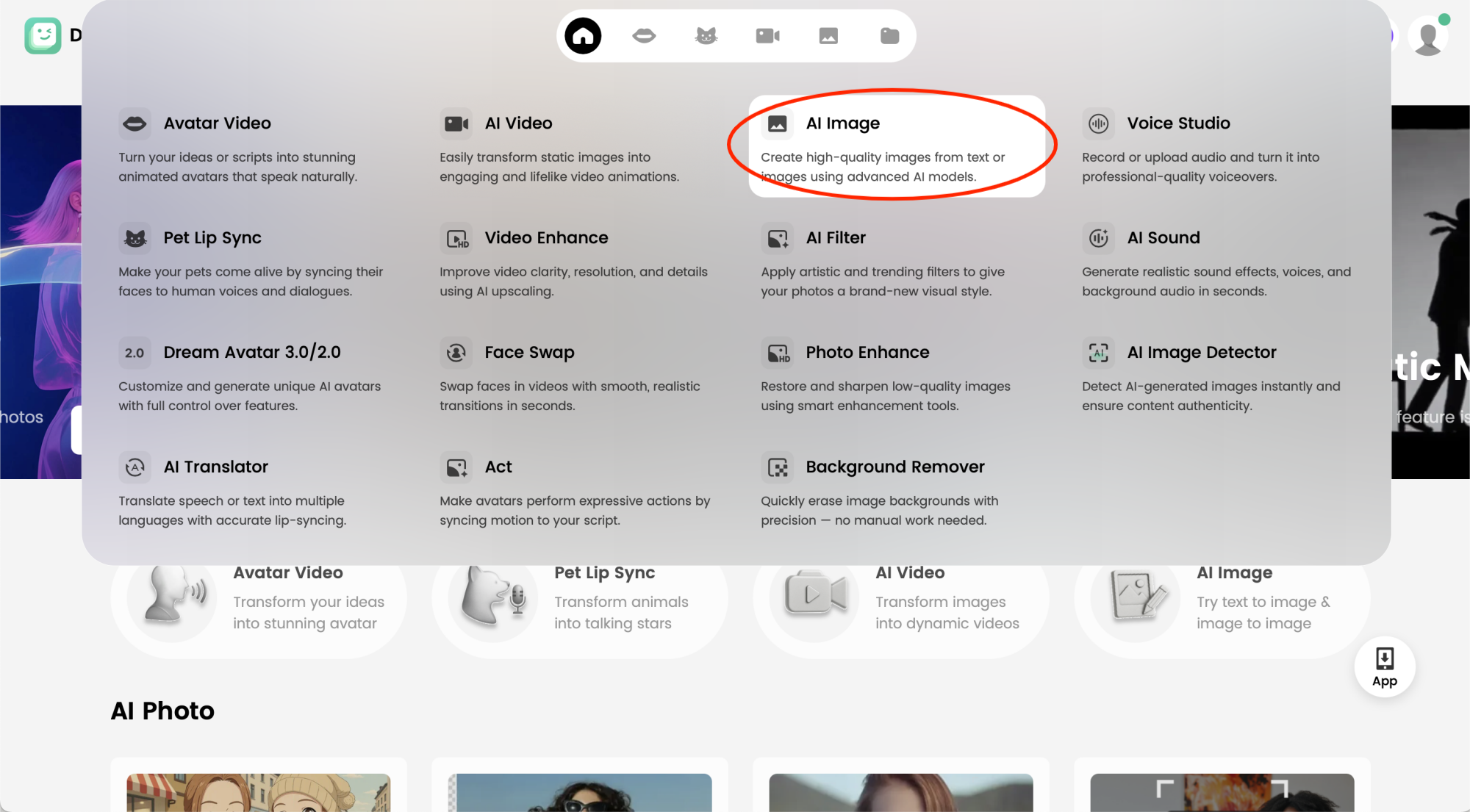
Start by selecting Dreamface’s AI Image tool to create your very own cat character. Imagine a cute tabby or a fluffy feline with the perfect expression to work at McDonald’s. Simply input prompts like “cat wearing a McDonald's uniform, standing behind a counter,” and Dreamface will generate an adorable image of your cat ready to become a burger-making pro!
Step 2: Choose Your AI Model & Customize Your Cat
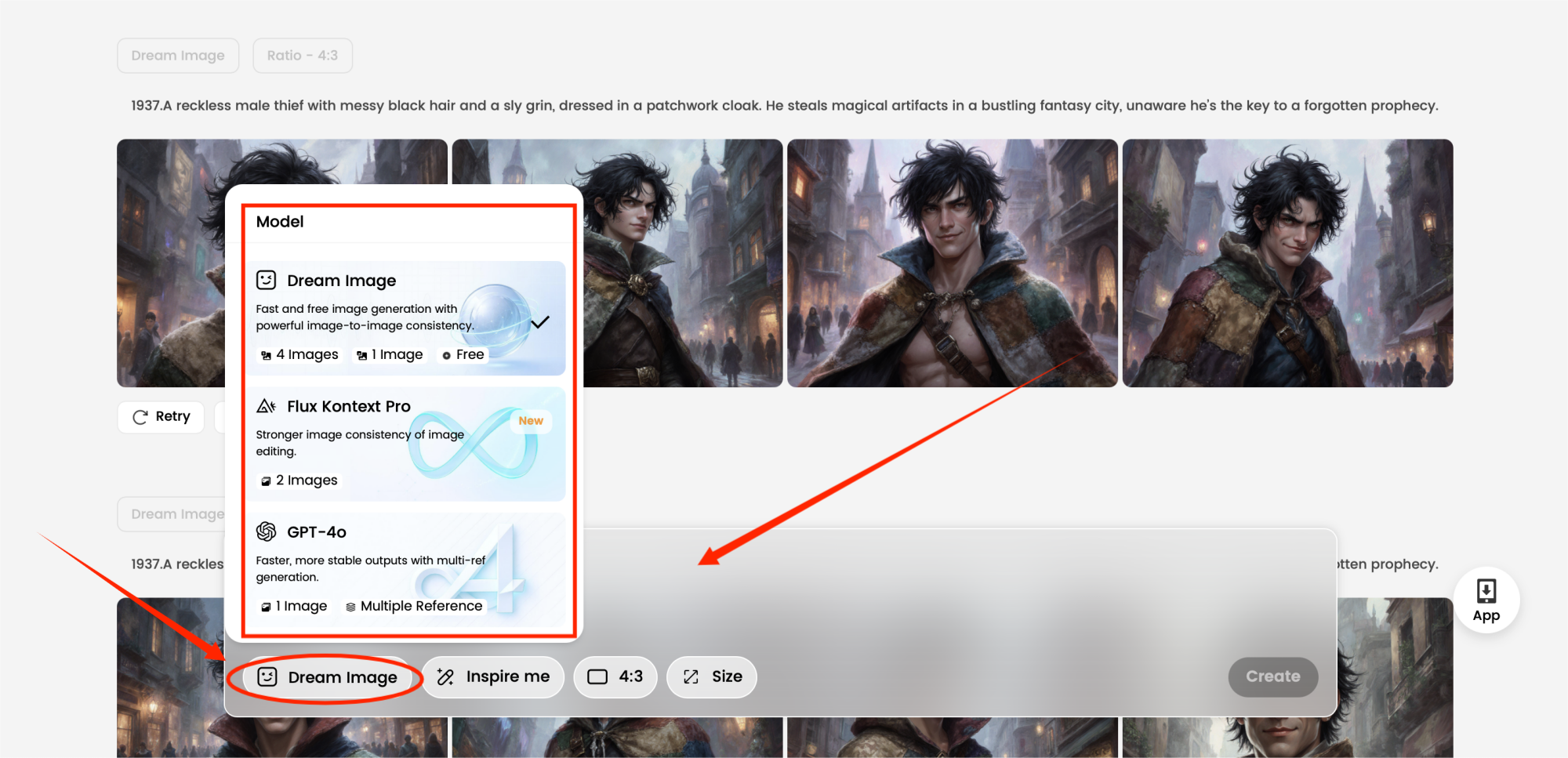
Once your AI image is ready, choose the AI model that best suits your cat’s vibe. Whether you want it to look more realistic or cartoonish, Dreamface allows you to customize the cat's fur texture, accessories (maybe a little chef hat?), and facial expressions. Make your cat look just like a dedicated McDonald’s employee—flipping burgers and serving up smiles!
Step 3: Choose AI Video in Dreamface
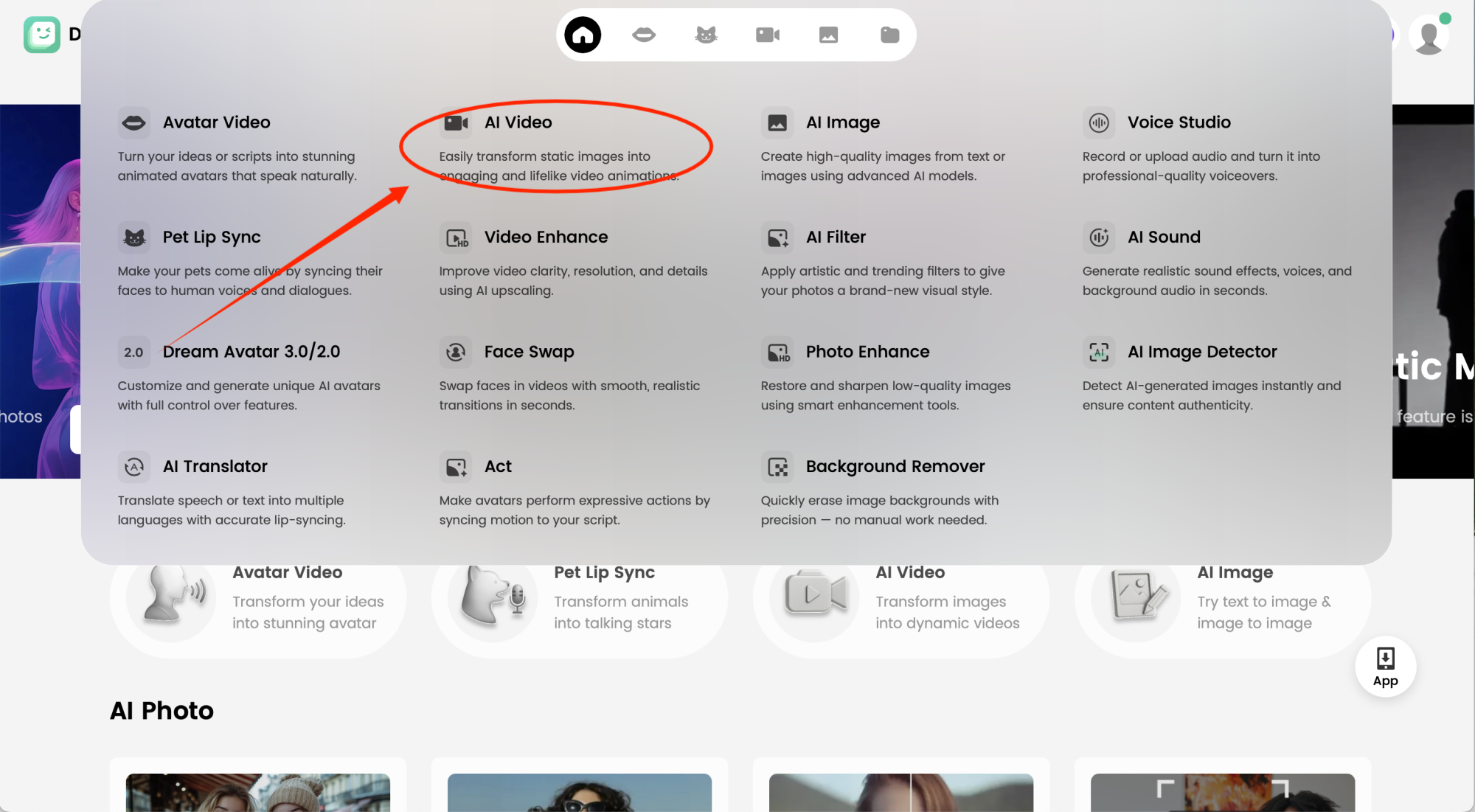
Next, switch to the AI Video tool in Dreamface. This function will take your custom AI cat and bring it to life, turning your static image into an animated video. The cat will now be able to move, gesture, and flip hamburgers just like a pro.
Step 4: Choose VEO3 & Input Prompts to Make Your MC Staff Cat Video
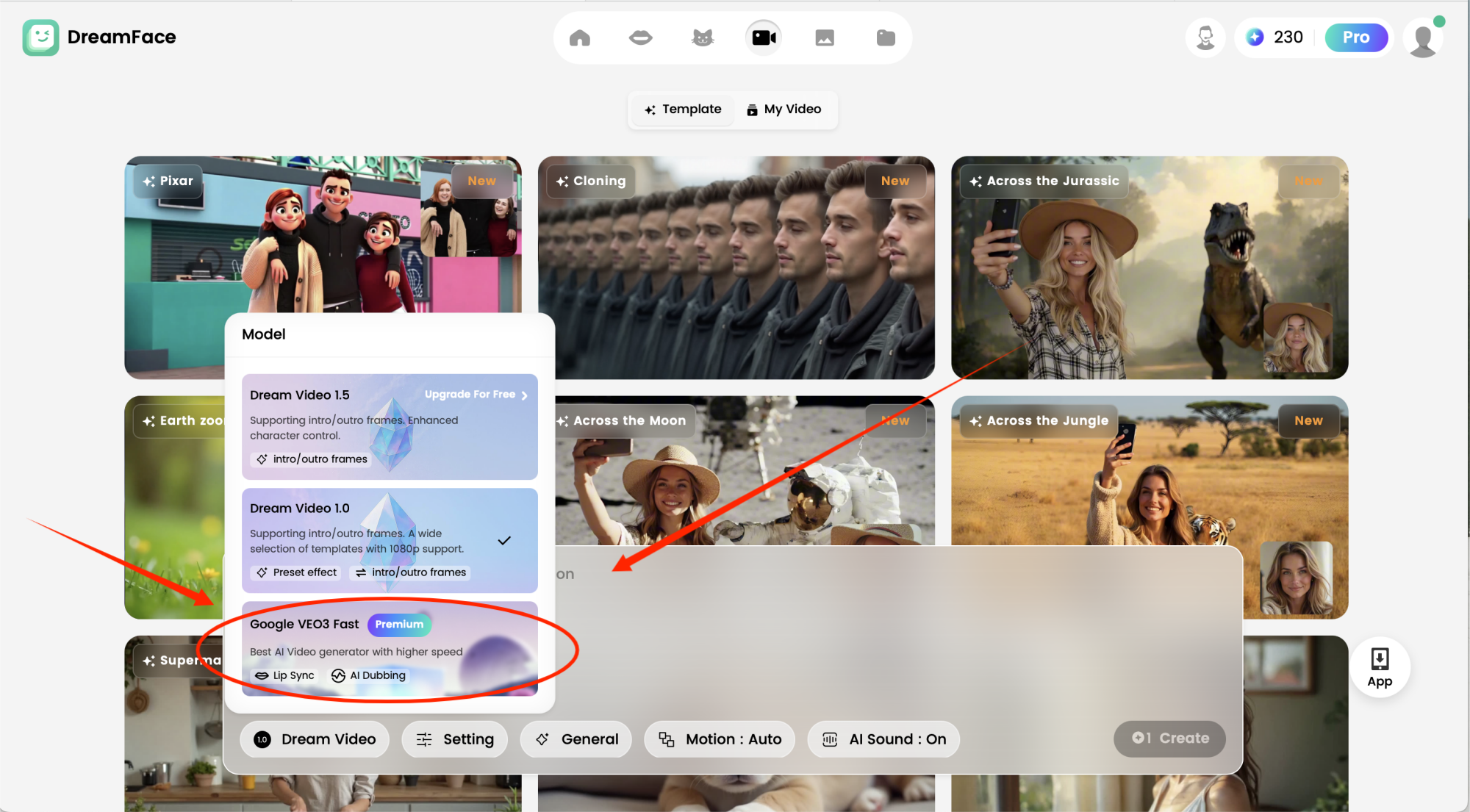
Now, select the Google VEO3 function in Dreamface to optimize your animation. This feature not only speeds up rendering but also enhances the video’s quality, ensuring smooth and lifelike animations for your cat. After activating VEO3, input specific prompts to direct the action. For example, you could type: “cat flipping hamburgers at a McDonald's counter, wearing a uniform, and serving food with a smile.” The more detailed your prompts, the more accurate and funny your MC staff cat video will be!
Step 5: Generate & Watch the MC Cat Come to Life
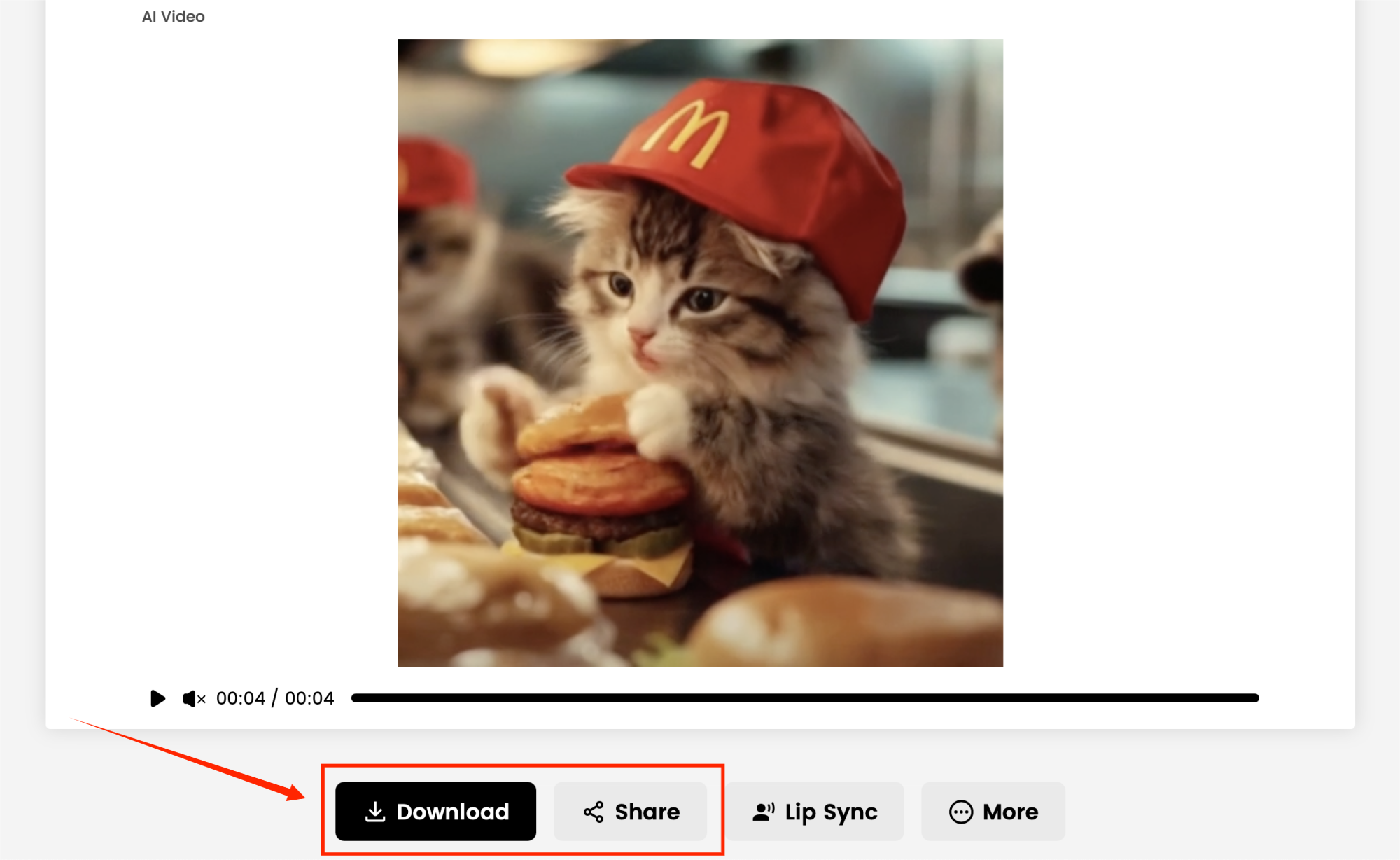
Once everything is set, hit the Generate button, and watch your MC Cat come to life! Dreamface will animate your cat, syncing its movements to show it expertly making hamburgers behind the McDonald's counter. You can preview and refine the animation as needed to make sure it’s perfectly synchronized with the desired actions, whether it's flipping burgers, taking orders, or wearing a chef's hat!
Final Thoughts
Creating a Faceless AI Cat Video has never been this fun—or this easy! With Dreamface, you can bring your wildest ideas to life, like turning a cute cat into a hamburger-making McDonald’s employee. Whether you want to make people laugh or create a viral hit, Dreamface’s five-step guide is the perfect way to start.
So, are you ready to create your own MC Cat at McDonald's? Start making your own AI video today and watch the magic unfold! 🍔🐱🎥
.webp)
DreamFace AI Live Avatar: Always-On AI Character Livestreaming
Turn any character into an always-on live streaming host — from talk shows and quizzes to memorial tributes and late-night companionship — with no one required behind the camera.
By Daniel一Aug 18, 2026- AI Video
- AI Live Avatar
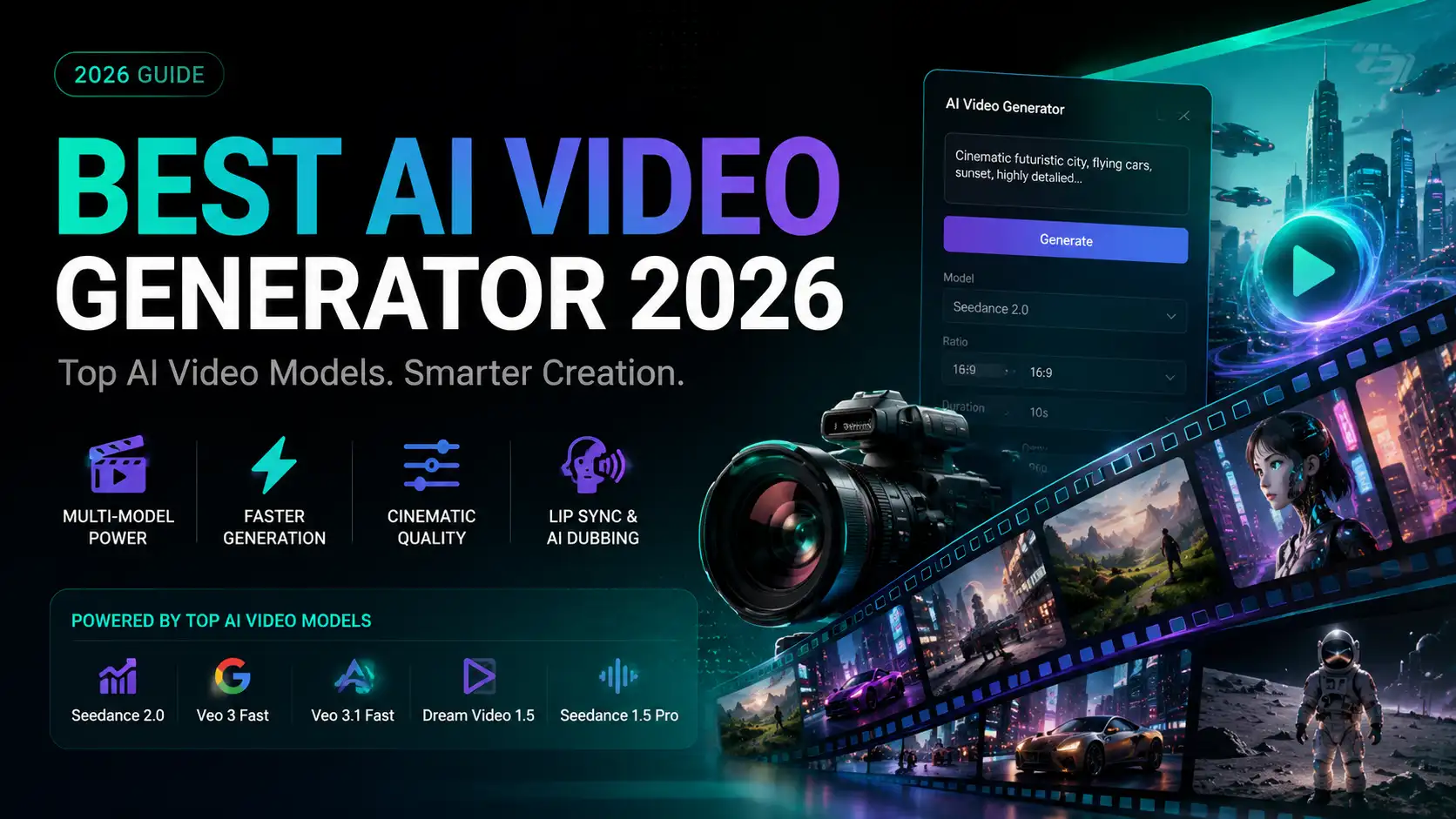
Best AI Video Generator 2026: Why Multi-Model AI Platforms Are Winning
AI video generation has entered a completely new era in 2026. What started as short experimental clips has rapidly evolved into cinematic storytelling, AI anime production, virtual influencers, talking avatars, and fully AI-generated social media content.
By Bentley一May 26, 2026- AI Video Generator
- AI Video
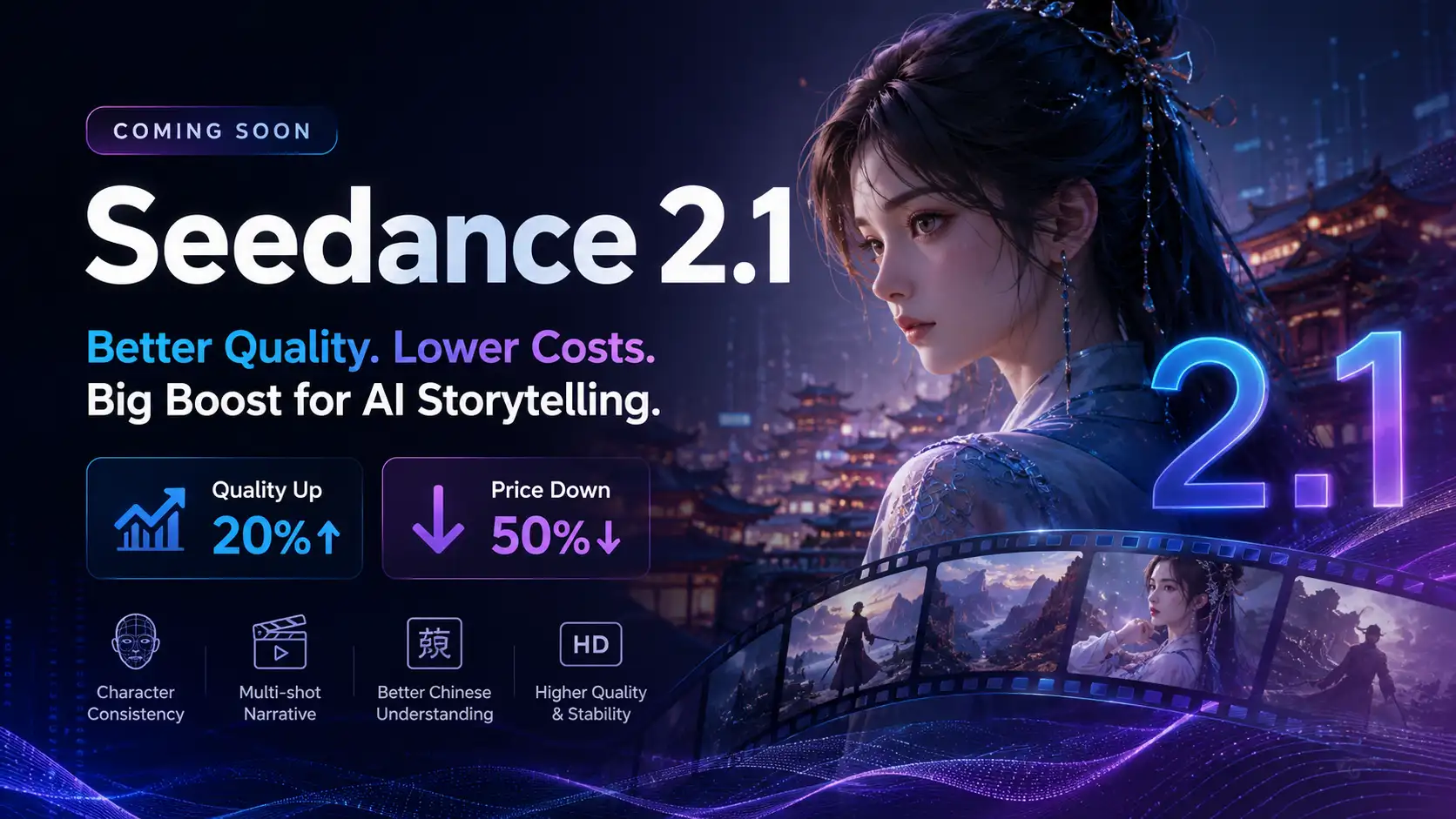
Seedance 2.1 Is Coming: Better Quality, Lower Costs, and a Big Boost for AI Storytelling
The AI video generation race has slowed down a bit recently. Earlier this year, new models were launching almost every week, pushing image and video generation forward at an incredible pace. After the buzz around GPT Image models, the industry has been waiting for the next major leap in AI video.
By stxph一May 23, 2026- AI Video
- Seedance 2.1
- Seedance 2.0