


Michael Jackson Dance Video AI: Make a Clip from One Photo
- AI Video
- Dreamact
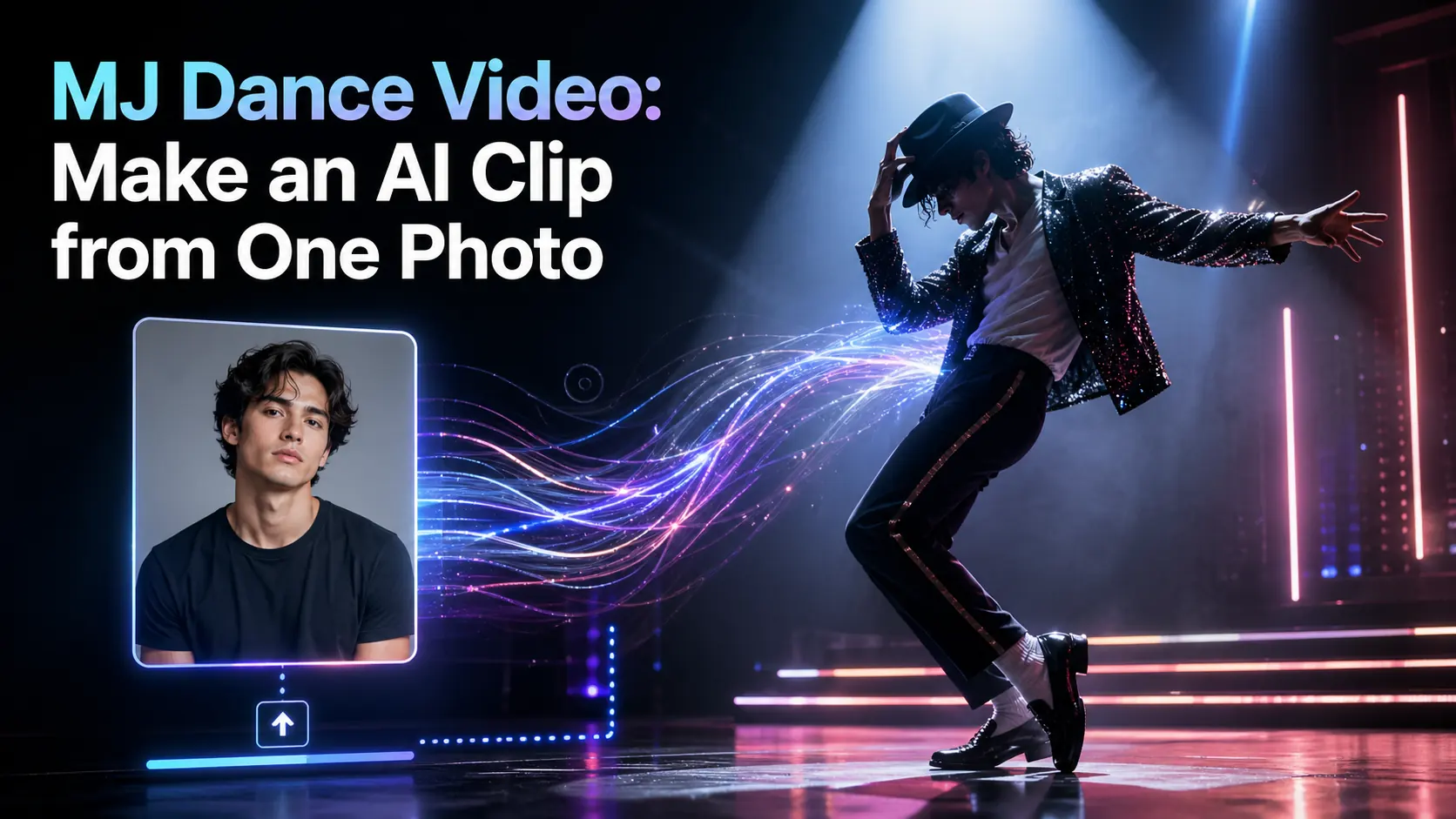
You can make a Michael Jackson-inspired dance video from one photo with AI. The simplest workflow is to upload a clear image, choose an MJ-style dance motion template, and let an AI motion transfer tool turn the still image into a short performance clip.
This guide focuses on creating an original, tribute-style AI dance clip with your own photo, avatar, illustration, or character image. It is not about generating Michael Jackson himself or copying an official music video. The goal is to use the energy of an iconic pop dance style and turn one image into a fun, shareable video.
DreamAct is a natural fit for this workflow because it is built to transform static images into animated performances. Its official page describes a process where users upload an image, choose an animation template or reference video, then generate and download the final video.
Quick answer:
To make a Michael Jackson-style AI dance video, start with a clear single-person image, open a DreamAct dance template, upload your photo, generate the motion transfer clip, and download the final video for social media.
How to Make a Michael Jackson Dance Video from One Photo
The workflow is simple. You do not need to dance, record footage, or edit the video manually.
Step 1: Choose a clear photo
Start with a photo that gives the AI enough visual information. A full-body image is best for dance clips because the motion includes footwork, arms, posture, and body rhythm.
A half-body photo can still work for some effects, but it may reduce how much of the dance movement appears in the final video.
Use a photo with:
- One clear subject
- Good lighting
- Visible face
- Readable posture
- Minimal occlusion
- A clean or simple background
Avoid group photos, blurry selfies, heavy filters, extreme angles, or images where the arms and legs are hidden.
Step 2: Open the DreamAct dance template
Open DreamAct and choose the dance template that matches the MJ-style effect you want. DreamAct’s official workflow lets users upload a portrait, illustration, character design, or mascot image, then select an animation template or reference video.
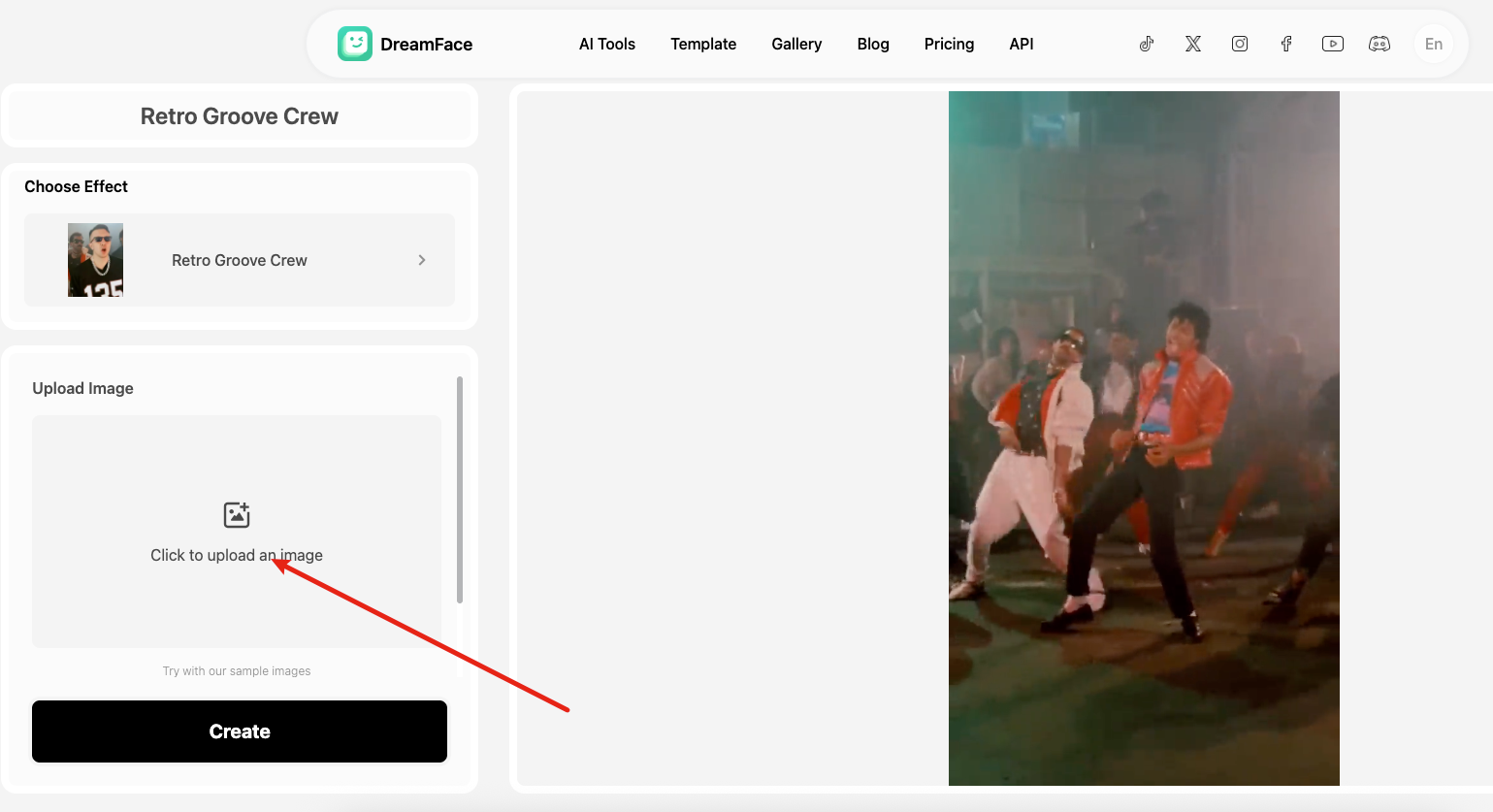
Step 3: Upload your image
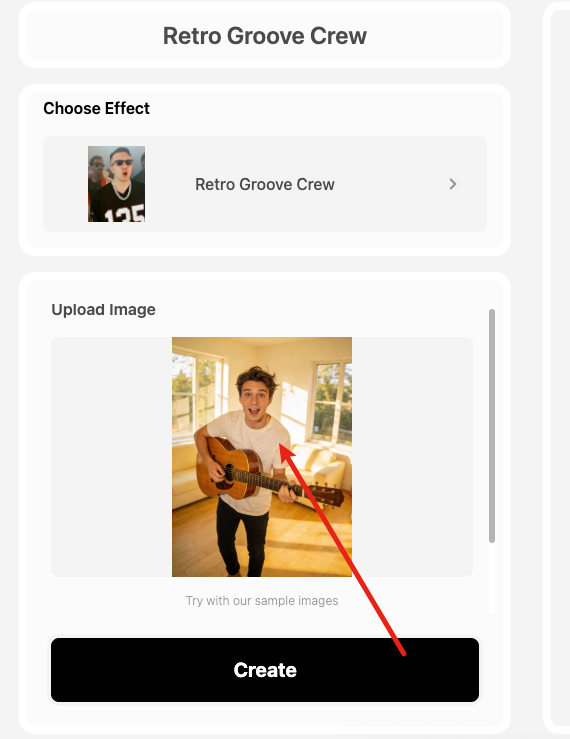
Upload the photo, avatar, or character image you want to animate.
For a Michael Jackson-inspired dance video, a standing pose usually works better than a seated pose. A clean outfit also helps because the AI can read the body shape more easily.
A retro pop outfit, stage-style jacket, dark pants, visible shoes, or a simple street-dance look can help the final clip feel closer to the intended style. You do not need to copy a specific costume. The goal is to create a clear visual direction.
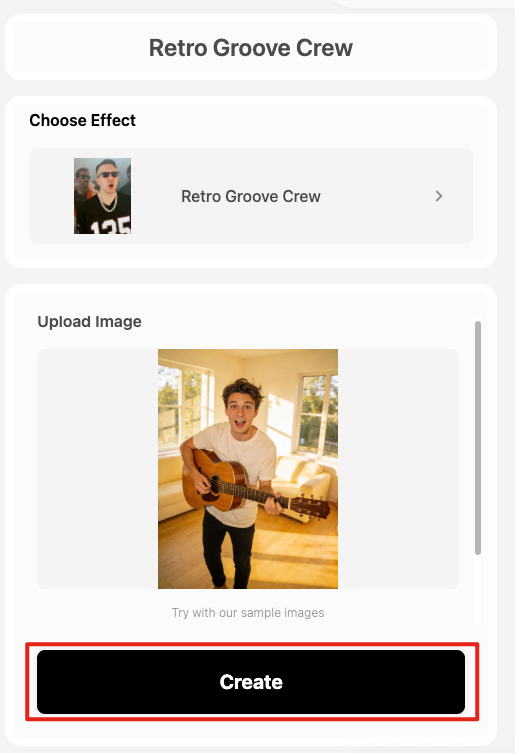
Step 4: Generate the AI dance video
After you upload the image and choose the template, generate the video.
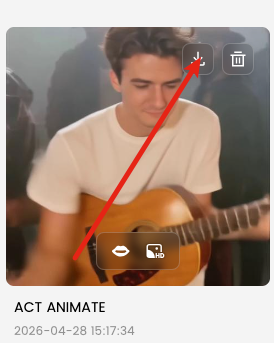
DreamAct says its system can extract gestures, expressions, and head/body movement from a motion style or reference video and apply that animation effect to the uploaded image. Its feature section also describes “Ultra-Realistic Motion Transfer” for applying body movement, gestures, and facial expressions to a static image.
Once the video is generated, review the result before downloading. Check whether the face stays recognizable, the body movement looks natural, and the dance energy matches the template.
Step 5: Download and share the clip
When the result looks good, download the video and prepare it for social sharing.
AI dance videos are commonly positioned for TikTok, Instagram Reels, YouTube Shorts, and other short-form platforms.
Best Photos for a Better Michael Jackson AI Dance Video
The best photo for this type of AI dance clip is clear, simple, and motion-ready. The AI needs to understand the person or character before it can apply a dance movement.
Use a full-body or half-body image
A full-body photo gives the AI the best chance to show footwork, leg movement, and arm timing.
This matters for Michael Jackson-inspired dance clips because the movement often depends on posture and rhythm. If the legs are cropped out, the final result may still move, but the dance will feel less complete.
Avoid crowded or confusing images
Do not use a group photo for the main version of the clip. Multiple faces and bodies can make it harder for the system to identify the main subject.
Also avoid images with:
- Crossed arms covering the torso
- Hands blocking the face
- Long coats hiding the legs
- Heavy shadows
- Busy backgrounds
- Very low resolution
A simple photo is often better than a dramatic one.
FAQ
Can I make a Michael Jackson dance video with AI?
Yes, you can make a Michael Jackson-inspired dance video with AI by uploading one photo and applying a dance motion template. The safer approach is to use your own image, avatar, or authorized character rather than generating Michael Jackson himself.
Can I turn one photo into a dance video?
Yes, one-photo dance videos are now a common AI workflow. DreamAct, for example, lets users upload a static image, choose a motion template or reference video, and generate an animated clip.
What kind of photo works best for an AI dance clip?
A clear, well-lit, single-person image works best. For dance videos, a full-body or half-body photo is usually stronger because the AI can read the subject’s posture, arms, legs, and movement structure more easily.
Do I need to know how to dance?
No, you do not need to know how to dance. The dance template provides the motion, and the AI applies that movement to the subject in your uploaded image.
Can I share the AI dance video on TikTok or Instagram?
Yes, you can share an AI dance video on social platforms, as long as you follow platform rules and use content you have the right to use. For realistic AI-generated content, label the video clearly so viewers understand it was made or edited with AI.
Is it okay to use a celebrity photo?
It is better not to use a celebrity photo unless you have the rights or permission to do so. For this workflow, use your own photo, an original avatar, or an authorized image, and describe the result as an inspired AI dance clip rather than a real celebrity video.
Is this the same as editing a normal dance video?
No, this is different from traditional video editing. Instead of filming a dancer and editing the footage manually, AI motion transfer applies a dance movement pattern to a still image and creates a new animated clip.
Can I use an illustrated character or avatar?
Yes, DreamAct says users can upload portraits, illustrations, character designs, or mascot images. This makes the workflow useful for creators who want to animate original characters, avatars, or branded mascots.
How to Make a Mother’s Day Talking Photo with AI
Turn a single photo into a Mother’s Day greeting video with AI. Learn the easiest workflow, message ideas, common mistakes, and when to use a filter first.
By Samuel 一 Apr 28, 2026- AI Video
- Photo To Video
- Avatar Video
How to Create a Multilingual Talking Avatar or Photo
Learn how to make a talking avatar or talking photo in multiple languages, choose the right workflow, and avoid lip-sync, voice, and subtitle mistakes.
By Samuel 一 Apr 28, 2026- AI Video
- AI Translator
- AI Video Translator
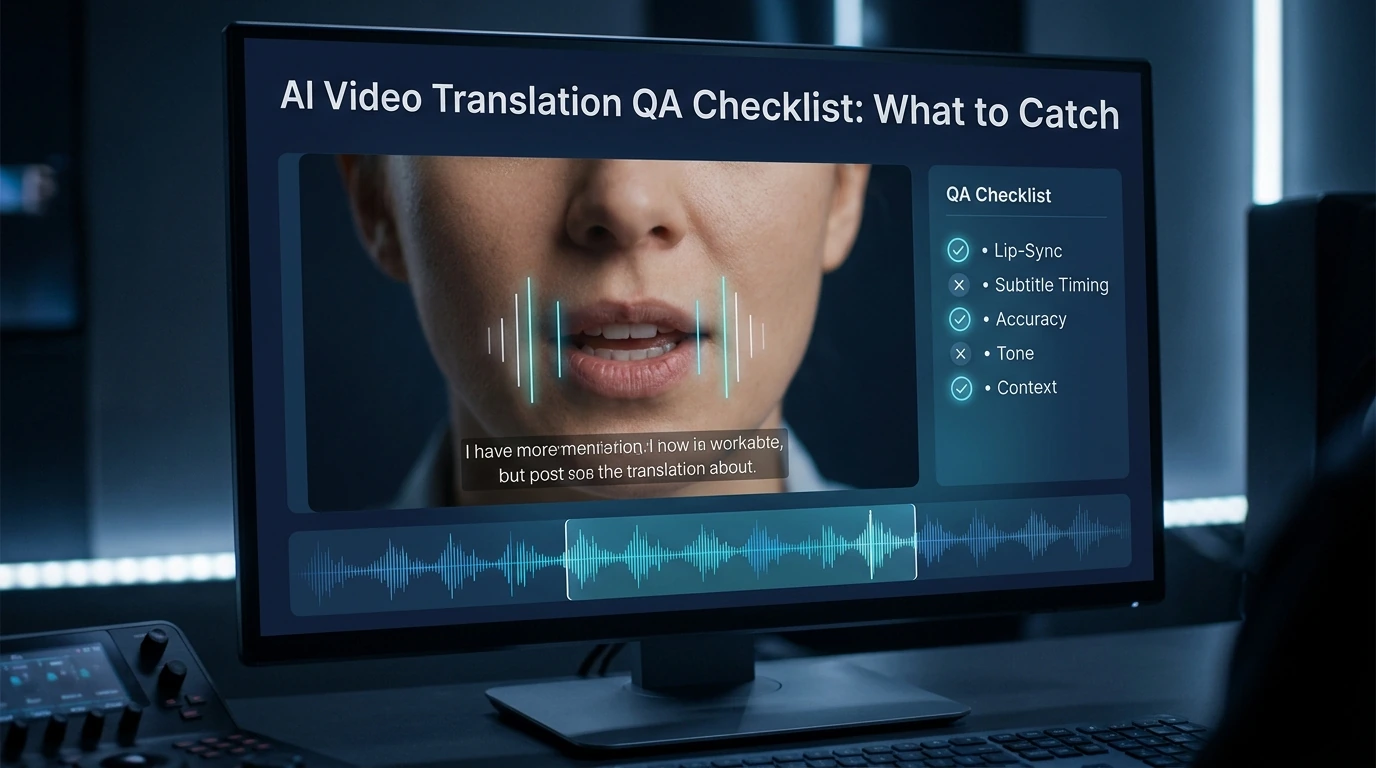
AI Video Translation QA Checklist: What to Catch
Catch lip-sync, timing, voice, and subtitle mistakes before you publish. A simple QA checklist for creators, marketers, and localization teams.
By Samuel 一 Apr 28, 2026- AI Video
- AI Translator
- AI Video Translator
- X
- Youtube
- Discord