


Flux Kontext Prompts for Clay Cartoon Style
Let’s dive into how to create compelling clay cartoon style images using Flux Kontext and Dreamface
- Flux-Kontext
- AI Image Generator
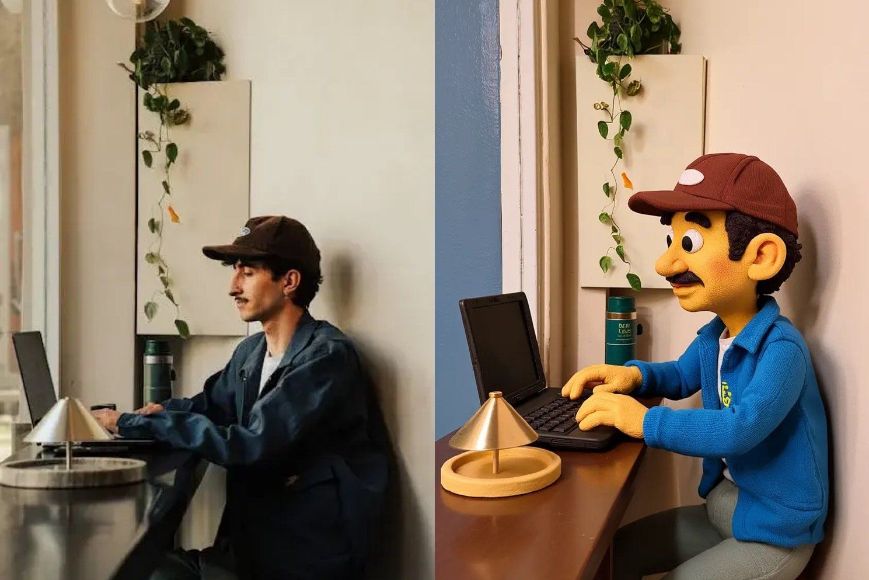
The charm of clay cartoon style lies in its tactile, handcrafted aesthetic—rounded forms, exaggerated expressions, and textures that almost make you feel the fingerprints in the sculpting. From stop-motion classics like Wallace & Gromit to modern AI-generated avatars, claymation-inspired visuals are beloved for their warmth and playfulness.
With Flux Kontext prompting, it’s easier than ever to craft this distinctive style using just the right words. Whether you're aiming for a quirky character portrait or a stylized scene that feels like it belongs in a stop-motion movie, a good prompt is your most powerful sculpting tool.
Let’s dive into how to create compelling clay cartoon style images using Flux Kontext and Dreamface.
What Defines Clay Cartoon Style❓
l Soft, rounded features
l Matte, slightly rough surfaces (like modeling clay)
l Simple but expressive facial features
l Childlike proportions and vibrant colors
l Sculpted shadows and subtle imperfections
It’s a blend of realism and fantasy where nothing is quite symmetrical—and that’s exactly what makes it feel alive.
Prompt Examples Using Flux Kontext
Here are three crafted prompts designed specifically for clay cartoon style generation:
1) Transform to Claymation style
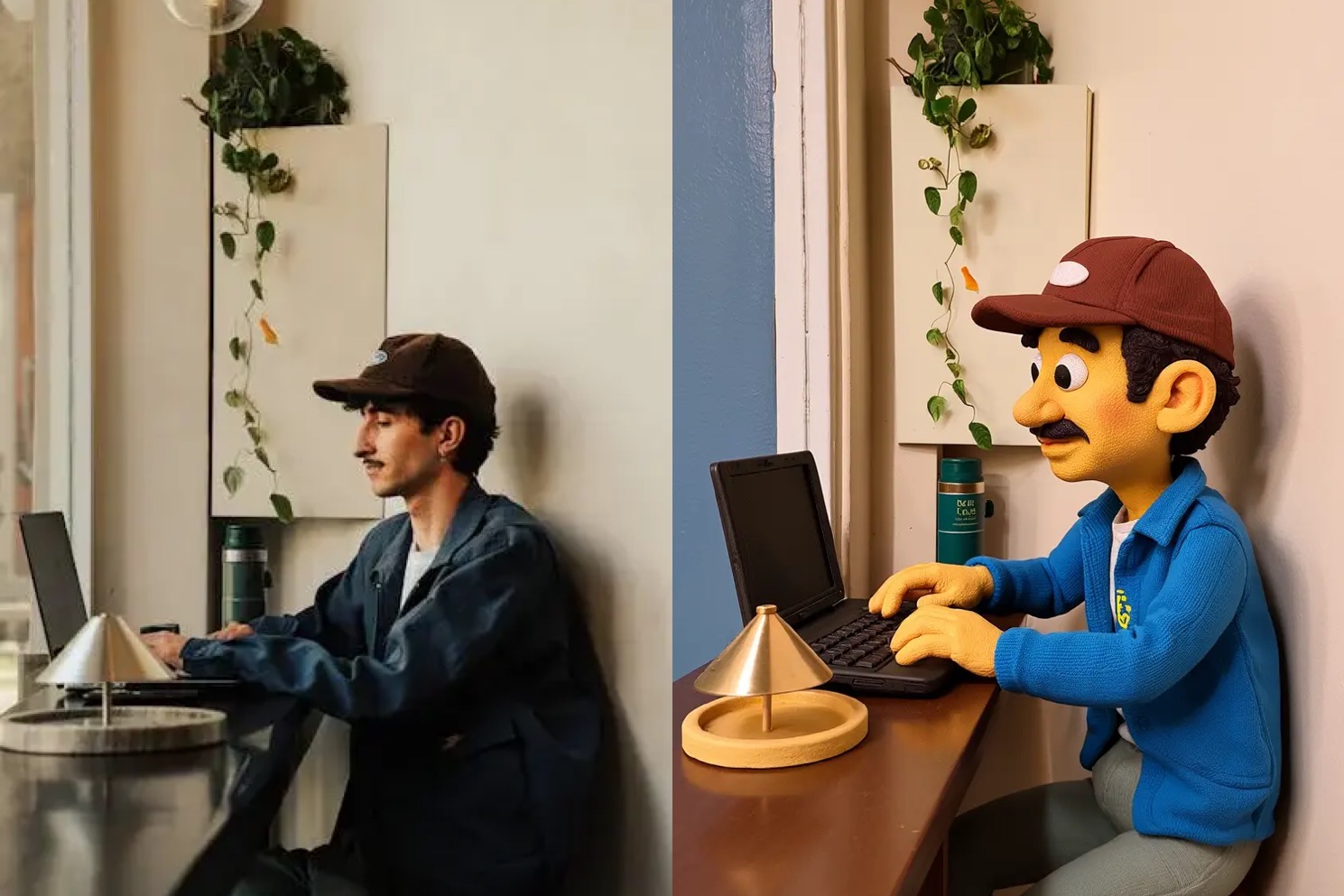
Create your image for free by Dreamface!
2) This character is now picking up weeds in a garden
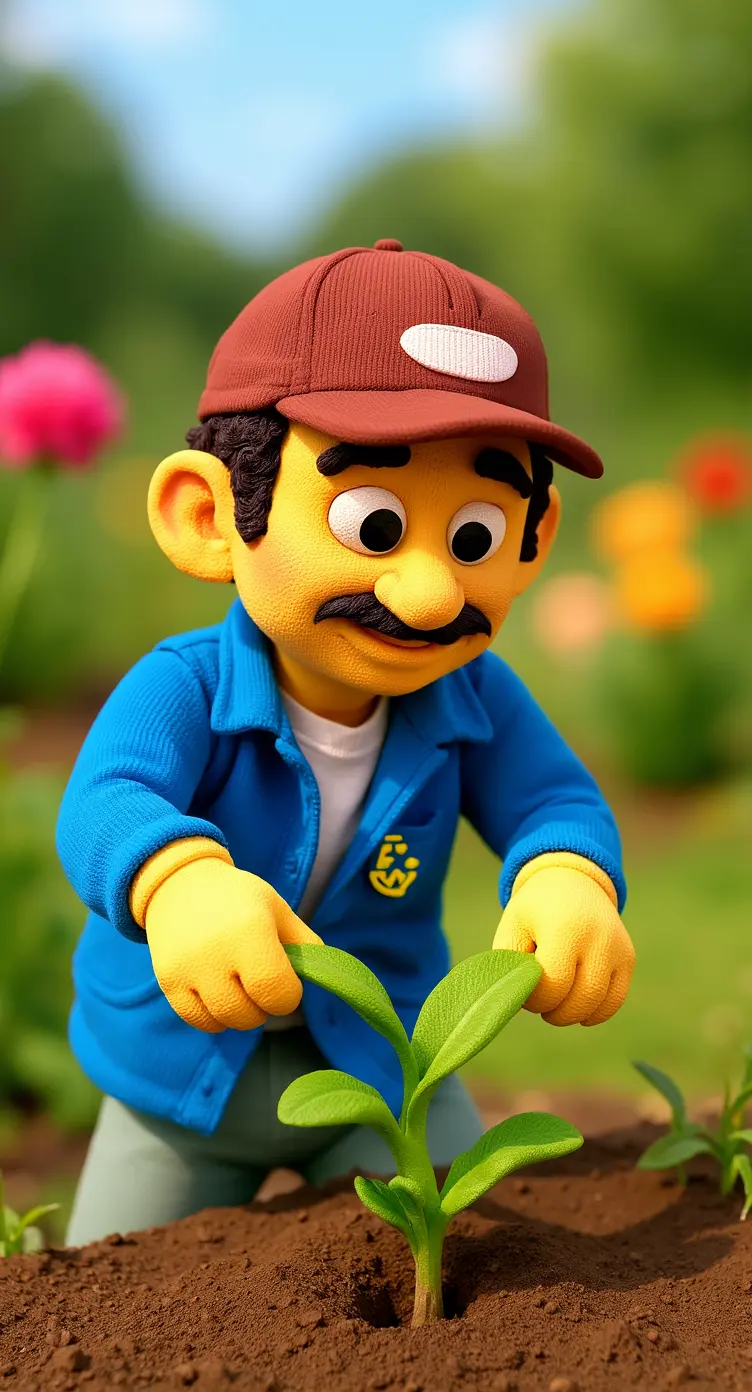
Create your image for free by Dreamface!
3) This character is having rest by the water pool
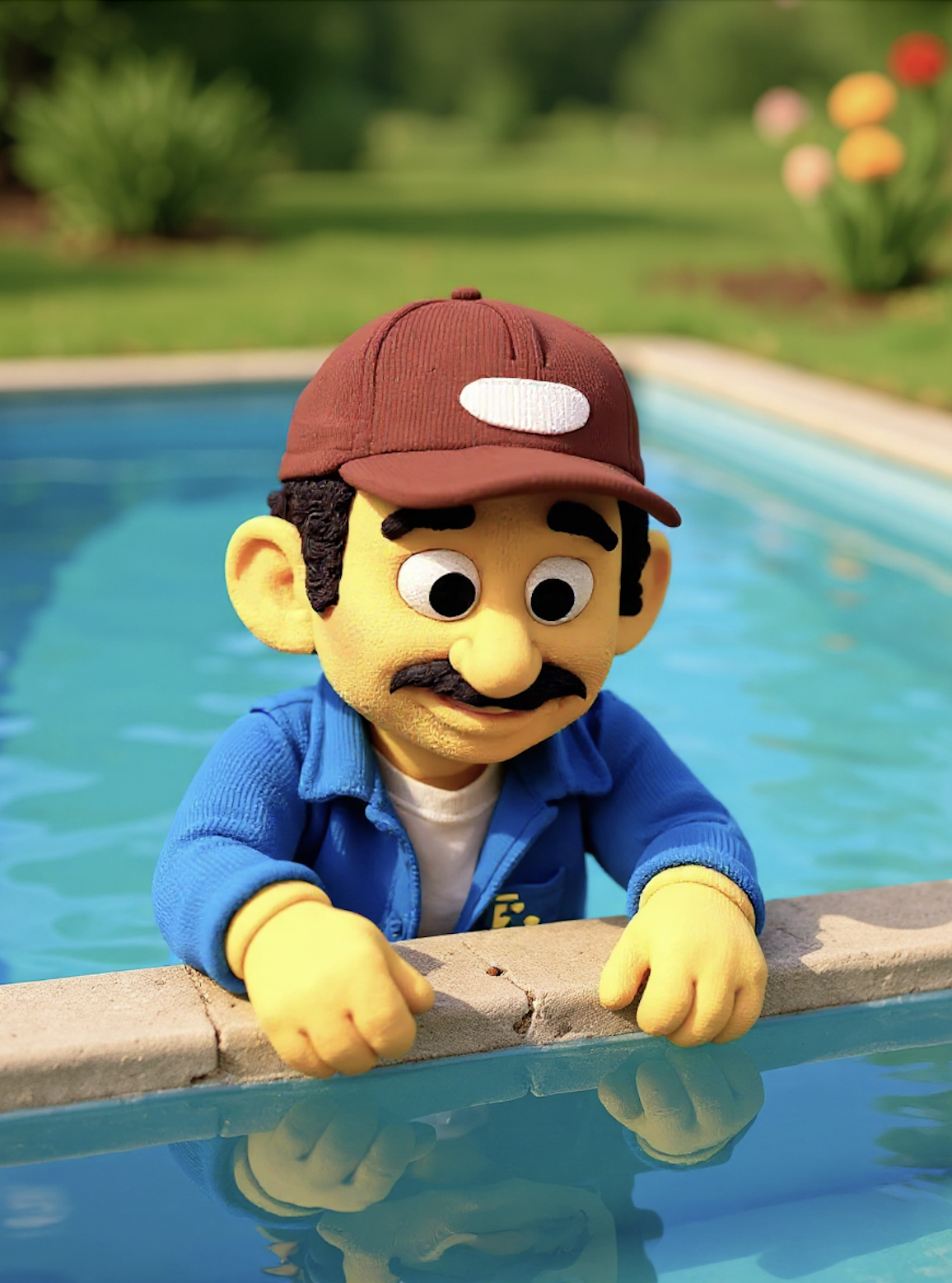
Create your image for free by Dreamface!
🏹 Visual Tips for Realism in Clay Style
l Texture: Use terms like “fingerprint indentations,” “rough matte surface,” or “visible tool marks.”
l Light: Simulate real-world clay studio lighting: diffuse shadows, minimal reflections.
l Color: Avoid gradients—opt for flat, saturated tones like you'd find in modeling clay.
💡 Create Clay Cartoon Worlds in Dreamface
The easiest way to generate stunning clay cartoon visuals is through Dreamface, which now features built-in support for Flux Kontext prompting. Just type your prompt, select the clay cartoon style, and watch as your handcrafted character comes to life—without ever touching a piece of clay.
From cute avatars to whimsical landscapes, Dreamface + Flux Kontext offers you a creative playground powered by AI. No sculpting skills required—just your imagination and the right words.
Start crafting your clay world today.
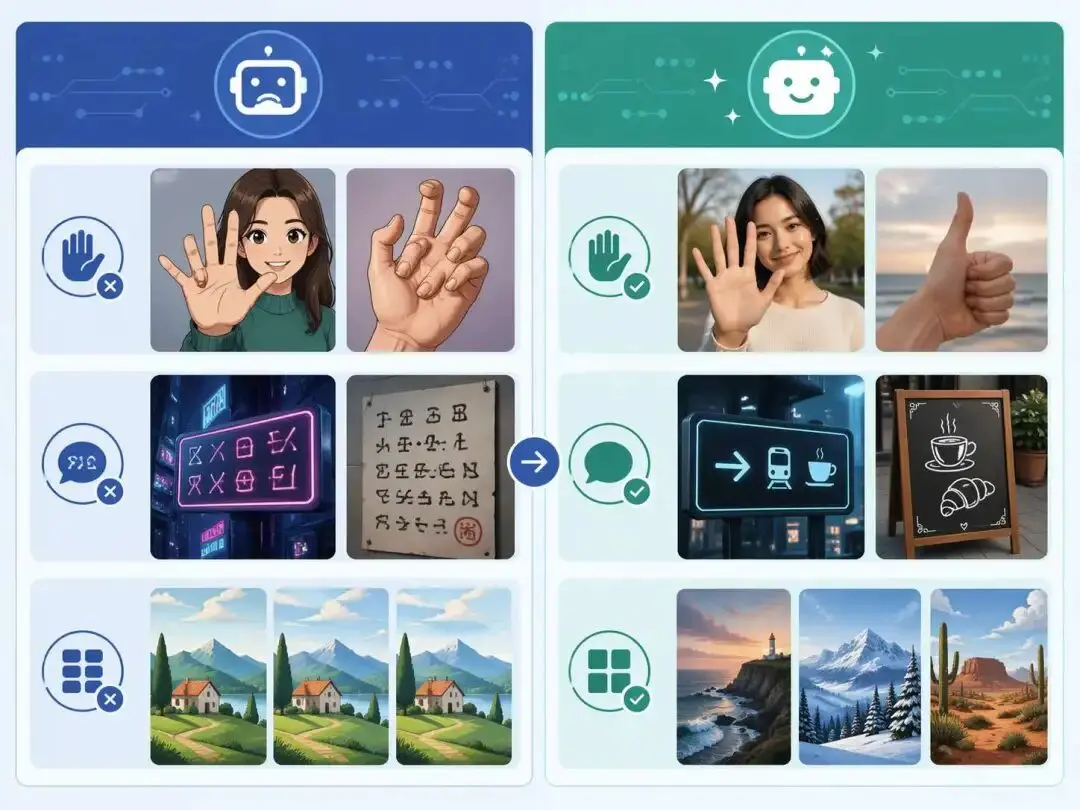
ChatGPT Image 2 Review: Real Tests Reveal What Actually Changed
If you’ve used AI image generators before, you already know the frustration. Hands often look unnatural, text turns into gibberish, and prompts keep getting longer while results remain inconsistent. For a long time, AI image generation felt less like using a tool and more like playing a lottery.
By Zoe一Apr 23, 2026- GPT Image 2
- AI Image Generator
- GPT-4o Image
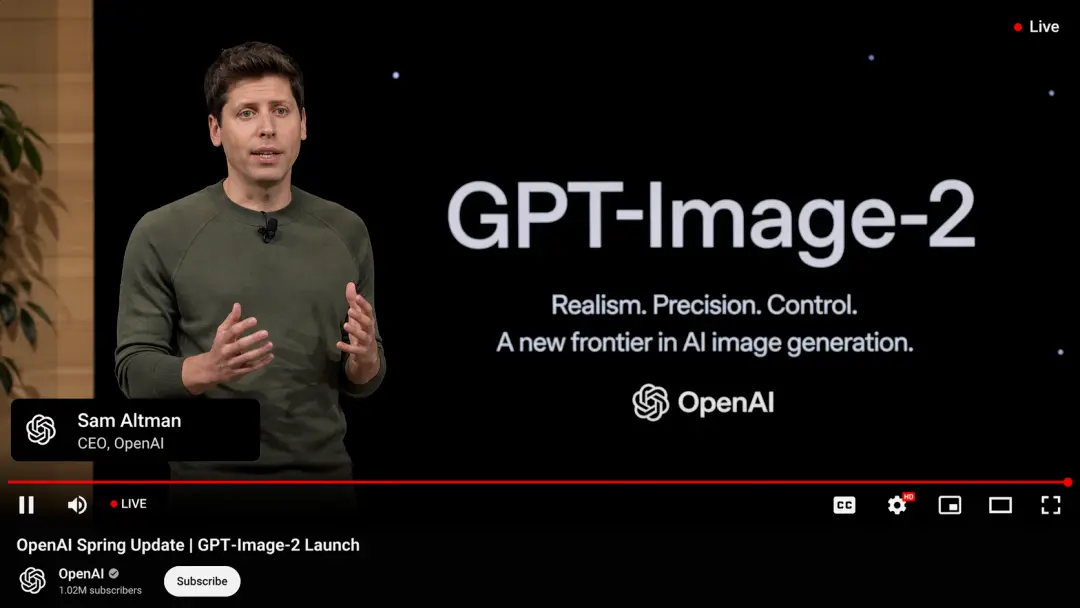
GPT Image 2 Is Here — And It’s Redefining What “Real” Means on the Internet
The arrival of GPT Image 2 didn’t just improve AI image generation — it completely disrupted it. In fact, many users are already saying it outright: GPT Image 2 crushes Nano Banana 2. And they’re not exaggerating.
By Adeline一Apr 21, 2026- GPT-4o Image
- AI Image Generator
- GPT Image 2
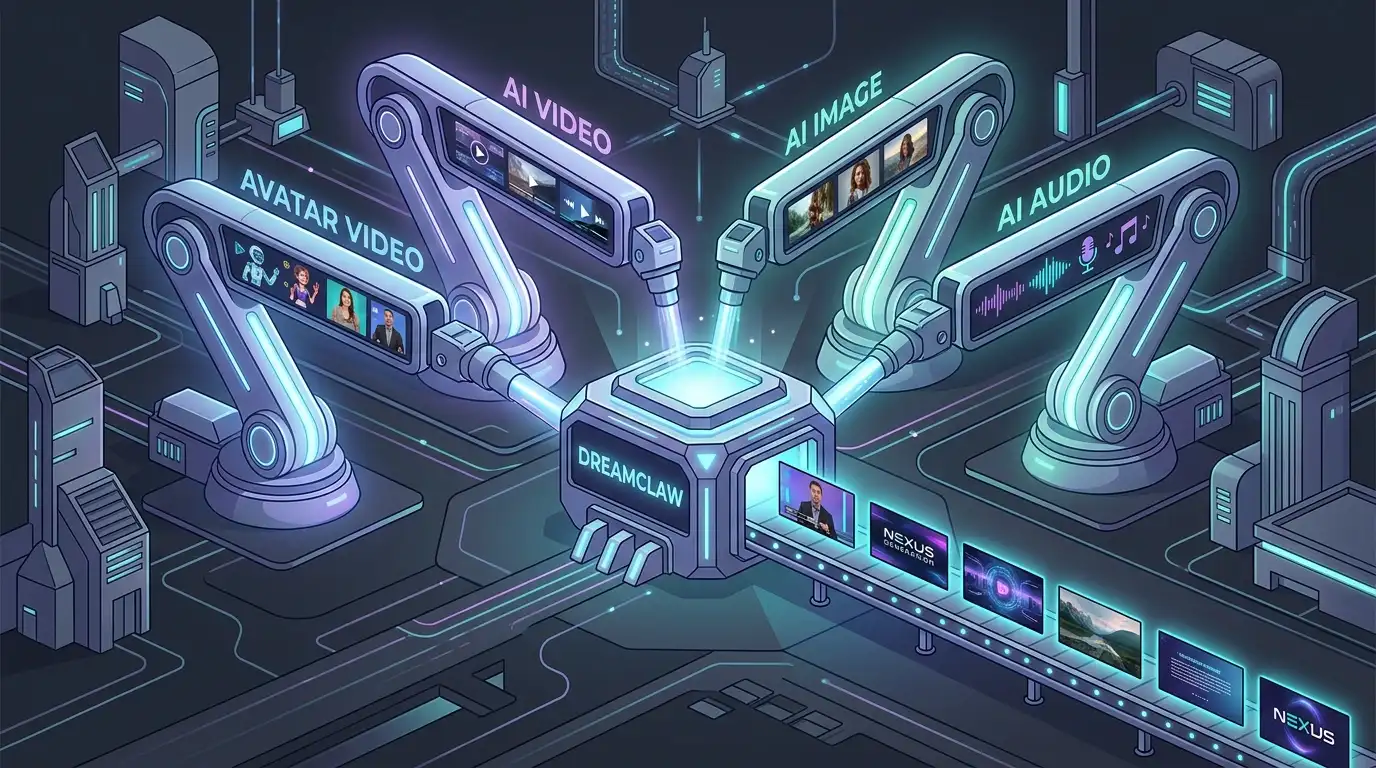
DreamClaw Agent: The All-in-One AI Automation Engine for DreamFace
DreamClaw isn’t just a new button on your dashboard. It is an intelligent AI Orchestrator—a digital director that lives within the DreamFace ecosystem. We are moving from a world where you use tools to a world where you collaborate with an agent. You provide the vision in plain English (or any language); DreamClaw handles the complex execution.
By Emery一Mar 04, 2026- AI Video Generator
- AI Image Generator
- DreamClaw