


Remove Watermarks from Videos Online – Fast, Free & HD Quality
Unwanted watermarks on videos can ruin your edits, lower professionalism, or distract your audience. Whether you're repurposing clips for TikTok, Shorts, YouTube, or editing AI-generated content — Dreamface’s Video Watermark Remover gives you a fast, smart, and high-quality solution. Now with automatic AI removal and a free trial, Dreamface lets you experience watermark-free videos without complex editing software or plugins.
- Removing Watermarks
- Remove Watermark
- Watermark Remover
- AI Video
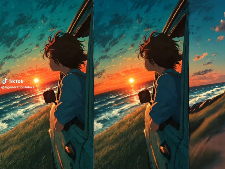
Unwanted watermarks on videos can ruin your edits, lower professionalism, or distract your audience. Whether you're repurposing clips for TikTok, Shorts, YouTube, or editing AI-generated content — Dreamface’s Video Watermark Remover gives you a fast, smart, and high-quality solution.
Now with automatic AI removal and a free trial, Dreamface lets you experience watermark-free videos without complex editing software or plugins.
Why Use Dreamface to Remove Watermarks from Video?
- Automatic watermark removal — No masking, no manual editing
- Maintains HD video quality — No compression or visual degradation
- Frame-by-frame AI precision — Handles both static and moving watermarks
- Works entirely in-browser — No downloads required
- Supports major formats — MP4, MOV, and more
- Free trial available — Try it out before committing
How to Remove a Watermark from a Video
- Upload your video file Drop your video into the upload area on the Dreamface Video Watermark Remover page.
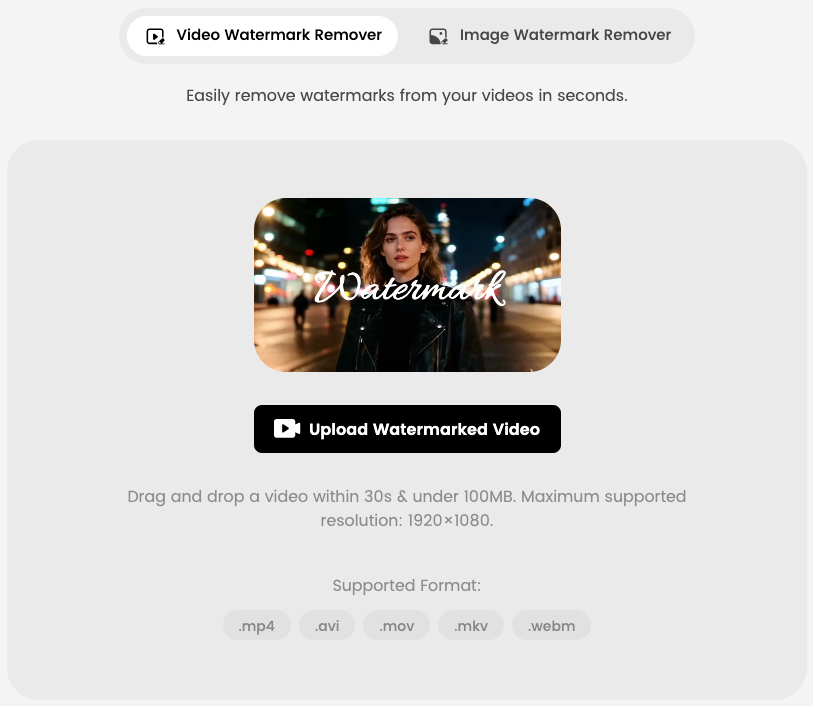
- Automatic AI processing begins Once your file is uploaded, Dreamface's AI will immediately start removing the watermark — no need to select or mark anything manually.
- No need to wait on the page The processing runs in the background. You can leave the tab or continue other tasks.
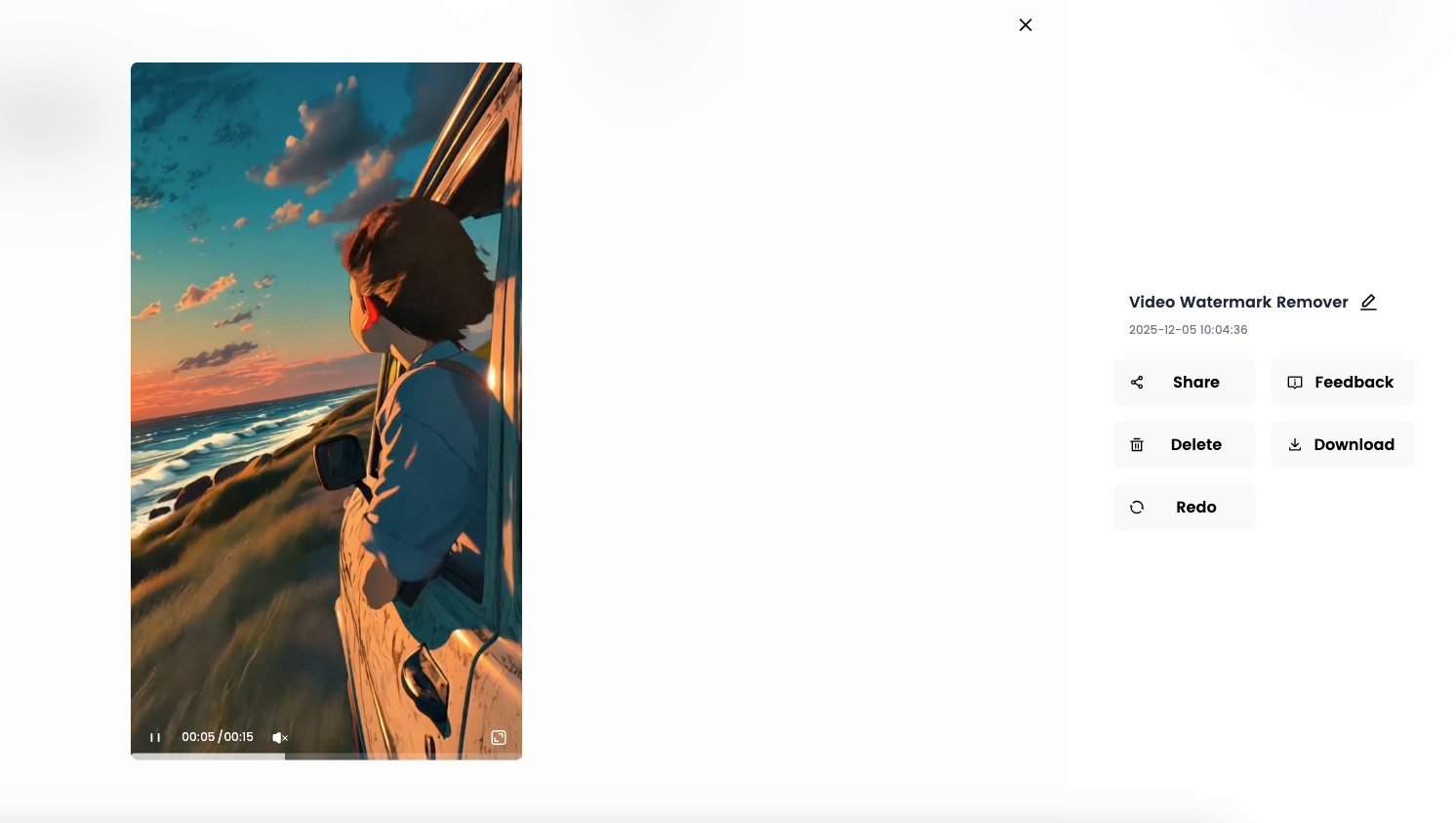
- Return later to check the result Once processing is complete, you can come back to download the final cleaned version of your video — without watermark, in high quality.
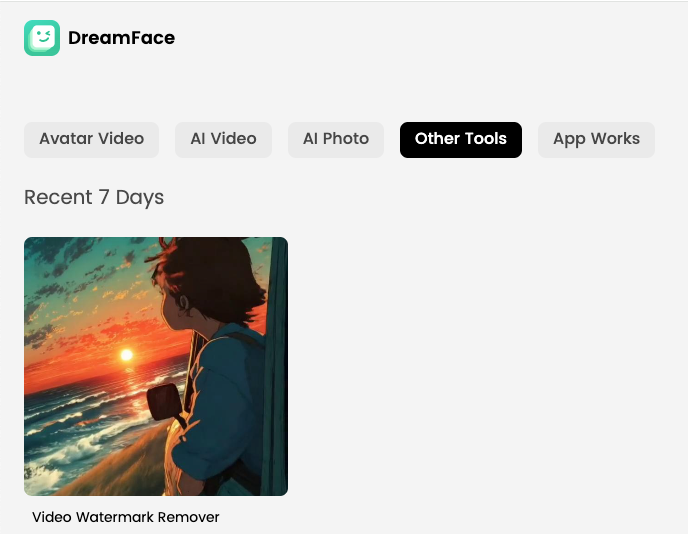
- Click “Download” to save your video Get your polished, watermark-free video ready for reuse or reposting.
Who Should Use This Tool?
This tool is ideal for:
- TikTok & Shorts creators repurposing older content
- AI remixers editing Sora-style or AI-generated footage
- Ecommerce brands rebranding supplier videos
- Content editors removing logos for cleaner output
- Students & marketers building portfolio pieces without overlays
FAQs
Can I remove a watermark from a video without using editing software?
- Yes. Dreamface lets you remove watermarks directly in your browser using AI — no tools or plugins required.
Does it work with social media videos?
- Absolutely. It works great with TikTok, Instagram Reels, YouTube Shorts, and other formats.
Will my video lose resolution?
- Not at all. Dreamface maintains high-quality, full-resolution output.
Is this tool free?
- There is a free trial available so you can test the tool before downloading. Full access may require upgrade.
Try Dreamface’s Video Watermark Remover
Start cleaning your videos today with just one upload. No software, no timeline editing — just one smart tool that gets it done.
.webp)
DreamFace AI Live Avatar: Always-On AI Character Livestreaming
Turn any character into an always-on live streaming host — from talk shows and quizzes to memorial tributes and late-night companionship — with no one required behind the camera.
By Daniel一Aug 18, 2026- AI Video
- AI Live Avatar

Best AI Video Generator 2026: Why Multi-Model AI Platforms Are Winning
AI video generation has entered a completely new era in 2026. What started as short experimental clips has rapidly evolved into cinematic storytelling, AI anime production, virtual influencers, talking avatars, and fully AI-generated social media content.
By Bentley一May 26, 2026- AI Video Generator
- AI Video
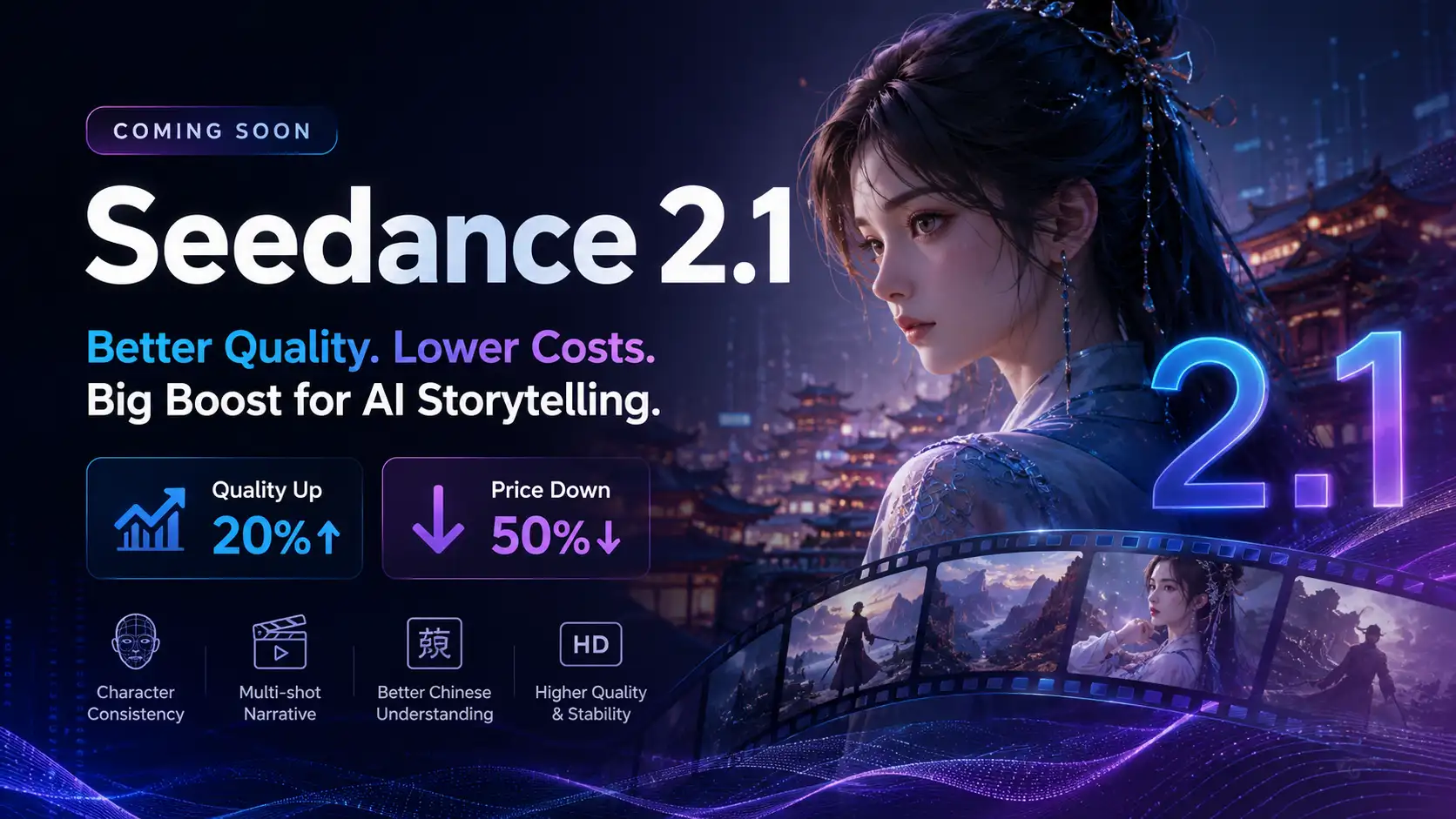
Seedance 2.1 Is Coming: Better Quality, Lower Costs, and a Big Boost for AI Storytelling
The AI video generation race has slowed down a bit recently. Earlier this year, new models were launching almost every week, pushing image and video generation forward at an incredible pace. After the buzz around GPT Image models, the industry has been waiting for the next major leap in AI video.
By stxph一May 23, 2026- AI Video
- Seedance 2.1
- Seedance 2.0