


Flux Kontext & Dreamface Prompts for Style Transfer I
In this blog, we’ll explore how to craft prompts for style transfer, with a focus on Dreamface’s core features and how you can use them to unlock artistic transformation with minimal effort.
- Flux-Kontext
- AI Image Generator
AI tools are redefining how we create, edit, and visualize digital content. Among them, Dreamface stands out for its impressive ability to generate artistic, high-resolution images through simple text or image inputs. Paired with Flux Kontext for product visualization, Dreamface’s style transfer functionality is a powerful creative tool for designers, artists, and casual users alike.
In this blog, we’ll explore how to craft prompts for style transfer, with a focus on Dreamface’s core features and how you can use them to unlock artistic transformation with minimal effort.
What Is Style Transfer?
Style transfer is an AI technique that allows you to take the content of one image and apply the style of another. Imagine turning your portrait into a Van Gogh painting, or transforming a product photo into a retro comic-style advertisement—style transfer makes it possible.
With Dreamface, this process is accessible to anyone. No complicated Photoshop layers or brushes—just upload an image, choose your style, and watch the magic happen.
Dreamface: Style Transfer Made Easy
Dreamface offers both Text-to-Image and Image-to-Image capabilities, making it one of the most versatile tools for AI-driven design. For style transfer, the Image-to-Image mode is where the real power lies.
Key features:
l Upload a base image (e.g., your photo, avatar, product, or sketch)
l Describe or select the desired style (e.g., watercolor, cyberpunk, anime, oil painting)
l Instantly generate a styled version with high resolution and crisp detail
l Download-ready images perfect for social media, branding, or creative projects
Dreamface makes high-end visual transformations as easy as typing a phrase or uploading a selfie. No design skills required -- just creativity.
Sample Prompts to Try
1) Using this style, a bunny, a dog and a cat are having a tea party seated around a small white table
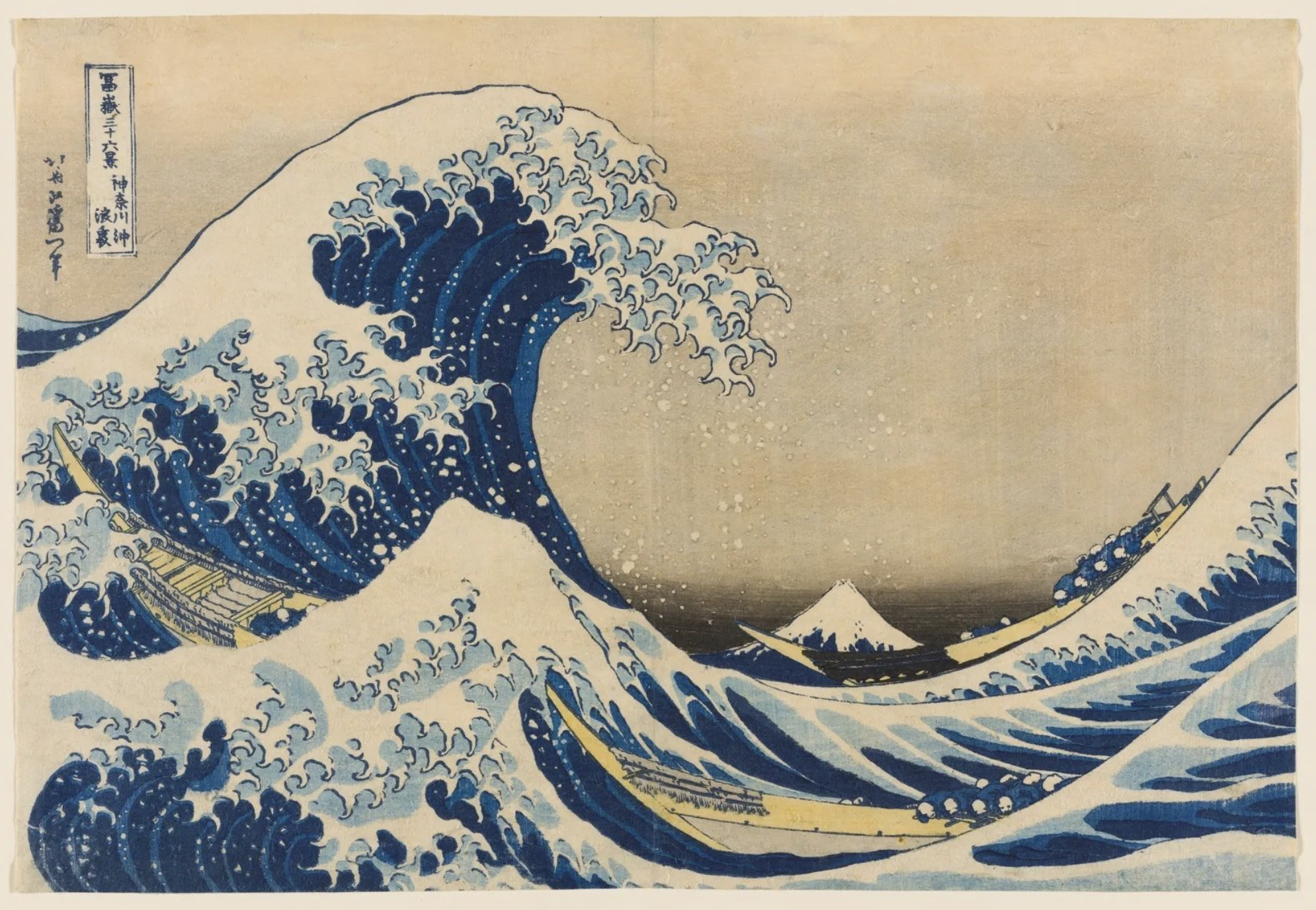
Input Image
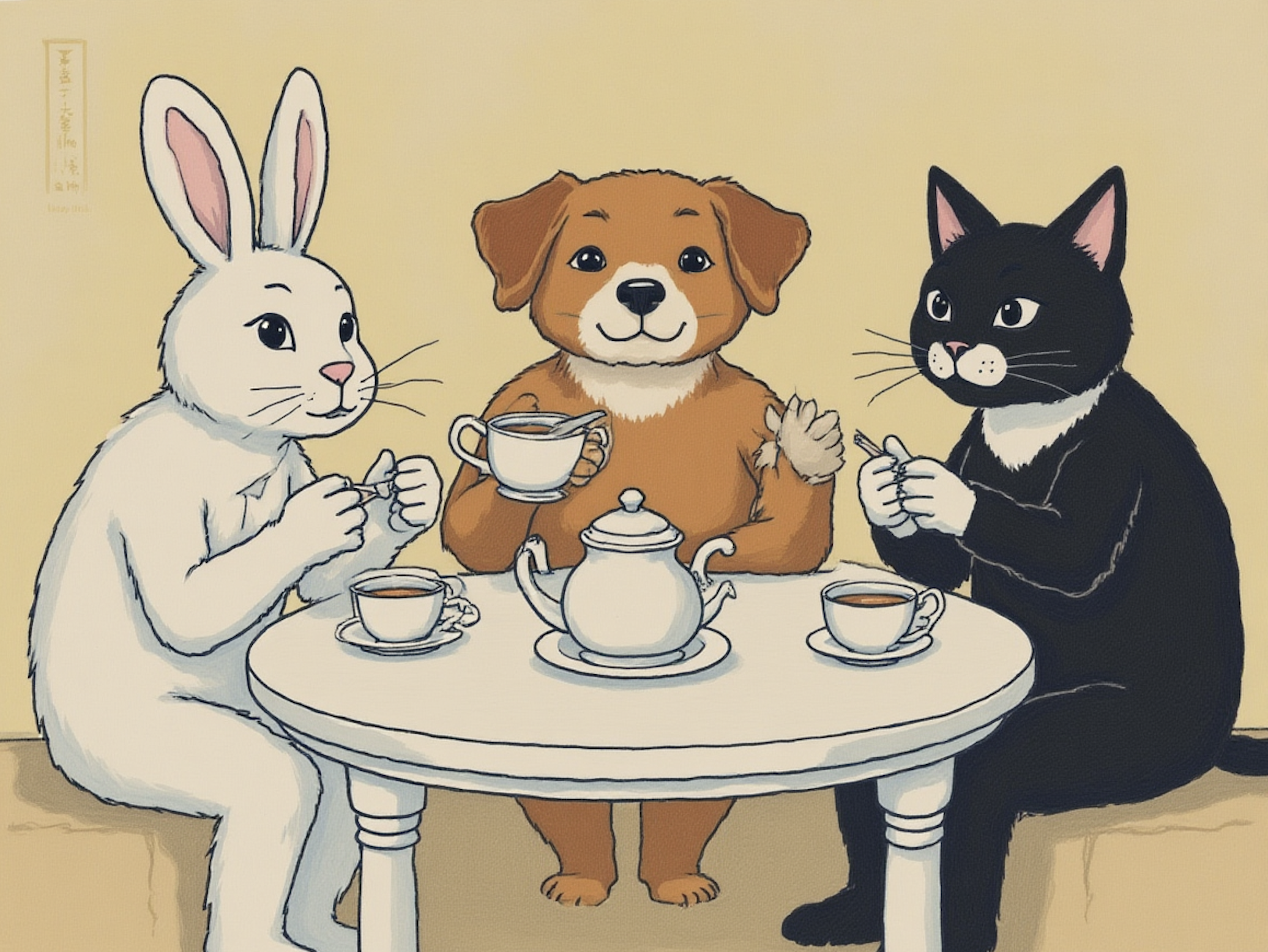
Output Image
Create your image for free by Dreamface!
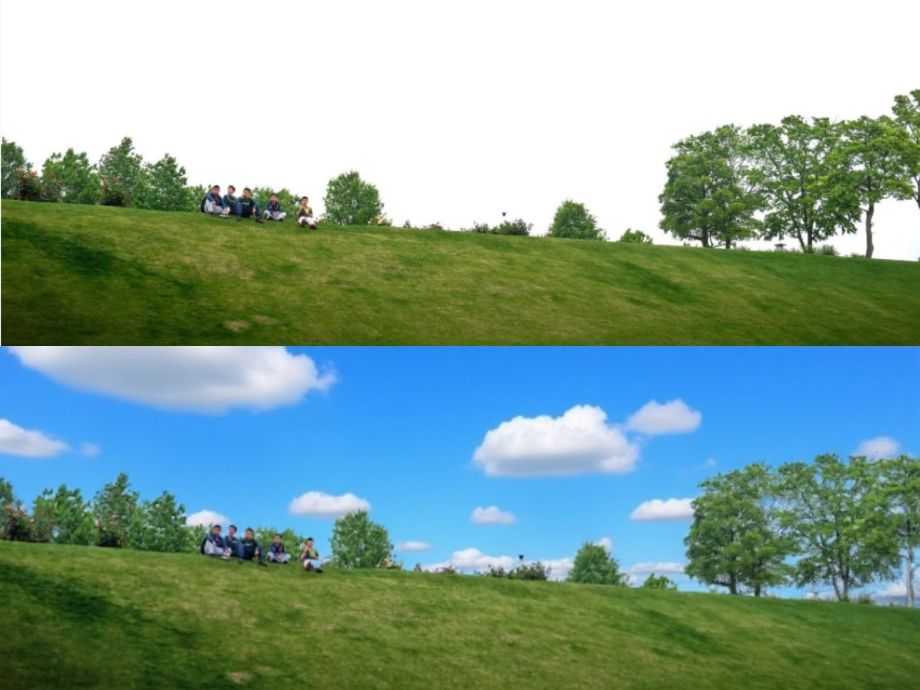
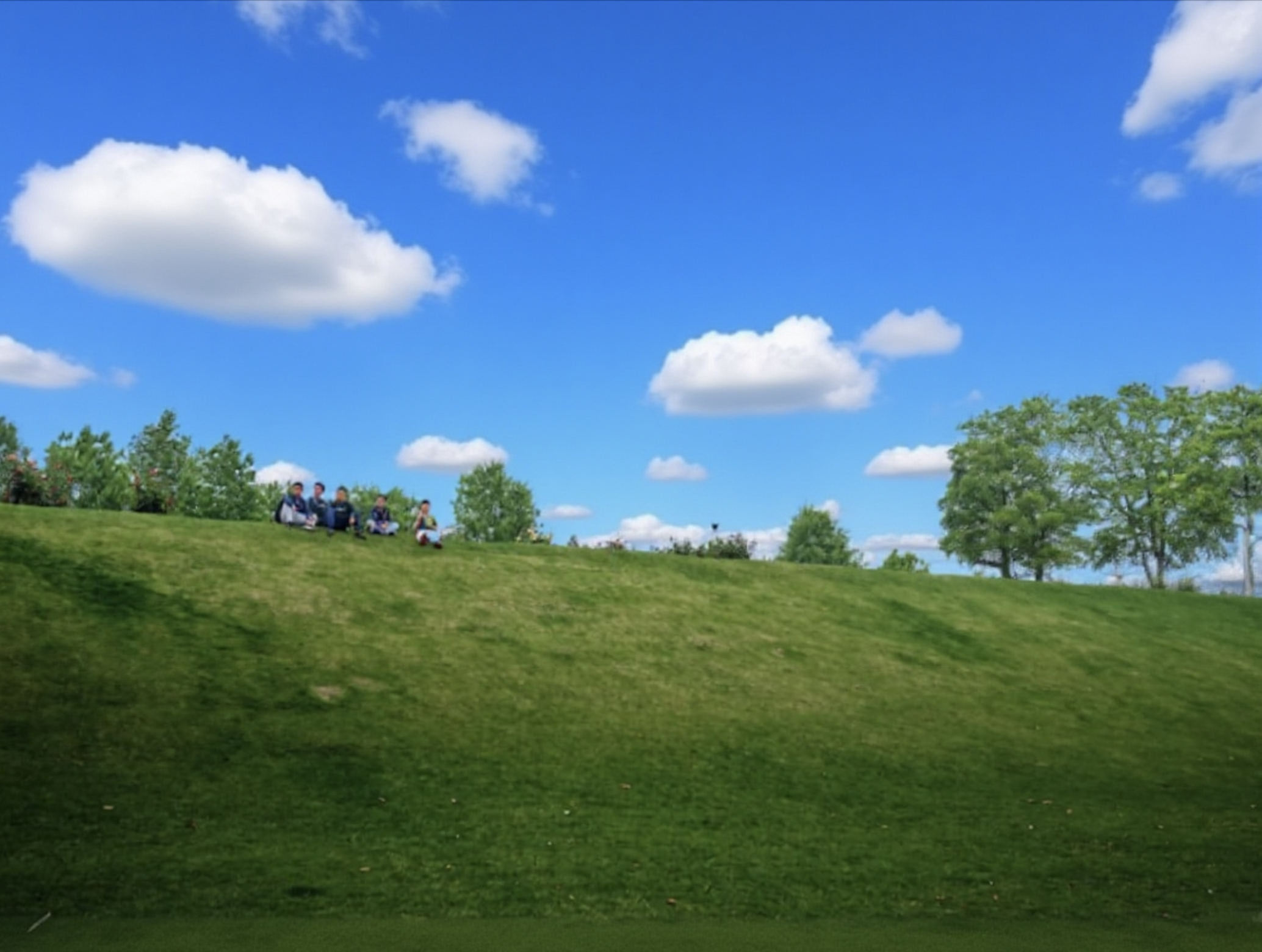
2) Change the sky blue with white clouds while maintaining other elements.
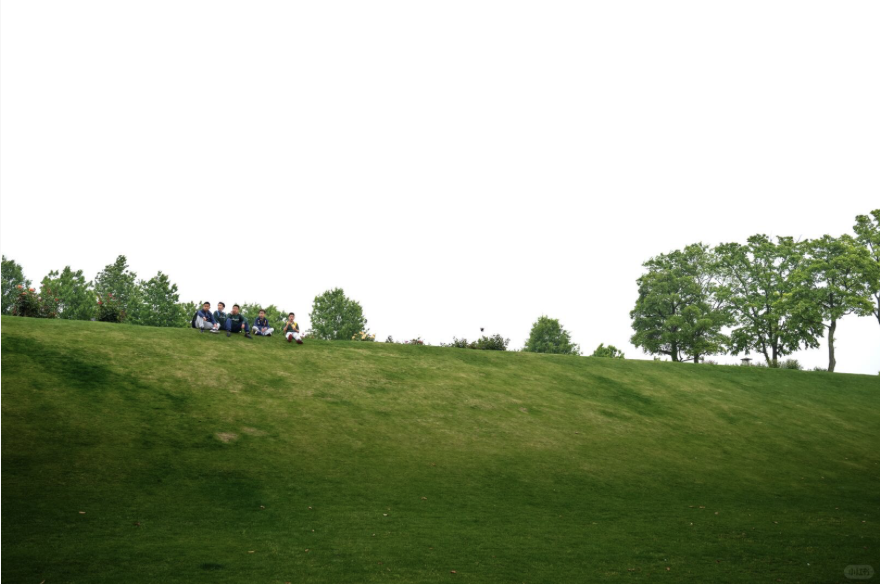
Input Image
Output Image
Create your image for free by Dreamface!
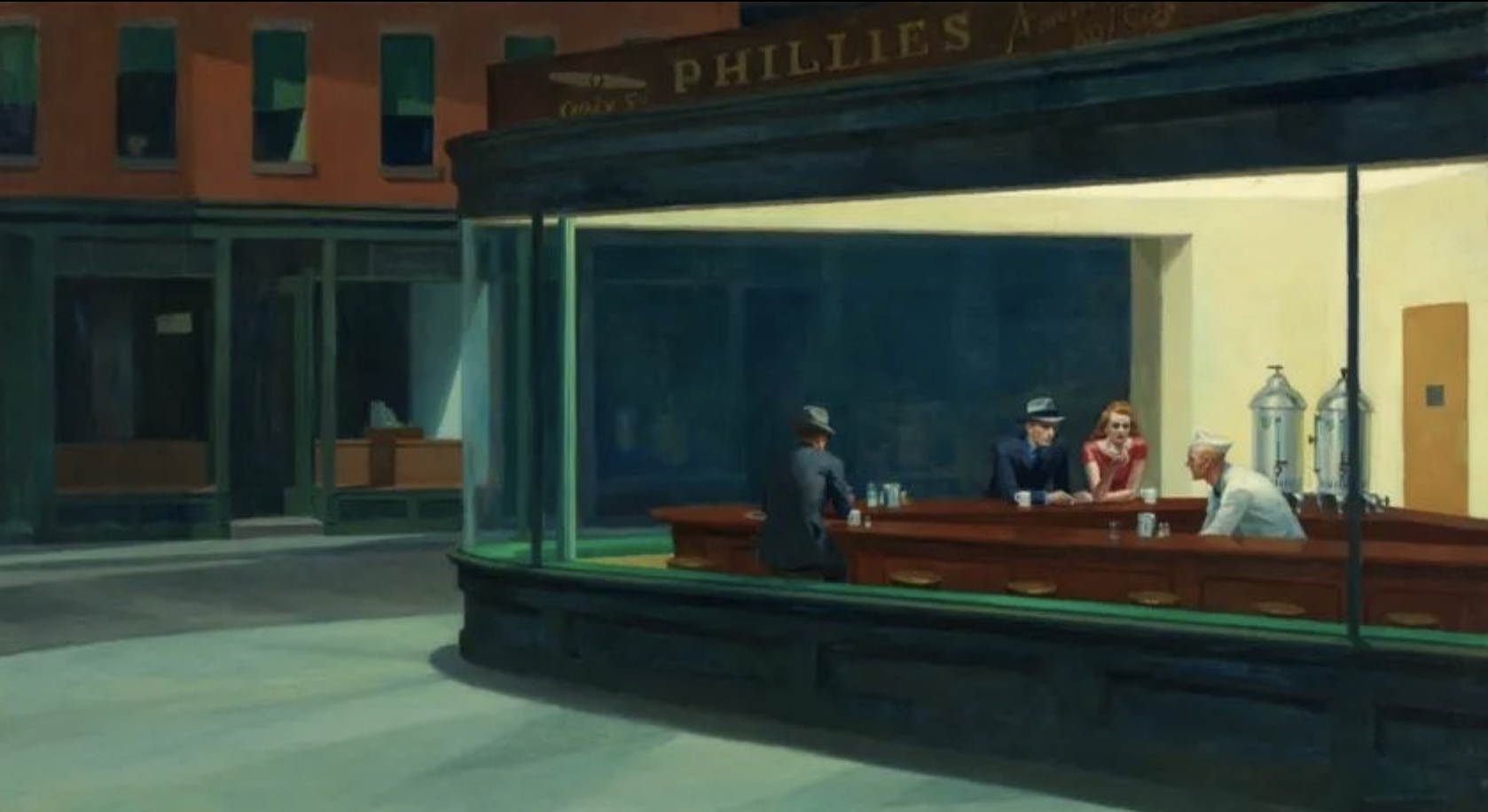
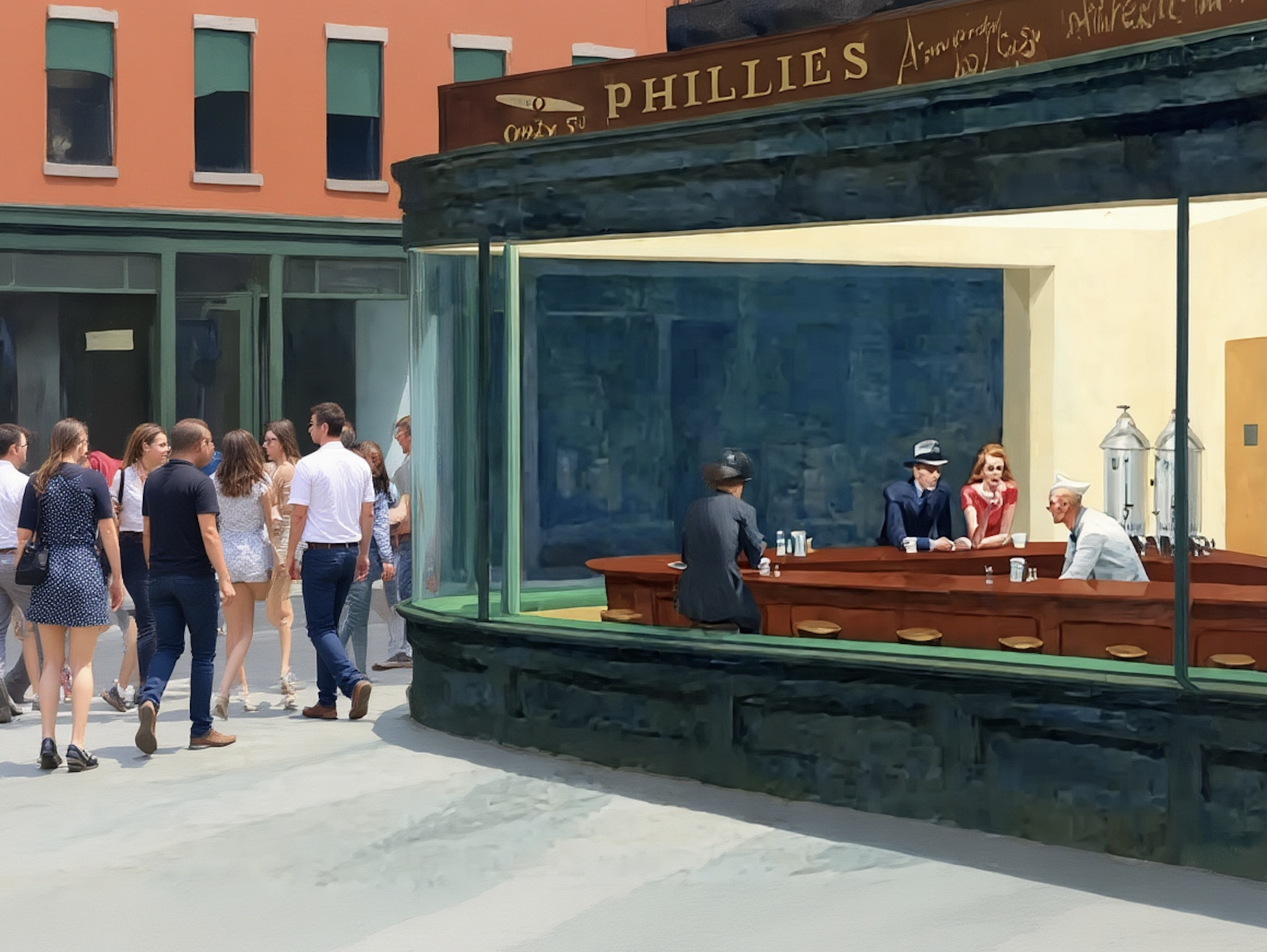
3) Change the setting to a day time, add a lot of people walking the sidewalk while maintaining the same style of the painting.
Input Image
Output Image
Create your image for free by Dreamface!
Ready to Try It?
Dreamface’s intuitive interface, lightning-fast generation, and powerful prompt system make it a must-have tool for anyone interested in style transfer. Whether you’re a designer, marketer, or just curious about AI art, this tool can transform how you create and visualize content.
Explore it for:
l Personal portraits with a twist
l Campaign visuals with unique style
l Customized branding materials
l Artistic reinterpretation of everyday images
Uncensored AI Image Generator: Which Models Offer More Freedom?
Searching for an uncensored AI image generator can mean several things. You might want more room for dark fantasy, unconventional fashion, or challenging editorial concepts.
By Tina一Sep 19, 2026- AI Image Generator
- GPT Image 2.5
GPT Image 2.5 Prompting Guide: 4 Real Examples for Creators
A campaign image can look beautiful and still miss the brief. The headline might compete with a face, a product diagram might become unreadable on mobile, or an outfit edit might change more than the clothes.
By Skylar一Sep 18, 2026- Text-to-Image
- AI Image Generator
- GPT Image 2.5
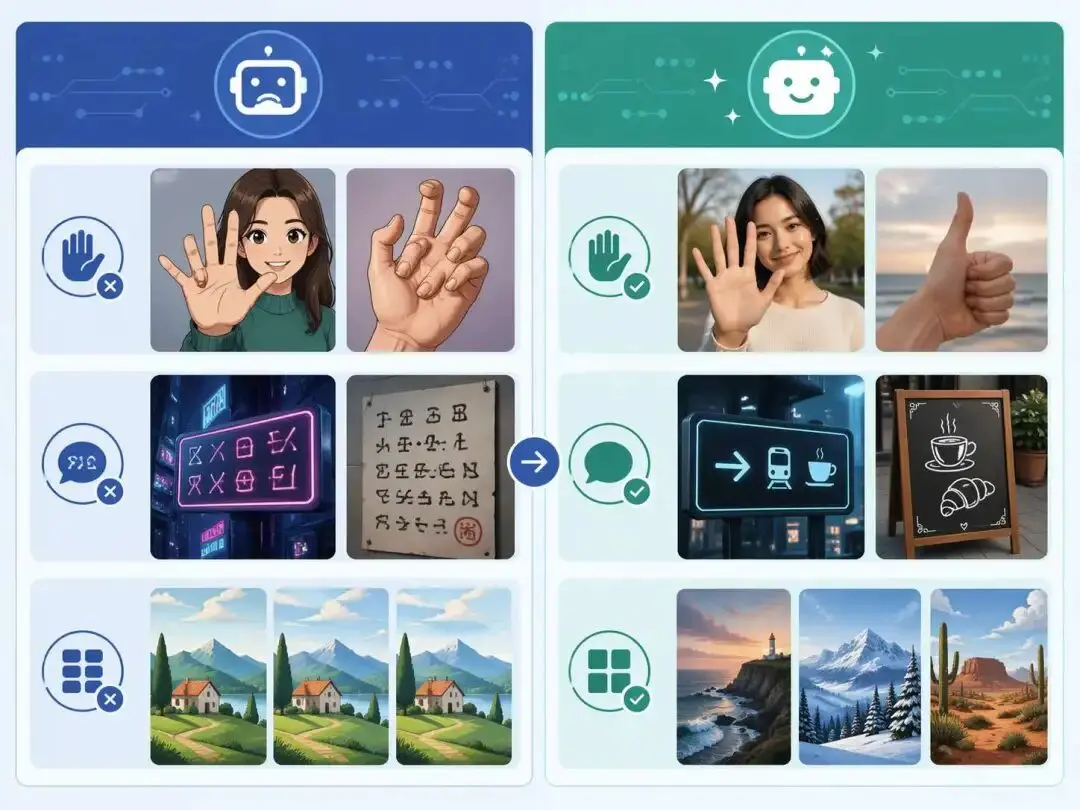
ChatGPT Image 2 Review: Real Tests Reveal What Actually Changed
If you’ve used AI image generators before, you already know the frustration. Hands often look unnatural, text turns into gibberish, and prompts keep getting longer while results remain inconsistent. For a long time, AI image generation felt less like using a tool and more like playing a lottery.
By Zoe一Apr 23, 2026- GPT Image 2
- AI Image Generator
- GPT-4o Image