


How to Translate a Video into Multiple Languages with AI
To translate a video into multiple languages with AI, users upload a video, select target languages, and generate translated speech with synchronized lip movement. AI video translation removes the need for re-recording and manual editing, enabling creators to produce multilingual videos quickly for education, marketing, and social media.
- AI Translator
- Lip-Sync Video
- AI Video Translator
Creating multilingual videos used to require multiple recording sessions. With AI translation, the same result can now be achieved in a single workflow.
This guide explains how creators translate videos into multiple languages using AI and where this approach is commonly applied.
English Version
Chinese Version (Mandarin)
What You Need Before Translating a Video
To translate a video with AI, you typically need:
- A video with clear spoken audio
- A target language selection
- Optional subtitle preference
No re-recording or editing software is required.
Step-by-Step: Translating a Video with AI
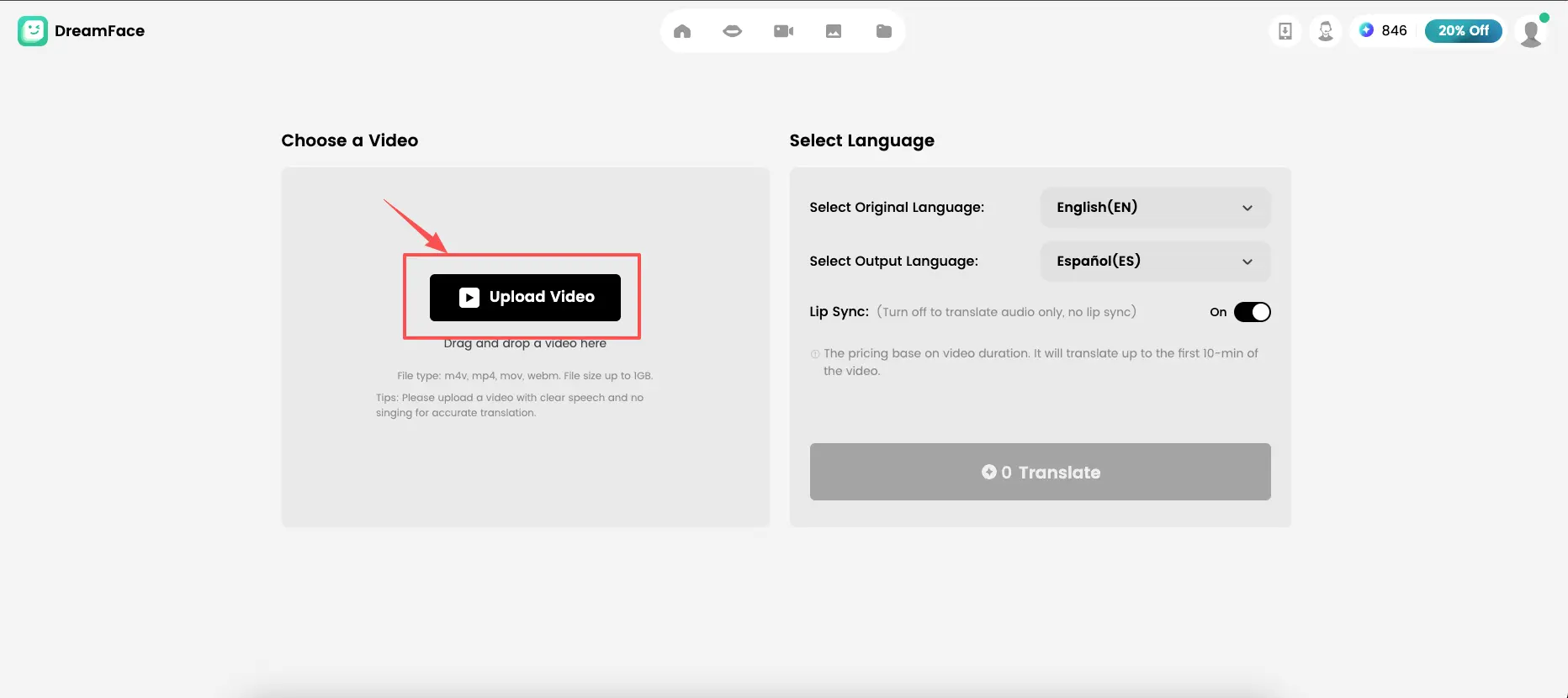
Step 1: Upload Your Video
Start by uploading a video that contains clear speech. AI performs best when dialogue is not heavily obscured by background noise.
Step 2: Select Target Languages
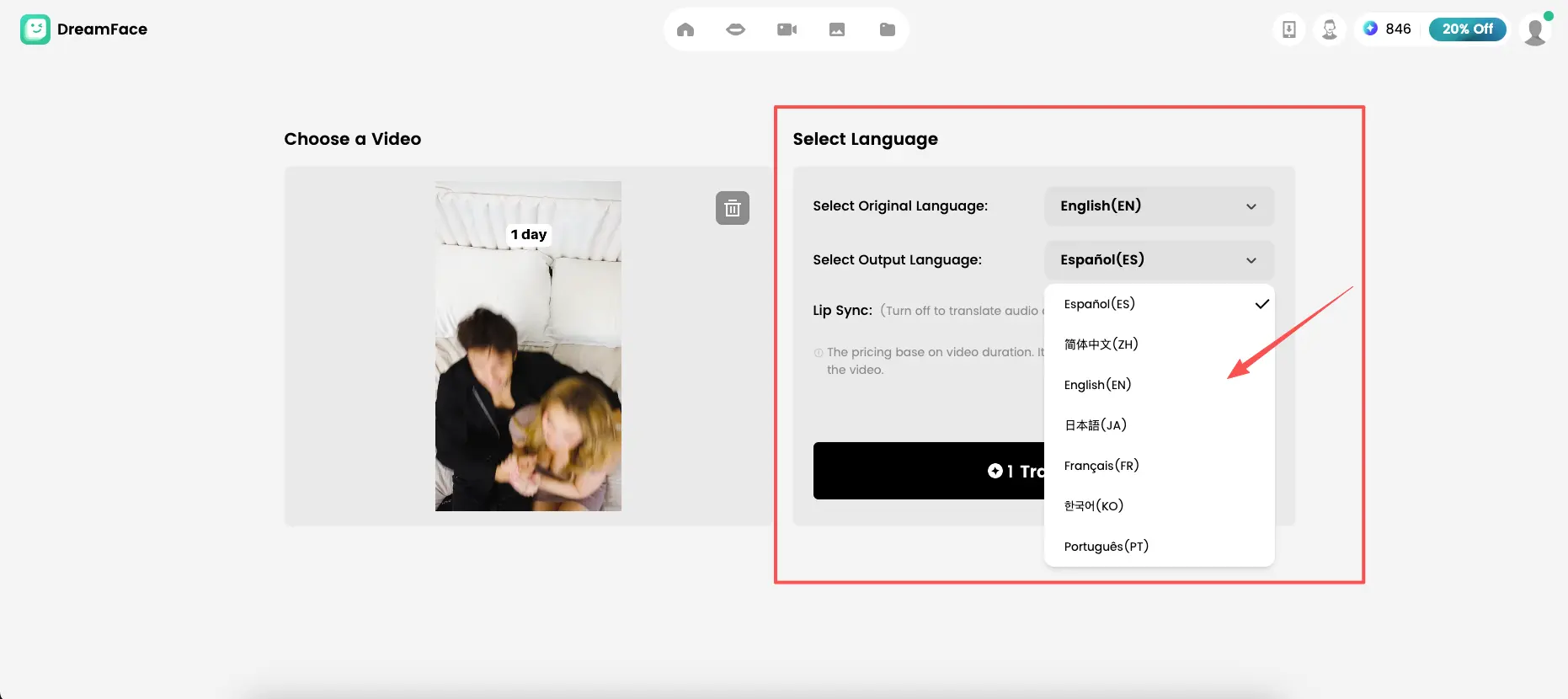
Choose the languages you want to translate into.
At present, common AI workflows support:
- Chinese
- English
- Spanish
- Japanese
- Korean
- Portuguese
- French
Additional languages are typically added as translation models expand.
Step 3: Generate Translated Audio & Apply Lip Sync
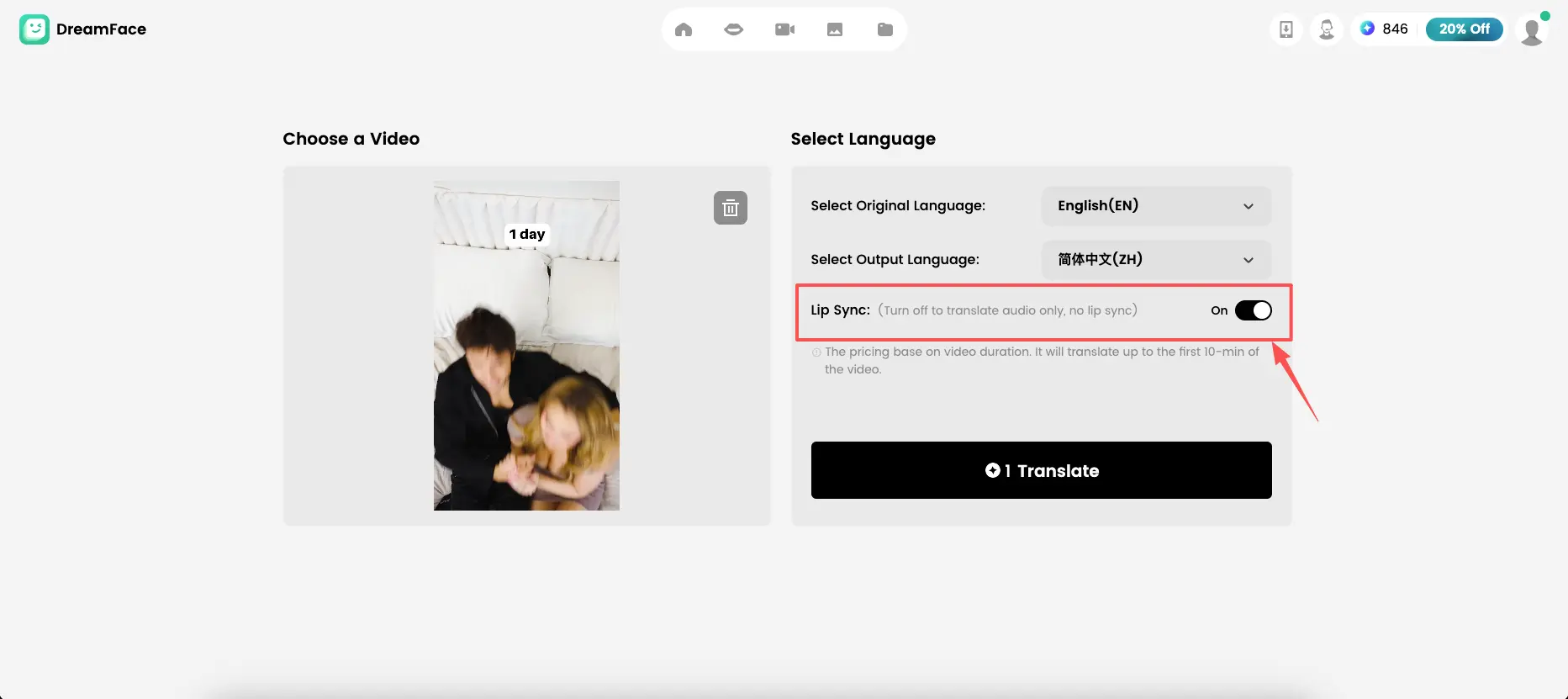
AI converts the original speech into translated audio while maintaining natural pacing and pronunciation. The system aligns the new audio with facial movement, ensuring the video looks natural rather than dubbed.
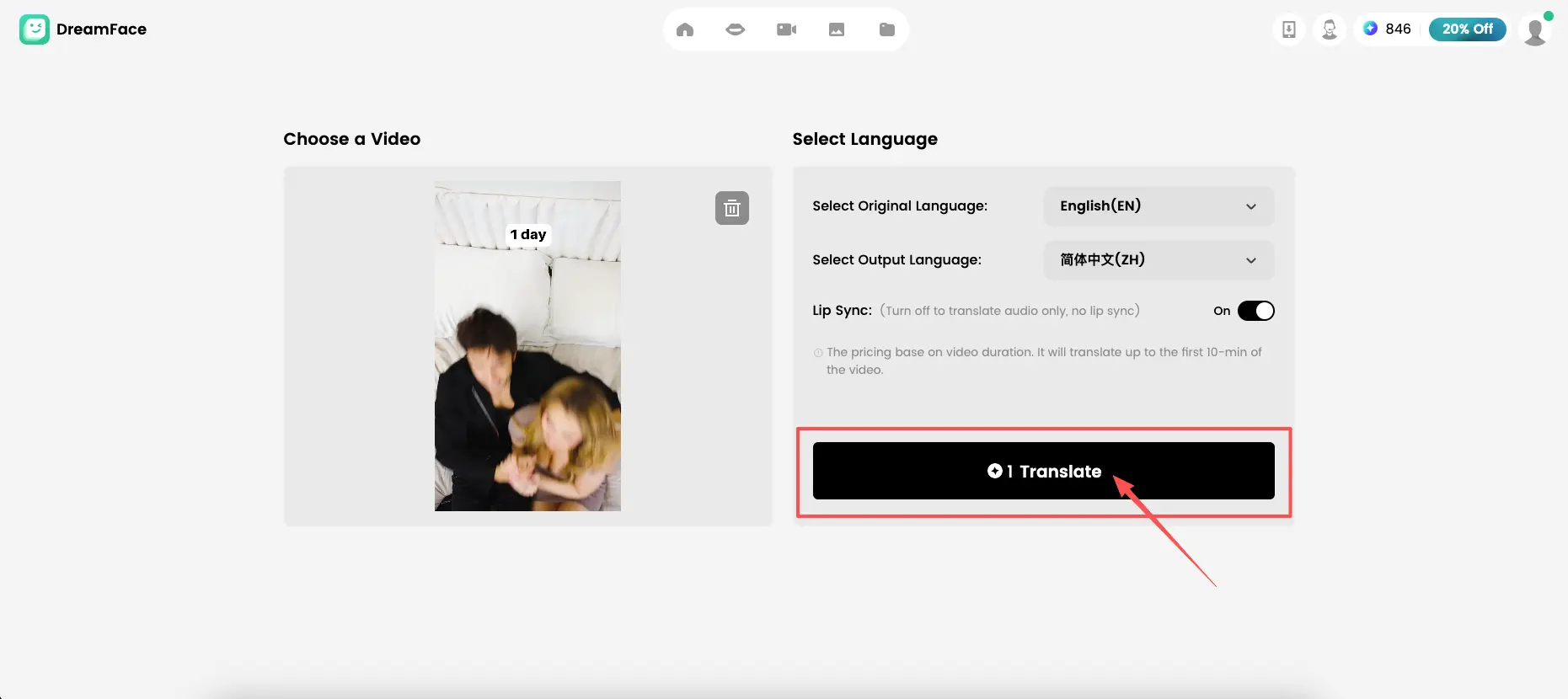
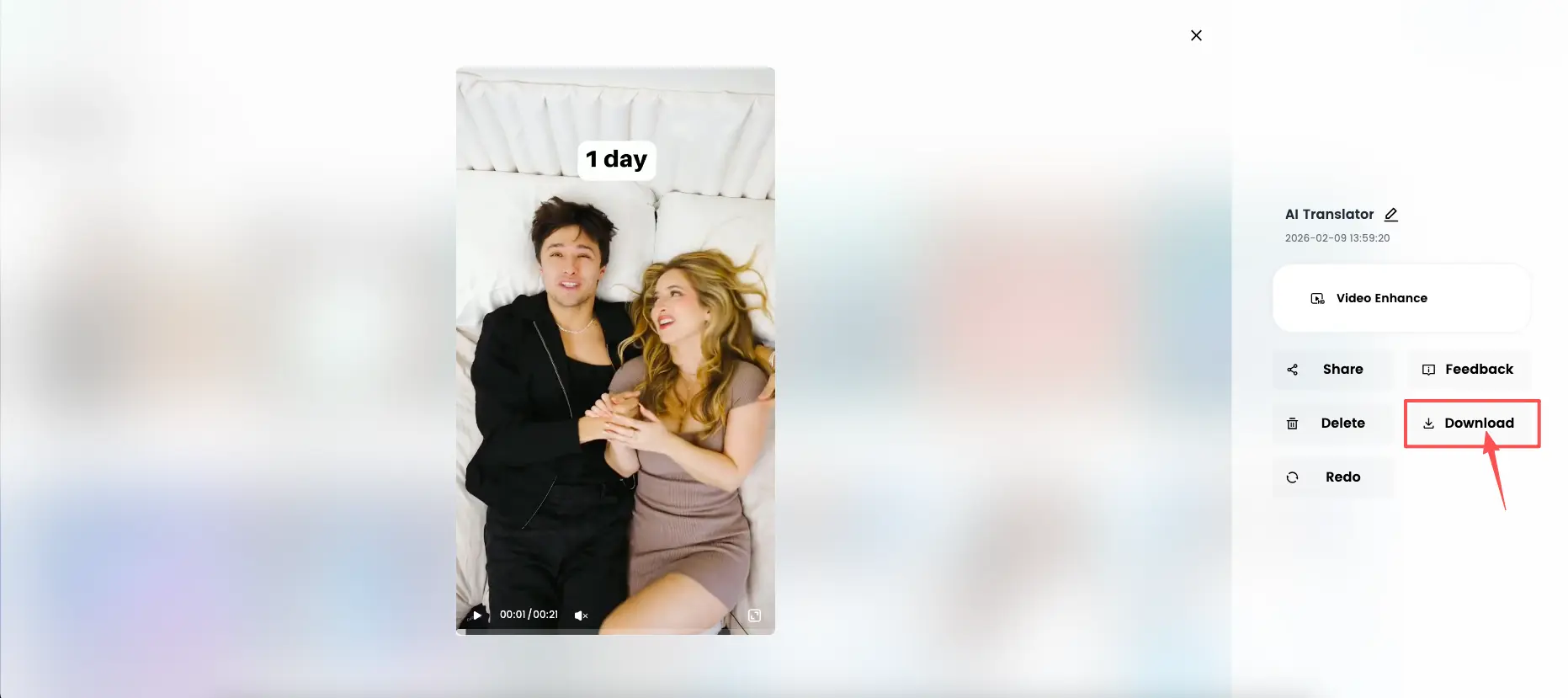
Step 4: Export The Video
Export the translated video. (One free try per day)
Common Use Cases for AI Video Translation
AI translation is widely used in:
- Educational videos
- Marketing and product demos
- Social media content
- Creator videos
- Internal training materials
It allows the same content to reach multiple regions without duplicating effort.
Why Creators Choose AI Translation
Creators value AI translation because it:
- Reduces production time
- Keeps visual consistency
- Eliminates repetitive work
- Enables fast experimentation with new markets
Final Thoughts
Translating videos with AI makes multilingual content creation accessible at any scale. As language coverage grows, this workflow will continue to replace traditional localization methods.
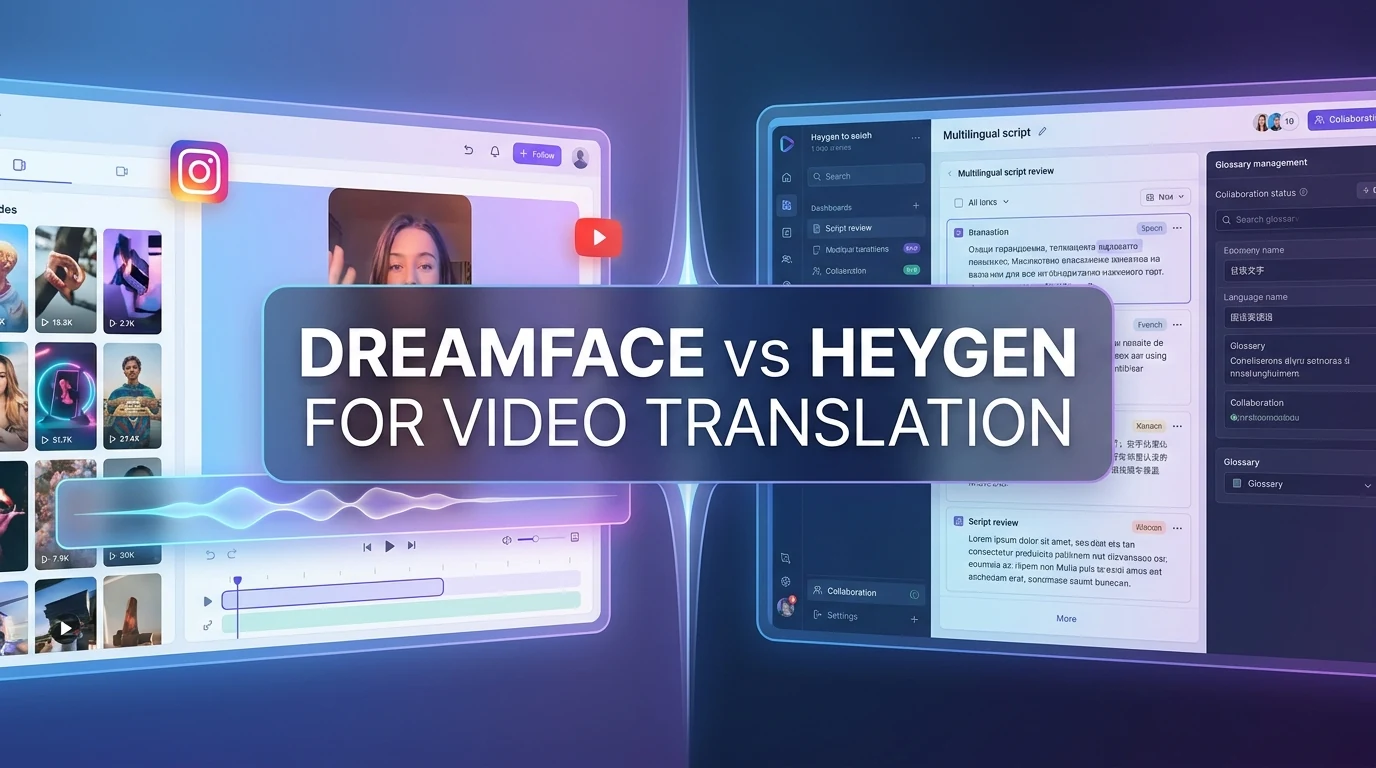
Dreamface vs HeyGen for Video Translation
Compare Dreamface and HeyGen on lip-sync, voice preservation, workflow, language coverage, and team control to choose the right video translator.
By Aiden一Apr 17, 2026- AI Translator
- AI Video Translator
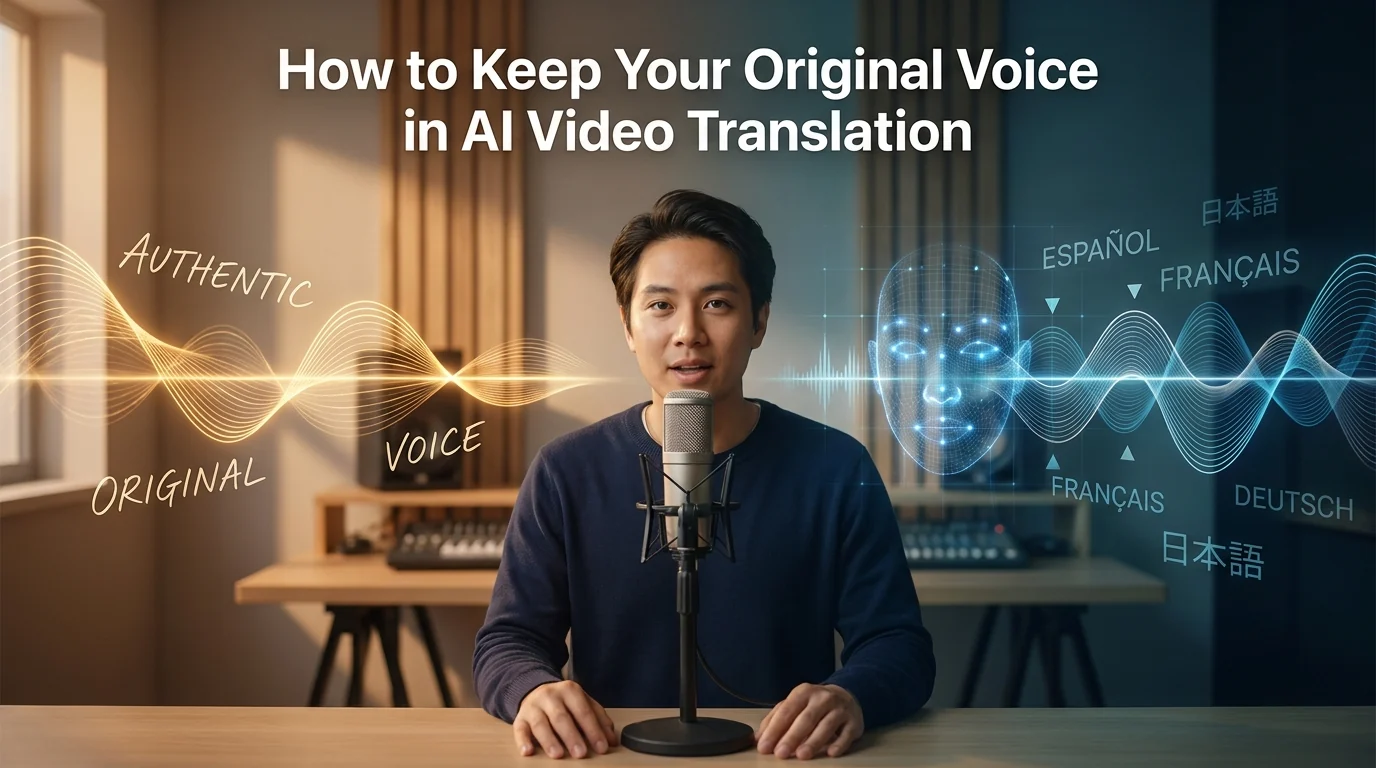
How to Keep Your Original Voice in AI Video Translation
Learn how to preserve your voice, tone, and speaking style when translating videos with AI, and when subtitles or re-recording are the better choice.
By Kitty一Apr 17, 2026- AI Translator
- AI Video Translator
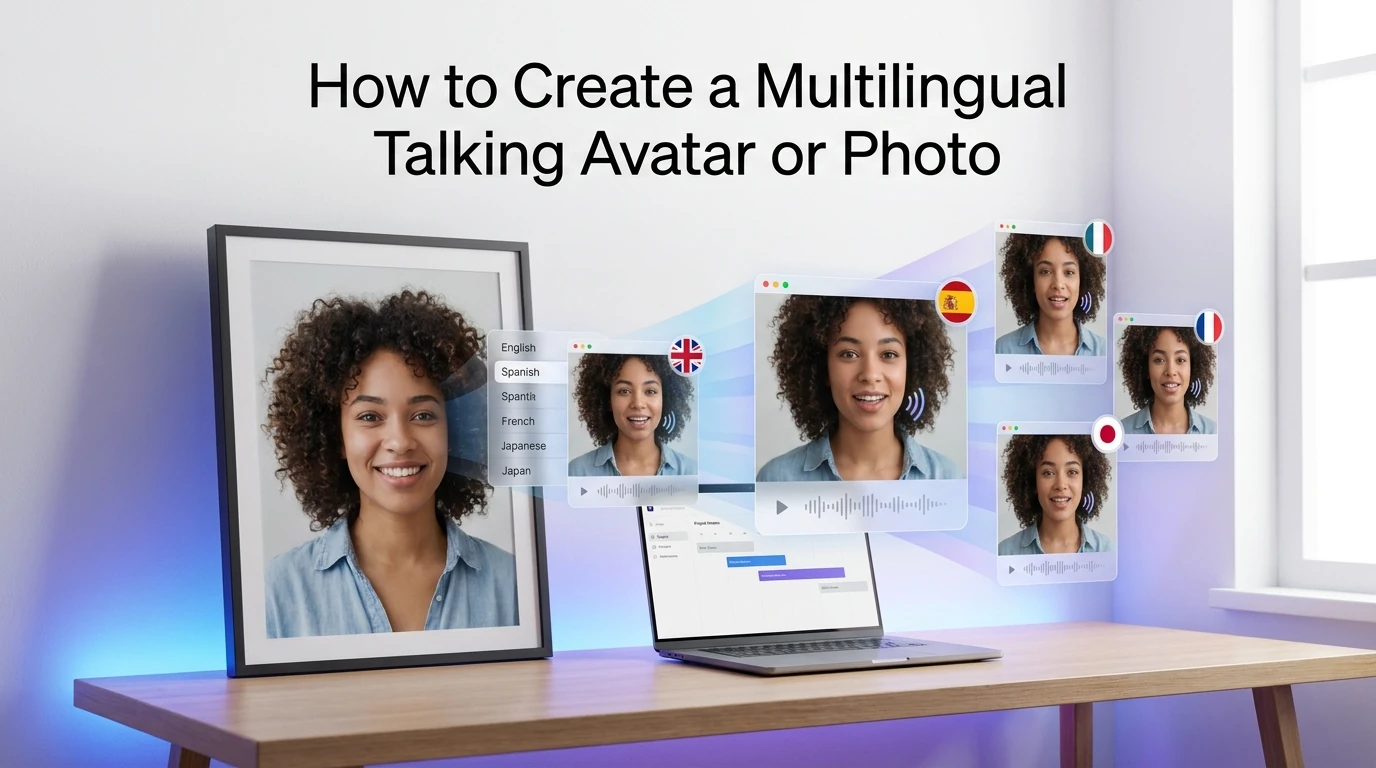
How to Create a Multilingual Talking Avatar or Photo
Learn how to make a talking avatar or talking photo in multiple languages, choose the right workflow, and avoid lip-sync, voice, and subtitle mistakes.
By Jonathan一Apr 17, 2026- AI Video
- AI Video Translator
- AI Translator