


Which Website Is Best for Watermark Remover Online?
These online tools allow users to quickly erase unwanted watermarks, text, or logos while keeping photos clean and professional. Below are the top five watermark remover websites to try in 2025, starting with DreamFace.
- Remove Watermark
- Watermark Removal
- Watermark Remover

AI-powered tools are transforming digital editing, and AI watermark removers are now essential for anyone working with images. These online tools allow users to quickly erase unwanted watermarks, text, or logos while keeping photos clean and professional. Whether you’re preparing product photos for e-commerce, editing social media visuals, or restoring personal pictures, the right watermark remover can save you time and effort.
Among the many options, DreamFace AI Watermark Remover stands out for its accuracy, speed, and ease of use. Built with advanced AI algorithms, DreamFace makes watermark removal accessible for both casual users and professionals.
Below are the top five watermark remover websites to try in 2025, starting with DreamFace.
1. DreamFace AI Watermark Remover
DreamFace AI Watermark Remover is a next-generation tool that uses artificial intelligence to seamlessly erase watermarks while maintaining high image quality. Unlike traditional editing software, it automatically analyzes the photo, detects unwanted marks, and fills in the background naturally—leaving no visible traces.
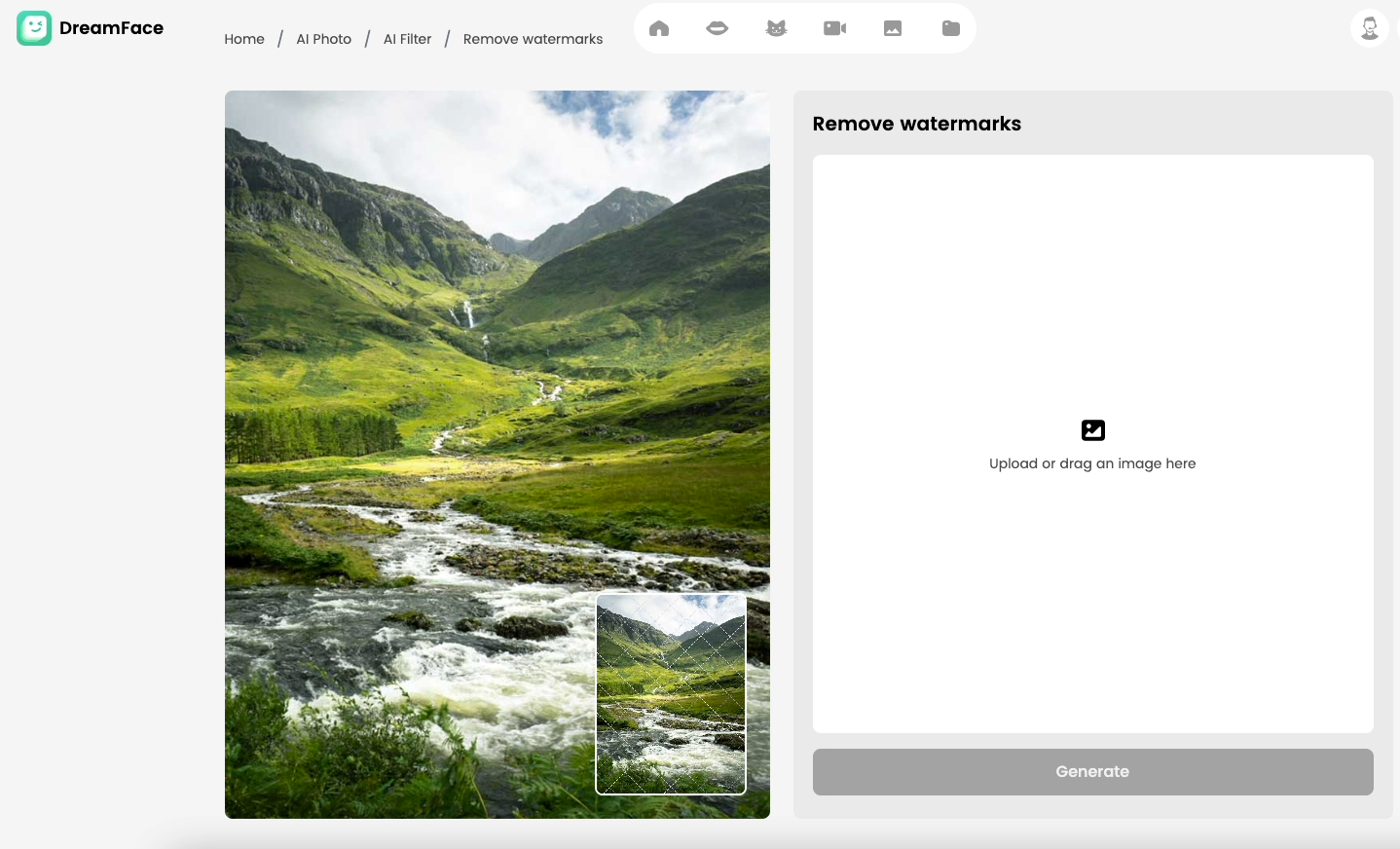
Key Features:
- Removes all watermark types: text, logos, dates, timestamps, or transparent overlays.
- AI-powered smart detection and background restoration.
- Works entirely online—no installation required.
- Preserves photo clarity in high resolution.
- Fast, beginner-friendly, and free to try.
DreamFace is not just precise, but also integrates with other AI tools like background remover and photo filters, making it a one-stop editing platform in 2025.
2. Inpaint
Inpaint allows users to highlight unwanted areas and remove them from photos. It’s simple and effective for basic editing but may leave smudges on complex images.
3. Apowersoft Watermark Remover
A versatile option offering both desktop and online versions. It supports batch processing, making it useful for removing watermarks from multiple photos at once.
4. HitPaw Watermark Remover
Known for its easy-to-use interface, HitPaw works on both photos and videos. However, the free version has limited export quality compared to premium plans.
5. Fotor
Fotor is a photo editor with an integrated watermark remover. While not as specialized as DreamFace, it’s a good option for casual users who also want access to filters and other editing tools.
Why Choose DreamFace AI Watermark Remover?
DreamFace outshines alternatives because it combines professional-level precision with everyday usability. Whether you’re a designer, business owner, or just someone cleaning up personal images, DreamFace offers:
✅ AI Accuracy – Removes watermarks without damaging details.
✅ High Efficiency – Instant online results in just seconds.
✅ Multi-Scenario Use – Ideal for e-commerce, social media, photography, and more.
✅ No Skills Needed – Upload, click remove, and download your clean photo.
How to Remove a Watermark with DreamFace
Step 1: Visit DreamFace AI Watermark Remover .
Step 2: Upload the photo with a watermark.
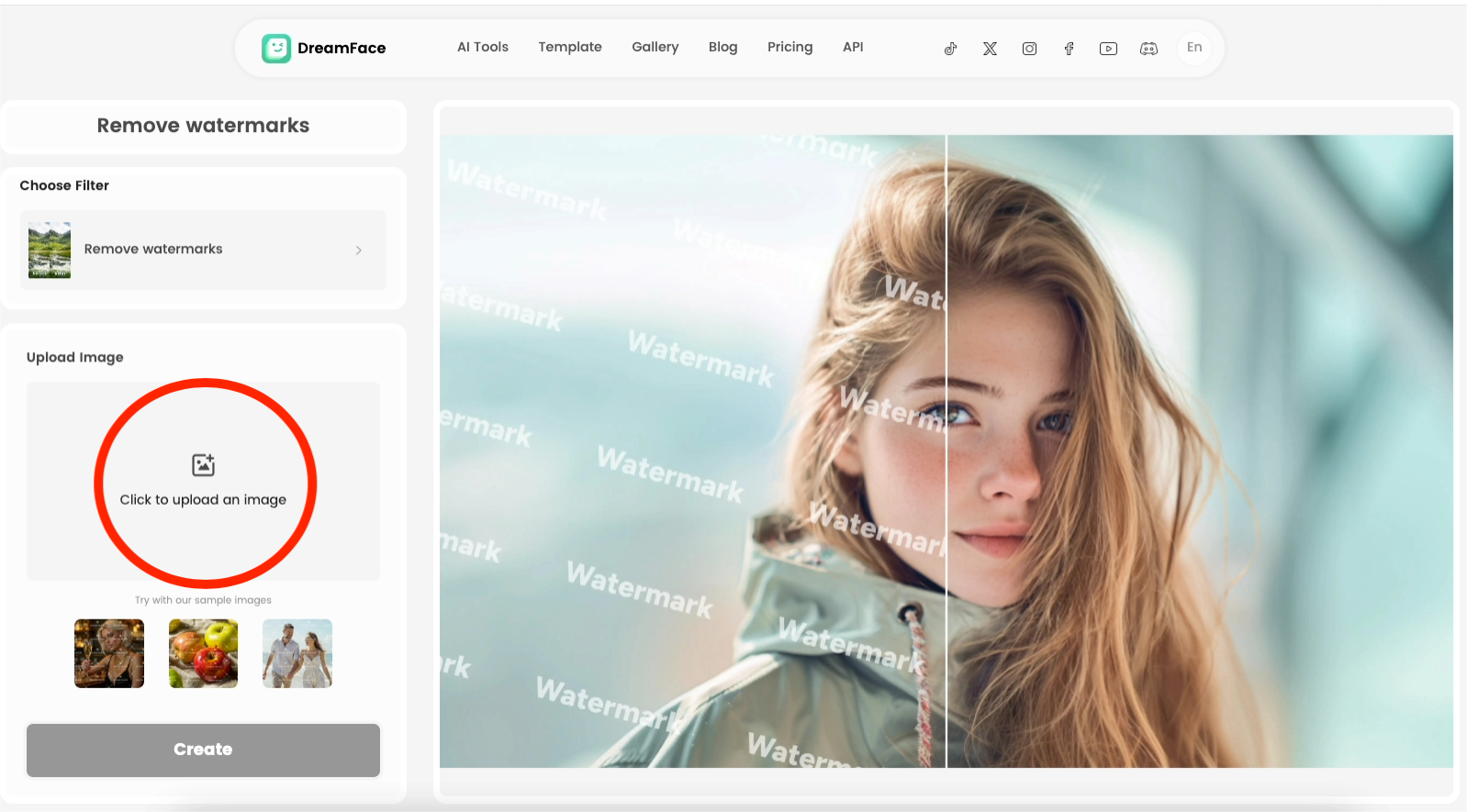
Step 3: Click “Create” and let AI process the image.

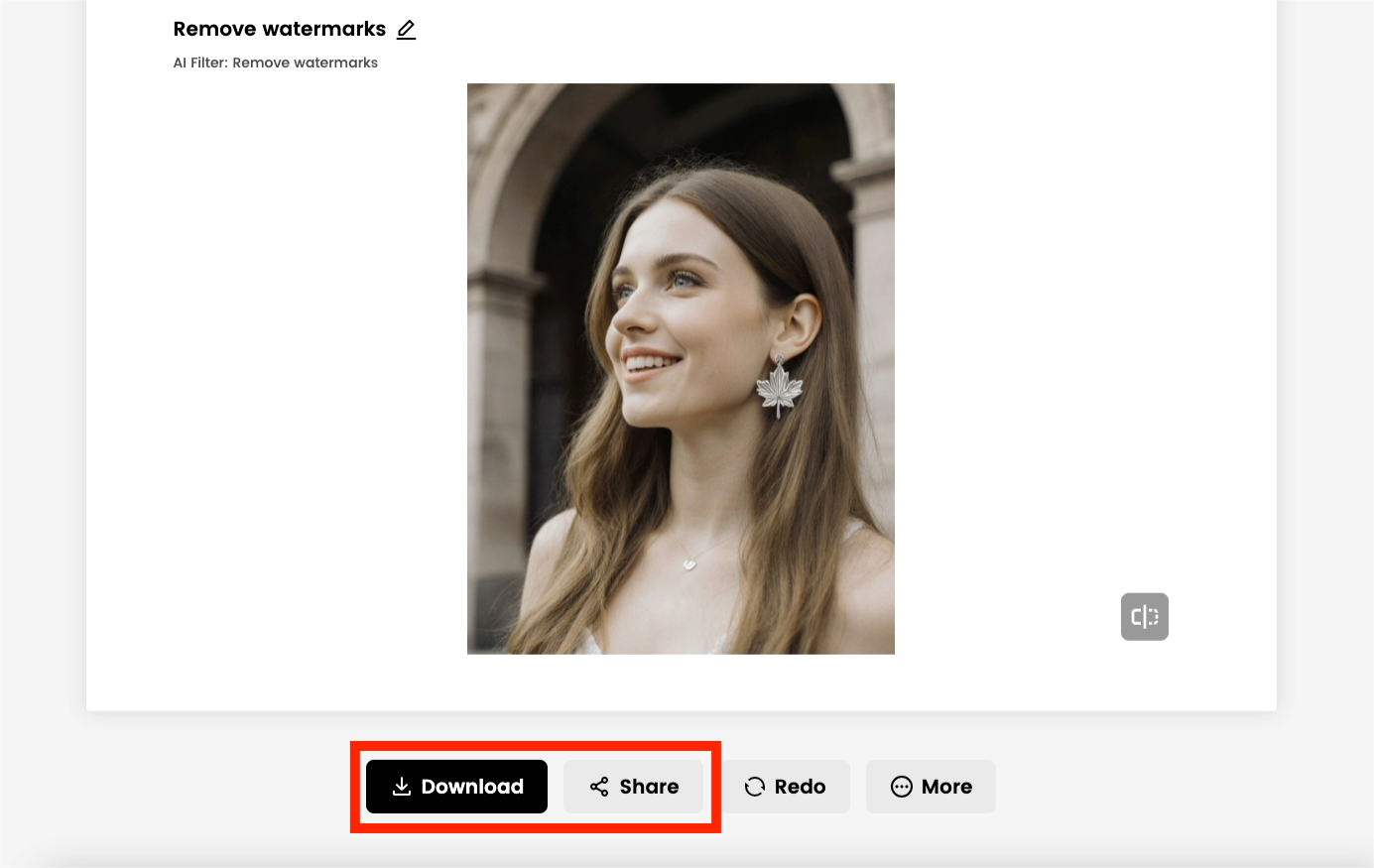
Step 4: Download your high-quality, watermark-free picture instantly.
Conclusion
Online watermark removers are no longer optional—they’re essential tools for content creators, businesses, and everyday users. While websites like Inpaint, Apowersoft, HitPaw, and Fotor are worth considering,
DreamFace
remains the best choice in 2025 thanks to its precision, AI-driven technology, and easy workflow.
Whether you need to erase simple text or complex logos, DreamFace delivers clean, high-resolution results in seconds—without the hassle of traditional editing.

Best AI Tool to Remove Watermarks from Your Own Sora Videos
As generative AI tools like Sora, Runway, and Pika become more popular, more creators are remixing AI-generated videos for storytelling, design, and UGC content. But most of these tools embed watermarks, logos, or visual overlays — making your output feel unfinished or unprofessional. That’s where Dreamface’s Video Watermark Remover comes in: a browser-based tool that automatically cleans AI-generated video — with HD output and no loss of visual detail.
By Alexander一Dec 03, 2025- Watermark Removal
- Watermark Remover
- AI Video
- Removing Watermarks
Remove Watermarks from Videos Online – Fast, Free & HD Quality
Unwanted watermarks on videos can ruin your edits, lower professionalism, or distract your audience. Whether you're repurposing clips for TikTok, Shorts, YouTube, or editing AI-generated content — Dreamface’s Video Watermark Remover gives you a fast, smart, and high-quality solution. Now with automatic AI removal and a free trial, Dreamface lets you experience watermark-free videos without complex editing software or plugins.
By Isabella一Dec 03, 2025- AI Video
- Remove Watermark
- Watermark Remover
- Removing Watermarks

Flux Kontext Prompts for Watermark Removal
This guide will teach you how to write effective prompts to flawlessly remove watermarks, restoring your images to pristine condition.Note that the effects achievable with the prompts below can be created for free using Dreamface.
By Aubrey一Jul 10, 2025- Flux-Kontext
- Removing Watermarks
- Watermark Removal