


Flux Kontext Prompts for AI Smile Generation
This guide will teach you the precise prompts needed to master smile generation, giving you the power to bring joy to any portrait.Note that the effects achievable with the prompts below can be created for free using Dreamface.
- Text-to-Image
- AI image generator
- Flux-Kontext
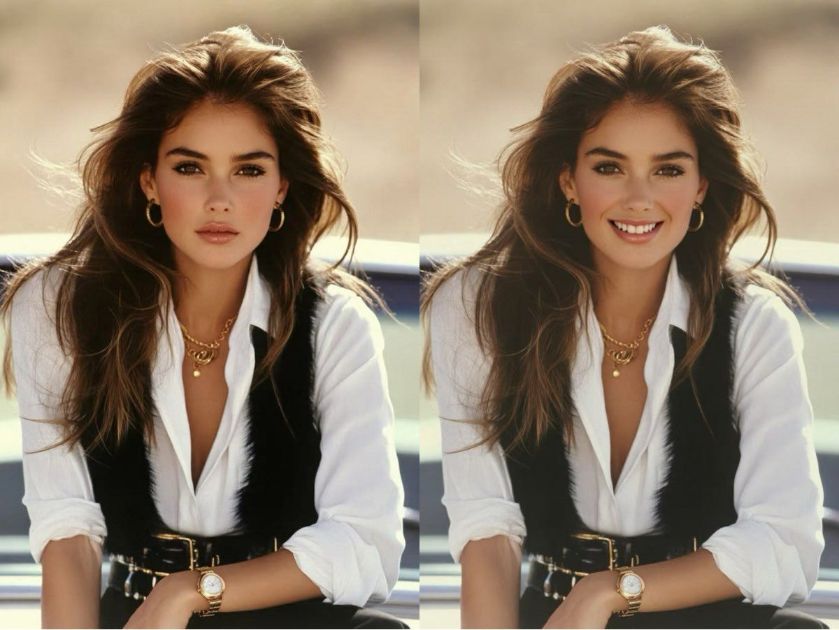
A smile can completely transform the mood of a portrait, turning a serious moment into a joyful one. But what if the perfect shot has a neutral expression? With AI-powered expression editing, you can now realistically and seamlessly change a person's facial expression, adding a gentle smile or a hearty laugh with just a command.
This technology is incredible for bringing warmth and emotion to your photos. It allows you to tailor the mood of a portrait after it's been taken, all while keeping the person's identity perfectly intact. This guide will teach you the precise prompts needed to master smile generation, giving you the power to bring joy to any portrait.
Note that the effects achievable with the prompts below can be created for free using Dreamface.
Flux Kontext AI Smile Generation Prompts
Prompt 1:
Change the woman's expression to a soft, genuine smile with her lips gently parted. The new expression should look natural and happy. It is absolutely crucial to preserve her exact identity, face shape, eye color, hair, and the romantic, low-key lighting of the original photo.
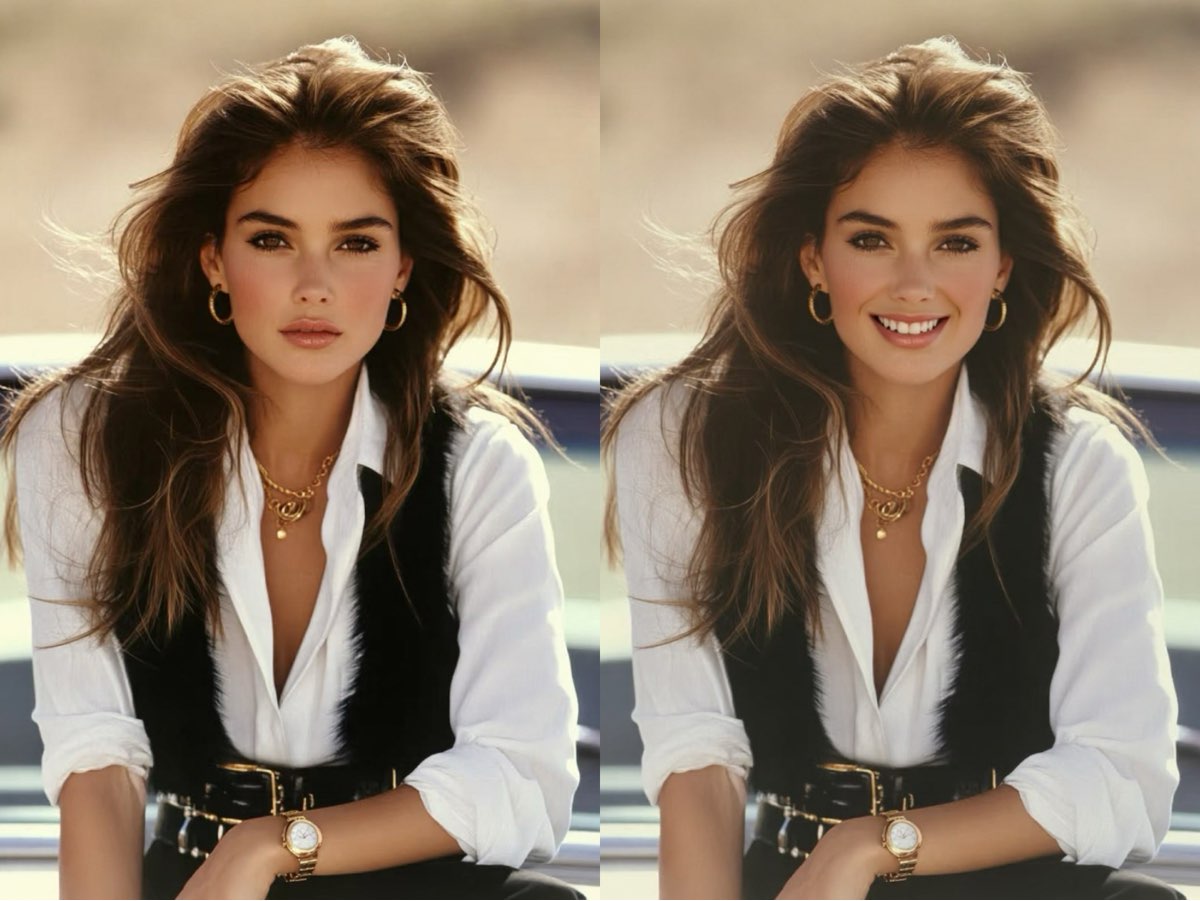
Create this image for free using Dreamface!
Prompt 2:
Alter the woman's expression to a confident, radiant smile, showing her teeth. The smile should fit the high-fashion context of the image. It is absolutely crucial to maintain her unique identity, face structure, makeup, and the sophisticated style of the shot. Do not change her clothing or jewelry.
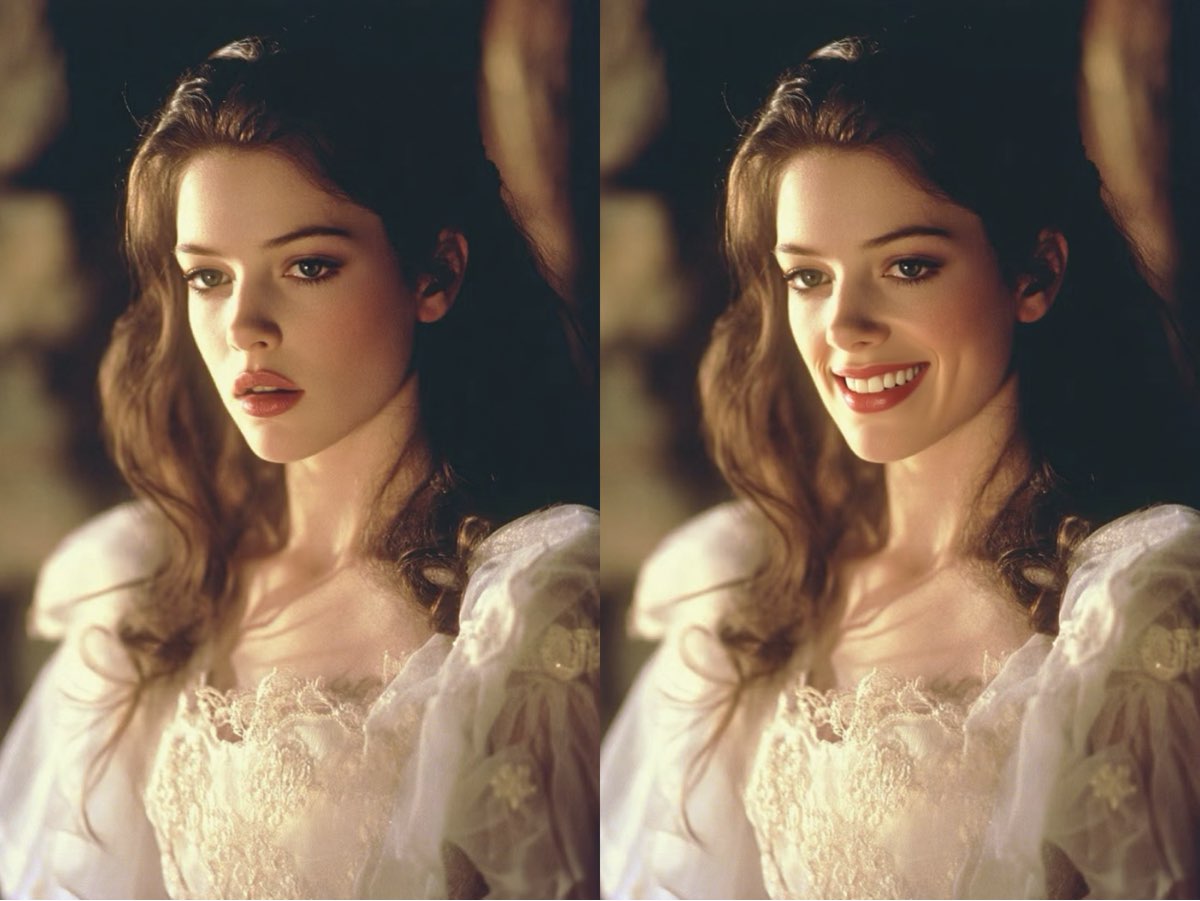
Create this image for free using Dreamface!
Prompt 3:
Transform the woman's expression into a joyful, open-mouthed laugh, as if she is genuinely amused. Her eyes should crinkle slightly to match the happy expression. It is absolutely crucial to preserve her exact identity, face shape, skin tone, and the warm, sun-kissed atmosphere of the original photograph. Do not change her outfit.
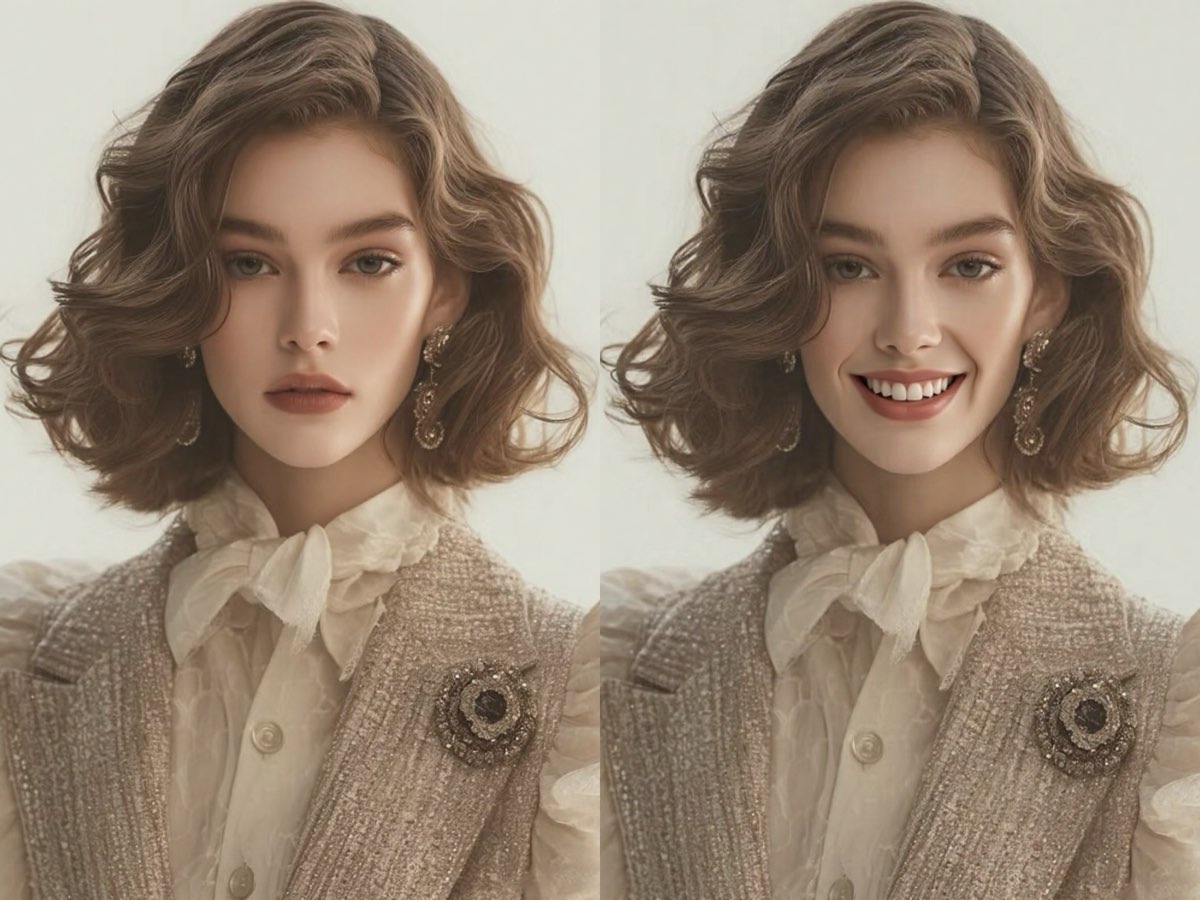
Create this image for free using Dreamface!
How to Write Effective Smile Generation Prompts
To realistically change an expression, your prompt must be descriptive about the emotion while being extremely strict about preserving the person's identity.
- Describe the Desired Expression: Be specific about the kind of smile you want. Instead of just "add a smile," use details like "a soft, genuine smile," "a confident, radiant smile showing her teeth," or "a joyful, open-mouthed laugh."
- Include Secondary Facial Cues: For a more natural look, mention other facial changes that accompany an emotion. For instance, "Her eyes should crinkle slightly to match the happy expression."
- Aggressively Preserve Identity: This is the most critical rule. Use the strongest possible command to lock the subject's likeness. Start with, "It is absolutely crucial to preserve..." and list key identifiers: "...her exact identity, face shape, eye color, hair, and makeup." This prevents the AI from generating a different person.
Add a Smile to Any Portrait
AI makes it possible to change the entire emotion of a portrait by realistically adding a smile or a laugh. The secret is a descriptive command for the new expression, combined with an aggressive, detailed command to preserve the person's identity.
Never again let a neutral expression limit the emotional impact of your photos. The power to add a smile is just a prompt away. Come try it on Dreamface!
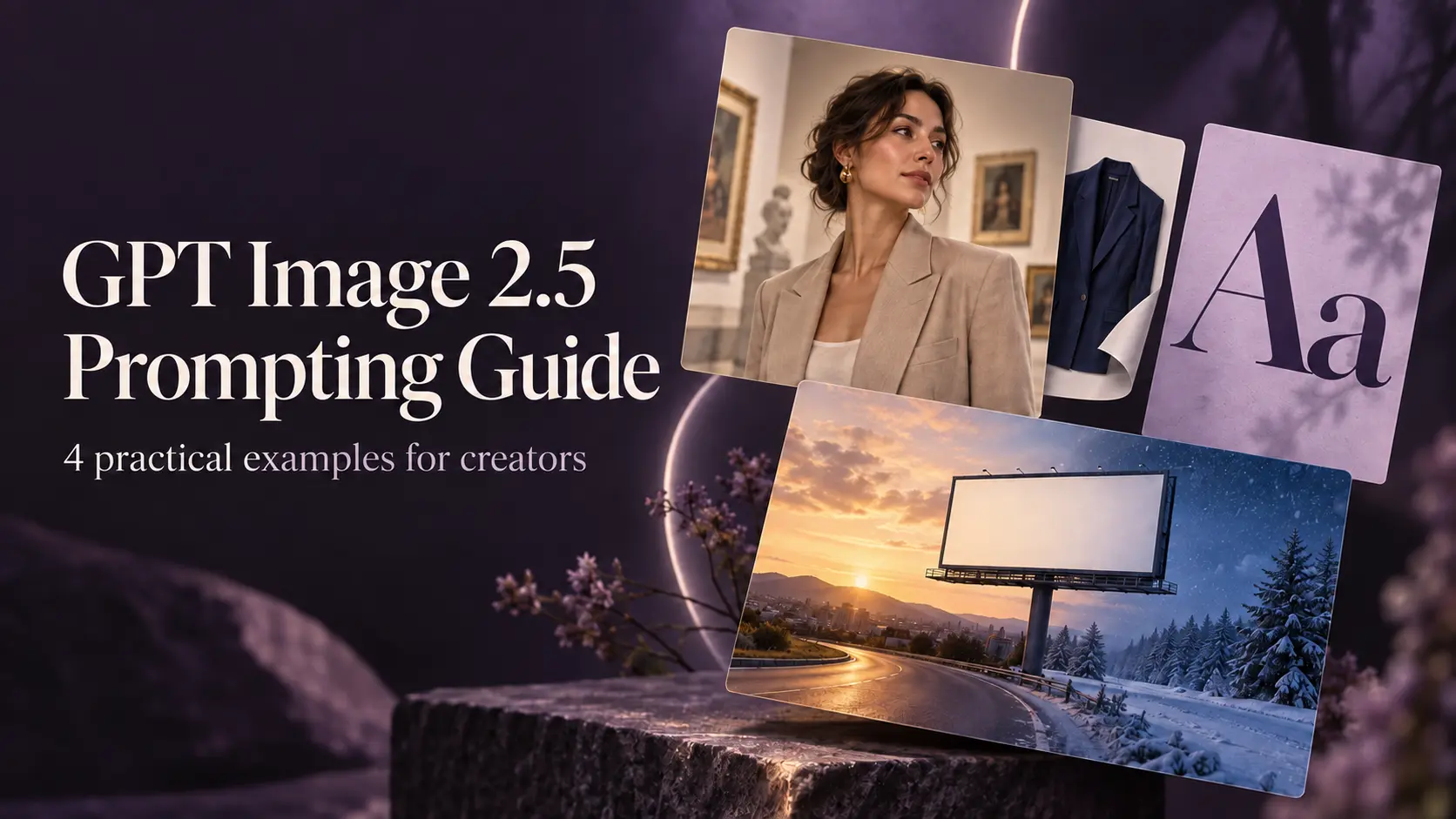
GPT Image 2.5 Prompting Guide: 4 Real Examples for Creators
A campaign image can look beautiful and still miss the brief. The headline might compete with a face, a product diagram might become unreadable on mobile, or an outfit edit might change more than the clothes.
By Skylar一Sep 18, 2026- Text-to-Image
- AI Image Generator
- GPT Image 2.5
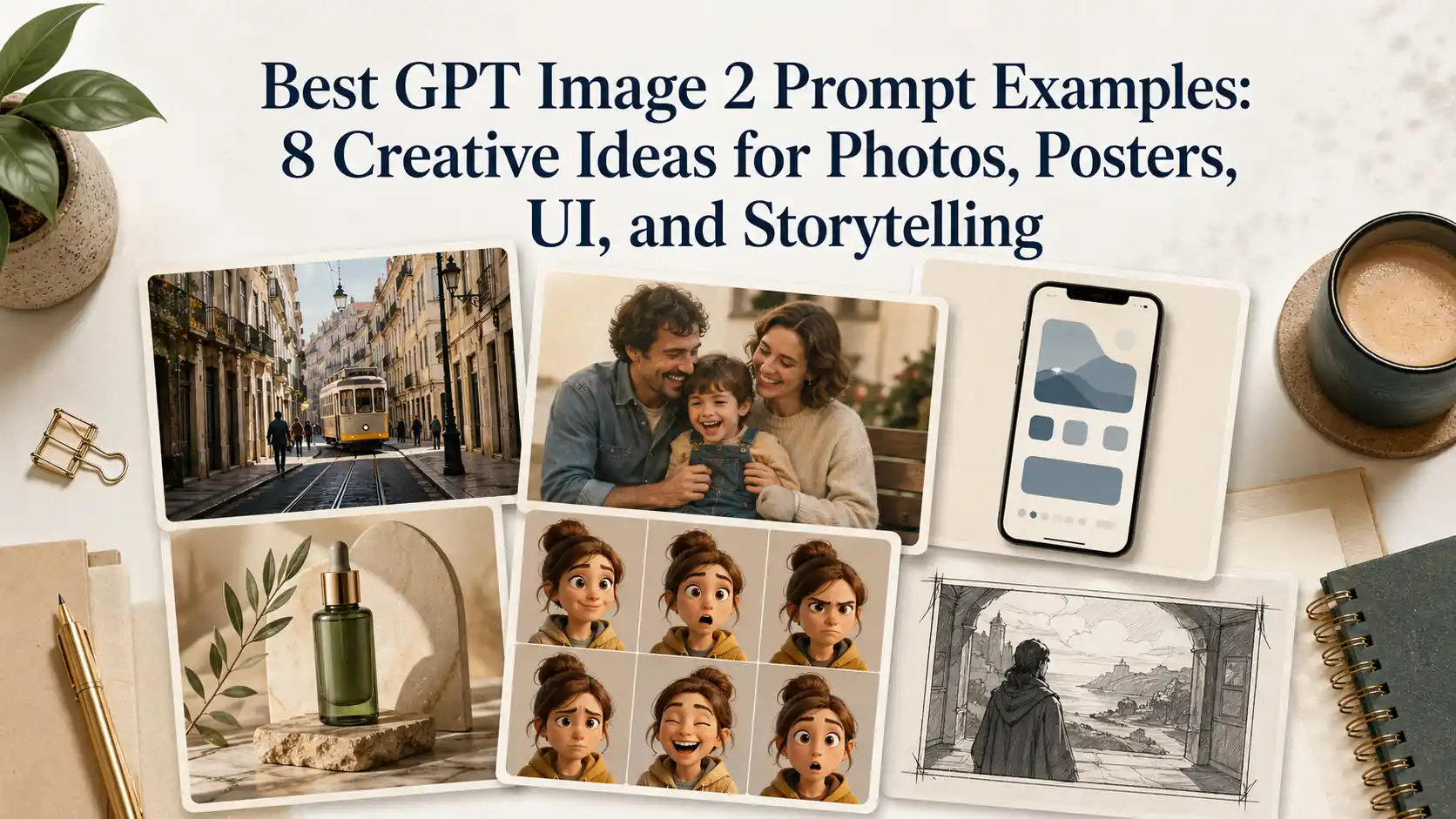
Best GPT Image 2 Prompt Examples: 8 Creative Ideas for Photos, Posters, UI, and Storytelling
Explore 8 GPT Image 2 prompt examples for photos, posters, UI mockups, characters, storytelling, and image editing, with tips to adapt each idea.
By Gabriel一Apr 27, 2026- Text-to-Image
- ChatGPT
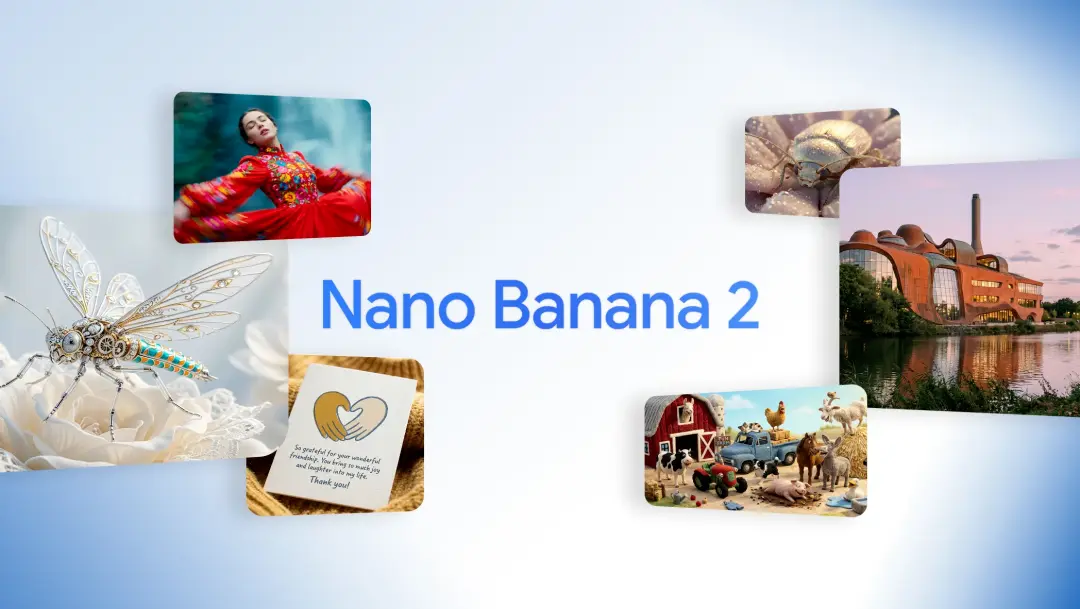
Google Nano Banana 2 Review: Pro-Grade Image Generation at Flash-Level Pricing
When Google’s CEO Sundar Pichai publicly called Nano Banana 2 “our best image model yet,” it wasn’t just marketing bravado. With immediate deployment across Gemini App, Google Search (in 141 countries), Flow, and preview access via Google AI Studio and Vertex AI, Google made it clear: this isn’t an experimental release.
By Harrison一Feb 26, 2026- Text-to-Image
- AI Image Generator
- Nano Banana 2