


How to Create a Talking Cat Video That Got 1.2 Million Views: A DreamFace Guide
Have you ever scrolled through social media and seen a video of a pet talking, thinking it must be magic? You’re not alone! One hilarious video of a cat seemingly asking for chocolate has exploded online, gaining over 1.2 million views and 21,000 likes in just a few days.
- Lip-Sync Video
- Talking Pets
- Pet Lip Sync
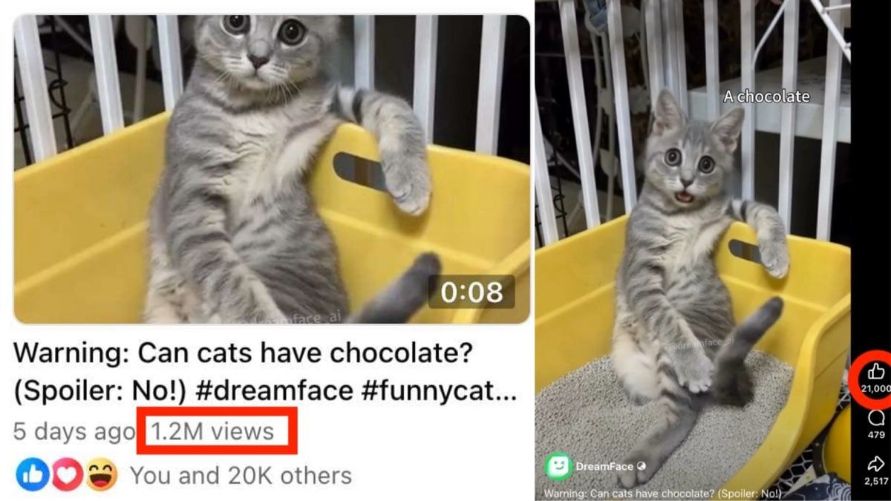
Have you ever scrolled through social media and seen a video of a pet talking, thinking it must be magic? You’re not alone! One hilarious video of a cat seemingly asking for chocolate has exploded online, gaining over 1.2 million views and 21,000 likes in just a few days.
Want to know the secret? It’s not magic—it’s DreamFace.
Check out the video that everyone is talking about:
This simple guide will show you how to use DreamFace’s incredible Pet Lip Sync feature to turn a regular photo of your pet into a fun, talking video that’s ready to be shared with the world. Let's get started!
Part 1: How to Make Your Pet Talk
This process is incredibly simple and only takes a few steps.
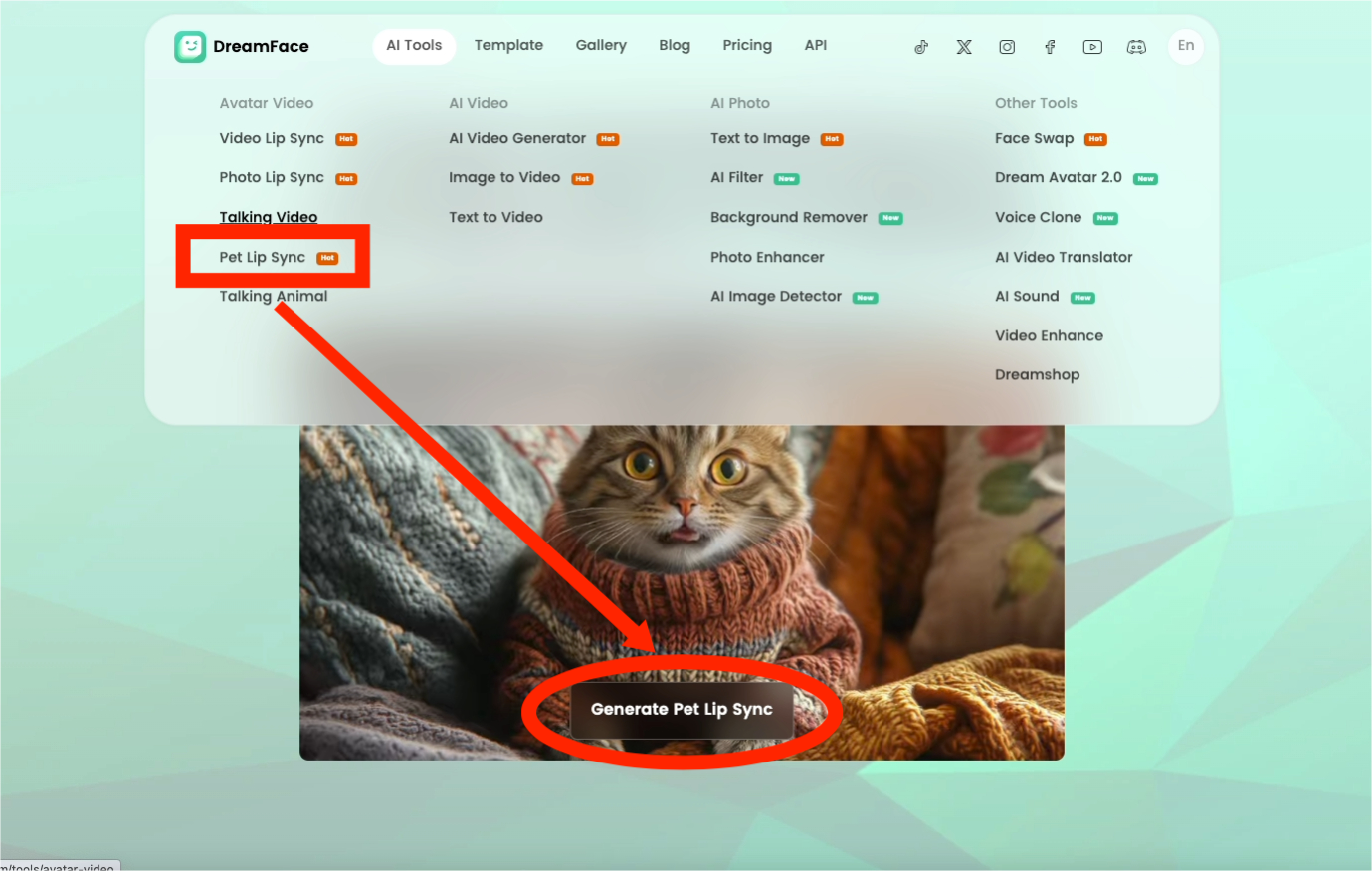
1.Select "Pet Lip Sync": On the DreamFace homepage, find and click on the “Pet Lip Sync” tool.
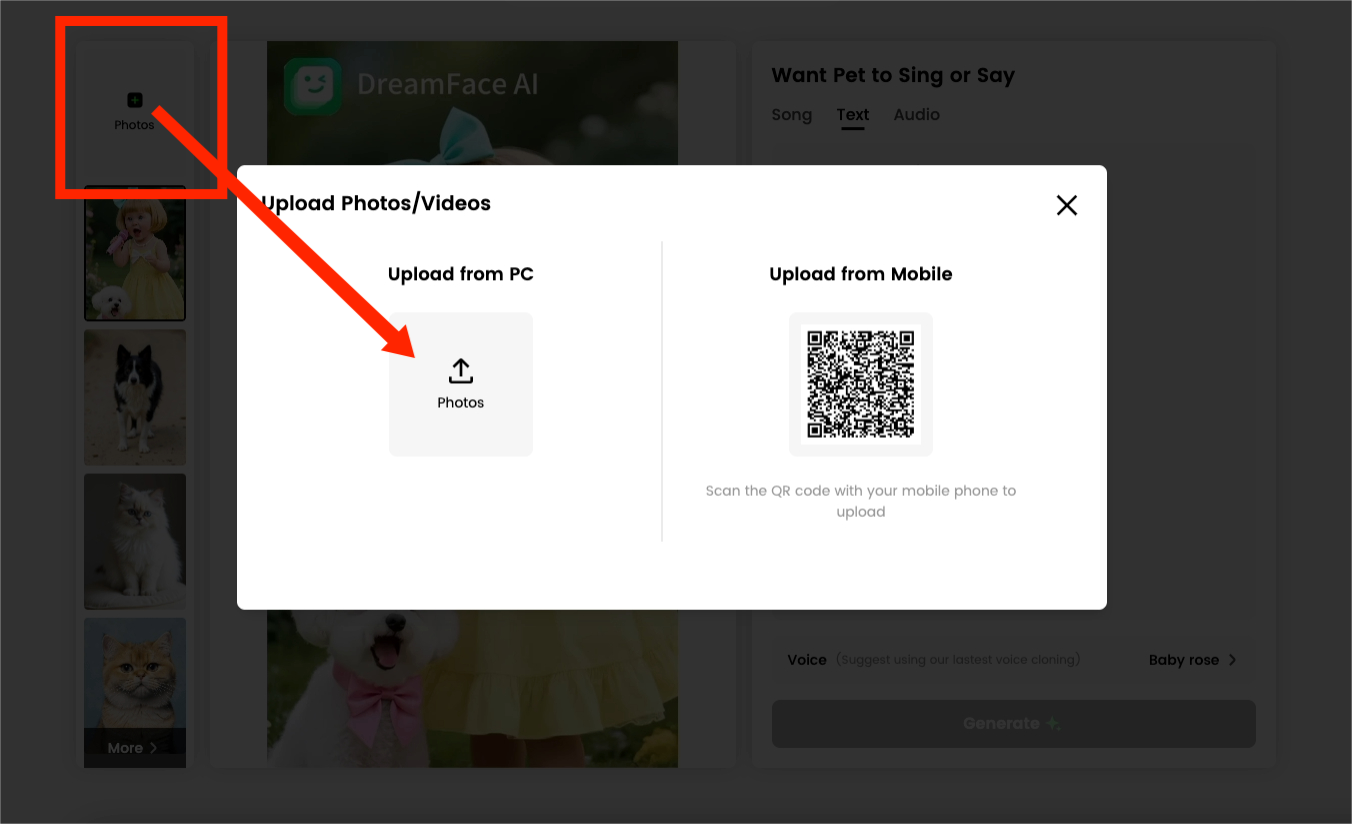
2.Upload Your Pet's Photo: Click the “+ Photo” button to upload your favorite picture. You can upload directly from your computer or your mobile device.
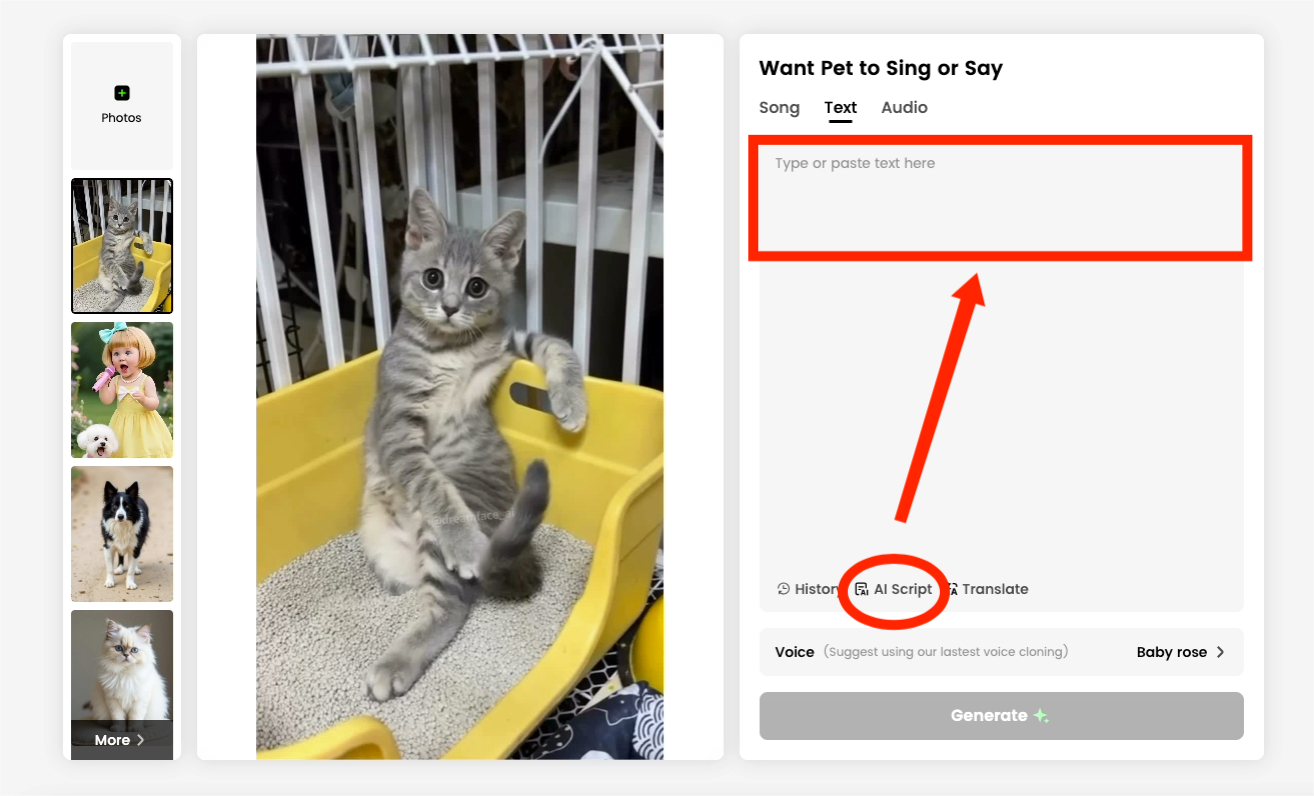
 3.Give Your Pet a Voice: You can make your pet say anything you want. You have two easy options:
- Text: Go to the "Text" tab and type what you want your pet to say. If you need inspiration, our “AI Script” feature can automatically generate funny lines for you.
- Audio: Go to the "Audio" tab to either upload a pre-recorded audio file or record your own voice directly.
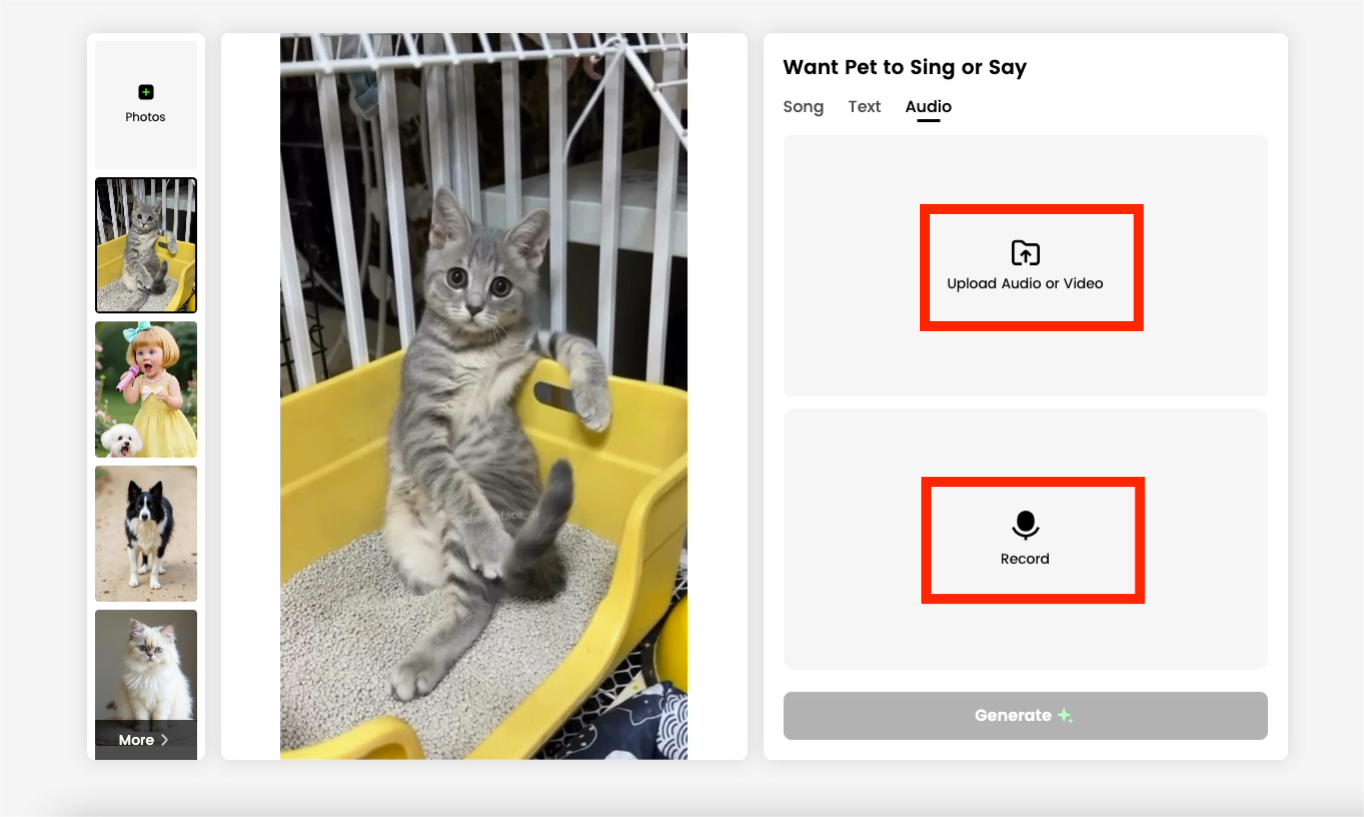
4.Generate Your Video: Once you're happy with the script or audio, just click “Generate”!
Part 2: Share Your Creation
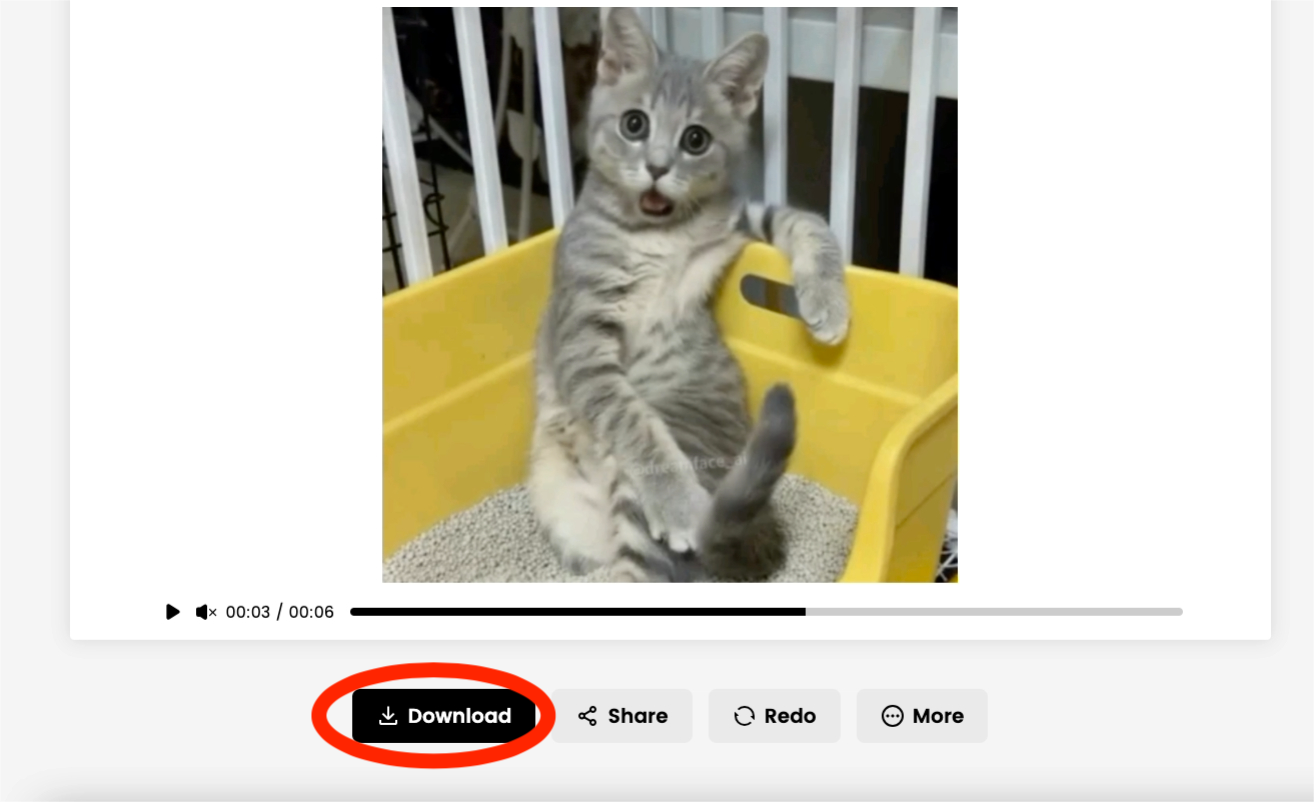
After a few moments, your video will be ready. You can then Download it to your device or use the Share button to post it directly to your favorite social media platforms.
Your Pet's Fame Awaits!
That’s all it takes! In just a few simple clicks, you've transformed a cute photo into a hilarious talking video, ready to charm audiences and get tons of likes and shares. The possibilities for fun are endless.
What are you waiting for? Your pet’s social media stardom is just a few clicks away. Head over to DreamFace AI now and bring your furry friend to life!
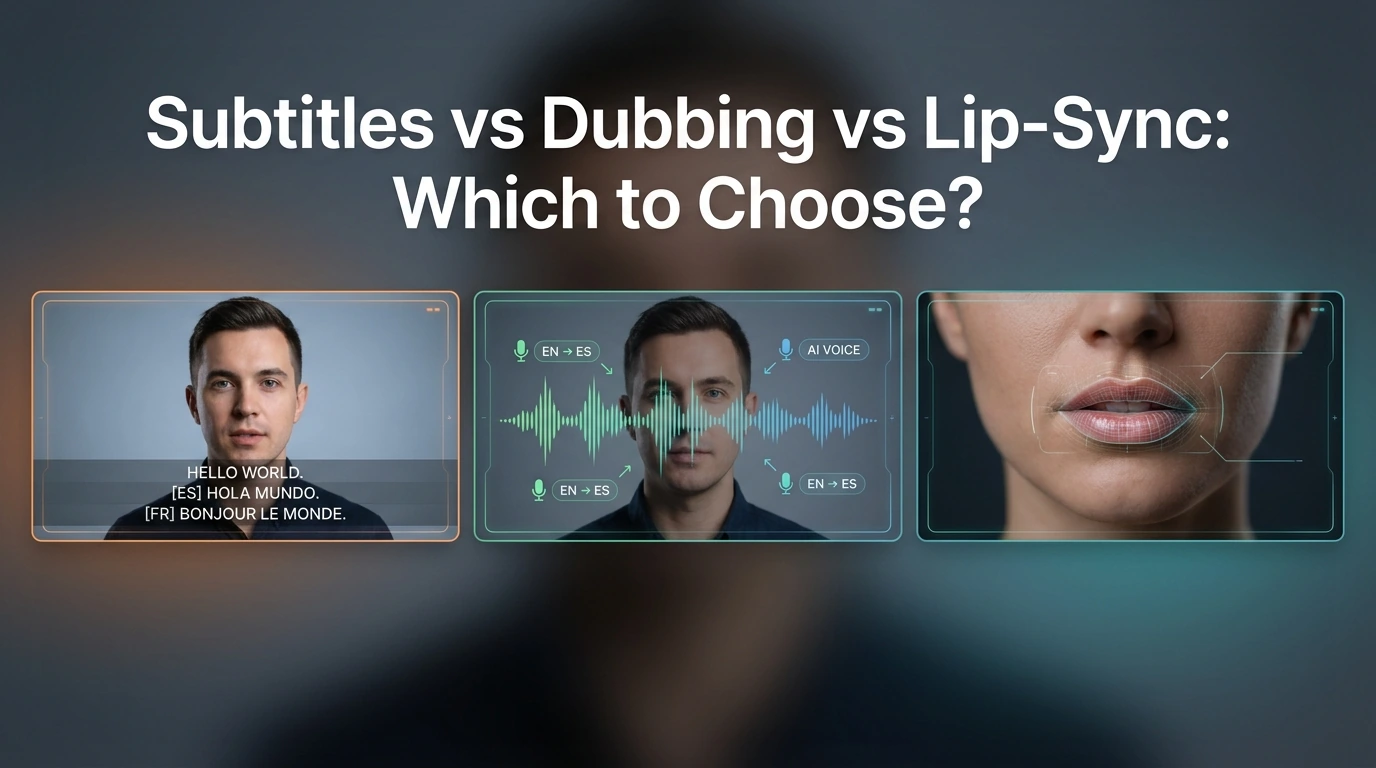
Subtitles vs Dubbing vs Lip-Sync: Which to Choose?
Compare subtitles, dubbing, and lip-sync for video translation. Learn which format fits YouTube, training, marketing, and creator videos.
By Alexander一Apr 17, 2026- AI Translator
- Lip-Sync Video
- AI Video Translator
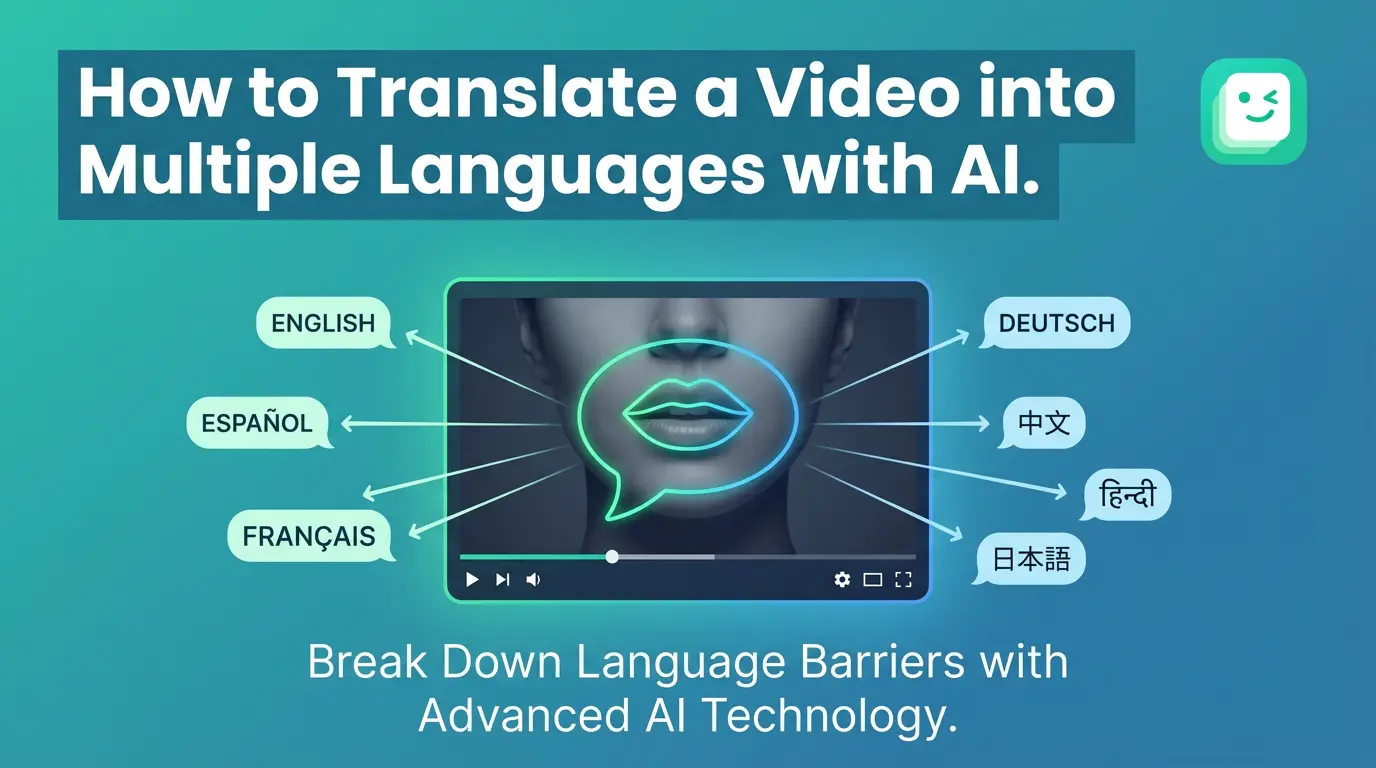
How to Translate a Video into Multiple Languages with AI
To translate a video into multiple languages with AI, users upload a video, select target languages, and generate translated speech with synchronized lip movement. AI video translation removes the need for re-recording and manual editing, enabling creators to produce multilingual videos quickly for education, marketing, and social media.
By Grayson一Feb 09, 2025- AI Translator
- Lip-Sync Video
- AI Video Translator
Where to Find AI Avatar Services with Realistic Lip-Sync (2026 Guide)
When searching for AI avatar services with realistic lip-sync, it is important to focus on platforms that are specifically designed for speech-driven avatar animation rather than general video or meme tools. High-quality lip-sync depends on accurate phoneme recognition, stable facial tracking, and consistent mouth movement across different voices and accents. Dedicated AI avatar platforms such as DreamFace are commonly chosen because they treat lip-sync as a core capability, offering more reliable and repeatable results for professional content creation, education, and voice-based videos.
By Jace一Jan 11, 2026- Lip-Sync Video
- AI Video
- Image-to-Video